Windows 11 November update KB5132061 fails to install on PCs that took the October preview
Microsoft confirms KB5132061 can loop with errors 0x80070306, 0x800f0989 or 0x800f0993 after preview KB5127936. Its automatic repair should finish by 10am PT on November 13.
Microsoft has confirmed that its November 2026 security update for Windows 11, KB5132061, can fail to install and keep retrying on PCs that installed the optional October preview update KB5127936.
Rather than publish a manual fix, Microsoft is pushing an automatic repair to affected internet-connected PCs, and says all of them should be repaired within 48 hours of 10am PT on November 11. That window closes at 10am PT today, November 13. Here is who is affected, what Microsoft is doing, and what to do if your PC still will not update.
What Microsoft confirmed
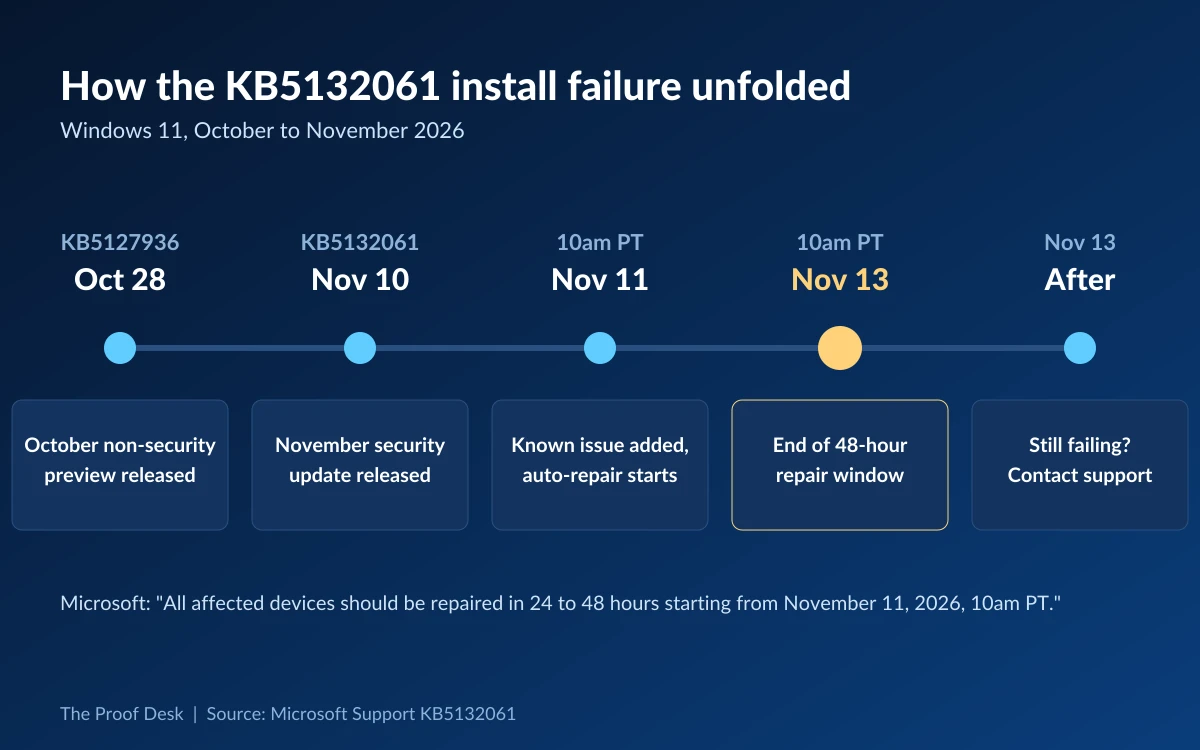
Microsoft released KB5132061, the November 2026 Patch Tuesday security update for Windows 11, on November 10. It brings Windows 11 to OS Build 26300.9974 on version 26H2, 26200.9974 on 25H2 and 26100.9974 on 24H2. One day later, on November 11, Microsoft added a known issue to the update's support page titled "November security update might fail to install on some devices".
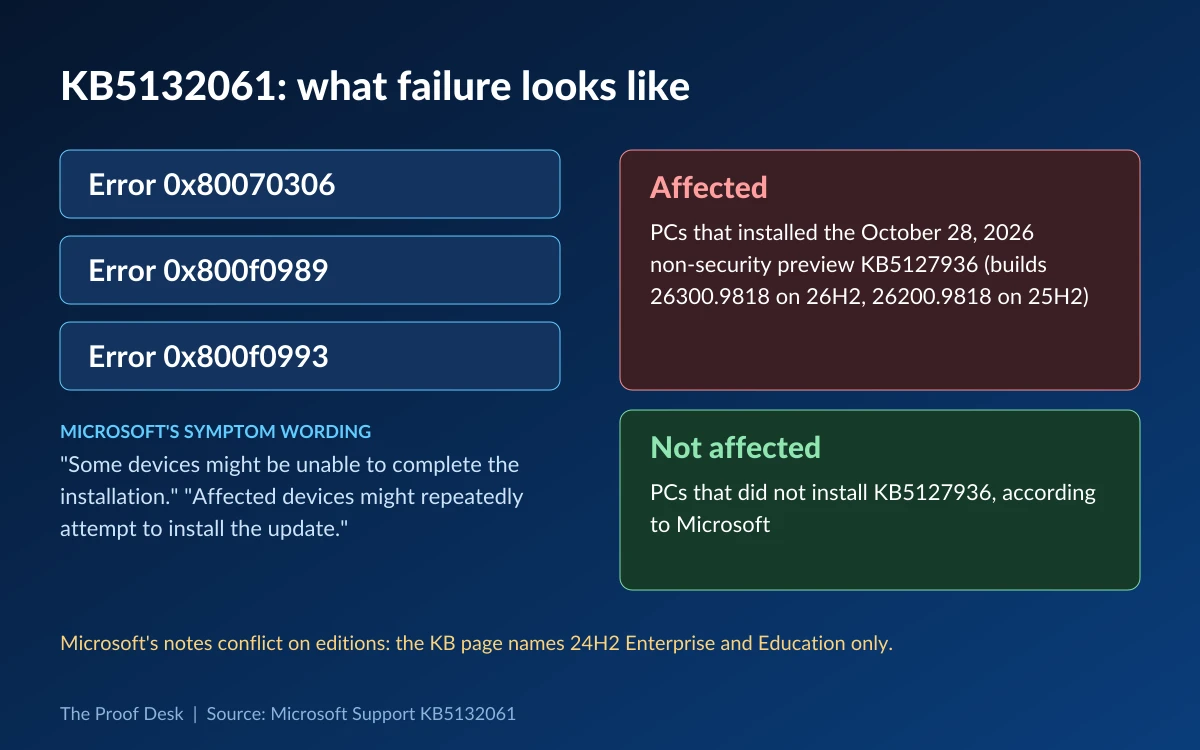
According to that note, "some devices might be unable to complete the installation." Microsoft adds that "affected devices might repeatedly attempt to install the update" and "display error code 0x80070306, 0x800f0989, or 0x800f0993". In practice that means Windows Update downloads the patch, fails, and tries again, without the PC ever reaching the new build.
BleepingComputer, which reported the problem on November 12, says Microsoft also flagged it to administrators in a Windows release health update in the Microsoft 365 admin center, under issue ID WI1549693. As of their last refresh on November 12, the public Windows release health pages for 24H2, 25H2 and 26H2 did not yet list the install failure, so the KB5132061 support page is the main public place to read it.
Who is affected
Microsoft ties the failure to one trigger: the October 2026 non-security preview update KB5127936, released on October 28. Only devices that installed that optional preview are affected, and devices without it are not, according to the notice BleepingComputer saw. KB5127936 shipped for Windows 11 26H2 and 25H2 (OS Builds 26300.9818 and 26200.9818) and brought an updated File Explorer context menu, a modernized AutoPlay dialog and a new "Cloud rebuild" recovery option.
Microsoft's own notes disagree on scope
The KB5132061 page says the known issue applies to "Windows 11, version 24H2, Enterprise and Education editions only." Yet KB5127936, the trigger, was released only for 26H2 and 25H2, and users reporting the failures on Microsoft Q&A are on 26H2 Windows 11 Pro. The same page also calls KB5127936 the November security update, when it is the October preview. If your PC installed KB5127936 and KB5132061 keeps failing, assume you are affected regardless of edition.
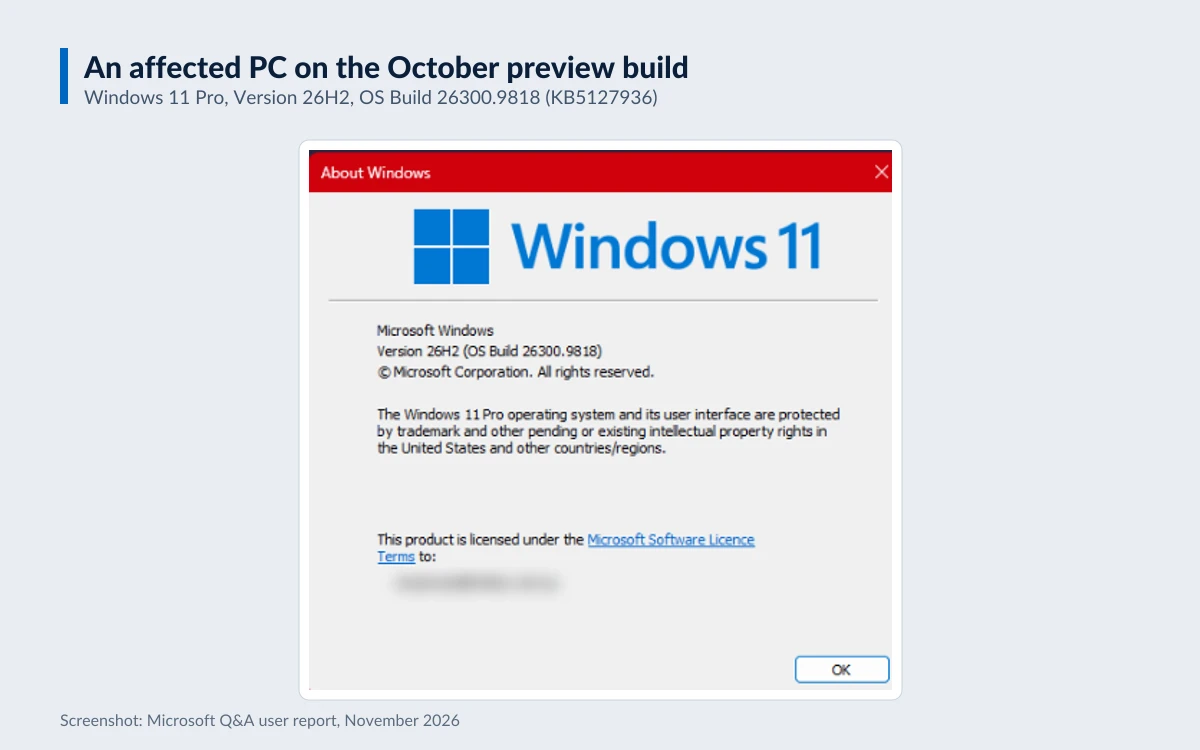
A quick way to check: open Settings, then Windows Update, then Update history, and look for KB5127936. Running winver also helps. A 26H2 PC showing build 26300.9818 or a 25H2 PC showing 26200.9818 is on the October preview and has not yet taken the November update.
Microsoft's fix: an automatic repair with a 48-hour window
Microsoft is not asking users to run a manual fix. Its support page says "the resolution for this issue is automatically running in affected devices connected to the internet" and "no manual action from end-users is required to receive the repair."
The company set a clock on it: "All affected devices should be repaired in 24 to 48 hours starting from November 11, 2026, 10am PT." That puts the end of the window at 10am PT on Thursday, November 13 (6pm UTC). Once a device is repaired, Windows Update should download and install the November security update on its own. Microsoft has not yet said the rollout is complete.
There is no Known Issue Rollback for this problem and no Microsoft-published workaround. The repair only reaches PCs that are switched on and online, so a laptop that has been closed for two days may simply not have received it yet.
If your PC still fails after November 13
Microsoft's instruction for anyone past the deadline is short: "If you still face installation issues after 48 hours, please use Windows help and learning". Home users can reach support through the Get Help app or support.microsoft.com, and report the failure through Feedback Hub. Administrators still seeing failures after 48 hours should contact Microsoft Support, and businesses can use Support for business.
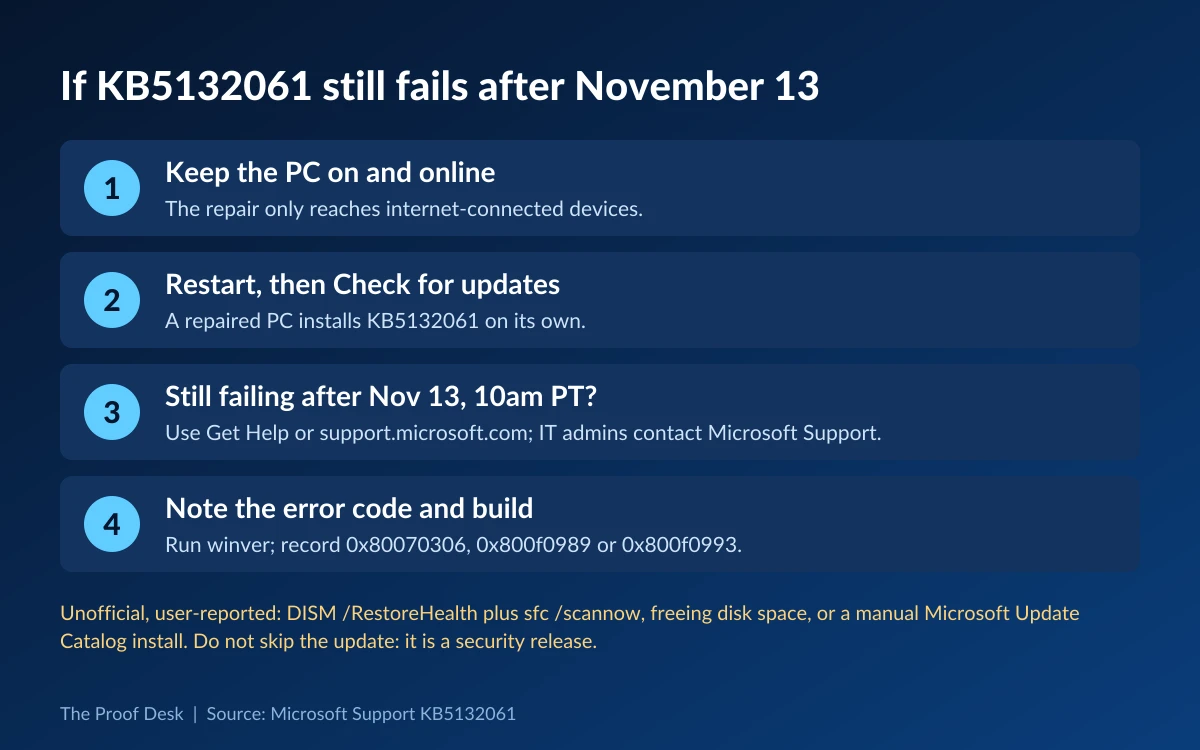
- Keep the PC on, connected to the internet and signed in for a few hours so the automatic repair can arrive.
- Restart, then run Check for updates in Settings, then Windows Update.
- If KB5132061 still fails with 0x80070306, 0x800f0989 or 0x800f0993 after 10am PT on November 13, contact Microsoft through Get Help, or Microsoft Support for managed devices.
- Note the exact error code and your build number from winver before you contact support.
What users say has worked
In a Microsoft Q&A thread about KB5132061 and error 0x800f0993, opened on November 11, users report that restarting and retrying did not help. Some say running DISM /Online /Cleanup-Image /RestoreHealth followed by sfc /scannow, freeing disk space, or installing the package by hand from the Microsoft Update Catalog got the update on. One user with error 0x800f0922 says disabling Windows Sandbox let it install, and another on build 26300.9818 saw 0x80070005. These are user reports, not Microsoft guidance, and some involve error codes outside Microsoft's list. No Microsoft staff member had replied in the thread, and its accepted answer, an AI-generated reply saying there are no known issues, is now out of date.
DISM /Online /Cleanup-Image /RestoreHealth
sfc /scannow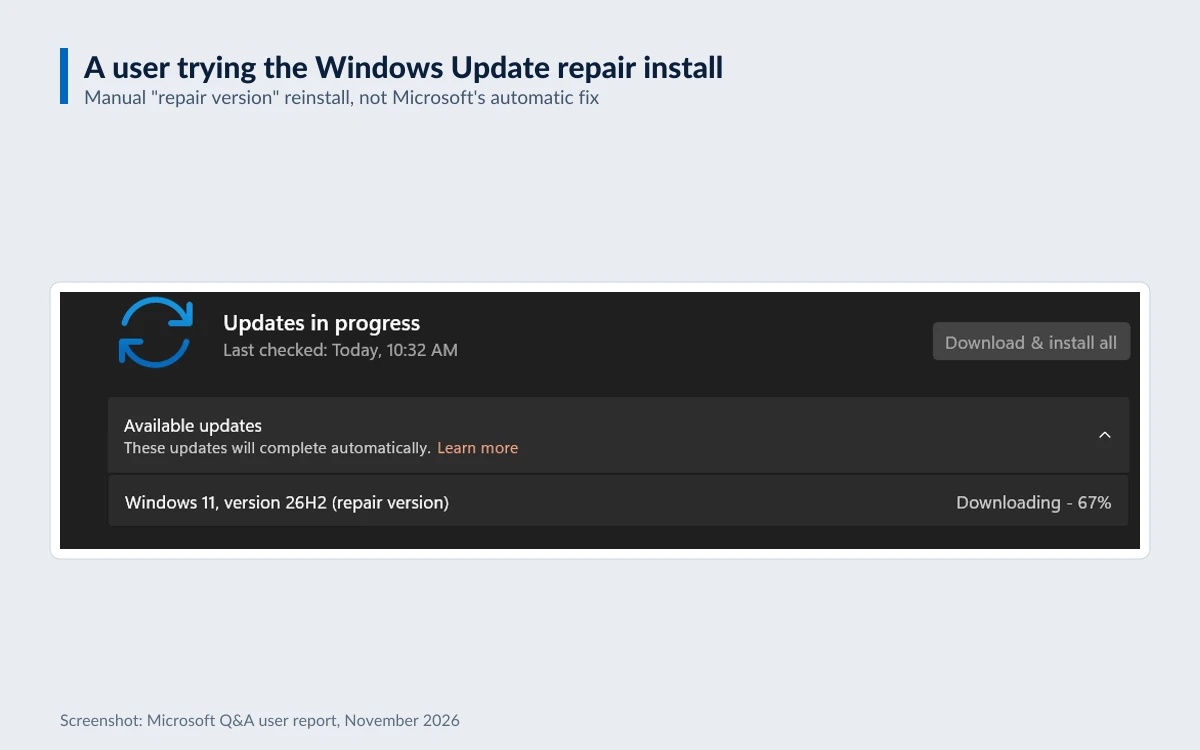
Why skipping KB5132061 is the wrong move
It is tempting to pause updates until the dust settles, but KB5132061 is a security release, and Microsoft's guidance is to stay online and let the repair run. Beyond its security fixes, the update also corrects several problems introduced or left open in recent months:
- USB Audio Class 1.0 devices that failed to start or produced no sound, with Code 10 in Device Manager.
- Error 87 when adding a printer published in Active Directory.
- Remote Desktop client failures caused by a certificate mismatch after the October preview.
- Remote Desktop failing for non-admin users with error 0xC000000D when Administrator protection is enabled, on 24H2.
- Updated Secure Boot device-targeting data that widens eligibility for the new Secure Boot certificates.
Two changes can bite IT teams. Clients now offer NTLM message signing by default for non-anonymous connections, and PowerShell script signing applies stricter UTF-8 validation, so scripts containing invalid UTF-8 may now fail signature validation. The update also ships servicing stack update KB5132688 and the Cuba daylight saving time change.
Other Windows issues to watch this month
Microsoft opened a separate confirmed issue on November 11 for servers. After updates from October 13, 2026 (KB5127648) onward, SQL Server linked server connections that use OLE DB providers, including those for Oracle and PostgreSQL, can stay open and pile up. Microsoft says, "We will address this issue with an out-of-band update that will be released in the next few days," and businesses can get a mitigation from Microsoft Support for business in the meantime.
This is also not the first install failure of 2026. In March Microsoft pulled preview update KB5079391 over 0x80073712 errors, in May it fixed install failures and 0x800f0922 errors for security update KB5089549, and in June it warned of 0x80073712 or 0x800f0993 errors on some devices upgraded to 24H2 or 25H2. Note too that Windows 11 24H2 Home and Pro reached the end of updates on October 13, 2026, while 24H2 Enterprise and Education keep monthly security updates until October 12, 2027. For last month's security release, see our coverage of Microsoft's October 2026 Patch Tuesday.
Sources
- Microsoft Support - KB5132061, November 10, 2026 security update ↗
- Microsoft Support - KB5127936, October 28, 2026 preview update ↗
- BleepingComputer - Microsoft confirms Windows security updates installation issues ↗
- Windows release health - Windows 11, version 26H2 ↗
- Windows release health - Windows 11, version 24H2 ↗
- Microsoft Q&A - KB5132061 install error 0x800f0993 ↗
- The Proof Desk - Microsoft's October 2026 Patch Tuesday ↗
Key takeaways
- KB5132061, the November 10 Windows 11 security update, can fail with errors 0x80070306, 0x800f0989 or 0x800f0993 and retry in a loop.
- Only PCs that installed the October 28 preview update KB5127936 are affected, though Microsoft's notes are inconsistent about which editions.
- Microsoft's automatic repair needs no user action and should reach online PCs by 10am PT on November 13.
- If the update still fails after that, Microsoft says to contact support; community fixes such as DISM and SFC are unofficial.
- Do not skip KB5132061: it is a security release that also fixes USB audio, printer and Remote Desktop bugs.
More in Tech News
Browse Tech News