Technology reviews & practical guides
A responsible AdsPower review covering browser profiles, fingerprints, proxies, team permissions, automation, security, pricing, and compliance risks.
AdsPower is a browser-profile management platform for teams and operators who need separate browsing environments, proxy assignments, permissions, and repeatable workflows. It is commonly described as an anti-detect browser, but that label can obscure the practical buying questions: how profiles are isolated, how access is governed, what automation can do, and whether the intended activity complies with each third-party service's rules.
This review evaluates AdsPower as an operational tool rather than a promise that accounts will never be linked or restricted. Browser fingerprints, platform detection, and account policies change continuously. No profile manager can remove policy risk, replace permission from a platform, or guarantee that an account will remain available.
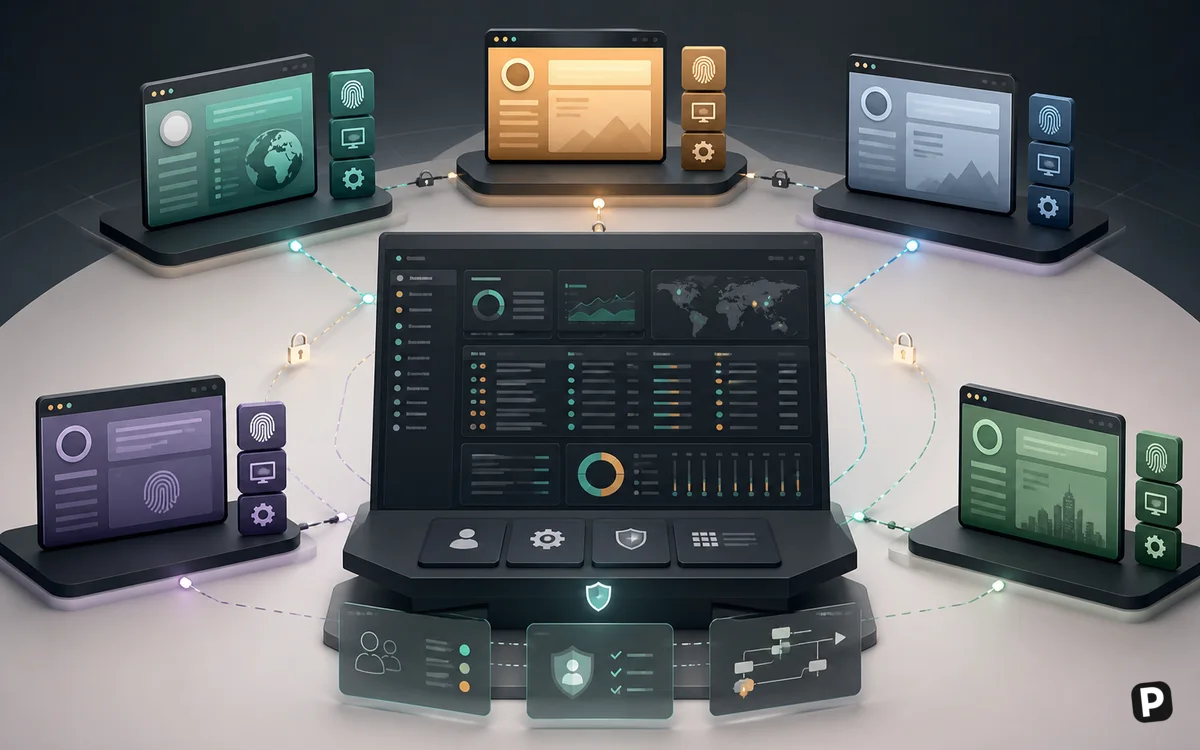
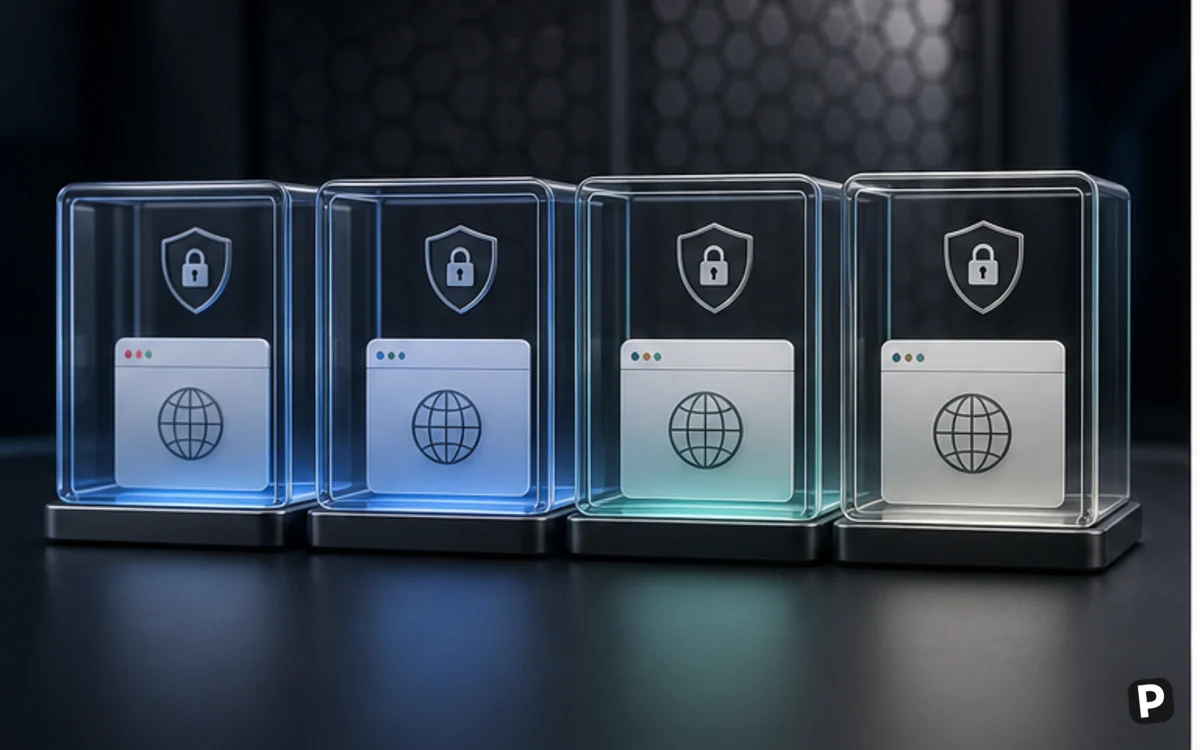
AdsPower creates separate browser profiles with configurable environment information and storage. A profile can keep cookies, local storage, proxy settings, and workflow context separate from other profiles. Teams can group profiles, add notes, assign access, and transfer work without sharing an entire personal browser.
The product supports Chromium-based SunBrowser and Firefox-based FlowerBrowser environments, subject to current release availability. Choosing an engine should follow compatibility testing with the websites and extensions required by the organization, not a belief that one engine is universally less detectable.

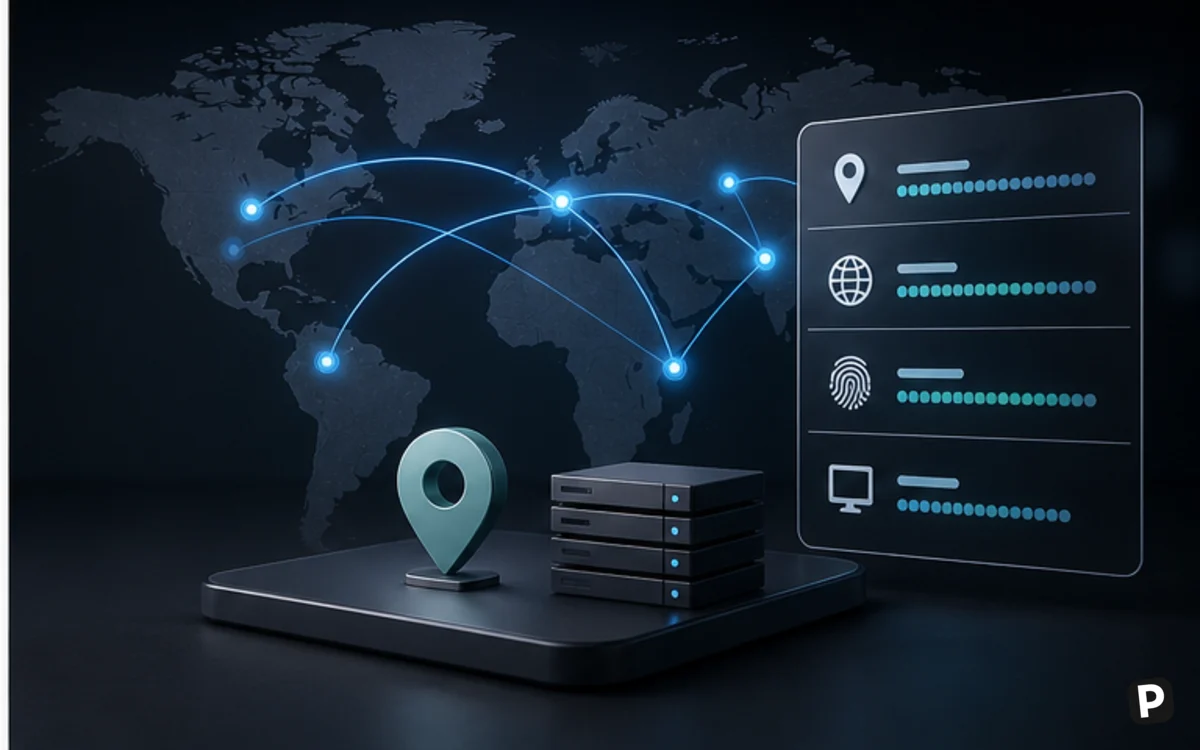
A browser fingerprint can include operating-system signals, language, time zone, screen properties, WebGL characteristics, fonts, media devices, and other browser-exposed information. AdsPower provides controls intended to keep a profile's environment consistent. Randomizing every field without understanding the resulting combination can create an implausible profile rather than a credible one.
Consistency over time is usually more operationally important than novelty. Document why a profile exists, which proxy belongs to it, who may use it, and what recovery method applies. Avoid cloning sensitive sessions broadly or sharing authentication material outside approved processes.

AdsPower can attach proxy settings to profiles, but it does not make an unreliable or inappropriate proxy trustworthy. Operators must source proxies separately, understand whether addresses are residential, mobile, ISP, or data-center based, and verify that use complies with the proxy provider and destination platform.
Unexpected location changes, DNS behavior, weak credentials, shared endpoints, and inconsistent time zones can create operational problems. Test new profiles with non-sensitive accounts, keep an inventory of proxy ownership, and establish a process for rotation that does not silently alter important account context.

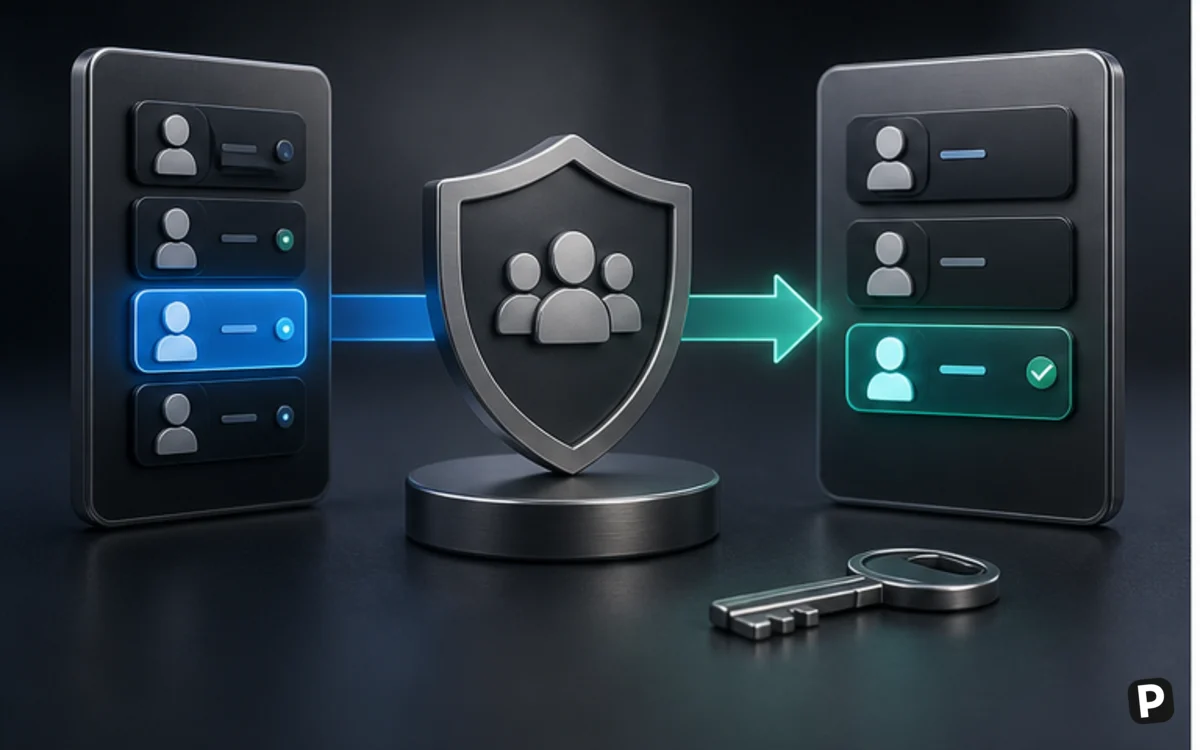
For an agency or distributed operations team, centralized profile access can be more valuable than fingerprint controls. Administrators can organize groups and assign permissions so a worker sees only the profiles required for a role. The current plan determines available members and profiles.
Least privilege should be the default. Separate administrators from operators, remove access promptly when responsibilities change, use platform-supported multi-factor authentication where available, and preserve audit information. A shared browser profile should not become an excuse to eliminate individual accountability.
AdsPower documents local API and robotic process automation capabilities for supported plans and workflows. Automation can launch profiles, organize repetitive navigation, and connect browser sessions to an internal system. It can also repeat a mistake at scale or violate a third-party platform's automation rules.
Begin with read-only or low-risk actions, limit concurrency, preserve logs, handle errors explicitly, and require approval for consequential steps. Never design automation around bypassing security controls, creating deceptive activity, or accessing services without authorization.

A profile can contain authenticated sessions, customer data, extensions, and business-critical access. Treat the workstation and profile platform as sensitive infrastructure. Keep the application and operating system updated, restrict extensions, protect account recovery channels, and maintain an incident process for a compromised device or team member.
AdsPower can separate browser environments, but only the destination platform decides whether activity complies with its terms. Claims that any tool makes accounts completely safe should be rejected.
AdsPower's plans are generally differentiated by profile allowance, team members, and advanced features. Because limits and promotional pricing can change, calculate cost from the current official pricing page and include proxy subscriptions, operational time, secure devices, and training.
The product fits legitimate agencies, quality-assurance teams, regional web testing, authorized advertising operations, and businesses managing distinct client environments. It is unnecessary for ordinary personal browsing and inappropriate for impersonation, fraud, ban evasion, or activity forbidden by a service.
A responsible pilot includes a failure exercise: revoke a member, replace a proxy, restore a profile process, and determine what logs exist. If the team cannot explain who controls each profile and how access is removed, it is not ready to scale.
Install the client only from an official source and verify the supported operating system. Create the owner account with a dedicated organizational address, enable available account protections, and restrict administrator access. Before adding profiles, write an inventory containing the business owner, destination service, authorization basis, recovery contact, proxy owner, assigned operators, and retention period.
Build one template for a low-risk test workflow rather than importing cookies or production credentials immediately. Leave fingerprint options at documented defaults unless testing demonstrates a compatibility reason to change them. AdsPower's own profile guidance recommends defaults when the operator has no specific requirement; arbitrary customization can create inconsistent combinations.
Train operators on the target platform's rules and incident path, not only the AdsPower interface. They should know what to do after an unexpected login challenge, proxy failure, suspected credential exposure, policy warning, or departed employee. Repeatedly retrying a blocked action can increase risk and destroy useful diagnostic evidence.
Operational failures often come from inconsistent networks, simultaneous profile use, uncontrolled cookie sharing, outdated browser kernels, incompatible extensions, or unclear ownership. A profile can also become unusable when its recovery phone, mailbox, payment method, or proxy belongs to a former contractor. Browser isolation cannot repair weak identity and access management around the account itself.
Estimate cost per actively governed profile, not the headline subscription. Include member seats, proxy service, replacement traffic or endpoints, secure workstations, training, updates, automation maintenance, and time spent responding to challenges. Hundreds of unused profiles increase attack surface and administrative ambiguity even if the plan permits them.
For example, a five-person authorized testing team may gain value by sharing standardized browser environments and avoiding repeated local setup. The value disappears if every member receives administrator access, proxies are undocumented, and nobody can revoke sessions. Governance determines whether scale is efficiency or accumulated risk.
Plan for departure before centralizing work. Determine what can be exported, which authentication secrets belong to AdsPower versus the destination service, how a profile is handed back to its business owner, and how local and synchronized data are removed. Keep an independent inventory so the organization is not dependent on profile names inside one application.
Alternatives include ordinary browser profiles for a small number of environments, separate operating-system users or virtual machines for stronger isolation, enterprise browser management, device farms for quality assurance, and other profile-management platforms. Compare permission depth, audit logs, storage model, update cadence, automation, proxy handling, and support using a legitimate scenario.
An agency should separate client ownership from agency operation. The client should understand which accounts, domains, recovery channels, payment instruments, and profiles belong to it. Contracts should describe authorized activity, data access, subcontractors, retention, incident notification, and how access is returned at the end of the engagement.
Profile groups should follow client or function boundaries, with managers able to grant only the access they are authorized to administer. Avoid one global employee role that can browse every environment. Review group membership on a schedule and compare it with the client roster and current projects. Temporary access should have an expiry or explicit removal ticket.
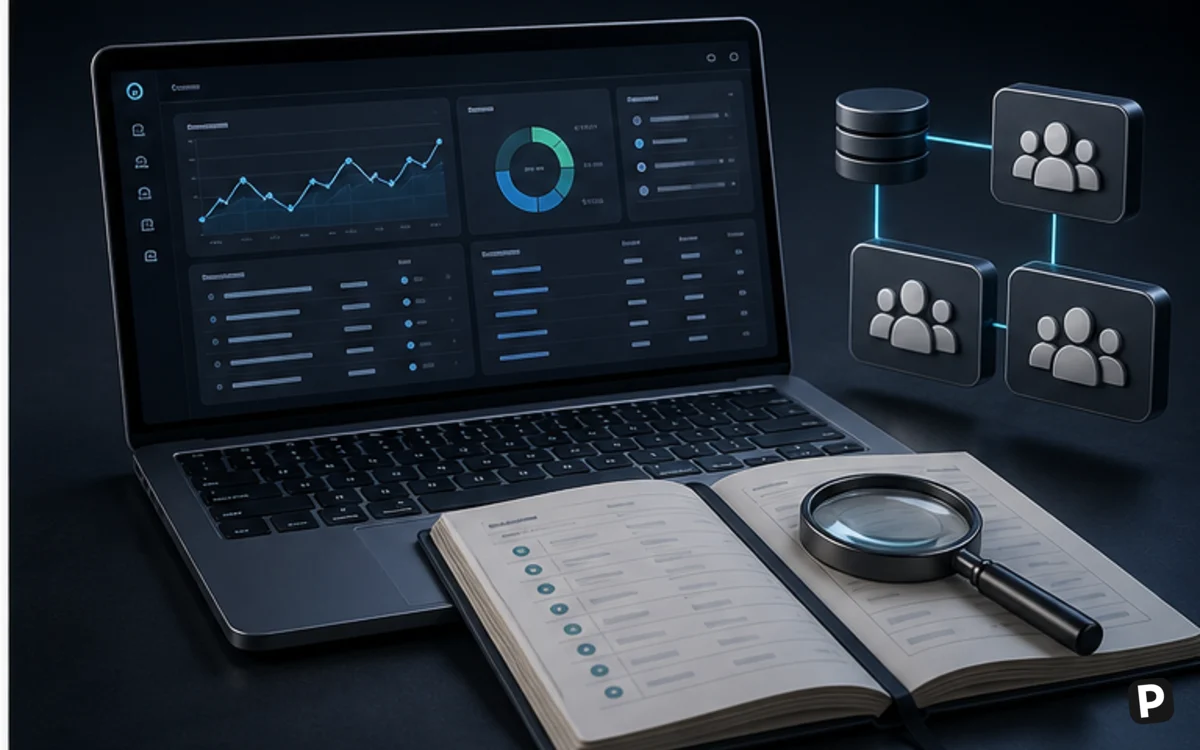
Logging must support investigation without collecting unnecessary sensitive content. Record launches, assignments, permission changes, automation runs, exports, and exceptional recovery actions where the product and plan allow it. Store business approvals outside the browser tool so they remain available during an account lockout or vendor outage.
Establish a stop-work rule for policy warnings, unexplained authentication challenges, suspected proxy compromise, or requests that exceed authorization. The correct operational response may be to contact the destination platform or client, not to alter more fingerprint parameters. This protects both account integrity and the people responsible for the work.
Vendor updates can change browser kernels, synchronization, API behavior, or resource use. Test significant releases on non-sensitive profiles first, keep a rollback or pause procedure, and tell operators when behavior changes. Allowing every workstation to update at an arbitrary moment can make a production problem difficult to reproduce.
Business continuity also requires a vendor-outage procedure. Keep destination-service recovery contacts, proxy records, profile ownership, and urgent operating instructions somewhere independent of AdsPower. Decide which work can pause safely and which authorized accounts require an alternative access process. Exercise that process periodically.
AdsPower integrates proxy settings, while proxy sourcing and suitability remain separate purchasing and compliance decisions. Confirm current marketplace or integration options directly.
No. Account decisions belong to each platform, and many behavioral, policy, identity, payment, device, and network factors can affect them.
It provides profile grouping and team-access features, but the organization must configure least privilege, individual accountability, offboarding, and secure recovery.
Supported automation and API features exist, depending on plan and release. Automation must comply with target services and should be tested with strict limits.
A browser-profile tool has legitimate uses, but legality and contractual compliance depend on jurisdiction and actual behavior. Obtain qualified advice for sensitive use cases.
Avoid concurrent use unless the documented workflow explicitly supports it. Conflicting session data and simultaneous activity can create technical and accountability problems.
Remove their membership and group access, rotate credentials they could know, review shared or exported profiles, revoke destination-service sessions where appropriate, and preserve the audit record.
More in Services & Software
Browse Services & Software