AutoCap Review 2026: The $4.99 Caption App and What the Price Leaves Out
AutoCap review: a mobile-only caption, teleprompter and AI script app at $4.99 a month or $29.99 a year. Features, real pricing, missing limits, refunds and how it compares with Submagic and Captions.
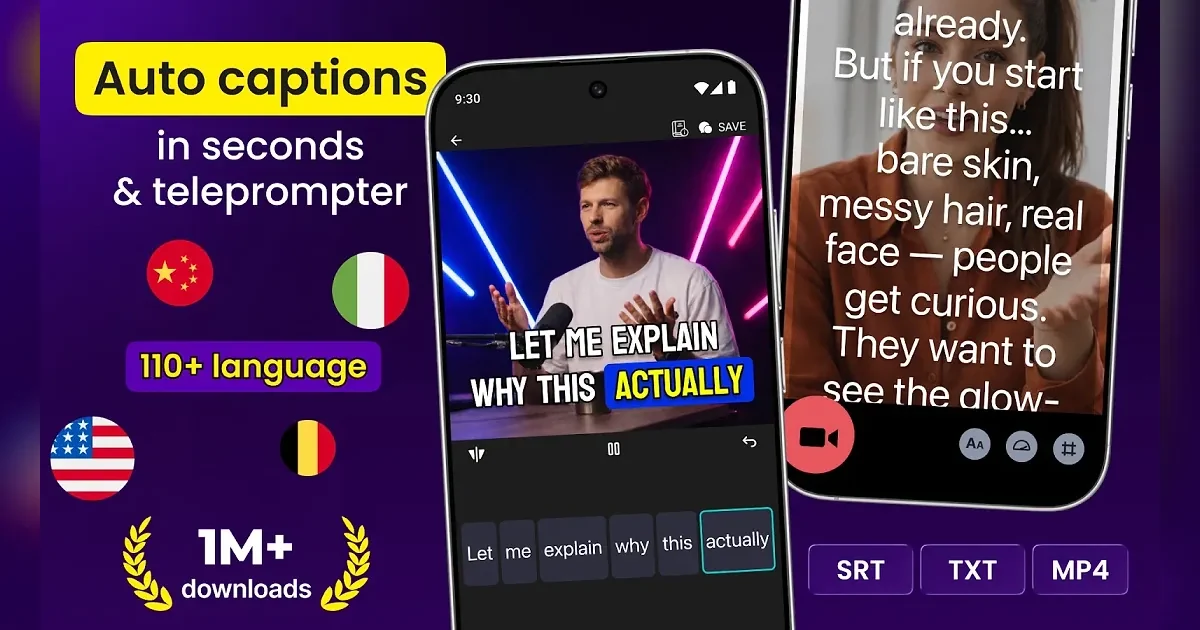
AutoCap is a phone app that listens to your video, writes the captions for you and burns them onto the clip in a style you pick. It also has a teleprompter, an AI script writer and a mode that turns podcast audio into a captioned video. On the US App Store it costs $4.99 a month or $29.99 a year, which makes it one of the cheapest auto-caption apps in the short-form space.
We have already reviewed Submagic, Captions, Klap and OpusClip. AutoCap sits at the budget end of that group, so this review asks a simple question: what does the low price actually buy, and what does it cost you? The short answer is that the core captioning is cheap and capable, but the app is mobile-only, carries ads, publishes no plan limits and does not refund subscriptions.
Every price, rating and policy below comes from the App Store and Google Play listings, the vendor's own terms and privacy pages, and the competitors' help centers, checked on September 26, 2026.
What AutoCap is
AutoCap is available on iOS (iPhone, iPad and visionOS) and Android only. There is no web app and no desktop editor: autocap.app is a landing page that links to the two stores, and its /pricing address returns a 404. If you cut your videos in Premiere, DaVinci Resolve or a browser tool, AutoCap does not fit into that workflow.
The app is older than it looks. The iOS version was first released on October 1, 2019, and the Android listing appears to date back to 2018. It is still maintained: iOS version 1.3.6 shipped on September 9, 2026, and version 1.3.0 (September 21, 2025) added Favorites, which lets you save your own caption styles and reuse them.
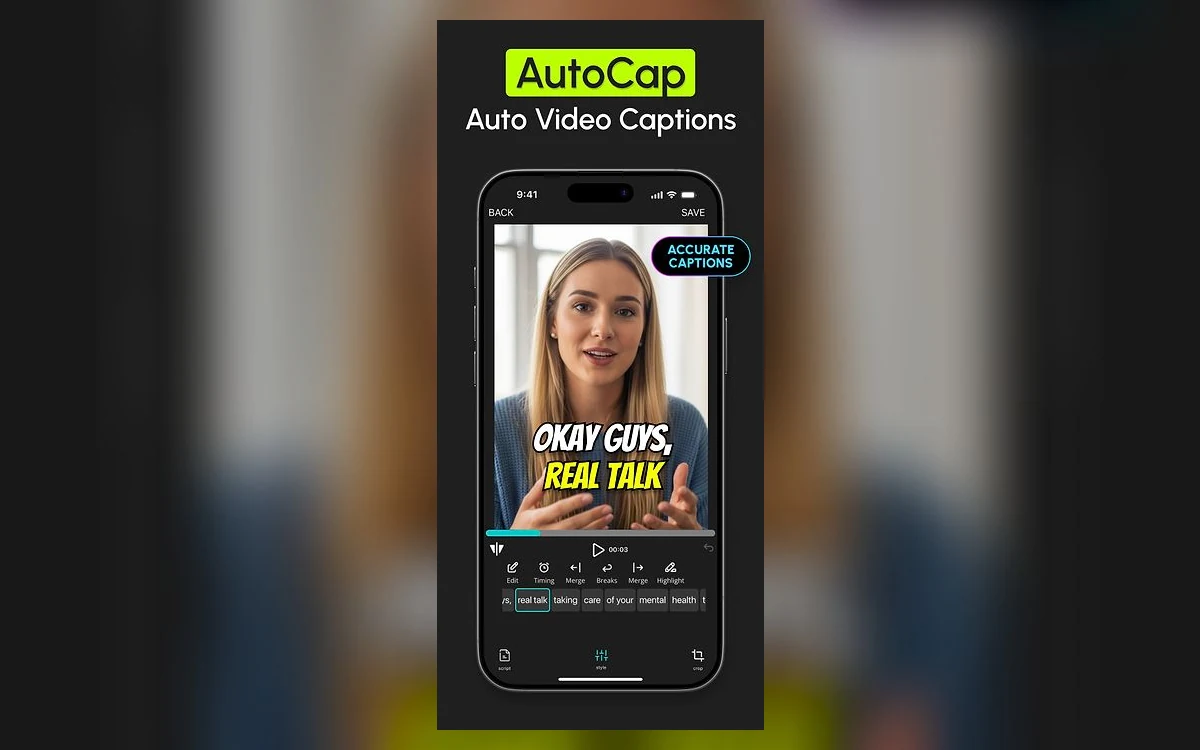
- iOS: free download, rated 4+, requires iOS 17.0 or later, about 170 MB.
- Android: listed as "Automatic Video Captions and Subtitles a Teleprompter and AI Scripts", 1M+ downloads.
- App Store rating: 4.6 out of 5 from 789 ratings (US, September 26, 2026).
- Google Play rating: 4.4 stars from about 21,400 reviews (September 26, 2026).
Features: what you get for the money
Automatic captions in many languages
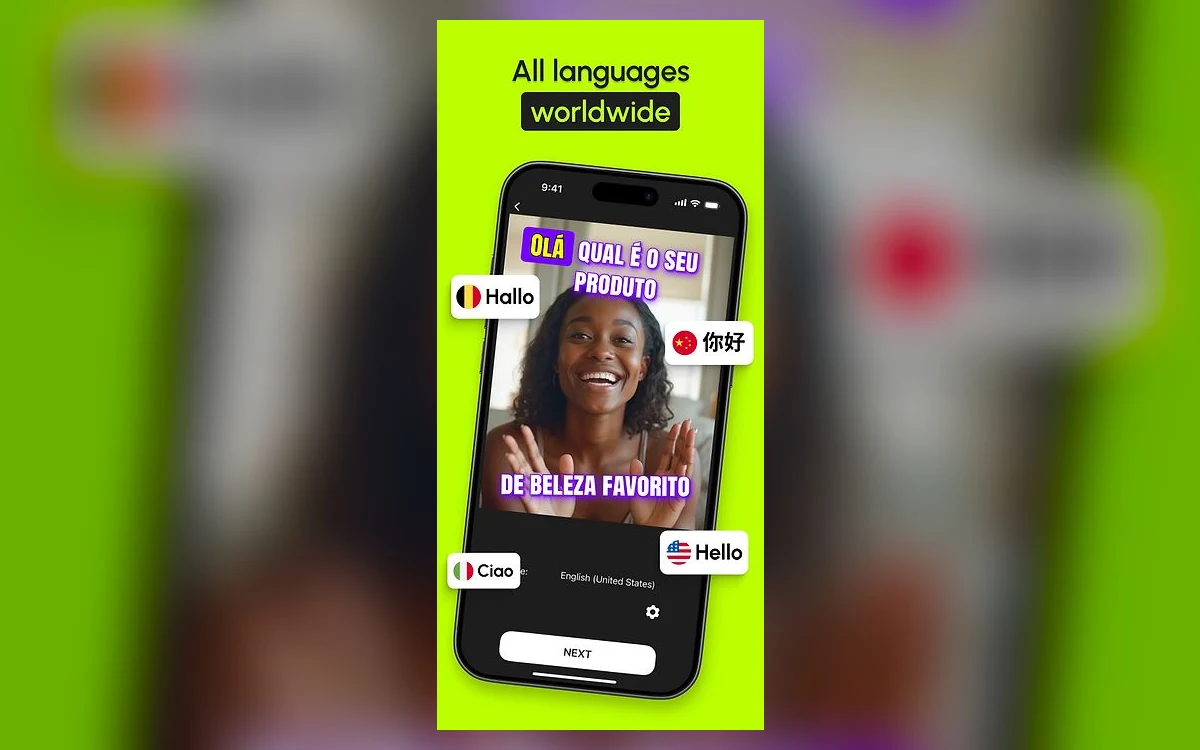
The core job is speech-to-caption. The iOS listing claims "Support for all languages worldwide" and a Google Play graphic advertises "110+ language". You can edit the transcript word by word before exporting, which matters because accuracy is one of the recurring complaints in user reviews (more on that below).
Caption styles and saved Favorites
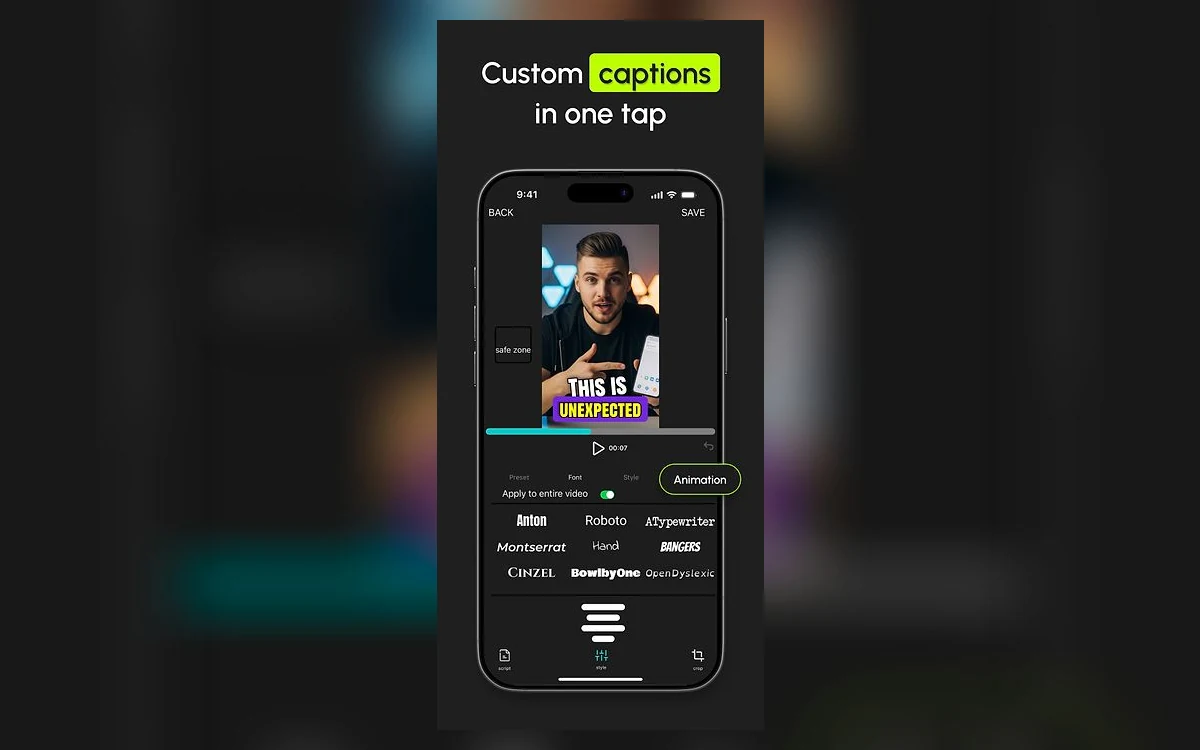
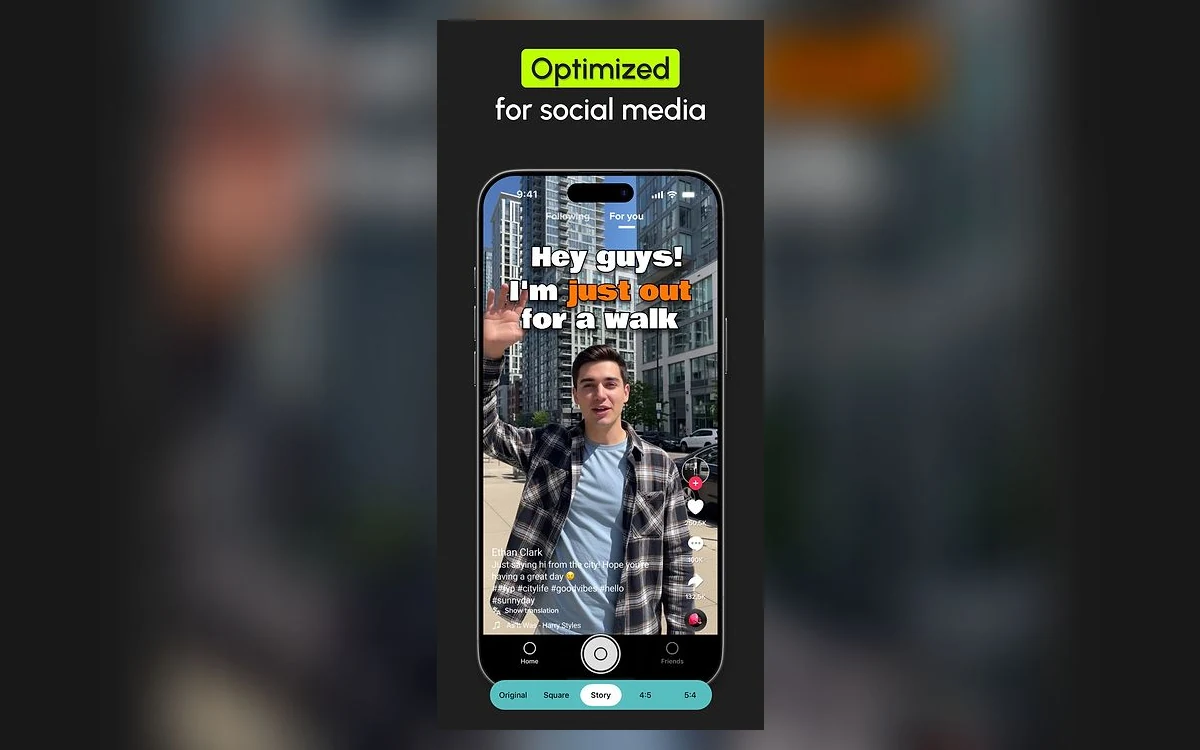
AutoCap offers "Custom caption styles and animations" with a font picker that includes Anton, Roboto, Montserrat, Bangers and OpenDyslexic, plus a safe-zone guide so text does not land under TikTok or Reels buttons. Since version 1.3.0 you can save a custom style as a Favorite, which is the closest the app gets to a brand kit.
Smart teleprompter and AI scripts
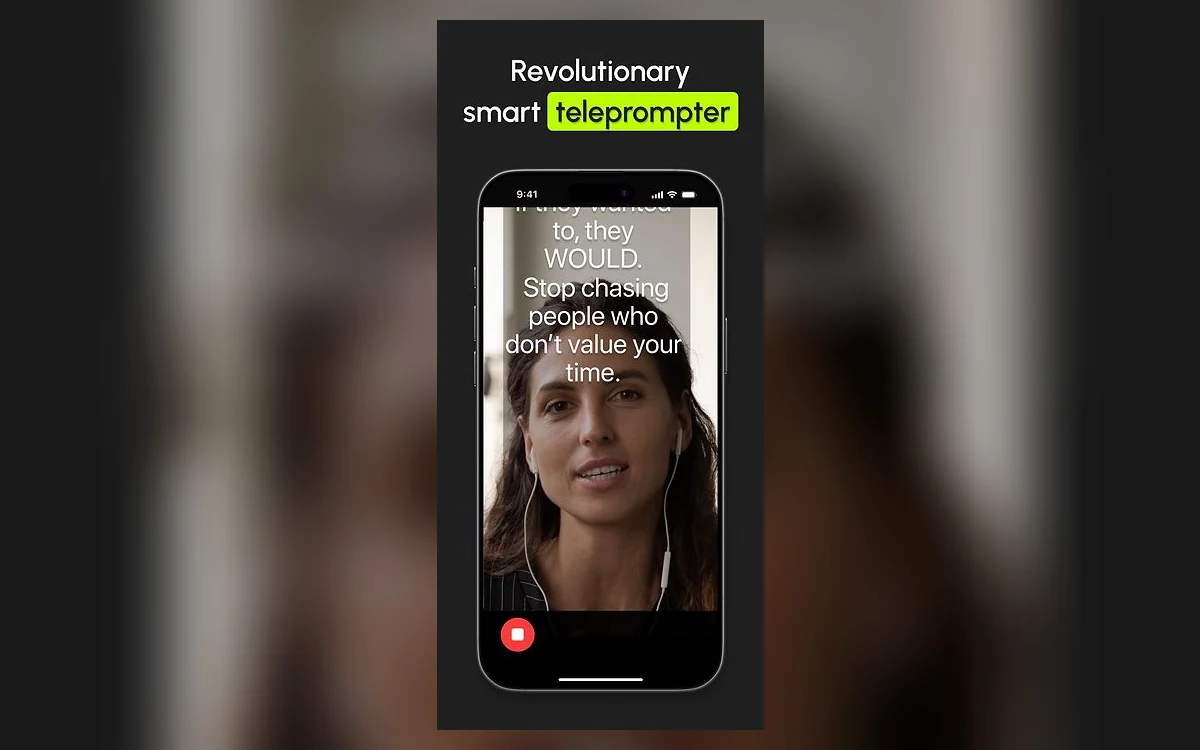
The teleprompter scrolls your script over the camera view while you record. The vendor describes it as a "Smart Sync Teleprompter" and pairs it with "AI Script Fast generation of AI scripts based on chat-GPT". For solo creators who film talking-head clips on a phone, having script, recording and captions in one app is the main reason to pick AutoCap over a general editor.
Audio to video and export
AutoCap pricing
The only prices the vendor publishes are the in-app purchases on the US App Store:
- Monthly subscription: $4.99
- Yearly subscription: $29.99 (about $2.50 a month)
- Unlimited Access: $8.99
The store does not say whether "Unlimited Access $8.99" is a one-time purchase or a recurring subscription, and neither does the vendor's website. Check the wording on the purchase sheet in the app before you tap. Android prices are not published anywhere we could find; they are shown in the app and vary by store and region.
The app is free to download and, per the vendor's terms, "supported by advertising revenue" on both iOS and Android. Both store listings flag that it contains ads. A free trial exists but its length is not stated; the terms only say it renews automatically "unless you cancel at least 24-hours before the end of the trial period".
Ignore the pricing table on autocap.app
The autocap.app website shows a Standard / Business / Ultimate table in pounds. It sits next to placeholder lorem ipsum text and is a leftover from a website template, not real pricing.
What the vendor does not tell you
No published plan limits
AutoCap publishes no minutes per month, no maximum video length, no upload cap and no template count for either the free or paid tiers. A third-party download site, Softonic, says free users get automatic captioning for up to five minutes of video, with manual transcription beyond that, but the vendor does not confirm it. Older Google Play reviews also report captioning stopping after about 1.5 minutes. If length matters to you, test your longest typical clip during the trial.
Three companies, one app
The name behind AutoCap depends on where you look. The iOS seller is Zipo Apps Ltd., whose terms are governed by Israeli law. The Android developer is listed as Firehawk, with ROUNDS AI LTD of Tel Aviv in the developer details and a support address at firehawk.ai. The terms and privacy pages on autocap.app name "AutoCap(Pollenizer Europe GmbH)", and the site footer credits Pandai Holdings Limited.
That pattern usually means the app has changed hands at least once, but we found no dated announcement of a sale. In practice it means your contract depends on your platform: iOS buyers deal with Zipo Apps, Android buyers with Firehawk.
Privacy, cancellation and refunds
The iOS privacy policy (last amended December 19, 2023) states: "we do not store any of your photos and videos on our servers and any processing activity shall be done solely on your device." The Firehawk policy for Android adds that it uses Google Cloud in the EU, US and Asia, with some processing in Israel. Neither policy mentions using your content to train AI models.
The refund policy is strict. The terms say "any fees paid for your purchase of a subscription plan are non-refundable, and we do not provide refunds for any partial subscriptions", and also that "PURCHASES ARE SUBJECT TO APP STORE REFUND POLICIES." In practice your only route to a refund is Apple or Google, not the developer.
- Subscriptions renew automatically until you cancel.
- Cancel in your Apple ID subscriptions or Google Play subscriptions, not inside the app.
- Paid access continues until the end of the current billing period.
- The vendor may limit repeat free trials.
What users complain about
The headline ratings are good: 4.6 on the App Store and 4.4 on Google Play. The written reviews are more mixed. Of 89 US App Store reviews posted between October 2019 and May 2026, 34 give two stars or fewer. Grouped by theme, the complaints are:
- Billing, refunds and subscriptions: 16 reviews. One yearly buyer wrote "I can not having anyone contact me"; another, "I want my money back".
- Crashes and bugs: 13 reviews, including a January 2026 report that "you can't hear your video during editing".
- Caption accuracy: 8 reviews.
- Length limits: 4 reviews.
- Watermark and ads: 2 reviews each.
Some 2024 reviews called a redesign "IMPOSSIBLE to use", and older Play reviews describe captions glitching after paying to remove the watermark. Most recent version notes simply say "Stability improvements", so it is hard to tell which of these issues are fixed.
AutoCap vs Submagic vs Captions
- AutoCap: $4.99 a month or $29.99 a year on iOS. Mobile only. No published limits.
- Captions Basic: $9.99 a month with 200 credits. Captions also sells a $4.99 Lite plan on Android only.
- Submagic Starter: $19 a month for 15 video uploads, with up to 41% off on annual billing. Works in the browser.
On price alone AutoCap wins, especially on the yearly plan. What you give up is the editing depth of the others: Submagic and Captions add B-roll, silence removal and more automated styling, and Submagic runs on desktop. You also give up clarity, since both competitors state exactly what each plan includes. Read our Submagic review and Captions review for the details of those plans.
Who should use AutoCap
AutoCap makes sense if you film short talking-head videos on your phone, want a teleprompter and captions in one place, and want to pay as little as possible. The yearly plan at $29.99 is cheaper than two months of Submagic Starter.
Skip it if you edit on a computer, need predictable limits for client work, want B-roll or silence removal, or are uneasy about a non-refundable subscription from a publisher whose name changes by platform. In any case, use the free tier or the trial first, and cancel through your app store at least 24 hours before the trial ends if it does not fit.
Frequently asked questions
How much does AutoCap cost?
On the US App Store, AutoCap costs $4.99 a month or $29.99 a year, and there is an "Unlimited Access" purchase for $8.99. The store does not say whether that $8.99 option is one-time or recurring. Android prices are shown in the app and vary by region.
Is AutoCap free?
Yes, the download is free and the free version is supported by ads. The vendor does not publish the free tier's limits; a third-party site says automatic captioning is capped at five minutes of video, but that is not confirmed by AutoCap.
Does AutoCap work on a computer?
No. AutoCap runs only on iOS (including iPad and visionOS) and Android. There is no web or desktop version, so desktop editors need a different tool such as Submagic.
Can I get a refund from AutoCap?
Not from the developer. Its terms say subscription fees are non-refundable, including partial periods, and that purchases are subject to app store refund policies. Request a refund from Apple or Google instead.
How do I cancel an AutoCap subscription?
Cancel it in your Apple ID or Google Play subscription settings. Access continues until the end of the billing period. For a free trial, cancel at least 24 hours before it ends or it renews automatically.
Does AutoCap upload my videos?
According to its iOS privacy policy, no: it says it does not store your photos and videos on its servers and processes them on your device. The Android publisher's policy mentions Google Cloud servers in the EU, US and Asia. Neither policy mentions AI training.
Can AutoCap export SRT subtitle files?
Yes, according to its Google Play graphics, which list SRT, TXT and MP4 export. Exports keep the original resolution, up to 4K if your device supports it.
Key takeaways
- AutoCap is a mobile-only caption, teleprompter and AI script app for iOS and Android.
- It is cheap: $4.99 a month or $29.99 a year on the US App Store, against $9.99 for Captions Basic and $19 for Submagic Starter.
- The vendor publishes no minutes, length or upload limits, so test your longest clip during the trial.
- Subscriptions are non-refundable from the developer; refunds go through Apple or Google.
- The publisher differs by platform (Zipo Apps on iOS, Firehawk on Android), and the free tier shows ads.
- Good for phone-first solo creators on a budget; not for desktop workflows or anyone needing B-roll and silence removal.
More in Services & Software
Browse Services & Software