Technology reviews & practical guides
Concepts by TopHatch at version 6.37: what the free tier really gives you, when the $39.99 one-platform Essentials unlock is enough, when the $29.99/year subscription pays off, and the file and sync fine print.

Concepts is one of the rare drawing apps that still lets you start free and, if you want, pay once instead of forever. At version 6.37 on iPad and iPhone (late October 2026) and the 2026.9 builds on Windows, Android and ChromeOS, it is a mature vector sketching tool with an infinite canvas, full Apple Pencil support and precision tools that architects and product designers actually use.
Buying it, though, is now a three-way decision: stay on the free plan, pay $39.99 once for Essentials on one platform, or subscribe to Everything at $4.99 a month or $29.99 a year. This review covers what each tier unlocks, what changed in 2026, and the fine print on file formats and sync that the store pages do not put up front.
Review the current offer, features, and terms for Concepts before deciding whether it fits your needs.
Concepts is made by TopHatch, Inc., which describes itself as "a small remote team operating in seven countries, including the US, UK and EU". The app has been on iOS since 2012 and arrived on Windows, Android and ChromeOS in 2018. TopHatch pitches it as "a flexible creative space for thinking, planning, and drawing", and the audience it names runs from architects, illustrators and product designers to students and note-takers.
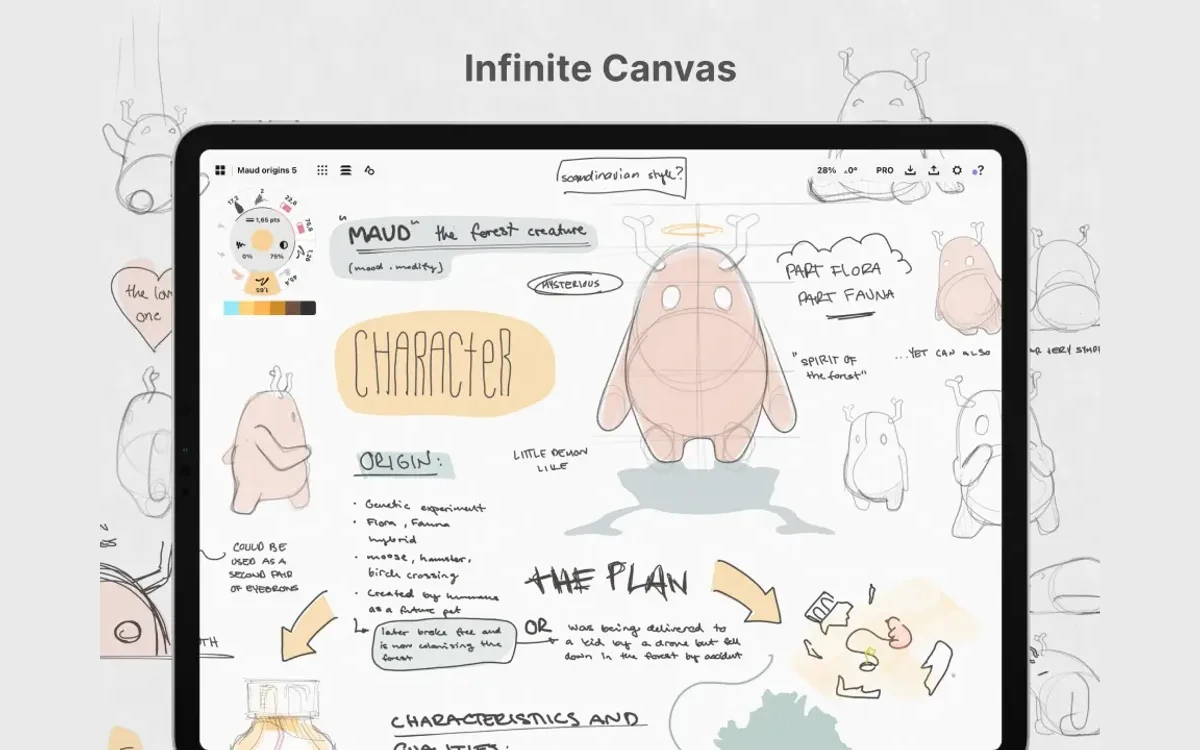
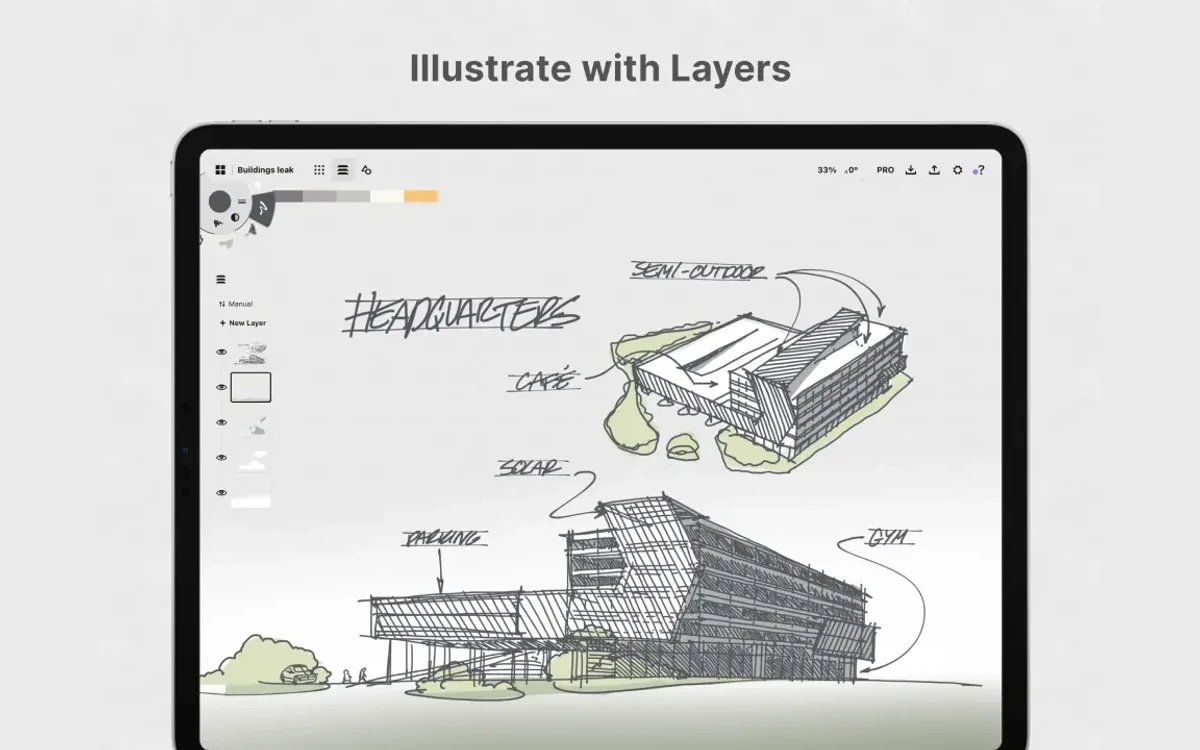
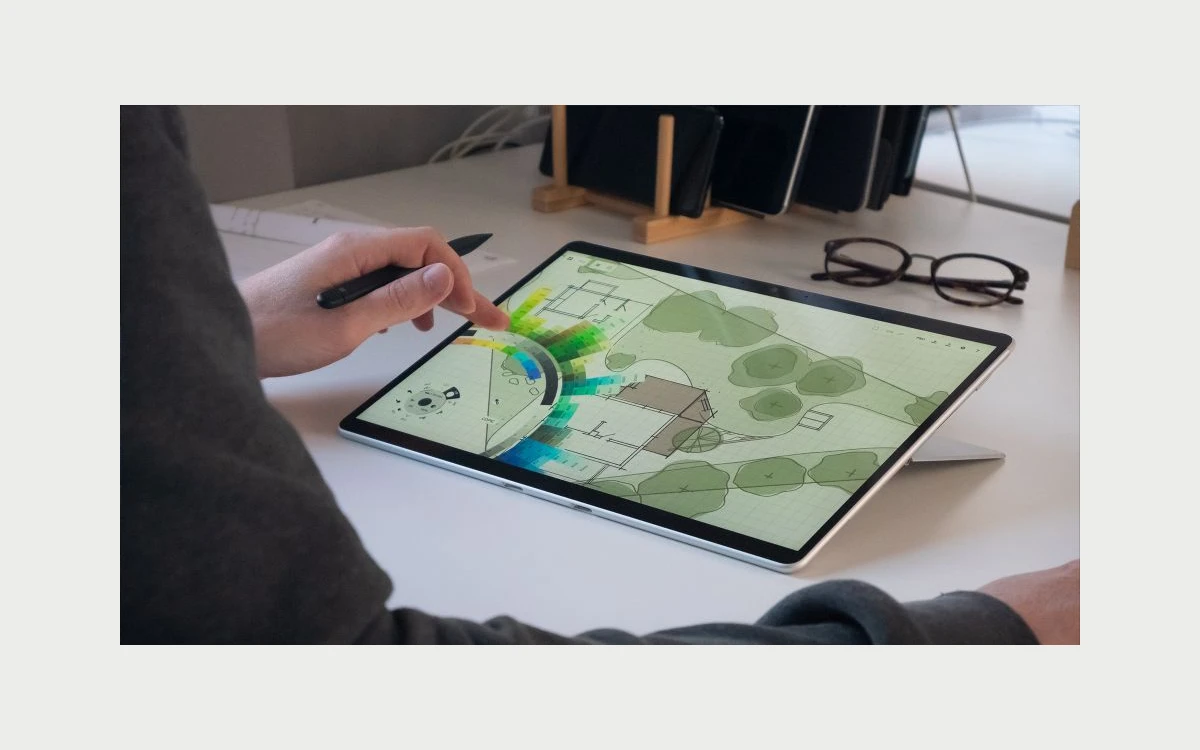
Three things set it apart from raster painting apps. Every stroke is vector-based and stays editable, so the Nudge, Slice and Select tools reshape a line after you draw it instead of making you redraw it. The brushes are a "vector-raster hybrid", which keeps the hand-drawn texture. And the canvas is infinite, so a project can sprawl from a moodboard into a floor plan without page boundaries.
It holds Editors' Choice badges on the Apple App Store, Google Play and the Microsoft Store. TopHatch says the app "is designed and optimized for touchscreen and stylus-enabled devices" - on iPad that means full Apple Pencil support with pressure and tilt, a separate action for your finger (pan, select, nudge or slice) and customisable double-tap on Apple Pencil 2 and newer.

These are the US prices on the official pricing page and the US App Store as of 30 October 2026. TopHatch notes that "pricing varies by region", so check your own store before buying.
The App Store's in-app purchase list still shows some older items - PDF Essentials at $4.99, Essentials (iPhone Only) at $4.99, Make Your Own Objects at $3.99, and single packs such as the Shape Library and Pen Brush Pack at $1.99. TopHatch's help center says PDF Essentials is now included with Essentials or the subscription, and Make Your Own Objects is "no longer available as a one-time purchase and is now included in a Subscription". Individual brush and object packs can still be bought one at a time, typically for $1.99 each.
The third-party tracker App Pricing Lab recorded the same $4.99 monthly, $29.99 yearly and $39.99 Essentials prices at its May 2026 check, and Apple's own listing still matches on 30 October 2026.
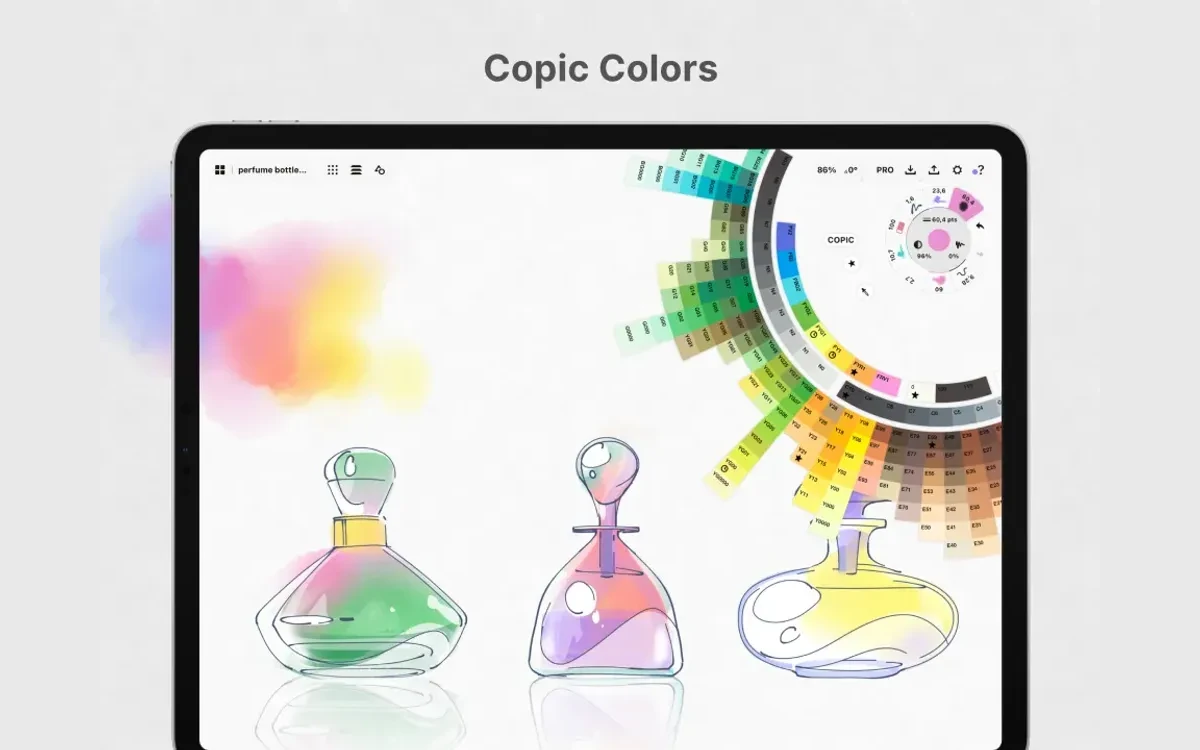
TopHatch says "about 93% of our users don't pay anything", and the free plan is generous enough to make that believable: an infinite canvas, unlimited drawings and folders, the Copic Color Wheel and color palettes, five adjustable layers, grids, snap, scale and measurement. No account is required and there is no time limit.
The limits show up as soon as the work gets technical. Export is basic JPG only - no PNG, PDF or SVG. You get five layers. The editing that makes Concepts special - selecting, nudging and slicing strokes you have already drawn - belongs to Essentials, as do shape guides, editable grids and the Basic Shapes library. A Play Store review from March 2024 that 401 people marked helpful put it bluntly: "Free version is not vector... There's no line, circle, rectangle, or other shapes to use."
Treat the free tier as a long trial with no deadline: enough to learn the gestures, the tool wheel and the infinite canvas, and to decide whether the vector workflow suits you before you spend anything.

For anyone who decides to pay, this is the choice that matters. It comes down to two questions: how many platforms you draw on, and whether you need the add-on packs.
The break-even maths is simple. Essentials costs the same as about 16 months of the annual plan. If you would add more than a handful of $1.99 packs, or might change platforms in the next two years, the subscription comes out ahead. If you are on one iPad and the Basic Shapes pack covers you, Essentials is cheaper from the second year onward.
Every in-app purchase on iOS, subscriptions included, supports Family Sharing with up to five other family members, so one Essentials or Everything purchase can cover a household of iPad users.

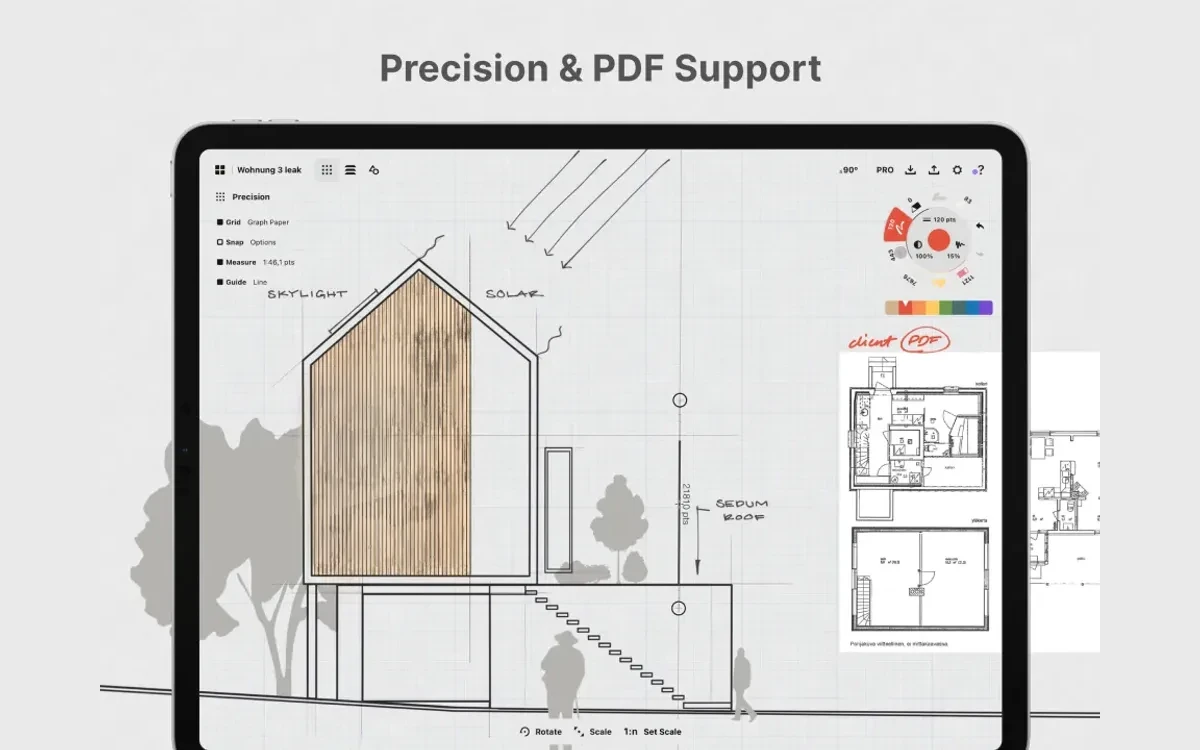
This is where Concepts earns its following among architects and product designers. The toolset covers dot, graph, lined, isometric and triangle grids, perspective grids, custom grids, snap, scale and measurement, shape guides for arcs, lines, angles, rectangles and ellipses, and shape recognition, which reached iOS in version 6.23 in March 2025.
Once a scale is set you draw in real-world units, and TopHatch's business pitch adds automatic area measurement. Multi-page PDFs can be imported, marked up and exported again, which makes Concepts a practical way to redline a client's floor plan on a tablet. Export covers PDF (vector and raster), JPG, PNG and PSD, plus SVG and DXF for moving work into illustration or CAD software, at 72 to 600 ppi.

Image Playground is Apple's generator, not a TopHatch AI feature. On Windows, the roadmap's current work in progress is "Cross Platform Convergence" alongside stability and performance updates, with no dates attached.
Concepts runs on iPad, iPhone, Windows, Android and ChromeOS, but the iOS app and the Windows/Android app are still two different products under one name.
Hardware requirements are modest: iOS or iPadOS 15 with Metal, Windows 10 (build 19041) with 4GB of RAM and DirectX 11, or Android 8 with OpenGL ES 3.1.

An account is optional - "You do not need to create a Concepts account to use the app." A free account syncs settings, color palettes, brush presets and purchased packs, and TopHatch says that information "is used only for account management and is never sold."
TopHatch's machine-learning features, such as handwriting search in notes and object recognition, run "entirely on your device" and are never sent to an external server. The company states that "Your drawings are never used to train any ML models", and the features can be switched off in Gallery Settings.
The App Store privacy label is less spotless: it lists your email as data linked to you and used for the developer's advertising or marketing, plus analytics such as purchase history, user ID and device ID. The privacy policy, updated 9 July 2026, says TopHatch does "not currently sell your Personal Data", and Google Play's data-safety section reports no data shared with third parties and encryption in transit.
Store ratings on 30 October 2026 were strong across the board: 4.7 out of 5 from 27K ratings on the App Store, 4.4 from 24.6K reviews and 5M+ downloads on Google Play, and 4.6 from 9,072 ratings on the Microsoft Store.
The recurring complaints are about money and parity rather than drawing quality: the free version is not truly vector, the subscription feels expensive to casual users ("$29.99 is too much money", as one Play Store reviewer wrote), and Windows and Android trail iOS on features. Earlier reports of lost lifetime purchases drew a reply from TopHatch that the issue "was resolved".
Concepts for Business costs $10 per teammate per month or $100 per year, with a 30-day free trial. Every seat gets every tool on every platform, licenses can be reassigned when people leave, and billing is self-service. TopHatch pitches it at design and architecture firms with real-world scale and measurement, automatic area measurement, multi-page PDF markup, presentation mode, export to CAD and shared object libraries. Enterprise starts "From $200, customized for your team".
Schools get the full app free. A faculty or staff member has to request access for the institution - "Student requests will not be approved" - after which students log in with their school email to unlock everything, including the whole Pro Shop.
Concepts is still one of the best vector sketching apps for a stylus, and one of the few that lets you pay once. Start on the free plan, and only pay when you hit a specific wall - the five-layer cap, JPG-only export or the lack of stroke editing. Which tier to buy then depends mostly on how many platforms you use.
Yes, the core app is free with no time limit. You get the infinite canvas, unlimited drawings, five layers, grids, snap and measurement, and JPG export; editable vectors, extra layers and pro export formats need Essentials or the subscription.
It is a one-time $39.99 purchase, but it only unlocks the platform you buy it on. It syncs across devices on the same App Store or Google Play account, but an iOS purchase does not unlock Windows or Android - only the subscription is cross-platform.
Both the monthly and yearly subscriptions start with a 7-day free trial, and you must cancel before it ends to avoid being charged. Cancel in the store you paid through: App Store profile > Subscriptions, account.microsoft.com/services, Google Play > Payments & subscriptions > Subscriptions, or Samsung Galaxy Store > Menu > Subscriptions.
Refunds go through the store, not TopHatch. On iOS you request one at reportaproblem.apple.com, on Windows through Request a return in your Microsoft account order history, and on Android through Google Play, which TopHatch's help article says applies if you bought less than 48 hours ago. Separately, TopHatch's terms say that if it ends a subscription itself, you get a prorated refund where applicable.
Not as native files. The iOS .concept format is not yet compatible with the Windows/Android .concepts format, so moving work between them means exporting a format such as PDF, PNG or PSD and importing it on the other side.
No. The account syncs settings, palettes, brush presets and purchases, but never drawings. Use iCloud Drive on iOS, your own sync tool on Windows, or Google Drive backup on Android.
No. TopHatch says its machine-learning features run on your device and that your drawings are never used to train any ML models. Image Playground import uses Apple's own generator on iOS 27 and later.
Yes, if your school joins the education program. A faculty or staff member must request access for the institution; once approved, students sign in with their school email to unlock every feature.
More in Services & Software
Browse Services & Software