Craft.do Review (2026): The AI Assistant, the Android App, and MCP That Change the Case for Craft
Craft finally shipped an Android app and a three-tier AI assistant with native MCP hooks into Claude, ChatGPT and Cursor. We review whether Craft.do is now a real Notion and Obsidian alternative for mixed-device teams in 2026.
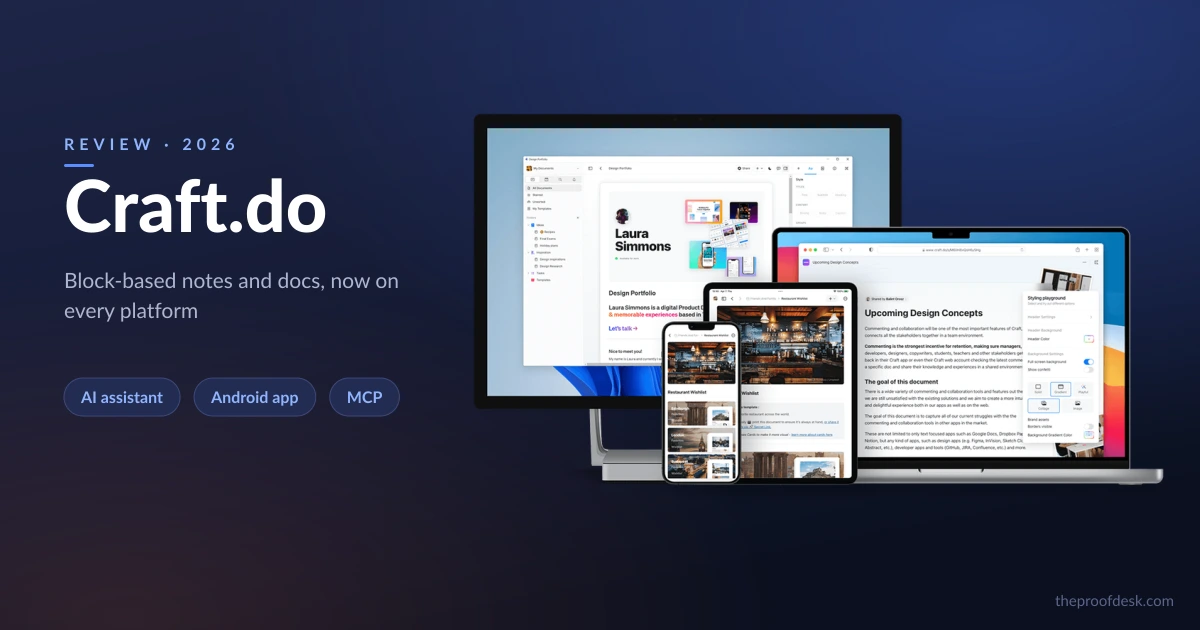
For years Craft was the notes app reviewers admired and then quietly ruled out. It was beautiful, it was fast, its documents felt like something you would actually want to read — and it ran on Apple hardware and Windows but not Android, so any team with a mixed fleet of phones could not standardize on it. That single gap kept Craft off a lot of shortlists.
Two things closed that gap. In November 2025 Craft launched a native Android app, and through 2026 it built out a three-tier AI assistant plus native Model Context Protocol (MCP) connections that let tools like Claude, ChatGPT and Cursor read and write into your Craft workspace directly. This review looks at what actually changed, where the seams still show, and whether Craft is now a genuine alternative to Notion and Obsidian rather than a prettier also-ran.
What Craft is, in 2026
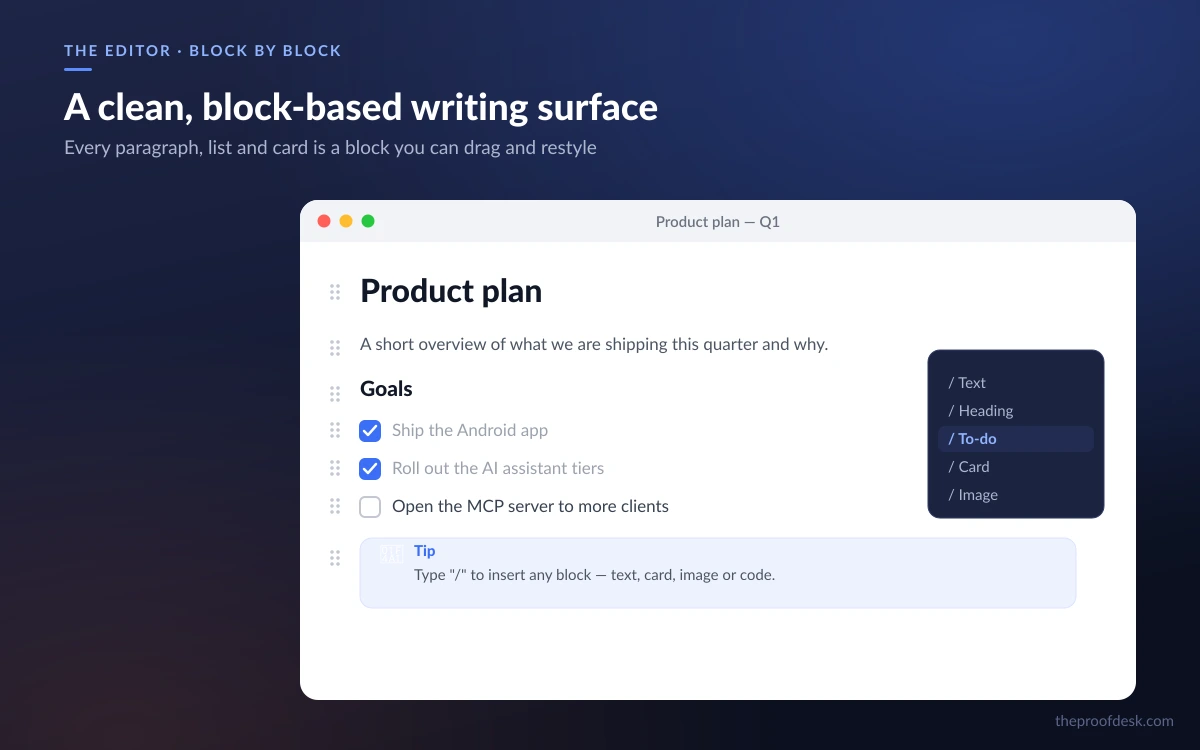
Craft is a block-based editor for notes and documents. Every paragraph, heading, image or list is a discrete block you can drag, nest, style or turn into something else, which is what gives Craft documents their clean, card-like feel compared with a plain text file.
The organizing idea is that work lives inside documents rather than in separate app modules. Any line can become a to-do or checklist item, so tasks are woven through your notes instead of parked in a dedicated tasks section. Around that core, Craft layers Daily Notes with a calendar view, Collections for database-like organization, Whiteboards for visual thinking, offline access with automatic sync, and one-click document publishing and sharing.
Who it is for
Craft suits people who care how a document looks and reads — writers, consultants, students, small teams shipping client-facing docs — more than power users who want a fully relational database. If you live in structured tables and rollups, keep reading the Collections notes below before you switch.
Platforms: the Android app finally landed
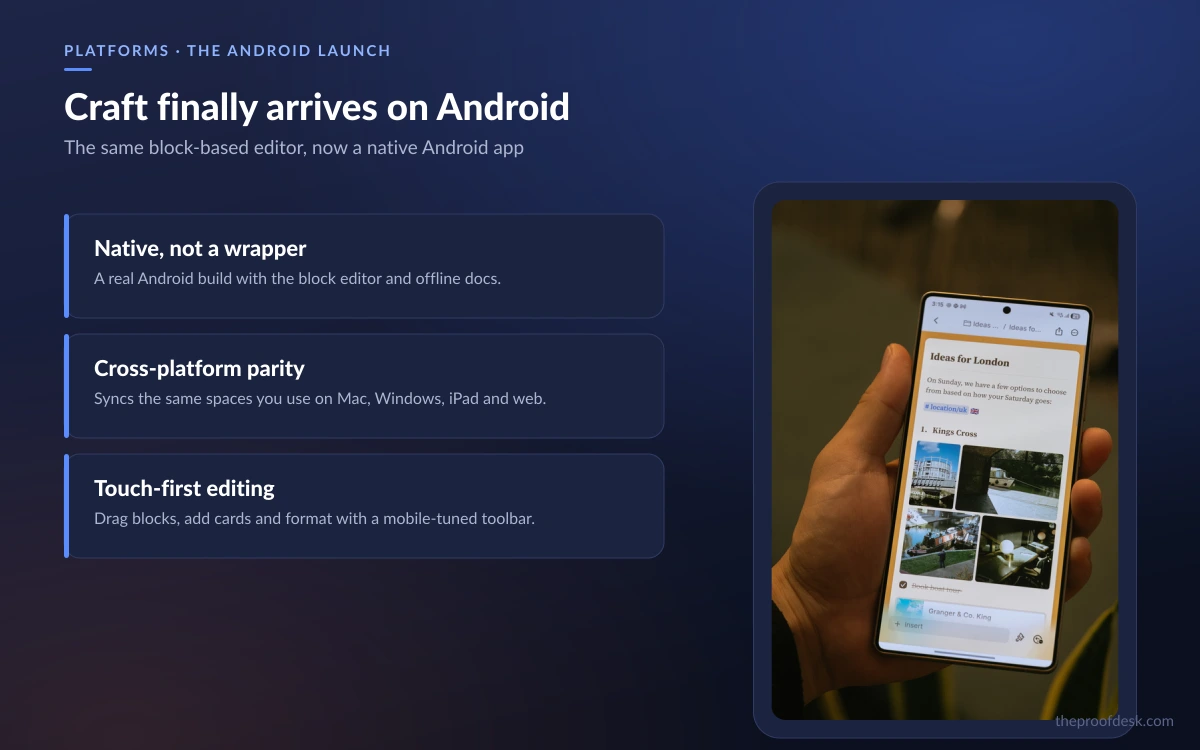
The headline change is availability. Craft now runs on macOS, iOS, Windows, Android and the Web, a full cross-platform set. The Android app arrived on Google Play in November 2025, ending the long-standing dealbreaker that kept Craft out of any organization where not everyone carried an iPhone.
This matters more than a checkbox on a feature grid. A note-taking tool only becomes a team's system of record when every member can capture and edit on whatever device they own. Until late 2025 an Android user on a Craft team was a second-class citizen who could, at best, read a published link. That is no longer true.
On Apple platforms Craft remains a standout: its iOS, iPadOS and Mac app holds a 4.8 out of 5 rating from roughly 6,600 ratings on the App Store and carries an Editors' Choice badge. The Apple apps require iOS 17 or later, iPadOS 17 or later, macOS 12 or later, and visionOS 1.0 or later.
The AI assistant: Core, Fast and Max
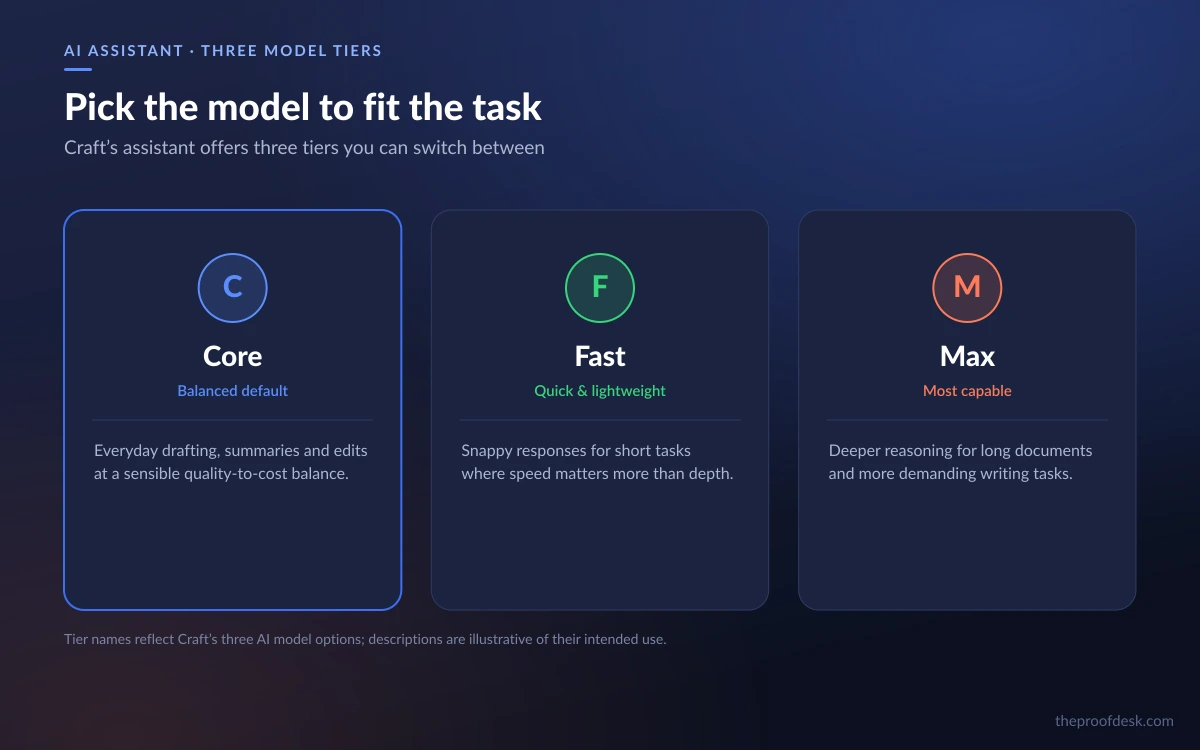
Craft's AI assistant is built around three model tiers named Core, Fast and Max. Core and Fast handle everyday drafting, rewriting and summarizing, while Max is the heavier model reserved for the most demanding work and gated behind paid plans.
Access is metered in AI credits. The free plan includes 15 AI credits per month and limits you to the Core and Fast models. Paid plans raise that to 50 AI credits per month and unlock the Max model, which is the practical reason to upgrade if AI is central to how you work.
One genuinely useful touch: Craft also integrates Apple's on-device Foundation Models at no extra cost on any plan. Those run locally on the device rather than in the cloud, which is a privacy and speed win for quick, routine tasks that do not need a frontier model — and it does not draw down your monthly credits.
Credits, in plain terms
Fifteen credits a month on the free tier is enough to try the assistant, not to lean on it daily. Fifty credits on a paid plan covers regular but not heavy use. If AI drafting is core to your workflow, budget for the paid tier and treat the on-device Apple models as your free everyday helper.
MCP and 'Imagine': Craft as a workspace AI tools can write into
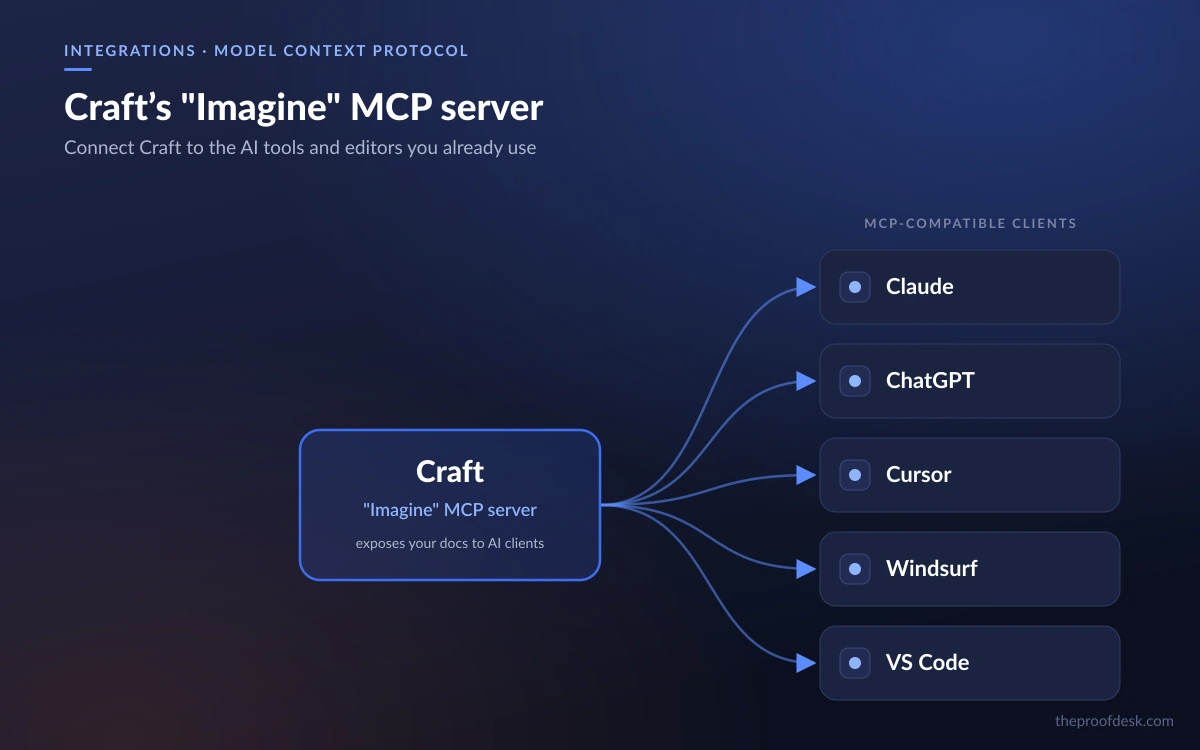
The most forward-looking addition is Craft's 'Imagine' feature, which exposes an MCP server. Model Context Protocol is the emerging standard for letting AI clients connect to external tools and data, and Craft speaks it natively.
Through that MCP server, Craft connects to Claude, Claude Code, ChatGPT, Cursor, Windsurf, VS Code and Raycast, and it adds API integrations with Lovable and Apple Shortcuts. In practice that means an AI coding assistant or chat client can read from and write into your Craft documents directly, rather than you copying text back and forth.
- Ask Claude or ChatGPT to pull context from a Craft doc and draft against it.
- Let Cursor, Windsurf or VS Code reference project notes stored in Craft while you code.
- Wire Apple Shortcuts or Lovable into Craft through its API for lightweight automation.
This is what nudges Craft from 'a pretty notes app' toward a workspace that AI tooling treats as a first-class data source. For anyone already living inside Claude or a code editor, having notes that those tools can reach without an export step is a real convenience — with the setup caveat noted below.
Pricing and plans
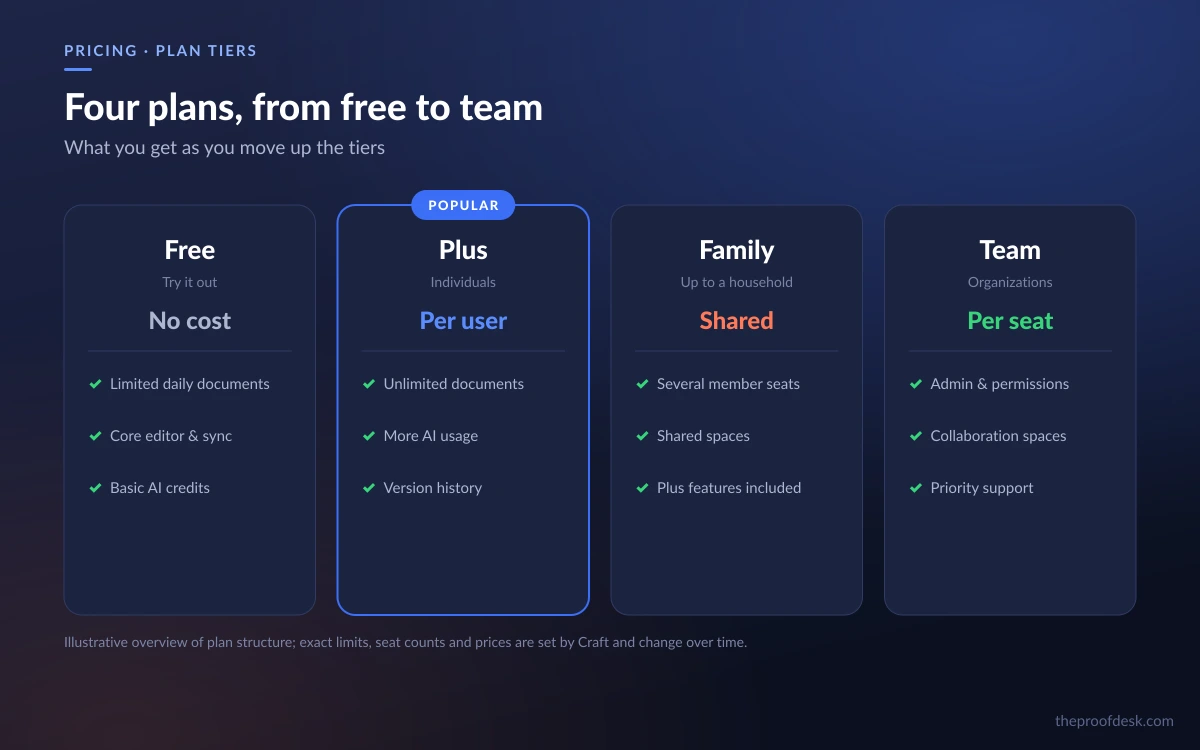
Craft's plans scale from a capable free tier to family and team bundles. Note that Craft's own pricing page displayed prices in Singapore dollars when we checked it (it appears to geo-default the currency), while an independent US-focused review lists US-dollar figures; we quote the plan structure and limits as fact and give dollar figures where a US source states them, rather than converting between currencies.
Free
- 15 AI credits per month, Core and Fast models only.
- Up to 1,500 content blocks.
- 1 GB storage and a 25 MB per-file media upload limit.
- 7-day version history.
Plus (Personal)
- Unlimited blocks, storage and media uploads.
- 30-day version history.
- 50 AI credits per month, unlocking the Max model.
- Listed at $4.79/month (billed annually) in an independent US review; Craft's own page showed SGD 8.3/month monthly or SGD 10.4/month effective on annual billing when fetched.
Family and Team
- Family bundles 2–6 Plus accounts with shared Space collaboration; a US review lists a Friends & Family tier at $8.99/month (billed annually).
- Team bundles up to 10 Plus accounts; Craft's own page showed SGD 62.4/month for it.
On the price figures
Do not read the SGD and USD numbers as the same amount converted — they come from different pages and currencies. Treat the plan structure, block limits and credit allowances as the reliable facts, and confirm the exact price in your own currency on Craft's checkout before you buy.
What still trips it up
No review is honest without the rough edges. Some of these come from a third-party reviewer's own hands-on testing rather than Craft's documentation, so we phrase them as reported rather than universal, but they are worth knowing before you commit.
- The 1,500-block free-plan ceiling gives no warning as you approach it — testers hit a mid-sentence 'upgrade to continue editing' modal with no heads-up.
- Testers have reported the Max AI model occasionally times out on documents over roughly 4,000 words and silently returns a partial summary with no error message.
- On iPad, multi-block text selection is still limited to whole blocks at a time, which frustrates fine-grained editing.
- Testers have reported the initial 'Imagine' MCP connection failing silently until they regenerated the API key — so if your first MCP setup does nothing, regenerate the key before troubleshooting further.
Beyond bugs, the structural limits are the same ones long-time Craft watchers cite: Collections are basic compared with Notion's relational databases, and Craft offers fewer third-party integrations than Notion does. The frequently repeated 'no Android app' criticism, however, is now out of date — that shipped in November 2025.
Frequently asked questions
Does Craft have an Android app now?
Yes. Craft launched a native Android app on Google Play in November 2025. It now runs on macOS, iOS, Windows, Android and the Web, so mixed-device teams can finally standardize on it.
How much does Craft cost?
There is a free plan with 1,500 blocks and 15 AI credits a month. The paid Plus tier removes the block, storage and media limits and adds 50 AI credits plus the Max model; an independent US review lists it at $4.79/month billed annually, while Craft's own page showed Singapore-dollar pricing when we checked. Confirm the price in your own currency at checkout.
What can Craft's AI actually do, and what are the limits?
The assistant drafts, rewrites and summarizes across three tiers — Core, Fast and Max — metered in monthly AI credits (15 free, 50 on paid). Apple's on-device Foundation Models are included free on any plan and do not use credits. Note testers have reported the Max model timing out and returning partial summaries on very long documents.
Can Craft connect to Claude, ChatGPT or Cursor?
Yes. Craft's 'Imagine' feature runs an MCP server that connects to Claude, Claude Code, ChatGPT, Cursor, Windsurf, VS Code and Raycast, plus API integrations with Lovable and Apple Shortcuts. Those clients can read from and write into your Craft documents directly. If the first connection fails silently, regenerate the API key.
Is Craft a good replacement for Notion or Obsidian?
For document-first work it is a strong alternative, and the Android app removes the biggest reason teams skipped it. But Collections are basic next to Notion's relational databases and Craft has fewer third-party integrations, so heavy database users may still prefer Notion. Obsidian remains the pick for local-first, plain-text markdown enthusiasts.
Is my data private with Craft's AI?
Craft's cloud AI tiers send content to their model providers to process requests, as any cloud assistant does. The Apple on-device Foundation Models run locally on your device instead, which keeps that processing off the network — a reason to prefer them for routine, sensitive tasks. Review Craft's own privacy terms for specifics before storing regulated data.
Key takeaways
- The November 2025 Android app closes Craft's biggest historical gap and makes it viable for mixed-device teams.
- The AI assistant spans Core, Fast and Max tiers, metered in credits (15 free, 50 paid), with free on-device Apple models as a no-cost everyday helper.
- Native MCP support lets Claude, ChatGPT, Cursor and other tools read and write Craft docs directly — a real edge for AI-heavy workflows.
- Watch the free-tier 1,500-block ceiling, reported Max-model timeouts on long docs, and a silent first-time MCP setup that a key regeneration fixes.
- Craft is now a real Notion/Obsidian alternative for document-first users; heavy relational-database users may still want Notion.
More in Services & Software
Browse Services & Software