DigitalOcean Review 2026: Droplet Pricing, Per-Second Billing and the Fine Print
DigitalOcean review for 2026: Droplets from $4/month billed per second, managed databases, Kubernetes, GPUs, the $5 signup credit and the limits new accounts hit.
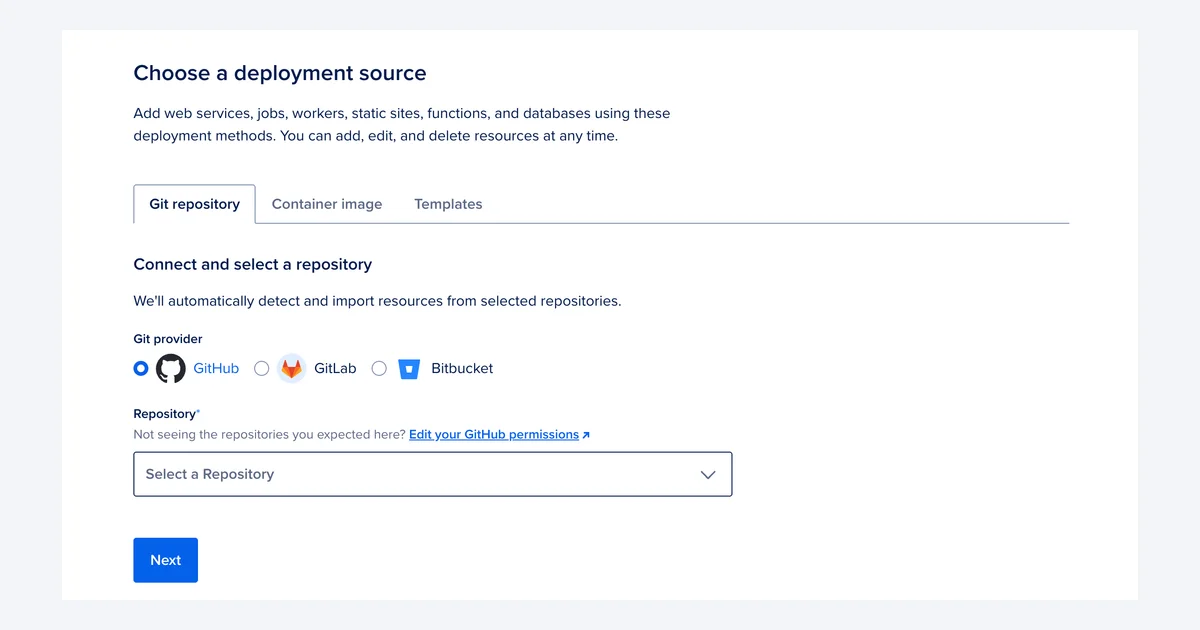
DigitalOcean built its name on the $5 VPS and documentation developers actually read. In 2026 it bills Droplets by the second, sells GPUs and AI inference, and calls itself an AI-Native Cloud.
This review prices out Droplets, App Platform, managed databases, Kubernetes, storage and GPUs as of September 2026, works through what a real monthly bill looks like, and covers the fine print that the pricing tiles leave out.
The short verdict
DigitalOcean is still one of the easiest clouds to understand and bill. A $6 Droplet is a real Linux server with 1 GiB of RAM and 1,000 GiB of transfer, managed databases start at $15 a month, and the Kubernetes control plane is free. The control panel and documentation remain the reference point that other developer clouds get compared against.
What has changed is the fine print. The signup credit is now $5 for 90 days, new accounts start capped at 3 Droplets, SMTP ports are blocked on every Droplet, and fees are non-refundable. None of that is hidden, but none of it is on the pricing tiles either.
Who it suits
Solo developers, small teams and startups running web apps, APIs and databases who want predictable monthly prices without learning a hyperscaler. It is a weaker fit if you need to send email from your own server, want severity-based support, or need a region outside its 13.
What DigitalOcean is in 2026
The core product is still the Droplet, DigitalOcean's name for a virtual machine. Around it sit App Platform (a platform-as-a-service that builds from GitHub, GitLab or a container registry), Managed Databases (PostgreSQL, MySQL, Valkey, MongoDB, Kafka, OpenSearch and caching), Managed Kubernetes (DOKS), Spaces object storage, Volumes block storage, load balancers and serverless Functions.
The company now describes itself as an "AI-Native Cloud". It rents GPU Droplets, sells token-priced inference, and has put Managed Agents into public preview. That push shows up in the numbers: in its Q2 2026 results, released 4 August 2026, DigitalOcean reported revenue of $281 million, up 29% year on year, annual run-rate revenue of $1,125 million, and AI customer ARR of $234 million, up 212%. CEO Paddy Srinivasan said revenue growth was more than double the rate of a year earlier, and full-year guidance is $1.170-$1.180 billion.
For a buyer, that matters in two ways. The company is profitable ($35 million net income in the quarter) and growing, so it is not a platform at risk of disappearing. And a lot of the new engineering effort is going into AI products rather than the classic $6 VPS.
DigitalOcean runs 16 datacenters across 13 regions: New York (NYC1, NYC2, NYC3), San Francisco (SFO2, SFO3), Toronto, Atlanta, Richmond, Kansas City, Memphis, Amsterdam, London, Frankfurt, Singapore, Bangalore and Sydney. There is no region in South America, Africa, the Middle East or Japan.
Droplet pricing and per-second billing
Basic Droplets share CPU with neighbours and are the plans most people buy. The Regular tier uses standard SSDs; Premium Intel and Premium AMD tiers use newer CPUs and NVMe storage for a small premium.
- $4/month ($0.00595/hour): 1 vCPU, 512 MiB RAM, 10 GiB SSD, 500 GiB transfer
- $6/month ($0.00893/hour): 1 vCPU, 1 GiB RAM, 25 GiB SSD, 1,000 GiB transfer
- $7/month ($0.01042/hour): Premium Intel or Premium AMD, 1 vCPU, 1 GB RAM, 25 GB SSD, 1,000 GB transfer
- $12/month ($0.01786/hour): 1 vCPU, 2 GiB RAM, 50 GiB SSD, 2,000 GiB transfer
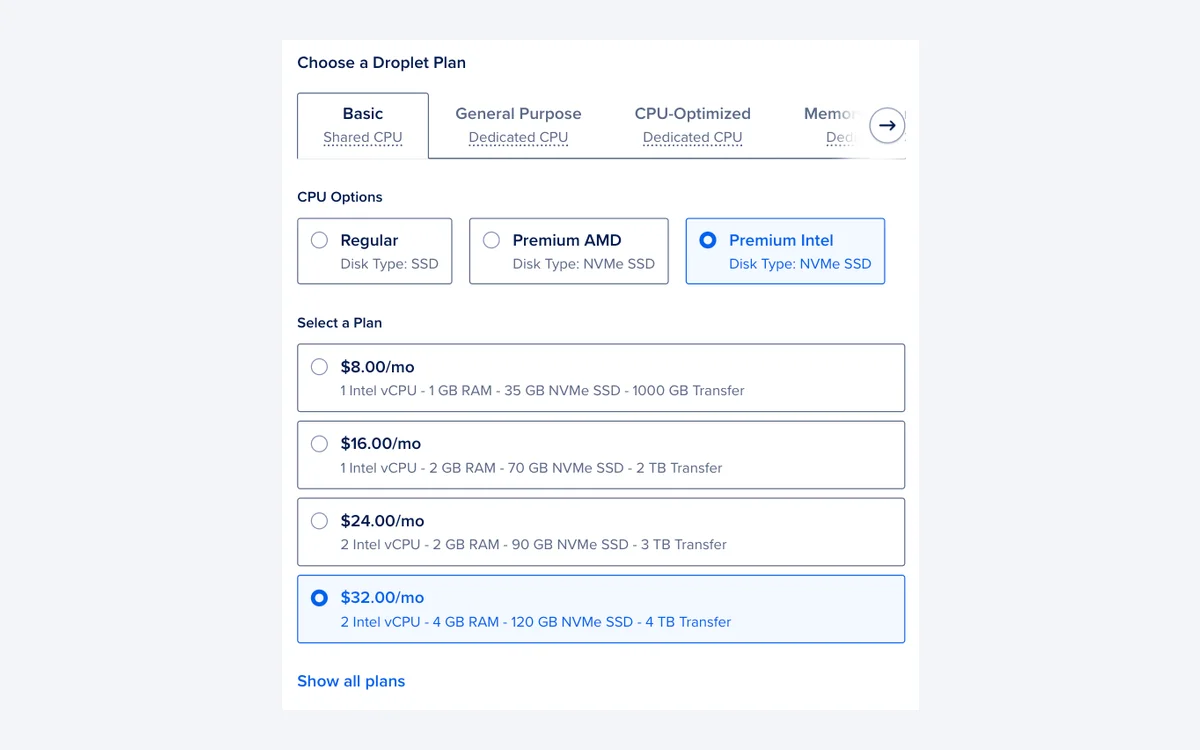
Dedicated-CPU Droplets are for workloads that cannot tolerate noisy neighbours. The entry points are CPU-Optimized at $42/month (2 vCPU, 4 GiB), General Purpose at $63/month (2 vCPU, 8 GiB), Memory-Optimized at $84/month (2 vCPU, 16 GiB) and Storage-Optimized at $131/month (2 vCPU, 16 GiB, 300 GiB SSD).
Per-second billing since 1 January 2026
Since 1 January 2026, Droplets are billed per second, with a minimum charge of 60 seconds or $0.01, whichever is higher. Bundled plans are capped at 672 hours (28 days) a month, so the monthly figure on the pricing page is the most you will pay for one Droplet in a month. A test server you spin up for 20 minutes costs cents.
Powered off is not free
DigitalOcean still bills bundled Droplets that are powered off, because the CPU and RAM stay reserved on the host. To stop charges you have to destroy the Droplet. Take a snapshot first if you want to keep the disk.
v5 Droplets: flexible, but not cheaper
The new v5 Droplets run on 5th Gen AMD EPYC processors and let you choose vCPU, memory and disk separately instead of picking a fixed bundle. Resources are priced per hour: $0.0158219 per shared vCPU, $0.028 per general-purpose dedicated vCPU, $0.0040411 per GiB of memory and $0.000137 per GiB of boot disk. A shared v5 Droplet starts at $0.024/hour and dedicated general-purpose examples start at $0.181/hour.
Managed services and what they cost
App Platform
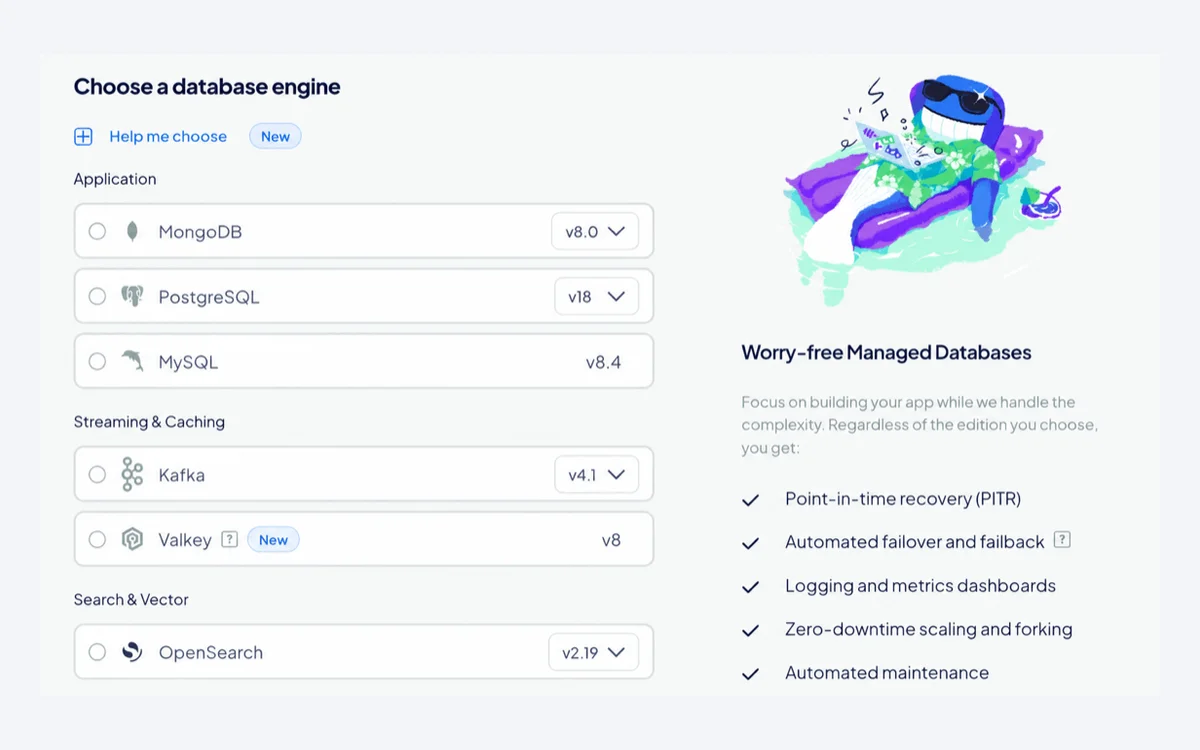
Up to three static sites are free, and each extra static app is $3/month. The cheapest container app (1 shared vCPU, 512 MiB, 50 GiB outbound) is $5/month. App Platform is also billed by the second with a one-minute minimum, and extra outbound transfer costs $0.02 per GiB, double the Droplet rate.
Managed Databases
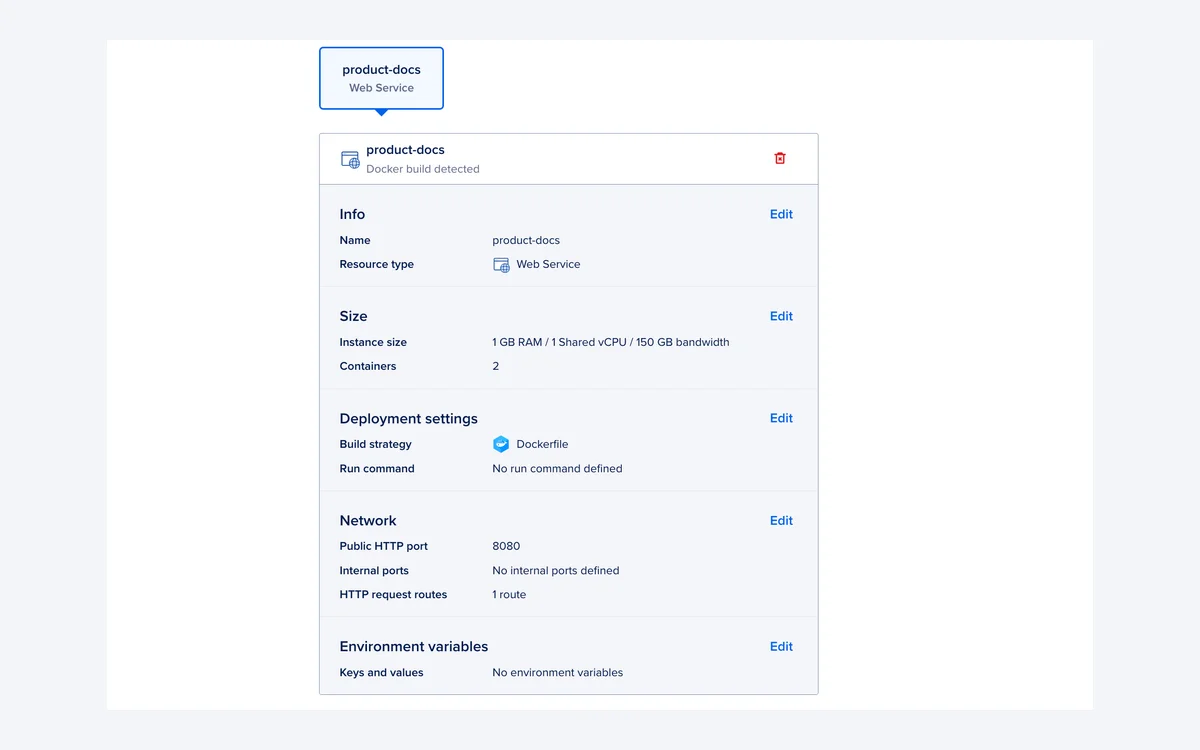
Single-node PostgreSQL, MySQL and Valkey clusters start at $15/month with 1 GiB of RAM. High availability starts at $30/month for a 2 GiB, 1 vCPU primary plus at least one standby at $30/month, so a minimal HA pair is $60/month. The new Advanced Edition for PostgreSQL and MySQL starts at $130/month for an 8 GiB, 2 vCPU primary. Extra storage is $0.215 per GiB per month.
Managed Kubernetes (DOKS)
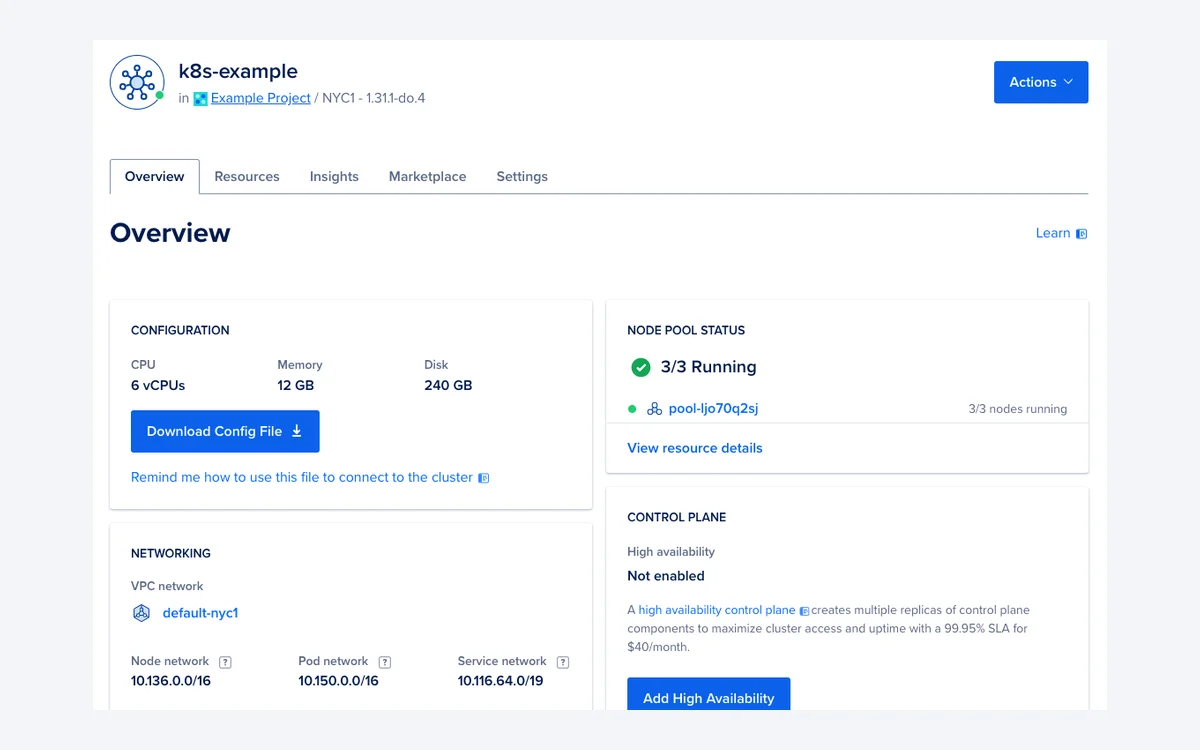
The Kubernetes control plane is managed and free; you pay for worker nodes, from $12/month. A highly available control plane costs $40/month, and the 99.95% control-plane SLA applies only when HA is enabled. Worker nodes can now use v5 Droplet sizing.
What a real bill looks like
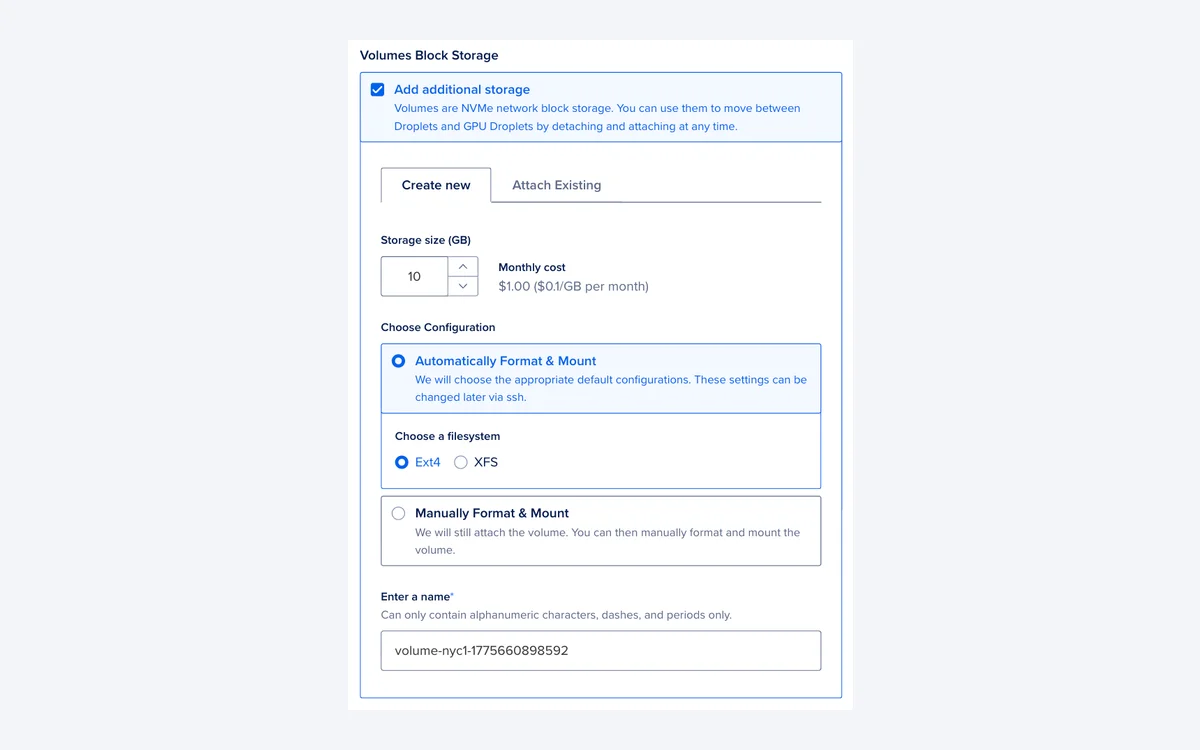
The headline prices are honest, but add-ons stack. Backups are a percentage of the Droplet price: weekly backups add 20% and daily backups add 30%. Snapshots cost $0.06 per GB per month.
- Hobby server: one $6 Droplet with weekly backups = $7.20/month.
- Same server with daily backups = $7.80/month.
- Small production stack: two $12 Droplets, one regional HTTP load balancer ($12), a single-node managed PostgreSQL database ($15) and daily backups on both Droplets ($7.20) = $58.20/month.
- Same stack with the Developer support plan ($24) = $82.20/month.
- Upgrade the database to a minimal HA pair ($60 instead of $15) = $127.20/month.
That is still well below what the same setup costs on AWS, Azure or Google Cloud once you add their egress fees, but it is a long way from the $6 people quote. Spend alerts are now generally available in the control panel and are worth setting on day one.
GPU Droplets and AI products
On-demand GPU Droplets are priced per GPU per hour:
- NVIDIA RTX 4000: $0.76
- NVIDIA L40S and RTX 6000: $1.57
- AMD MI300X: $2.59
- AMD MI325X: $3.80
- NVIDIA H100: $4.41 ($35.28 for an 8-GPU node)
- NVIDIA H200: $4.47 ($35.76 for an 8-GPU node)
Spot GPUs are in public preview: AMD MI350X at $2.46/hour, AMD MI355X at $2.97/hour and NVIDIA B300 at $8.00/hour. The $1.91/GPU/hour figure on the main pricing page is a multi-month contract rate, not the on-demand price.
Above the GPUs, DigitalOcean sells Inference from $0.05 per million tokens, a Harness Runtime from $0.0535/hour, an Action Gateway from $0.10 per 1,000 calls, and Evaluations at variable prices. Managed Agents is in public preview for all users. These are useful if the rest of your stack already runs on DigitalOcean. New accounts cannot launch GPU Droplets at all until they reach a higher account tier, as the next section explains.
The fine print
Signup credit is $5, not $200
A new team automatically gets a $5 signup credit, with no promo code needed, and it expires 90 days after signup. You must add a valid payment method before you can create any resource. Card checks place a temporary pre-authorization, typically $1, which is cancelled straight away. Older reviews and coupon sites still quote a $200, 60-day credit; the current DigitalOcean docs do not.
New accounts are limited
Accounts move through resource tiers. Tier 1 allows 3 Droplets, Basic shared-CPU sizes up to $48/month and no GPU Droplets. Tier 2 allows 10 Droplets, shared plans up to $56, some dedicated plans up to $84 and 1 GPU. Tier 5 allows 100 Droplets of all types and 16 GPUs. You can create at most 10 Droplets at once.
Outbound email ports are blocked
SMTP ports 25, 465 and 587 are blocked on all Droplets by default to prevent spam. DigitalOcean's documentation does not describe a way to unblock them and points you to a transactional email service instead. If you plan to run your own mail server, pick another host.
No refunds
Section 6.3 of the Terms of Service, last updated 22 August 2026, says fees paid are non-refundable unless otherwise agreed. You can cancel at any time to avoid future charges, but there is no money-back window, and support plan downgrades are not prorated.
Billing and late payment
You can pay by card, PayPal (prepaid), Google Pay, Apple Pay, bank account or crypto wallet. Usage is invoiced on the 1st of the month for the previous month, or mid-month if your balance hits your tier's auto-charge threshold. If a payment fails, the account goes on hold (no new resources), then is suspended (resources powered down), and DigitalOcean may then permanently delete resources. It does not publish fixed timelines for these stages, so keep a working card on file.
Support and uptime guarantees
- Starter: free, response under 24 hours
- Developer: $24/month, under 8 hours
- Standard: $99/month, under 2 hours, adds live chat
- Premium: $999/month, under 30 minutes, dedicated Slack channel and video calls
Response times do not change with the severity of the issue, so a production outage on the free plan waits in the same 24-hour queue as a billing question. Any team running revenue-generating workloads should budget for at least Developer.
Published SLAs are 99.99% monthly uptime per CPU Droplet, 99.99% for Volumes, 99.95% for App Platform, 99.95% for Managed Databases with standby nodes (99.5% without), 99.95% for the DOKS control plane with HA only, and 99.9% for Spaces.
Who should use DigitalOcean, and who should not
Pick DigitalOcean if you want a clean control panel, transparent monthly prices, good managed PostgreSQL and a Kubernetes control plane you do not pay for. It is also a sensible home for a small AI feature if you want inference and GPUs on the same bill as your web stack.
Look elsewhere if you need to send mail from your own server, need a region in South America, Africa or Japan, want to launch dozens of servers or a GPU on day one, or need a refund-friendly trial. Teams that want managed WordPress or PHP hosting without touching a server are better served by a managed layer on top of a cloud, and teams with heavy compliance or global-scale needs will still end up on a hyperscaler.
Frequently asked questions
How much does the cheapest DigitalOcean server cost?
$4 a month. That buys a Basic Regular Droplet with 1 vCPU, 512 MiB of RAM, a 10 GiB SSD and 500 GiB of transfer. The $6 plan with 1 GiB of RAM is the more practical starting point for most apps.
Does DigitalOcean have a free trial or free credit?
Yes, but it is small: a $5 credit applied automatically to your first team, valid for 90 days. You still have to add a payment method before creating anything.
Can I get a refund?
Generally no. The Terms of Service state that fees paid are non-refundable unless expressly agreed otherwise. Per-second billing means you only pay for what ran, so destroy test resources promptly.
Am I charged for a Droplet that is powered off?
Yes. Bundled Droplets are billed while powered off because their resources stay reserved. Only destroying the Droplet stops the charge.
Can I send email from a Droplet?
Not directly over SMTP. Ports 25, 465 and 587 are blocked on all Droplets by default. Use a transactional email service over its API or an alternate port it supports.
How many Droplets can a new account create?
Three. New accounts start in Tier 1, which allows 3 Droplets, Basic shared-CPU plans up to $48/month and no GPU Droplets. Limits rise as the account moves up tiers, to 100 Droplets at Tier 5.
What uptime does DigitalOcean guarantee?
99.99% per CPU Droplet per month. Managed Databases are covered at 99.95% only with standby nodes, and the Kubernetes control plane at 99.95% only with the $40/month HA option.
Key takeaways
- Basic Droplets cost $4-$12/month for 512 MiB to 2 GiB of RAM, billed per second since 1 January 2026 and capped at 672 hours a month.
- Powered-off Droplets are still billed; only destroying one stops charges.
- v5 Droplets let you size CPU, RAM and disk separately but have no monthly cap, so they cost more for small servers.
- Managed databases start at $15/month, HA pairs at $60/month, and the Kubernetes control plane is free ($40/month for HA).
- The signup credit is $5 for 90 days, new accounts are limited to 3 Droplets and no GPUs, and fees are non-refundable.
- SMTP ports 25, 465 and 587 are blocked on all Droplets.
- Free support answers within 24 hours regardless of severity; paid plans run $24 to $999/month.
More in Cloud Computing
Browse Cloud Computing