Excalidraw Review 2026: Free Whiteboard, Excalidraw+ Pricing, AI Limits and Fine Print
Excalidraw review: the free hand-drawn whiteboard needs no account, Excalidraw+ costs $6-7 per user/month. What each plan includes, AI caps and billing fine print.
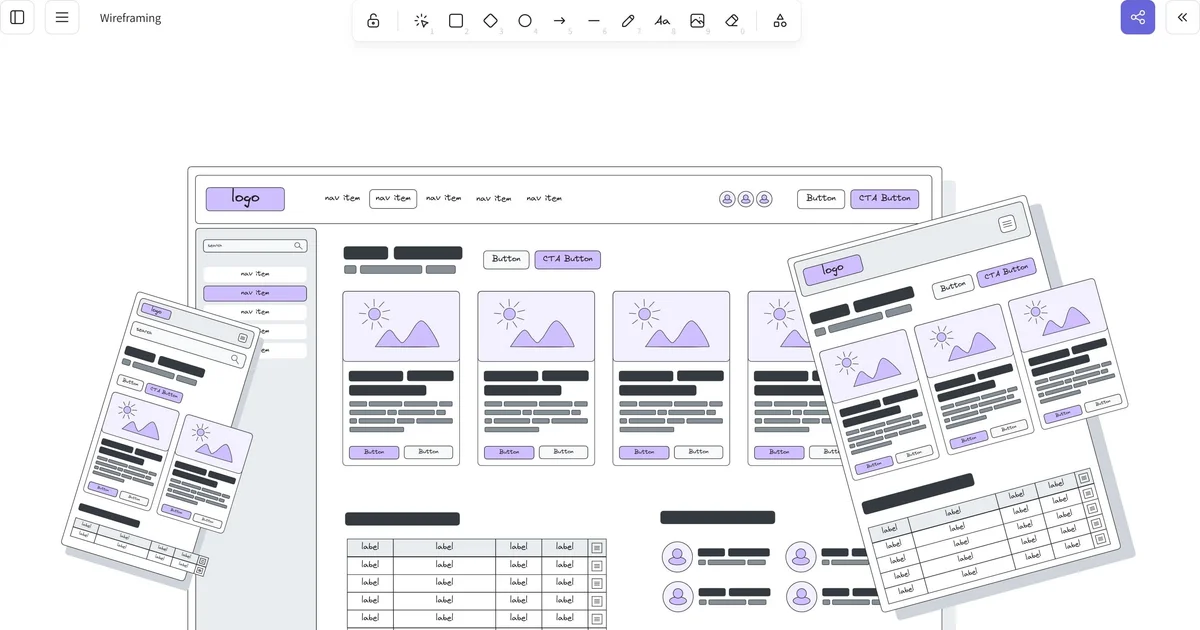
Excalidraw is the whiteboard that a lot of engineers, designers and teachers open when they need to sketch something fast: a system diagram, a wireframe, a flow for a meeting. Everything looks hand-drawn, the editor loads in a browser tab without an account, and the code is open source under the MIT license.
In 2026 the paid side, Excalidraw+, has grown into a real team product with presentations, animations, sticky notes, a public API and an MCP server in beta, and bring-your-own-key AI. It costs a flat $6 per user per month on a yearly plan or $7 month to month. This review covers what the free editor still gives you, what the paid plan adds, how the AI limits work, and the billing terms worth reading before you enter a card. Prices and plan details were checked on the official pages on 2026-10-26.
What Excalidraw is
Excalidraw is a virtual whiteboard with a deliberately sketchy, hand-drawn look. You get shapes, arrows, text, freehand drawing, images, frames and reusable libraries on an infinite canvas. The look matters more than it sounds: rough lines signal 'this is a draft', which makes it easier to share half-finished ideas in a meeting without anyone treating them as final designs.
There are two products under one name. excalidraw.com is the free, open-source editor that stores your drawing locally in the browser. Excalidraw+ (plus.excalidraw.com) is the paid cloud workspace built on top of it, run by Excalidraw s.r.o., a company based in Brno, Czech Republic.
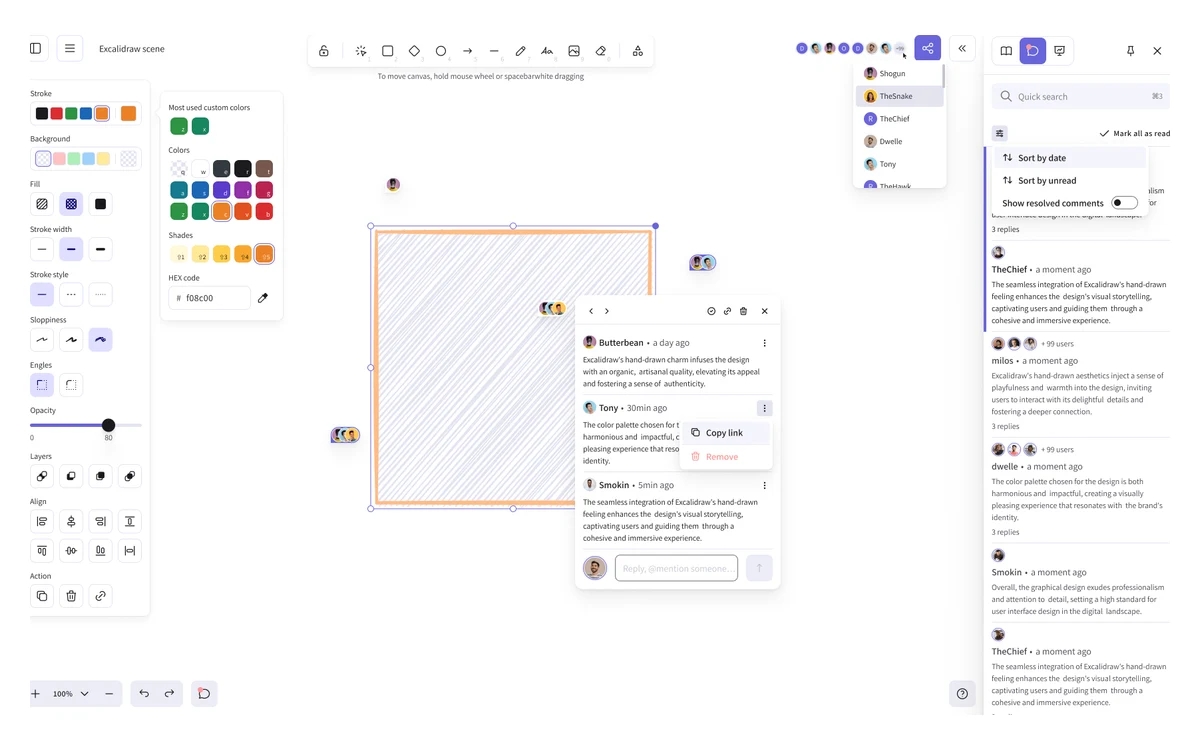
- Best for: quick architecture diagrams, wireframes, whiteboard-style explanations, informal workshop boards.
- Not built for: pixel-perfect UI design, large structured diagrams with strict notation, or heavy project-management boards.
- Platforms: any modern browser, installable as a PWA that works offline. There is no official desktop app.
The free editor: what you get without an account
The free plan is labelled 'Free forever' on the pricing page and it is genuinely usable on its own. It includes the full editor, one infinite scene, unlimited collaborators, generative AI at 10 requests a day, export to PNG, SVG or a .excalidraw file, libraries, and the Notion and Obsidian integrations.
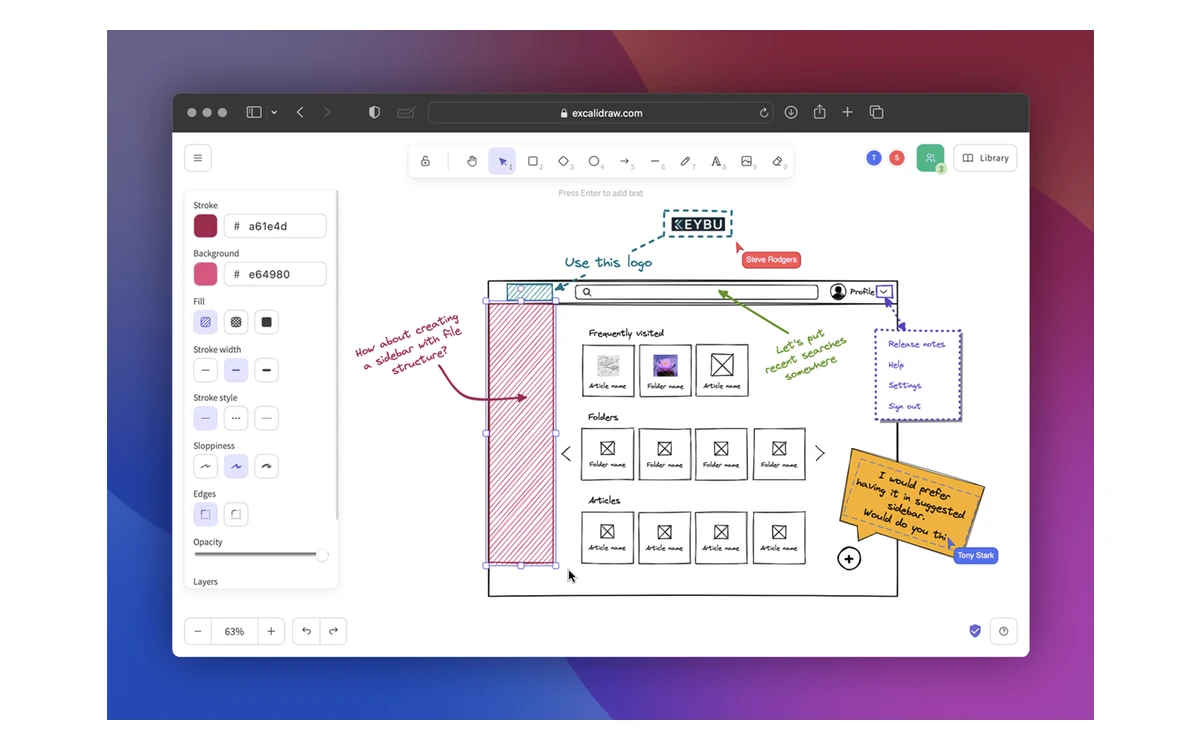
Collaboration on the free editor works by link: start a live session, send the URL, and others draw with you in real time. Per Excalidraw's own wording, the free editor does not send anything you draw to the server by default, and shared sessions are end-to-end encrypted, so the key lives in the link rather than on Excalidraw's servers.
The catch with one local scene
Free drawings autosave to your browser's storage, not to an account. Clearing browser data, switching machines or using a private window can lose the scene. Save important work as a .excalidraw file or export it, because that file is the only durable copy on the free plan.
- One scene at a time: to keep several drawings you save and reopen files yourself.
- Personal library is stored in the browser on Free, on the server on Plus.
- Uploaded images are compressed on Free; Plus keeps them up to 4K.
- Read-only shareable links exist in the open-source app; edit/view permissions and embeds are Plus features.
Excalidraw+: what the paid plan adds
Excalidraw+ is everything in Free plus a proper cloud workspace. According to the pricing page, the paid plan includes:
- Unlimited scenes and folders, saved securely in the cloud.
- Access management, sharing with edit or view rights, read-only links and embeds.
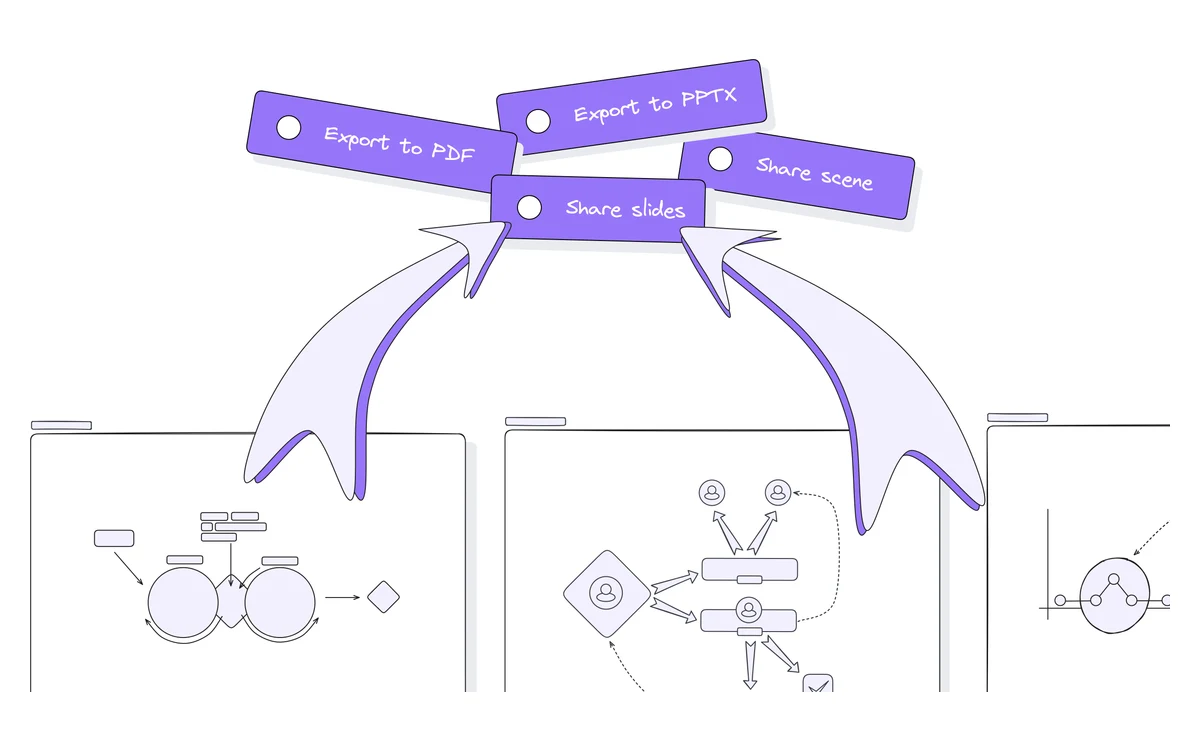
- Export of frames to PDF and PPTX.
- Voice hangouts and screen sharing inside a scene.
- Presentations, comments, and team management.
- 100 AI requests a day on Excalidraw's key, or bring your own key.
- MCP server and REST API, both in public beta.
- SOC 2 Type 2, with data encrypted at rest and in transit.
What changed in 2026
The Excalidraw+ changelog has been busy this year. February brought bring-your-own-key AI and smarter presentations. April added presenter notes. May opened the public API and MCP server as a public beta, along with guest commenting. June introduced education plans and a refreshed dashboard. August added Spotlight, which syncs every participant's view to a leader, plus a bucket fill tool and faster, higher-resolution PNG, PDF and PPTX exports. September added step-by-step animations inside presentation frames and a Sticky Note tool (shortcut N) with automatic text fitting.
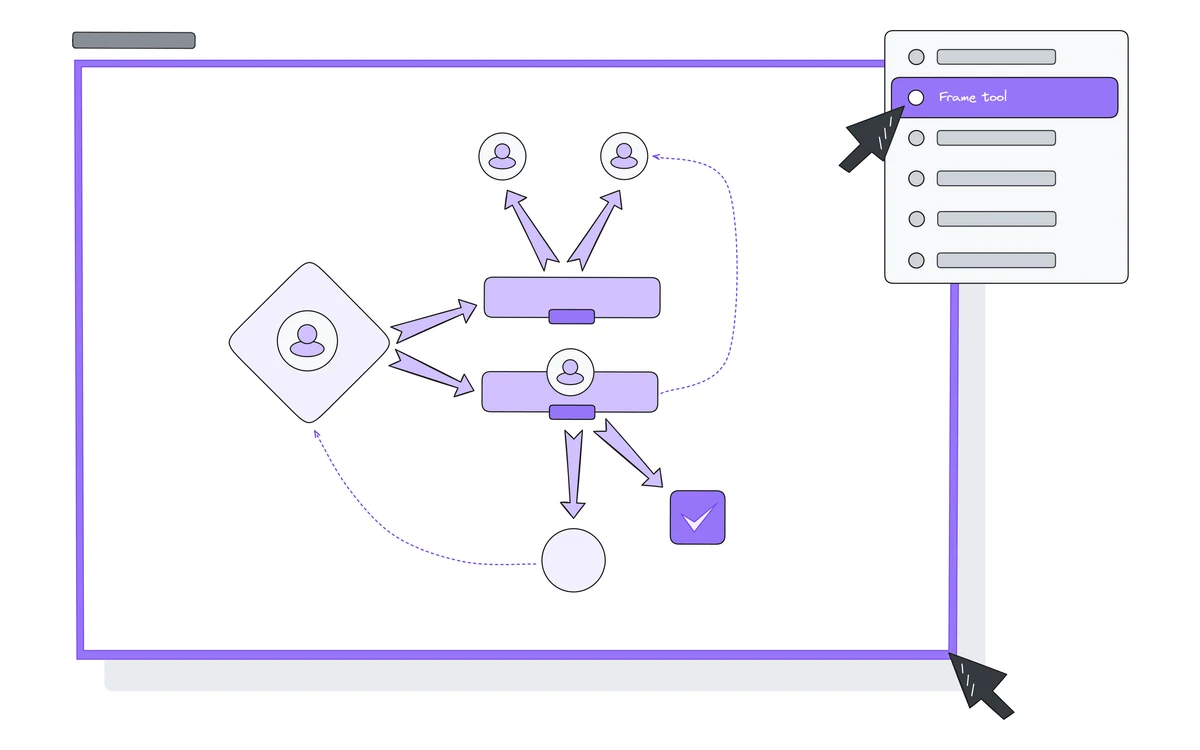
These are Excalidraw+ features. The open-source editor shares the core drawing tools, but do not expect presentations, comments or Spotlight on excalidraw.com without a subscription.
AI features and the daily request caps
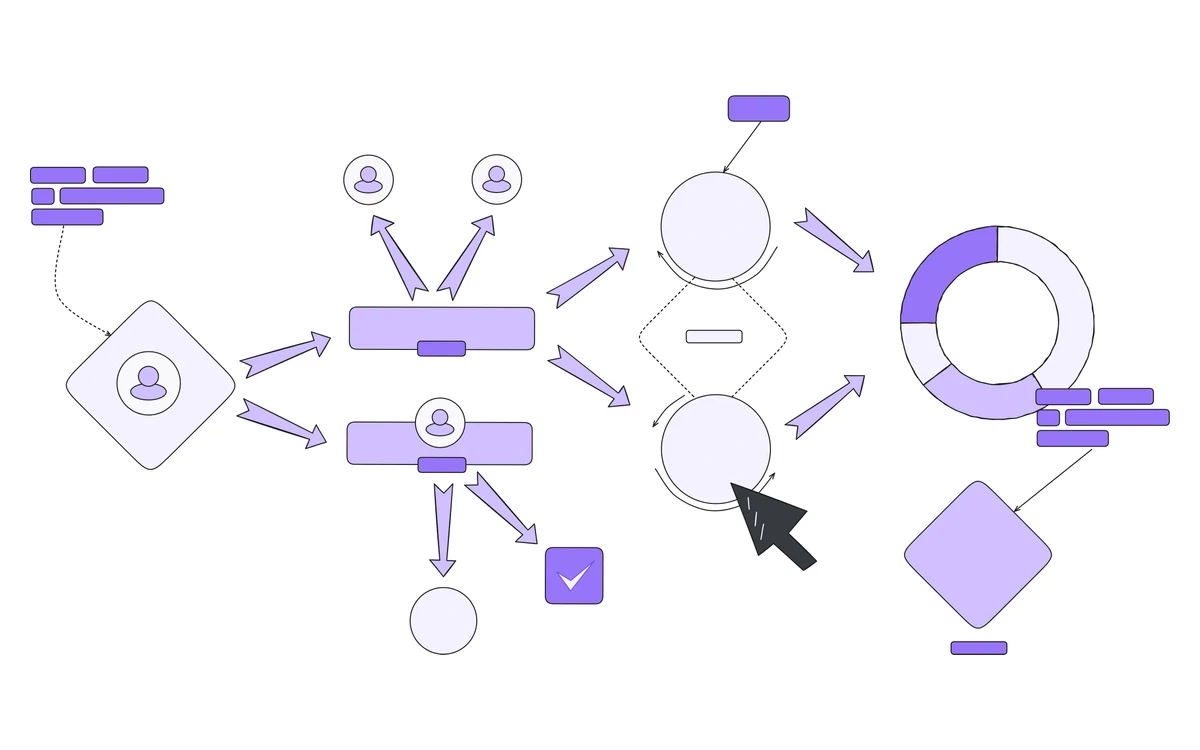
Excalidraw's AI tools turn prompts into diagrams, turn wireframes into code, and convert Mermaid into native shapes. The output is ordinary editable Excalidraw elements, not a flat image, so you can move and restyle everything afterwards.
- Free editor: 10 AI requests a day.
- Excalidraw+: 100 AI requests a day on Excalidraw's key, plus the API and MCP server.
- Bring your own key (Plus): a workspace admin can add a key from OpenAI, Anthropic, Gemini, Grok or OpenRouter. Excalidraw then applies no limit of its own; your provider's limits and bills apply.
- Mermaid to Excalidraw: uses no AI and has no request limit on either plan.
Read 'Unlimited' carefully
The comparison table lists Text to diagram and Wireframe to code as 'Unlimited' on both plans, but those features consume AI requests, so the 10 or 100 daily requests are the real ceiling. Excalidraw does not publish whether unused requests roll over or how large a single request can be.
For many people the Mermaid converter is the most useful piece: paste diagram code you already have, or ask any chatbot to write Mermaid, and Excalidraw redraws it in its own style without touching your AI quota.
Pricing and billing fine print
The pricing page lists only two tiers. There is no separate Pro or Team plan.
- Free: $0, forever, no account needed.
- Excalidraw+ yearly: $6 per user per month, which works out to $72 per user per year.
- Excalidraw+ monthly: $7 per user per month. The yearly toggle advertises a 14% saving.
- Free trial: 14 days for new accounts, then the chosen plan is charged.
- Education: being piloted for students and teachers with verified eligibility; no price is published.
- Enterprise: referenced in the changelog (for example Domain Capture), but no price is published and the security page still marks it as coming soon.
Terms worth reading before you pay
- Every seat is billed: 'You have to pay for every seat within your workspace.'
- Workspaces are billed separately. Two workspaces with only you in each count as two paid seats.
- Credit card is the only supported payment method, processed by Stripe.
- All purchases are non-refundable. Cancelling takes effect at the end of the current paid term.
- Prices are in US dollars, sales tax may be added, and the terms allow price changes at any time.
- Excalidraw says it emails reminders before a trial ends and before renewal. After you cancel, your scenes stay in the workspace unless you delete it.
The non-refundable rule is the one to plan around. Use the 14-day trial to decide, and if you are unsure about a whole year, start monthly at $7 and switch to yearly later.
Privacy, encryption and compliance
The free editor has one of the better privacy stories among whiteboards: drawings stay in your browser, and when shared they are protected by end-to-end encryption. Excalidraw+ data is stored on its servers with AES-256 encryption at rest and TLS in transit, with daily database backups and point-in-time recovery for 14 days.
- SOC 2: Excalidraw announced passing SOC 2 Type I and Type II in June 2025. It does not claim ISO 27001.
- Analytics: GDPR-compliant SimpleAnalytics and a self-hosted Umami instance.
- Data location: the privacy notice says the servers are located in the United States. The DPA limits access to customer personal data to authorized personnel within the EU, but subprocessors outside the EEA, including in the US, are used. EU transfers rely on Standard Contractual Clauses.
- Governing law: the terms of service are governed by Czech law.
For regulated teams
Excalidraw does not state EU data hosting. If your policy requires data to stay in the EU, check the subprocessor list at trust.excalidraw.com before moving sensitive diagrams into Excalidraw+, or keep them on the local, end-to-end encrypted free editor.
Open source, embedding and integrations
Excalidraw's editor is MIT-licensed on GitHub, where the repository has roughly 134,500 stars and was still being updated in late October 2026. It is also published as the @excalidraw/excalidraw React component on npm (latest 0.18.1, April 2026), so developers can embed the editor in their own apps. The open-source package is the editor, not the Excalidraw+ cloud workspace.
- Open format: drawings save as .excalidraw JSON files you can keep in a repo.
- Obsidian: a popular plugin, but it is third-party (by zsviczian), not built by Excalidraw.
- VS Code: an editor extension by a third-party developer, linked from the README.
- MCP: an official excalidraw-mcp repository exists, and Excalidraw+ offers its own MCP server and REST API in public beta.
Who should pay and who should not
Stay on Free if
- You sketch alone or in short live sessions and are happy to save files yourself.
- Privacy matters more than convenience; local storage plus end-to-end encrypted links is hard to beat.
- You mostly convert Mermaid or need fewer than 10 AI requests a day.
Pay for Excalidraw+ if
- You need many scenes in folders, synced across devices.
- A team needs permissions, comments, guest commenting and embeds.
- You present from the whiteboard and want PDF or PPTX export, animations and Spotlight.
- You want to drive diagrams from code or an AI agent through the API or MCP server, and accept that both are in beta.
If you need structured templates, voting, timers and large-scale workshop facilitation, a heavier whiteboard such as Miro is a better fit, at a higher price. If you want a fast, good-looking sketch that does not feel like a formal document, Excalidraw is the easier tool.
Verdict
Excalidraw remains one of the best free tools on the web: no sign-up, end-to-end encrypted collaboration, an open file format and an MIT-licensed codebase. Excalidraw+ is fairly priced at a flat $6 to $7 per user per month and has become much more capable in 2026, especially for presentations and AI with your own key.
- Pros: excellent free tier, privacy-friendly by default, simple flat pricing, editable AI output, unlimited Mermaid conversion, active development.
- Cons: free plan keeps a single scene in browser storage, all charges are non-refundable, every seat in every workspace is billed, credit card only, API and MCP still in beta, no published Education or Enterprise price, no EU hosting statement.
Frequently asked questions
How much does Excalidraw+ cost?
$6 per user per month billed yearly ($72 per user per year) or $7 per user per month billed monthly, in US dollars plus any sales tax. New accounts get a 14-day free trial.
Is Excalidraw really free?
Yes. The editor at excalidraw.com is free forever with no account. The limits are one scene stored in your browser, compressed image uploads and 10 AI requests a day.
How many AI requests do I get?
10 a day on Free and 100 a day on Excalidraw+. On Plus an admin can add an OpenAI, Anthropic, Gemini, Grok or OpenRouter key, after which only your provider's limits apply. Mermaid conversion uses no AI and is unlimited.
Can I get a refund on Excalidraw+?
No. The terms state that all purchases are non-refundable. You can cancel at any time and keep access until the end of the paid term.
Is Excalidraw private?
The free editor keeps drawings in your browser and encrypts shared sessions end to end. Excalidraw+ stores scenes on its servers with AES-256 at rest and is SOC 2 Type II compliant; its privacy notice places servers in the United States.
Can I self-host or embed Excalidraw?
Yes, the editor is MIT-licensed and available as the @excalidraw/excalidraw React package. That gives you the drawing editor, not the Excalidraw+ workspace features such as cloud folders, comments or presentations.
Does Excalidraw have a desktop app?
There is no official desktop app. You can install excalidraw.com as a PWA, which works offline.
What payment methods does Excalidraw+ accept?
Only credit cards, processed through Stripe. Excalidraw says it does not keep card details itself.
Key takeaways
- The free editor needs no account, supports unlimited collaborators and keeps shared sessions end-to-end encrypted.
- Free work lives in one browser-stored scene; save .excalidraw files to avoid losing it.
- Excalidraw+ costs $6 per user/month yearly or $7 monthly, with a 14-day trial.
- AI is capped at 10 requests a day on Free and 100 on Plus, unless you bring your own key; Mermaid conversion is unlimited.
- Every seat in every workspace is billed, payment is credit card only, and all charges are non-refundable.
- The API and MCP server are in public beta; Education and Enterprise pricing are not published.
More in Services & Software
Browse Services & Software