FastestVPN Review 2026 – Affordable VPN with Strong Security
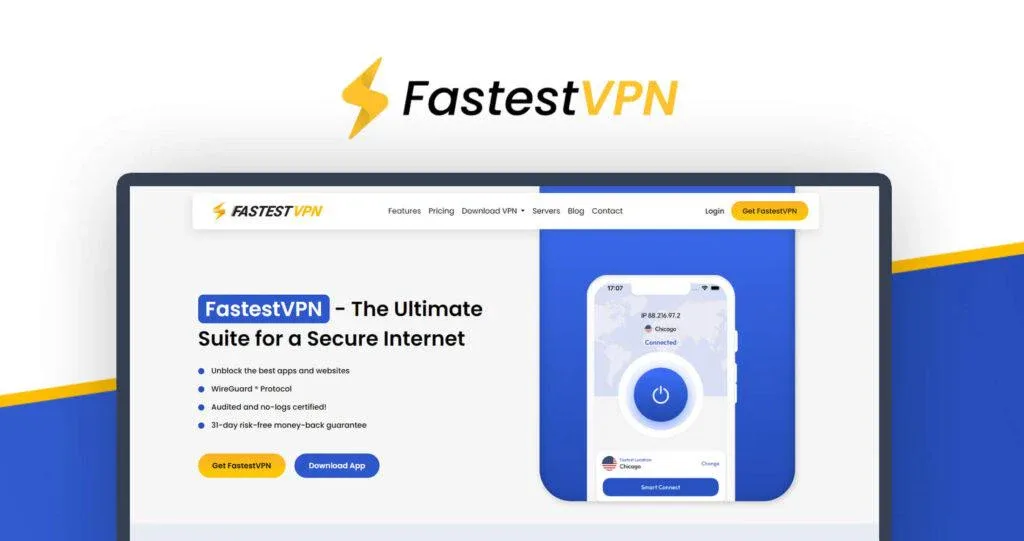
FastestVPN is a privacy-focused virtual private network designed to protect your online identity and secure your internet connection.
Overview
FastestVPN is a Cayman Islands-based consumer VPN positioned around low-cost long-term access, mainstream apps and security extras. Its name is branding, not proof that it will be the quickest provider on a particular connection.
The right evaluation is whether its locations, client reliability and full subscription terms fit your devices—not whether one isolated benchmark leads a chart.
Security architecture
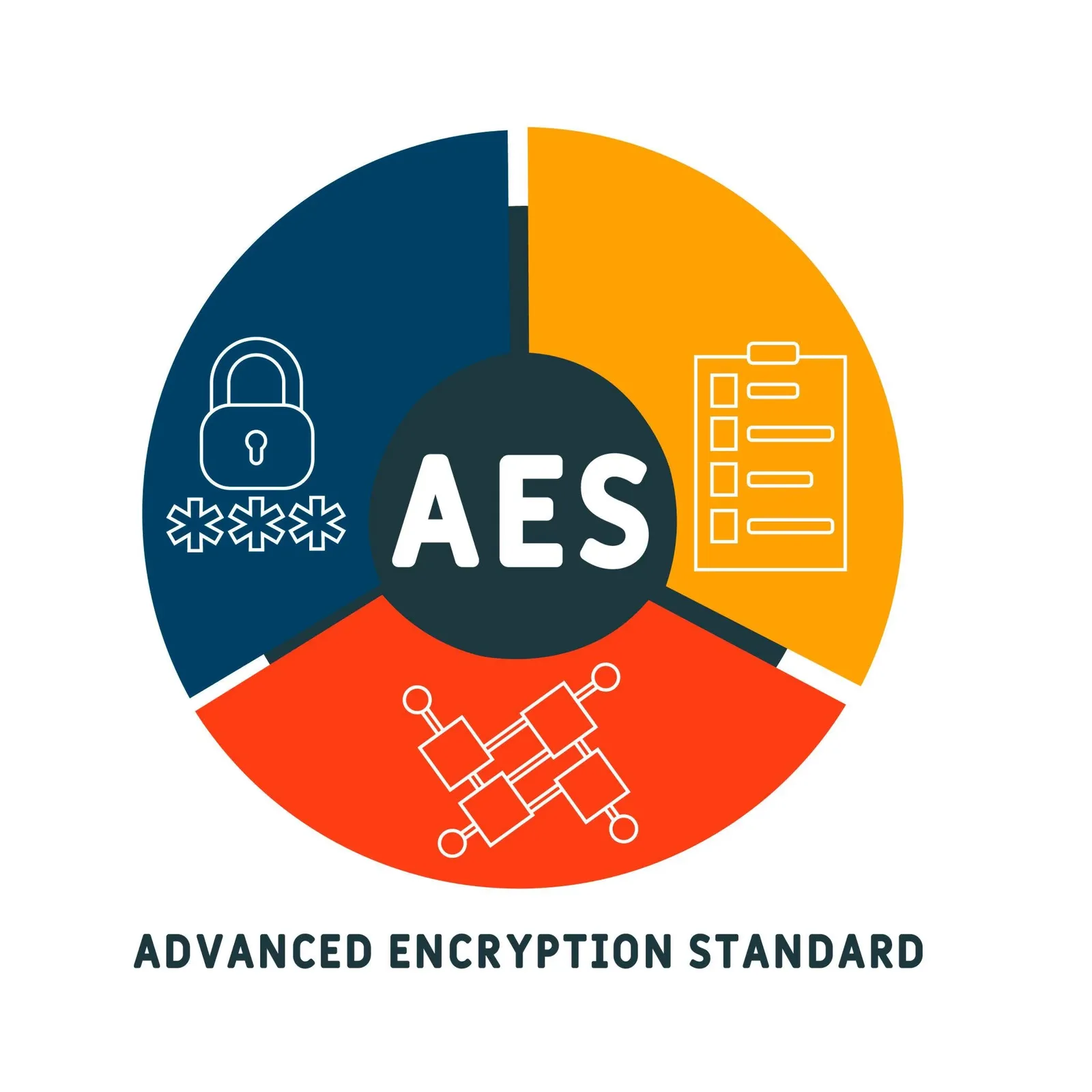
FastestVPN advertises encrypted protocols, a kill switch, DNS leak protection and NAT firewall functionality. Exact controls vary by platform, making hands-on testing important.
Split tunnelling can keep selected traffic outside the VPN. That improves compatibility but deliberately reduces coverage, so document which applications bypass the tunnel.
Privacy policy and trust
FastestVPN states a no-log policy and operates from the Cayman Islands. Buyers should read what connection, account, payment and diagnostic information the current policy defines.
Jurisdiction does not independently validate implementation. Clear technical documentation, app behavior and third-party assessment provide additional evidence where available.
Server network and protocols
The official server page is the right place to verify current countries, cities and specialty labels. A smaller nearby, well-provisioned network can outperform a larger distant list, so totals alone are not a quality score.
Automatic selection is a useful baseline. Test the specific locations you need because regional routing differs between ISPs.
Apps and device support
FastestVPN lists applications for common computers, phones, browsers, TVs, routers and other devices. Some platforms may rely on manual setup rather than equivalent native controls.
Confirm the current simultaneous-connection allowance and whether it applies equally to router-connected devices.
Who it suits
FastestVPN can suit budget-conscious households and users who need ordinary encrypted browsing on several devices.
It is a weaker fit for buyers requiring extensive public audits, a very large specialist network or a service-level promise of benchmark performance.

Realistic performance expectations
WireGuard is the logical starting point for everyday performance, but protocol choice is only one variable. Distance, server load, ISP routing, Wi-Fi quality, device processing and the destination all affect the result. No responsible VPN review can promise a fixed percentage of retained speed.
Test the service on the same devices, networks and times of day you actually use. Check sustained downloads, video calls, latency, sleep/wake reconnection and kill-switch behavior; a single browser speed test is not a complete assessment.
Pricing and value
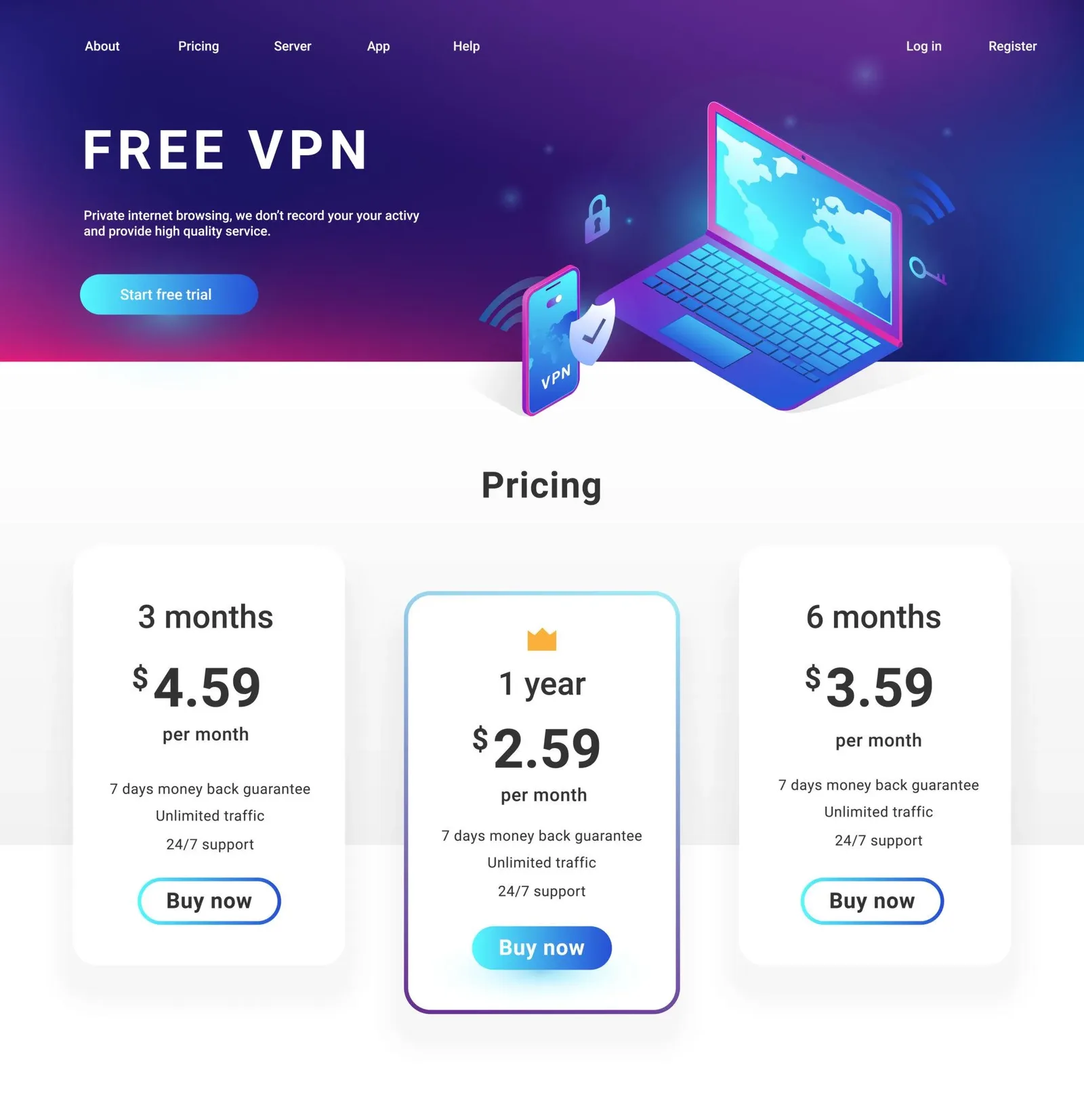
The provider frequently promotes multi-year or long-duration offers. Compare the actual service term, renewal language, included devices, optional dedicated IP and refund conditions.
A low upfront equivalent is valuable only if the apps remain suitable throughout the commitment; test critical networks early.
How to evaluate FastestVPN on your own network
Begin a FastestVPN evaluation by writing down the job the VPN must perform. Public Wi-Fi protection, remote access, travel, peer-to-peer traffic and reducing routine tracking are different requirements. List the countries, devices and networks involved, then identify which failures would be unacceptable. This prevents a long feature list from outweighing the two or three capabilities that determine whether the service will remain installed after the first month.
Install FastestVPN on the oldest and newest supported devices in the household rather than testing only a fast desktop. Confirm installation permissions, sign-in, update behavior, sleep and wake reconnection, and whether the interface explains the active protocol and exit location. Mobile operating systems can suspend background activity, while company-managed devices may restrict VPN profiles. Record those differences instead of assuming that one successful connection proves equivalent behavior everywhere.
Test the automatic location first because that is what most people will use daily. Then select the nearest city manually and any distant region needed for real work. Repeat the same download, upload and latency checks at several times of day, using the same local network and destination. The objective is not to publish a universal speed ranking; it is to discover whether FastestVPN behaves consistently on the routes that matter to this buyer.
A browser benchmark is only one observation. Add a sustained file transfer, a video call, ordinary browsing with many small requests and a large software download. Watch for stalls, not merely the highest number. If performance changes, compare protocols and connection methods one variable at a time. Keep the unprotected baseline for context, but remember that ISP routing and congestion can change between tests even when the VPN configuration remains identical.
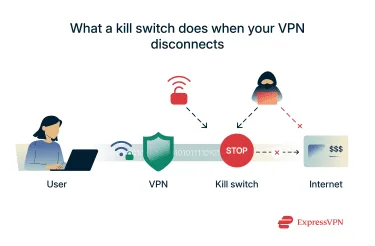
Verify the kill switch deliberately on a non-sensitive test session. Start traffic, interrupt the tunnel and observe what happens before reconnection. Repeat after sleep, a Wi-Fi-to-mobile handoff and an application restart. Some controls operate system-wide while others protect selected applications or only work when the client is open. A labelled switch is useful evidence of intent, but observed behavior on the actual operating system is what determines the residual risk.
Run DNS, IPv4 and IPv6 leak checks using more than one reputable diagnostic site, then compare the results with the expected VPN location. Browser WebRTC behavior should also be reviewed, although a local private address is not automatically evidence that the public ISP address leaked. If an unexpected address appears, identify its owner and repeat the test after reconnecting before reaching a conclusion. Screenshots with time, platform and server make support conversations much more productive.
Pros and cons
What stands out
- Budget-oriented long-term offers
- Support for mainstream platforms
- Core leak and kill-switch controls
- Straightforward use case for household browsing
What to consider
- Brand name can create unrealistic speed expectations
- Public technical assurance is less extensive than some rivals
- Long commitments increase service-change risk
- Native feature parity varies by platform
Final verdict
FastestVPN is best assessed as a budget VPN, not as a guaranteed speed champion. It may be good value when its nearby servers and apps perform reliably in your own tests.
Read long-duration terms carefully and avoid buying solely on a large discount percentage.
FastestVPN FAQ
Is FastestVPN always the fastest VPN?
No. Performance depends on route, load, protocol, device and ISP; the name is not a measurable guarantee.
Does FastestVPN keep browsing logs?
The provider states a no-log policy. Review the current policy for account, diagnostic and connection-data definitions.
Are lifetime plans literally permanent?
Read the offer terms for how service lifetime, device limits, support and product changes are defined.
Does it include a kill switch?
The feature is advertised on supported apps, but behavior and availability should be tested per operating system.
Is its ad blocker antivirus?
No. Domain filtering does not replace local malware scanning, updates and backups.
Official sources
Key takeaways
- The service supports common VPN protocols and multiple device platforms.
- Ad and malware-domain filtering is an additional layer, not endpoint antivirus.
- Lifetime-style offers deserve scrutiny for service term, limits and sustainability.
- Published server and app pages should be checked because network details change.
More in Virtual Private Network
Browse Virtual Private Network