Technology reviews & practical guides
Figma review for 2026: Starter vs Professional ($16) vs Organization ($55) vs Enterprise ($90) Full seats, Dev and Collab seats, AI credit limits, free plan caps, refunds and who should pay.
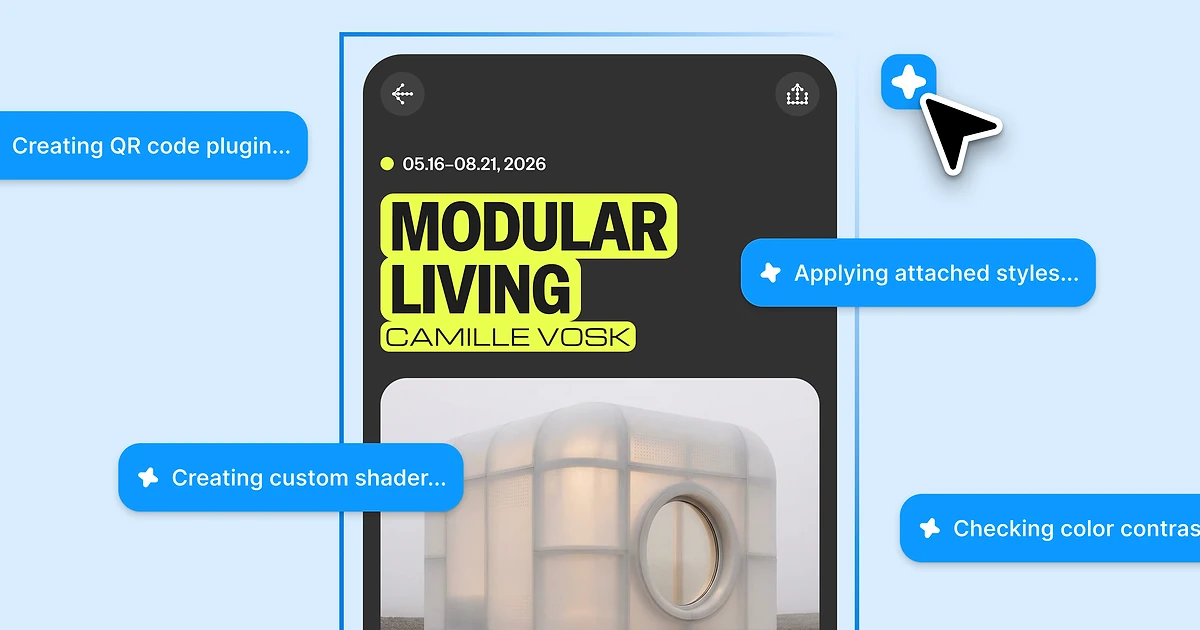
Figma in October 2026 is no longer just a design editor you open in a browser tab. One paid Full seat now bundles Figma Design, Dev Mode, FigJam, Figma Slides, Figma Sites, Figma Make and the Figma agent, and every seat also comes with a monthly allowance of AI credits.
That makes the price harder to read than it used to be. The seat sets your monthly bill, but the AI credits decide how much of the newer tooling you can actually use, and Figma enforces both. Seat credit limits have been enforced since March 18, 2026. Credit add-ons were re-sized on August 25, 2026, and the Figma agent and Weave tools started using credits when they reached general availability on October 6, 2026.
This review covers what each plan and seat costs a solo designer, a small team and a large company, what the free Starter plan really allows, how far the AI credits stretch, and the billing rules worth knowing before you add a card. All prices and quotes come from Figma's pricing page, pricing FAQ and help centre.
Affiliate offer
Start free with unlimited drafts, then add paid Full, Dev or Collab seats only for the people who need them.
Figma is a collaborative design platform that runs in the browser, with desktop apps for macOS and Windows. Several people can edit the same file at once, comment on it and hand it off to developers without exporting anything.
What you buy now is a suite. Figma's pricing FAQ says that "The Full seat includes full access to all Figma products, including Figma Design, Dev Mode, Figma Slides, FigJam, and Figma Sites" and that "you cannot buy Figma Design on its own." In practice that means:

The bundle is good value if your team really uses several of these tools. If you only need a vector editor for a few screens, you are paying for a lot you will not open.
Figma charges per seat, and the price depends on both the plan and the seat type. These are the prices listed on figma.com/pricing in October 2026:
"Free limited access to Figma products" with "Unlimited drafts | UI kits and templates | 150 AI credits/day, up to 500 AI credits/mo".
Figma's pricing page opens with the Annual toggle selected, so the Professional prices above assume you pay for a year up front. Paying month to month costs more per seat, and seats added part-way through an annual term are billed at the monthly price (see the billing section below).
View seats are free on every plan, so stakeholders who only need to look and comment add nothing to the bill. Figma does not offer a nonprofit discount ("We do not have any discounts for non-profits," says its pricing FAQ). Students and educators can get free access through Figma for Education, covered in the FAQ below.
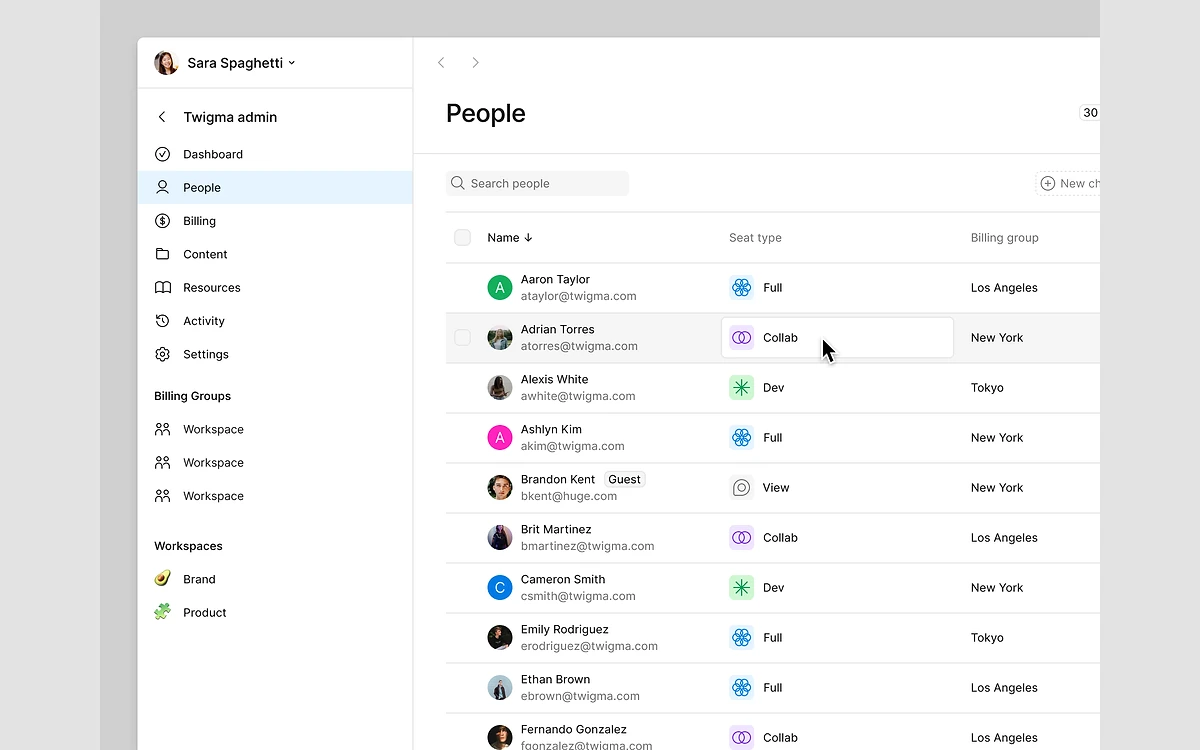
The seat type decides which products a person can use. Figma's help centre lists four seat types: "Full, Dev, Collab, or View". The differences that matter most:

A common mistake is giving every developer a Full seat. If they only inspect designs and grab specs, a Dev seat costs $4 a month less on Professional ($12 vs $16), $30 less on Organization ($25 vs $55) and $55 less on Enterprise ($35 vs $90).
The setting that controls who gets a paid seat also matters. Figma offers three options: "Manually approve seats", "Manually approve, unless seat is available (default)", and "Auto-approve seats". With the last one, "If there are no seats available, a new seat will be purchased", so any request to edit can add a paid seat to your bill without anyone approving it.
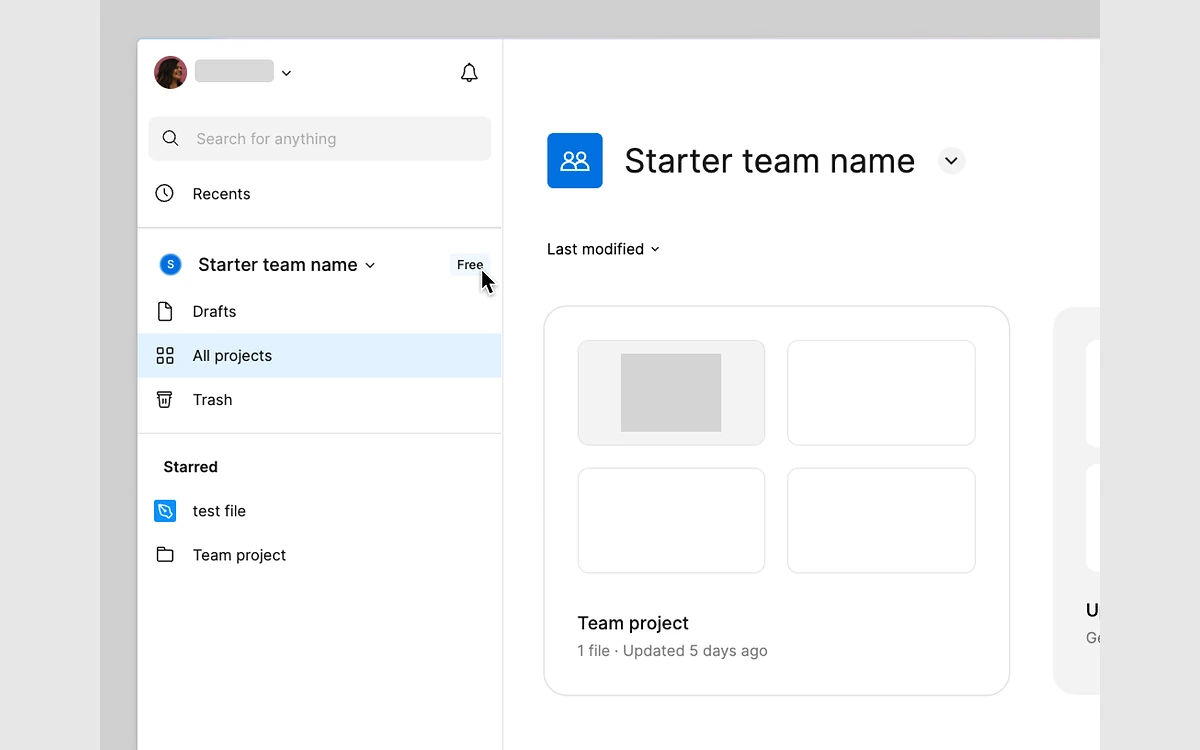
Starter is a real way to learn Figma and do small personal projects, but it is built to push teams onto a paid plan. According to the help centre it includes Figma Design, FigJam, Figma Slides, Figma Draw, Figma Sites, Figma Buzz and Figma Make, but "Dev Mode is not available on the Starter plan."
The limits that matter:

The three-file cap and the missing team libraries are what usually push people to upgrade. Unlimited drafts help a solo user, but drafts cannot be shared for editing, so they are not a way around the team limits.
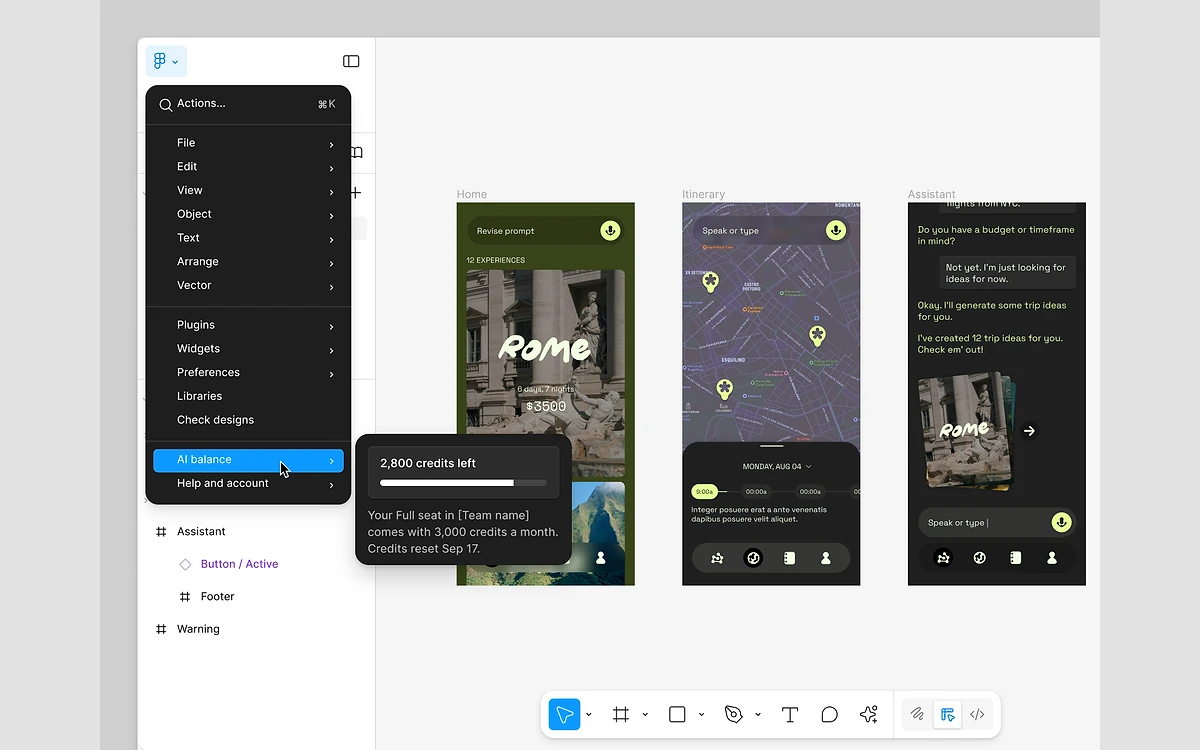
Every Figma AI feature now draws from a monthly credit allowance tied to the seat. The help centre gives these allowances per seat per month:
What things cost, using Figma's published consumption rates as of October 6, 2026:

Do the math and the limits feel tight. A Professional Full seat's 3,000 credits cover roughly ten agent runs the size of Figma's own checkout example, or around thirty "app from scratch" prompts in Make. Dev and Collab seats get 500, which is barely two agent runs. If you only use background removal and the odd generated image, you will never notice the cap.
Figma Weave has a separate pool: the help centre notes there are "Figma Weave AI credits - these two pools are separate."
Figma announced paid credit add-ons in December 2025, starting March 11, 2026, and said that "starting on March 18, 2026, we will enforce all seat credit limits." On August 25, 2026 the add-ons were changed "to include more credits for the same cost": "2x more credits on the Professional plan, and 1.6x more credits on the Organization and Enterprise plans". Current add-on prices are only shown in the admin dashboard, so check there before you budget.
The billing terms for add-ons are different by plan. On Professional, "the AI credits subscription is a month-to-month subscription, even if your plan is on annual billing". On Organization and Enterprise it is "an annual subscription that aligns with your existing Figma contract term", and you can "Downgrade or cancel only during the 30-day renewal window".
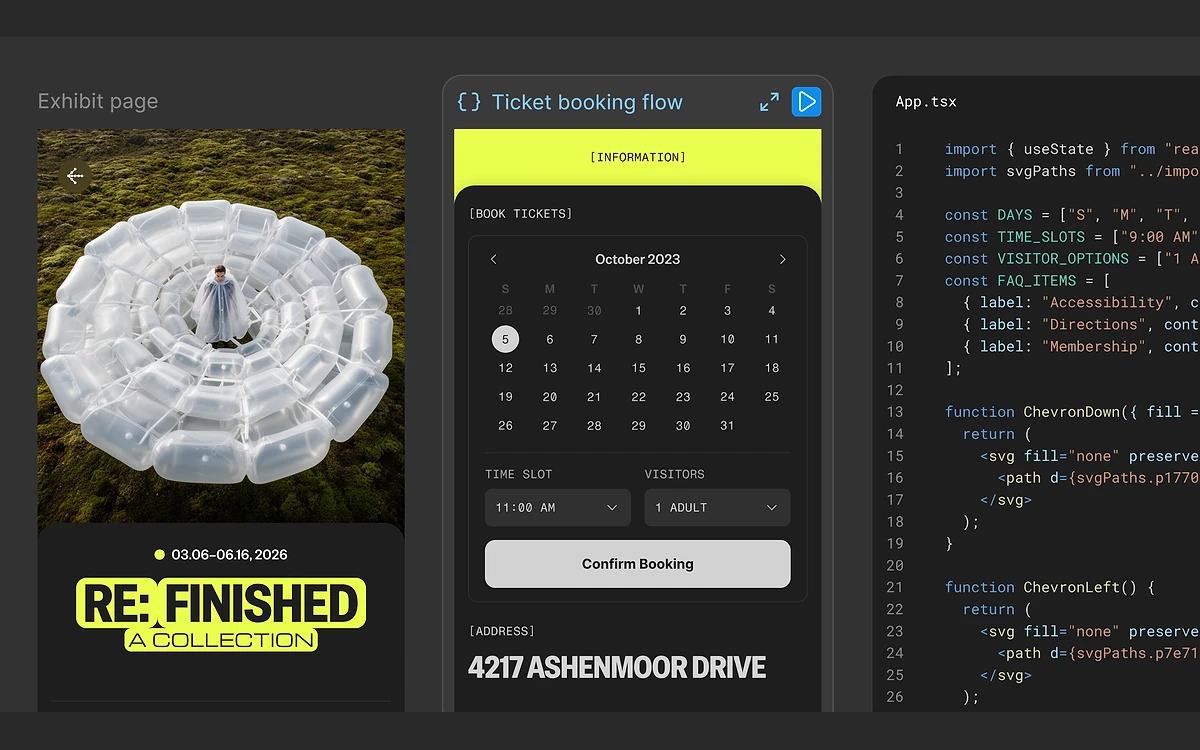
At Config 2026 (Figma's June 24, 2026 recap) the company announced "code layers, Figma Motion, shaders, generative plugins and Weave tools, all on the canvas." The changes that matter most for a buyer:

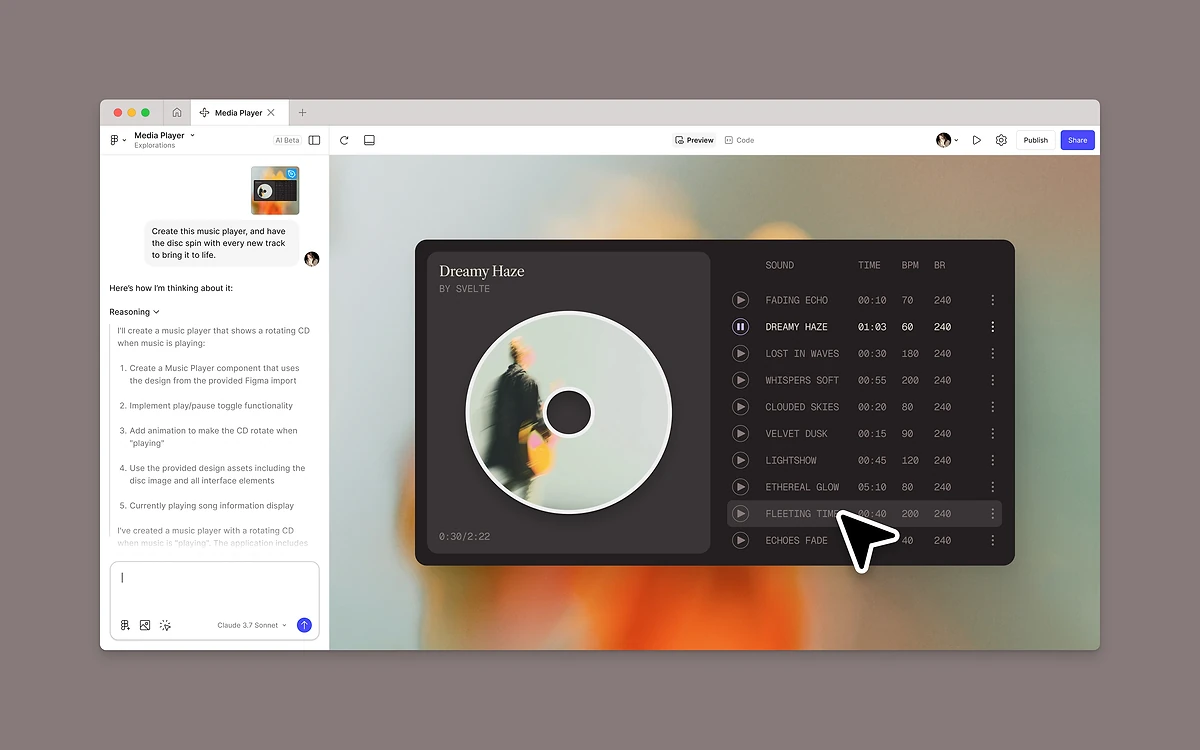
Figma Make is the strongest of the AI tools for quick prototypes: you describe an app, it writes the code, and you can click through the result. Only Full seats get full Make access, though, and each app-sized prompt costs 100+ credits, so heavy Make users will run into the credit cap long before the seat price becomes the problem.
This is where Figma is least friendly, so read it before committing to an annual plan.
Combine auto-approved seats with no prorated refunds and a single editing request can add a seat you pay for until the end of the contract. Switch the seat approval setting to "Manually approve seats" and review requests yourself.
If you often work on planes or with poor connections, this is a real limit. Figma is cloud-first, and the files live on Figma's servers rather than on your disk.
Figma went public in 2025: it priced 36,937,080 Class A shares at $33.00 each, with trading on the NYSE under the ticker "FIG" expected to start on July 31, 2025. That means it publishes quarterly results, which gives buyers more visibility than a private company would.
In its second-quarter 2026 results, released August 5, 2026, Figma reported revenue of $370.1 million, up 48% year over year, and 15,964 paying customers with more than $10,000 in annual recurring revenue. It reported net dollar retention of 136% and guided full-year 2026 revenue to about $1.46 billion. Figma is not going anywhere, but a public company that is growing fast also has every reason to keep making money from AI through credits and add-ons.
For most product designers and small teams, Professional is the right plan. At $16 a month per Full seat billed annually, with Dev seats for developers and free View seats for everyone else, it is still the best value collaborative design tool around. Set seat approvals to manual, buy only the Full seats you need, and keep an eye on AI credits if you lean on Make or the agent.
Move up to Organization when several teams share one design system and you need central administration, and accept that the Full seat price more than triples. Enterprise is for companies that need its governance and security controls and have a procurement team to negotiate terms.
Stay on Starter if you are learning, working on a personal project or only ever touching three files. If you are a student or teacher, apply for Figma for Education before you pay anything.
New to the editor itself? Our beginner's tutorial walks through designing a first app screen by screen.
A Professional Full seat costs $16 a month billed annually, and paying month to month costs more. On Professional, Dev seats are $12 and Collab seats $3. On Organization (billed annually) seats are $55 / $25 / $5, and on Enterprise they are $90 / $35 / $5. View seats are free.
Yes, the Starter plan is free. You can make unlimited drafts, but you only get 3 Design or Sites files, 3 FigJam files and 3 Slides files, plus 30 days of version history, no team libraries, no Dev Mode and up to 500 AI credits a month (150 a day).
No. Figma states that "Payments for Figma subscriptions are non-refundable." Cancelling a Professional plan moves your team to Starter at the end of the billing period. Organization and Enterprise customers must contact support to cancel and get no prorated refund for removed or downgraded seats.
You cannot use credit-based AI features until your allowance resets next month, unless your team buys an add-on. Figma has enforced seat credit limits since March 18, 2026. Seat credits reset monthly, do not roll over and cannot be shared between people.
Only if they need Dev Mode. A free View seat is enough to view and comment. A Dev seat ($12 a month on Professional, billed annually) adds full Dev Mode, and it costs less than a Full seat on every plan.
Yes. Figma for Education gives verified students and educators free access: K-12 schools get the Enterprise plan, while higher education, approved bootcamps and secondary schools get Professional. The help centre says verification lasts one year for students and two years for educators.
Only to a limited degree. Offline you can keep working on pages already loaded in the session, without version history, and Figma has no plans for a full offline mode. The iOS and Android apps cannot edit Figma Design files or Slides decks, although FigJam can be edited on iPad.
More in Services & Software
Browse Services & Software