Technology reviews & practical guides
A figure-checked Framer review for October 2026: per-site plans from $10, $20 editor seats, AI credits after Framer 3.0, CMS and bandwidth limits, refunds, and why there is no code export.
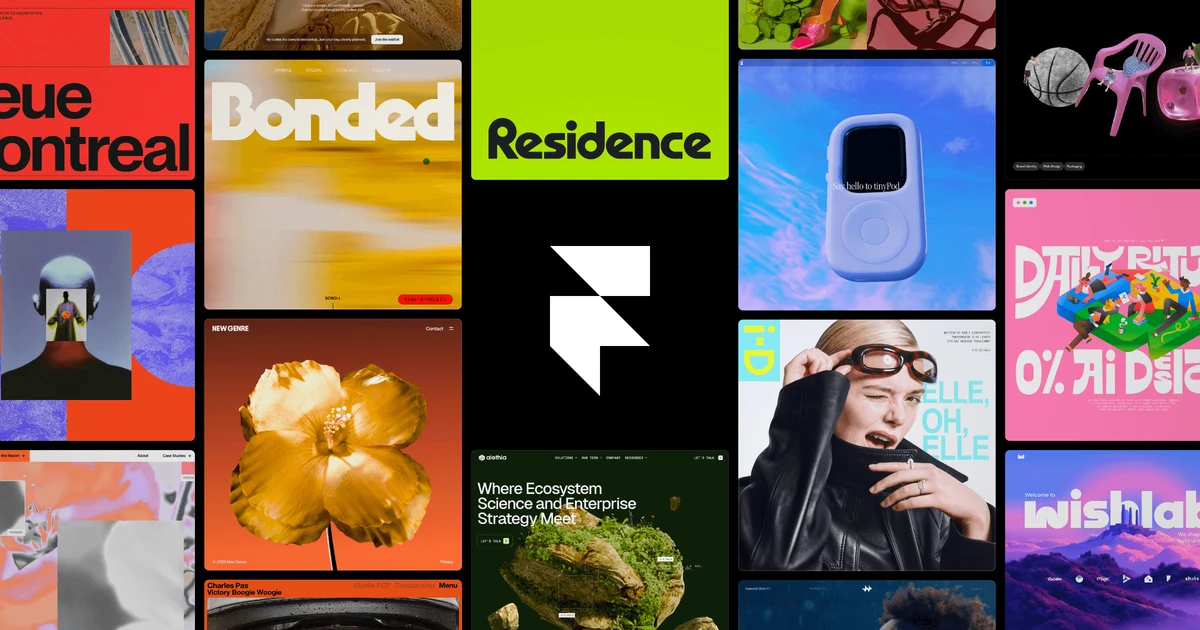
Framer started as a design tool and is now one of the most talked-about no-code website builders, especially with designers who want a canvas that feels like Figma but publishes a real, hosted site. 2026 changed a lot about it: a new billing system in May, Framer 3.0 with AI agents on the canvas in June, cheaper editor seats, a bigger Basic plan and a string of autumn updates such as CMS List Fields, Skills and a Firewall.
This review works from Framer's own pricing page, help center and blog as of October 15, 2026. It covers what each plan really costs once you add seats and add-ons, where the limits bite, how AI credits work, and the trade-off that decides whether Framer is right for you: there is no code export and no self-hosting.
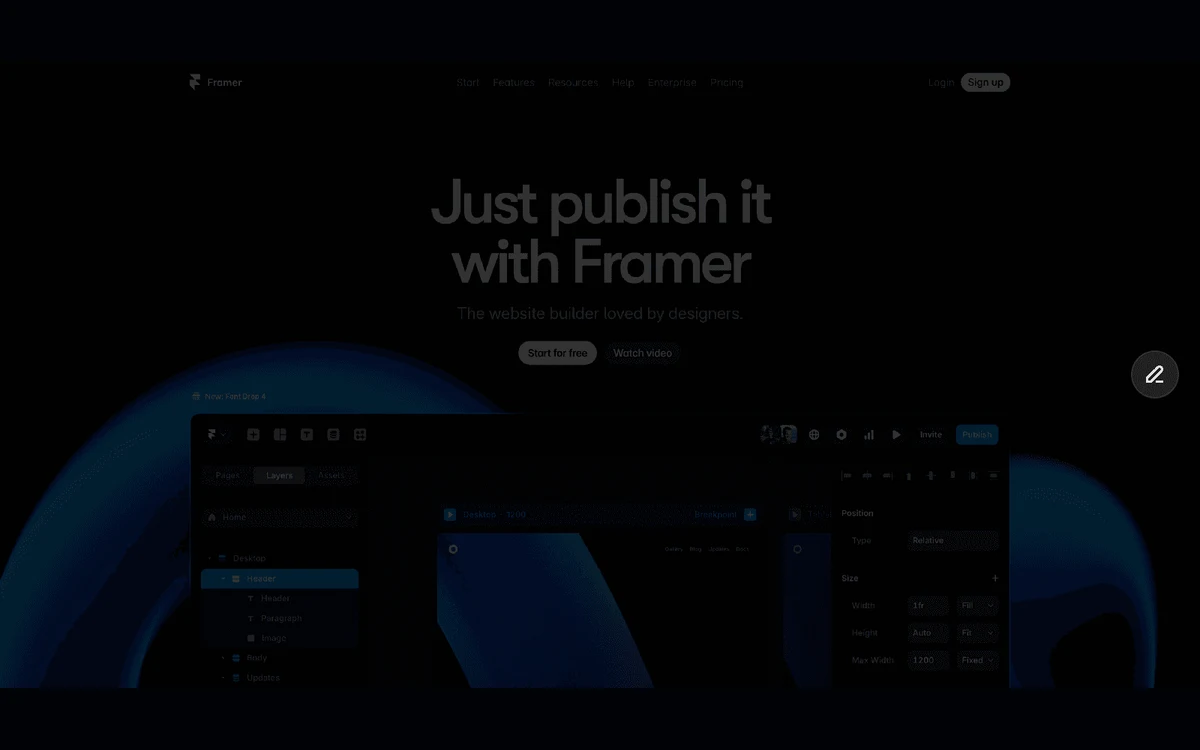
Framer is a visual website builder from Amsterdam. The company says it started in 2015 and launched its professional site builder in May 2022. In August 2025 TechCrunch reported a $100M Series D at a $2B valuation, led by Meritech and Atomico, with co-founders Koen Bok (CEO) and Jorn van Dijk.
You design on a free-form canvas, add a CMS, animations and interactions, and publish to Framer's own hosting. There is no separate hosting bill and no server to manage - but also no way to take the site elsewhere, which this review comes back to below.

Framer sells plans per site, not per account. Each website you publish needs its own site plan, and collaborators are billed as seats on top. Prices below are the per-month figures Framer shows with yearly billing selected; sales tax is added at checkout based on your location.
Paid plans remove the Framer branding, and yearly billing includes a complimentary custom domain. Framer does not publish monthly-billing prices next to the yearly ones in the same view; its billing help article says only that monthly billing typically costs more than the equivalent monthly cost of an annual subscription. Check the toggle on the pricing page before you commit.
Framer says the number of editors and the price per editor depend on the highest-tier site plan in the workspace, and you are charged within 24 hours of adding an editor. If you bought a plan before October 9, 2025, it counts as a legacy plan and Framer says your current subscription price stays the same.
Basic at $10 and Pro at $30 are yearly-billing prices shown per month, per site. A team of three on one Pro site pays $30 for the site plus 2 x $20 for the extra editors - $70 a month before any add-ons.
Because sites, seats and add-ons are billed separately, the headline price is rarely the bill. Three worked examples using Framer's listed prices (yearly billing, before tax):
Overages add a variable layer. Pages, CMS collections, CMS items and bandwidth can be extended on Pro in fixed blocks (details in the limits section), and AI credit top-ups are sold separately. Agencies running many client sites should remember that every published site needs its own plan.
Framer has no free trial on Basic or Pro - the first month comes with double AI credits instead, and the Free plan is the way to try it. Students can host a portfolio or personal site for free, a perk Framer values at $120 a year, with 1,000 free AI credits a month. Eligible startups can get a free year of Pro, which Framer says saves $360. For open-source or non-revenue side projects, the pricing FAQ says Framer can be flexible with its limits.
Framer 3.0 put AI agents directly on the canvas. They can generate pages from scratch or from a screenshot, and edit existing layouts. Every AI action draws on a monthly credit pool: Basic includes 1,000 credits a month, Pro 3,000, and the Free plan 500 to try. Framer describes the Free allowance inconsistently across its pages, so do not count on it refilling.

In practice, Basic's 1,000 credits cover roughly three landing-page generations on the default model, or one or two on Opus 4.8. Pro's 3,000 covers about ten. That is enough to draft and iterate, but heavy agent use belongs on Pro or on an external tool over MCP. Skills, added on September 22, 2026, let you package repeatable instructions for the agent.
If you run out of credits, AI features pause but the editor, CMS and publishing keep working. Localization also stays fully accessible - only new AI translations stop.
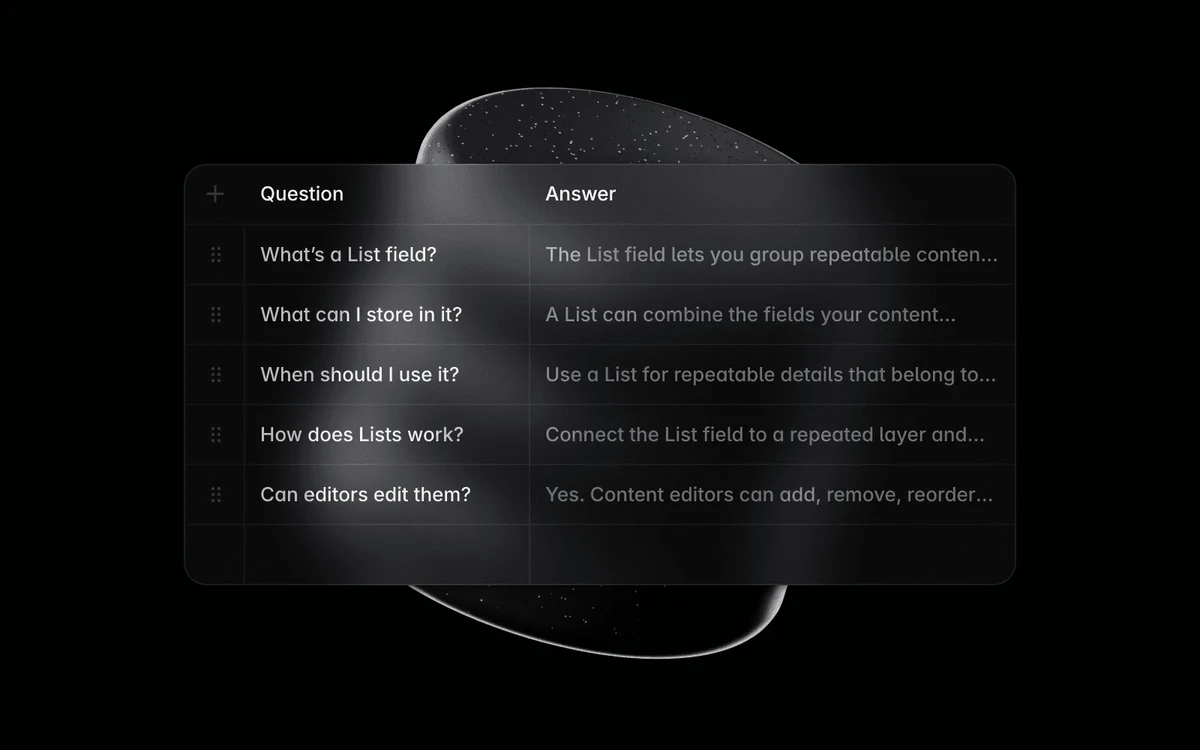
Framer's CMS is collection-based: you define fields, fill items and bind them to page templates. The September 2026 List Field adds repeatable sub-items, such as question-and-answer pairs, inside a single CMS entry.

Framer does not cap visitors. The limits that matter are bandwidth and analytics events. Some limits simply ask you to upgrade; bandwidth is softer. Framer lets you go over for one month with an email and a banner, prompts you to upgrade in the second month, and says ongoing overages may lead to an automatic upgrade or an overage fee.
On paper the Free plan is roomier than Basic in places: Framer's FAQ lists 10 CMS collections, 1,000 pages, 5 MB file uploads and one free locale, plus collaboration with up to three editors. The catch is everything else - a Framer subdomain only, 1 GB bandwidth, the Made in Framer banner, and Framer's own note that Free is ideal for non-commercial use.
Basic and Pro can add up to 20 translation locales at $20 per locale. Framer says it translates user-generated content into more than 200 languages, and Auto Translate covers CMS content as well as pages. Generating AI translations consumes AI credits, which is easy to miss when budgeting a large multilingual site.
For clients and marketing teams who should not touch the layout, on-page editing lets people edit text, images, component properties and CMS content without opening the canvas. Those changes must be reviewed and published by a collaborator with publishing permissions. Pair it with the $10 Content Editor seat and you get a reasonable, cheaper workflow for non-designers.
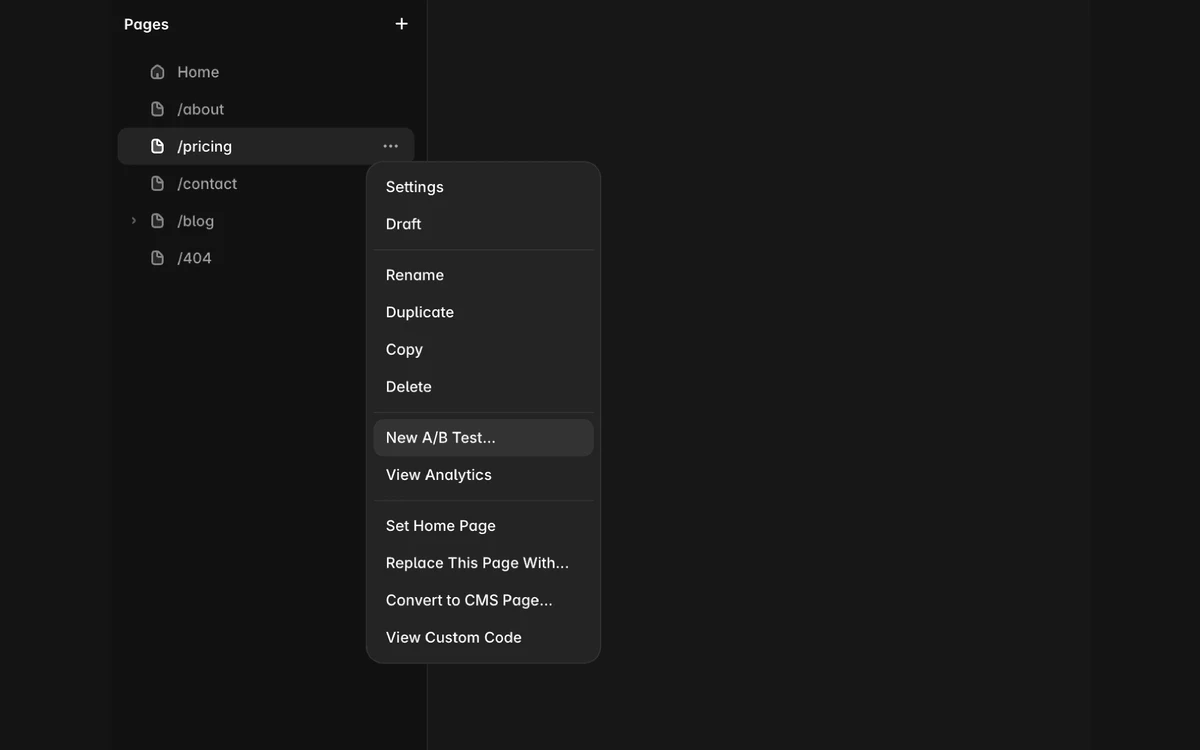
Built-in analytics do not use cookies; Framer says they are GDPR-compliant and need no cookie banner. Unique visitors are counted within a 1-day window. A/B testing, funnels and triggers come with the Convert add-on at $50 per 500,000 events, with up to 5 A/B tests and up to five variants in total per page.

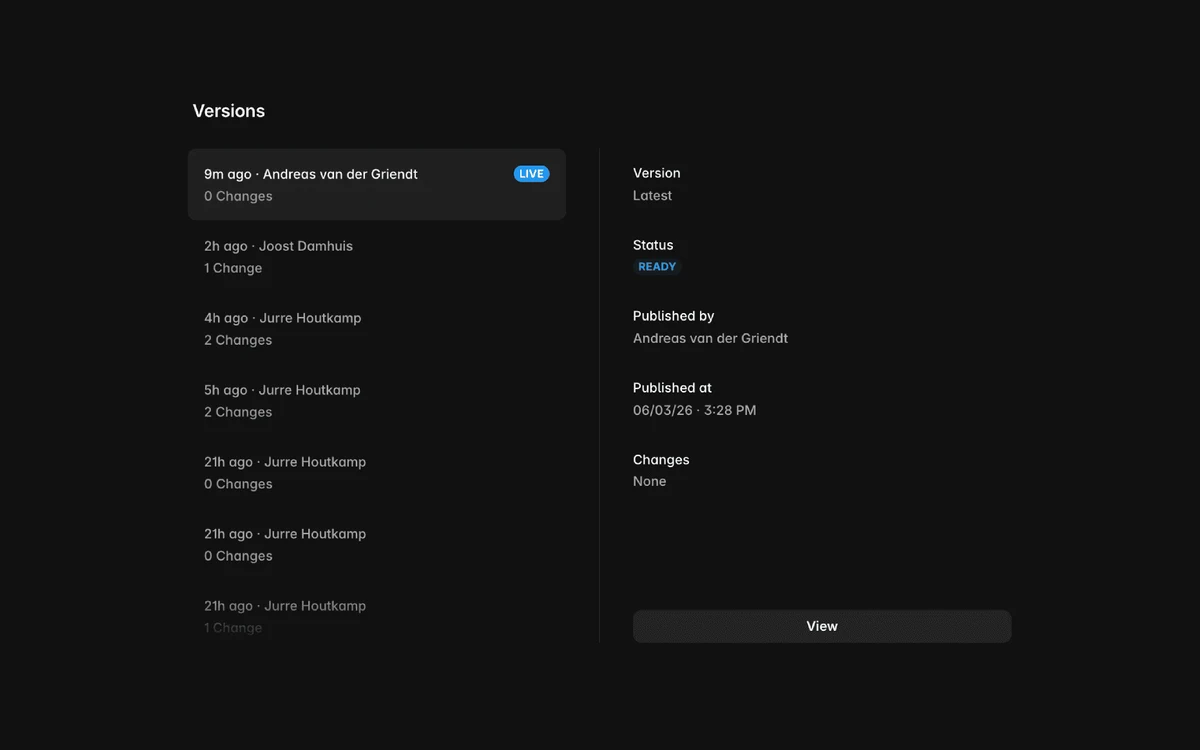
Pro adds a staging environment and branching with previews, but staging only works once a custom domain is connected. Every publish is kept as a version you can inspect and roll back to.

The Advanced hosting add-on costs $200 on Pro and is included on Enterprise. It covers up to 6 rewrites for reverse-proxy setups, 6 firewall rules and up to 500 static files; Enterprise includes up to 50 firewall rules. The Firewall itself shipped on October 1, 2026 and is limited to Advanced hosting and Enterprise.
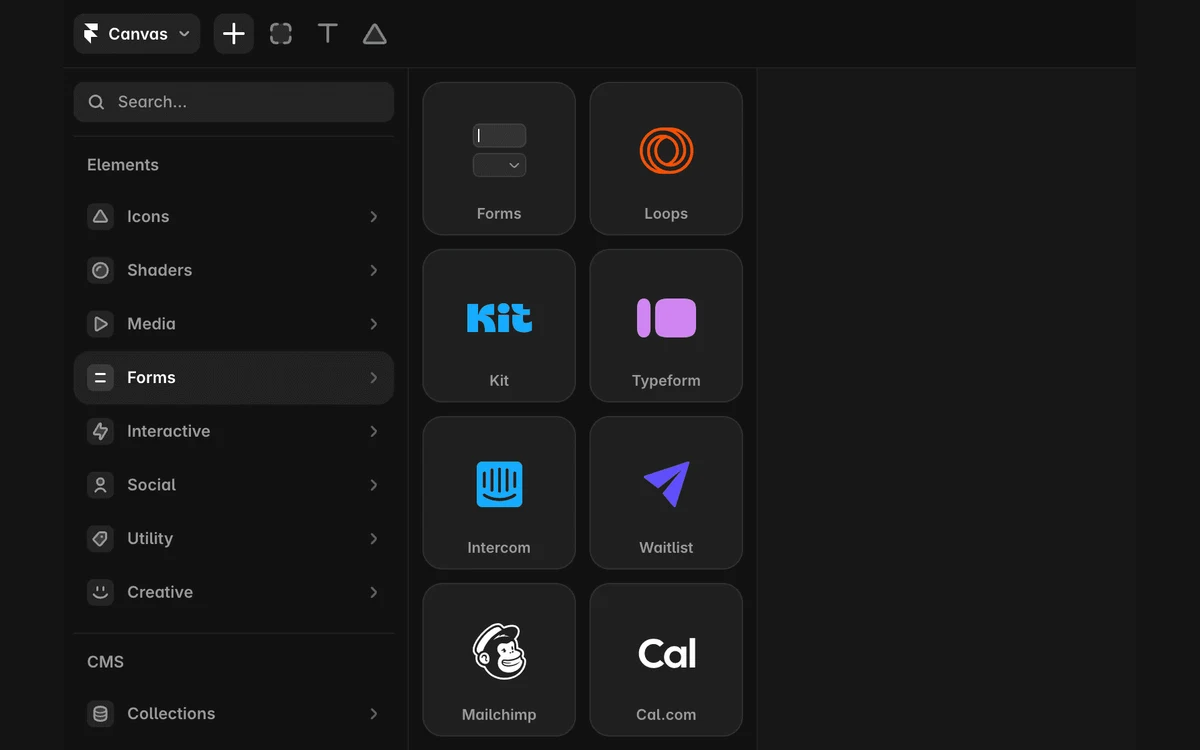
Forms are built in: submissions can go to email, Google Sheets or custom webhooks, with spam protection and rate limiting included. Integrations such as Typeform, Mailchimp, Loops, Kit, Intercom and Cal.com sit in the same Insert panel.

This is the point to settle before you build anything substantial. Framer's help center says plainly that it does not offer HTML export for self-hosting, and that if you need complete control over hosting infrastructure or need to export source code, Framer may not be the right solution.
Your site lives on Framer's hosting for as long as it exists. If prices rise or a limit stops fitting, moving means rebuilding elsewhere. Developers can extend Framer with React-based code components, overrides, plugins and a Server API, but that code still runs inside Framer.
One more 2026 change worth noting: since June 16, Marketplace templates and components no longer go through a review before publishing, so check what you install.
Framer's own comparison pages are unusually candid about where rivals fit better. In its words:
Read together, the split is clear. Framer wins on design freedom, motion and the speed of going from canvas to live site. Webflow is the safer choice if you need code export or large CMS volumes. Wix and Squarespace are better for online stores, bookings and all-in-one business tooling, which Framer does not try to cover.
Payments are processed by Stripe. The short refund window is the strongest argument for building on the Free plan first and upgrading only when the site is ready to go live.
Framer is the best-feeling visual builder for designers, freelancers and startups who want a polished marketing site, portfolio or landing pages live quickly, with real animation and a CMS that covers blogs, changelogs and case studies. The 2026 changes made it cheaper for teams, with $20 editor seats and $10 content editors, and the AI agents are genuinely useful for first drafts.
Choose Framer if design quality and speed matter more than portability. Choose something else if you need code export, a full online store or very large CMS volumes.
Framer costs $10 per month for Basic and $30 per month for Pro per site with yearly billing, and Enterprise is custom. Extra full editors are $20 each and content editors $10 each; the workspace owner and viewers are free. Monthly billing costs more, and sales tax is added at checkout.
No, not for Basic or Pro. The Free plan is the trial: you can build and publish on a Framer domain with a Made in Framer banner. Paid plans get double AI credits in the first month, and only Enterprise offers a trial on request.
No. Framer does not offer HTML export or self-hosting, and its own help center says Framer may not be right if you need to export source code. Sites always run on Framer's hosting.
Framer lets you exceed bandwidth for one month and notifies you by email and banner. In the second month it prompts you to upgrade, and ongoing overages may lead to an automatic upgrade or an overage fee. There is no visitor cap.
Yes, within 7 days of the initial purchase worldwide or 14 days in the EU and Turkey. Unused time in an active term is not refunded, downgrades become account credit, and consumed usage add-ons such as credits or bandwidth are non-refundable.
No. Monthly credits that go unused do not roll over, and top-ups expire at the end of the calendar month. Credits are shared across all projects in the workspace.
Not for Framer's built-in analytics. Framer says they use no cookies, are GDPR-compliant and do not require a cookie banner. Any third-party scripts you add are a separate matter.
More in Services & Software
Browse Services & Software