Google Keep Review 2026: Still Free, but Reminders Moved and AI Costs Extra
Google Keep in 2026: free with a Google Account, reminders now in Google Tasks, Keep Live for Google AI subscribers. Features, limits, privacy and alternatives.
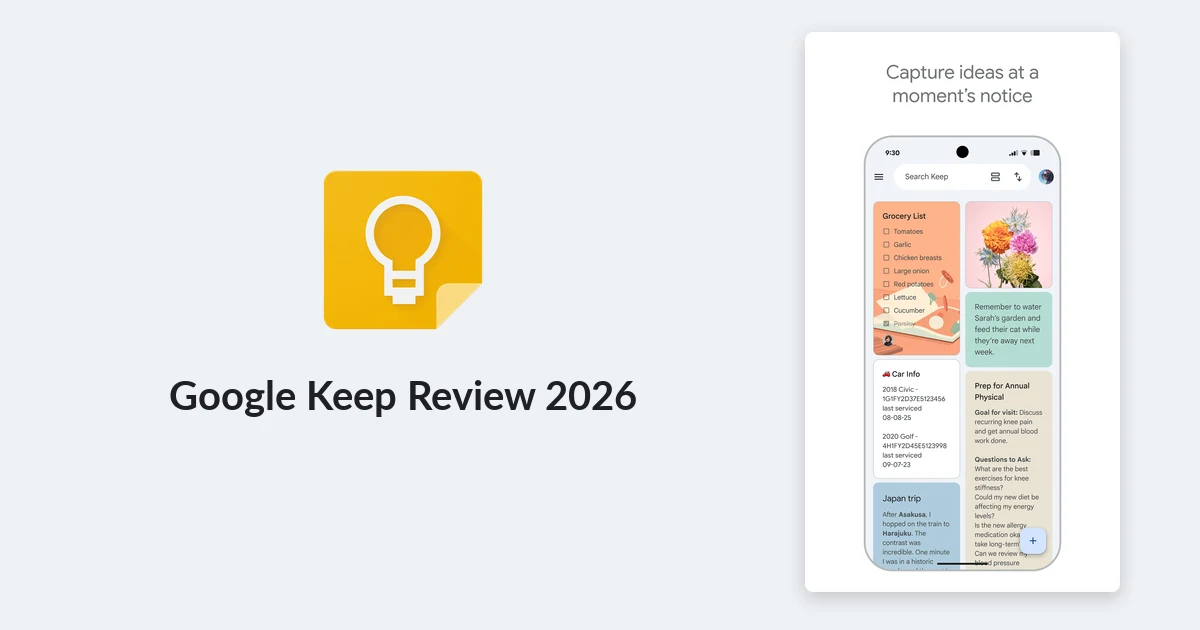
Google Keep is the note app most people already have without ever choosing it. It ships on Android phones, sits one click away at keep.google.com, and costs nothing beyond a Google Account. That makes it easy to overlook and easy to underrate.
The last year changed Keep more than the five before it. Reminders moved out of Keep and into Google Tasks, location-based reminders disappeared, and on 3 September 2026 Google launched Keep Live, a voice feature that turns speech into organized notes - but only for paying Google AI subscribers. This review looks at what the free app still does well, what now lives elsewhere, and what you only get by paying.
What Google Keep is in 2026
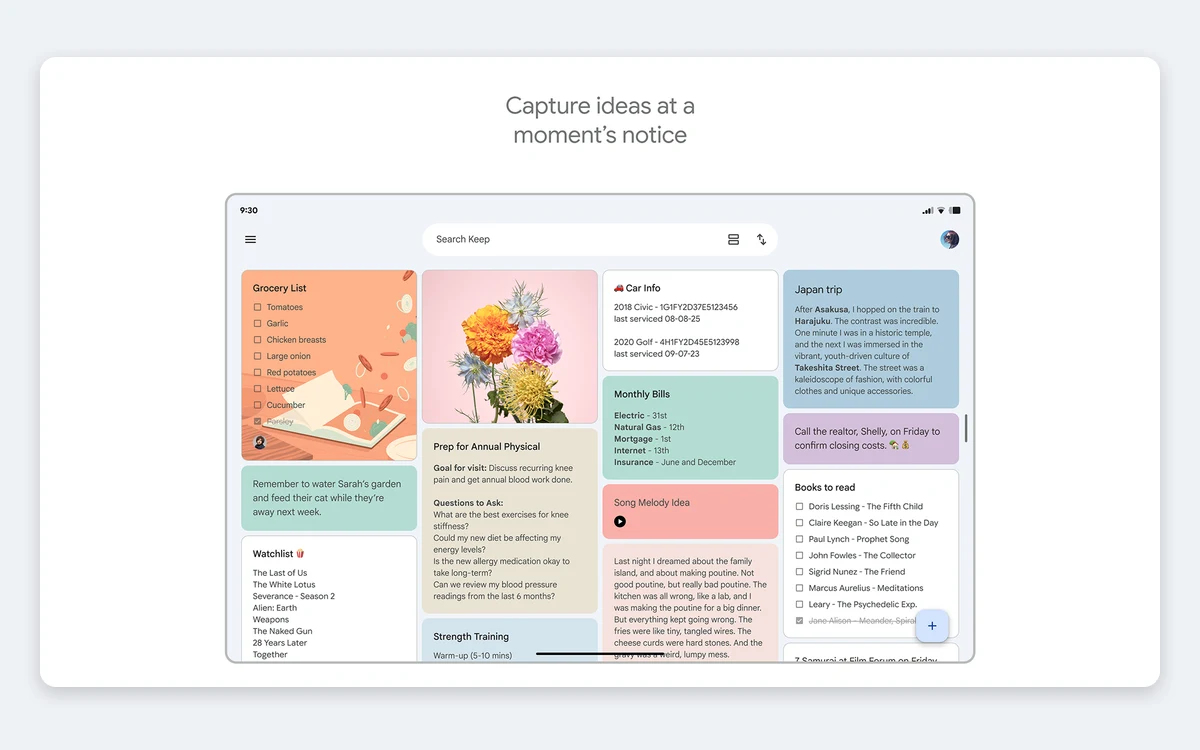
Keep is a quick-capture notebook. Notes appear as cards in a grid, you can color them, pin them to the top, label them and archive them. There are no folders, no nested pages and no rich document editor. The point is speed: open the app, type or speak, close it.
On Android, Google lists five note types: audio, image, drawing, list and text. The same notes sync to the web app, the iPhone app and a Wear OS watch, where you can create notes from your wrist.
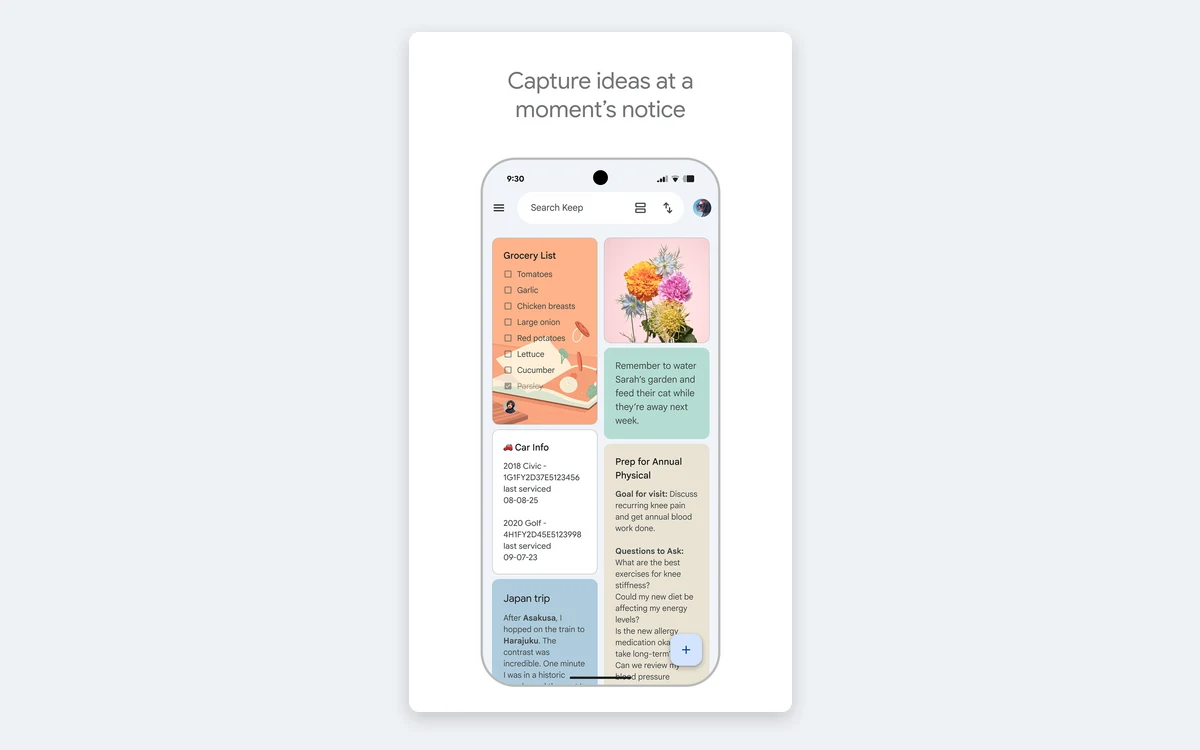
If you want a place to plan a project, write long documents or build a personal wiki, Keep is not that tool, and it does not pretend to be. If you want a shared grocery list that your partner can tick off from another phone, few apps do it with less friction.
What Google Keep costs
Keep has no price of its own and no paid Keep tier. It is free with any Google Account. What you can end up paying for is storage, Gemini features, or a business Workspace plan - and each of those is sold as part of a bigger Google bundle.
- Free: every Google Account includes up to 15 GB of storage, shared across Gmail, Google Drive and Google Photos. Keep notes and attachments count against it.
- Google One Basic: 100 GB of storage for about $1.99 a month in the US. Google's own plan page does not show this price in the capture we used, so treat it as approximate.
- Google AI Pro: $19.99 a month or $199.99 a year in the US, with 5 TB of storage. This is the tier that unlocks Gemini in Keep and Keep Live.
- Google AI Ultra: starts at 20 TB of storage. Google's US page does not list a price.
- Google Workspace: from $7 per user per month for Business Starter (30 GB pooled per user), $14 for Business Standard (2 TB) and $22 for Business Plus (5 TB), all in USD. Enterprise is priced through sales.
Google One plans let you share storage with up to five other people, and Google says annual billing saves up to 16%. Workspace also advertises a 16% saving with a one-year commitment, and at the time of our check it was running introductory discounts of 50% off Starter and Standard for three months and 30% off Plus.
About Google AI Plus
Google also sells a mid tier called Google AI Plus. Its storage and price vary by country: the US page lists 400 GB with no price shown, while other regions show 2 TB. Check the price in your own Google One account before buying it for Keep features.
The old Google One Premium plan no longer exists. The current line-up is Basic, Google AI Plus, Google AI Pro and Google AI Ultra.
Notes, lists, labels and drawings
The core feature set has barely moved, and that is mostly a good thing. You get text notes, checklists you can reorder and tick off, image notes, voice recordings and freehand drawings.
- Labels: up to 50 per account. They act as Keep's only real organization system, since there are no folders or notebooks.
- Colors and backgrounds: each note can take a color or a background from a gallery. On shared notes, your labels, colors and pins are visible only to you.
- Drawing: pen, marker, highlighter, eraser, select and a grid, and you can draw on top of images - handy for marking up a screenshot or a floor plan.
- Photos: pictures taken inside Keep are not added to your phone's photo library, which keeps receipts and whiteboard snaps out of your camera roll.
- Pinning and archiving: pinned notes stay on top, archived notes leave the grid without being deleted.
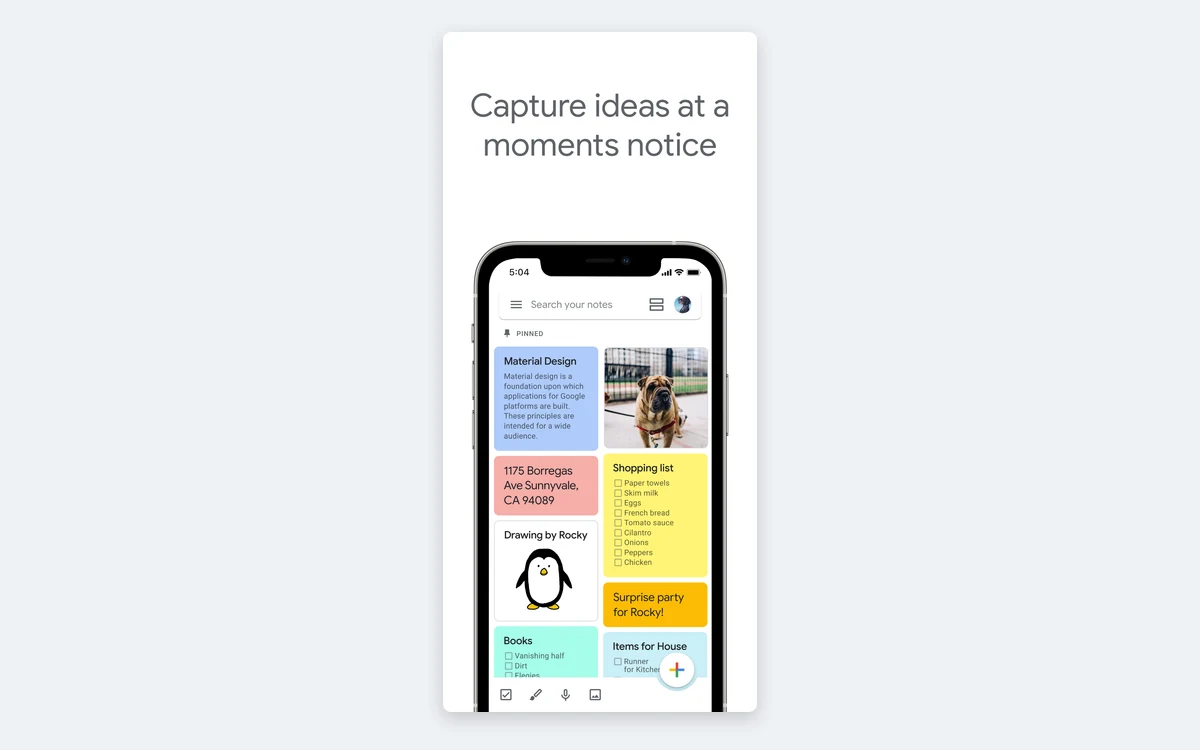
Search is fast and covers note text, and you can filter by type, label or color. What you will not find is formatting depth: there are no tables, no code blocks, no backlinks and no templates. Keep's developer API reference caps note text at under 20,000 characters and a list at under 1,000 items. Google's help center does not publish these limits, so read them as the technical ceiling rather than a promise, but they confirm Keep is built for short notes.
Sharing and collaboration
Sharing is where Keep earns its place on many phones. You can share a note with other people so they can edit the text, lists, images, drawings and audio recordings in it. You add collaborators by name, email address or Google Group, and edits sync within seconds.
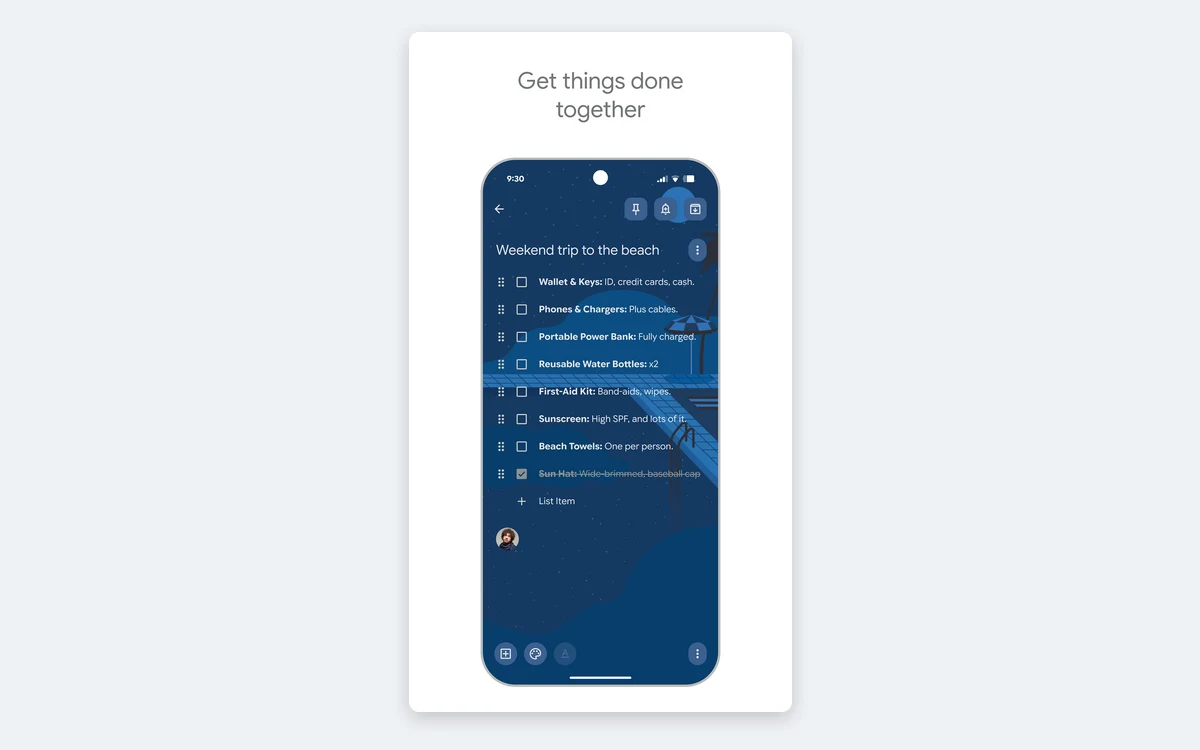
There is one sharp edge to know about: if you delete a shared note that you own, Google deletes it for everyone. Collaborators do not keep a copy. For anything important that more than one person relies on, the owner should archive rather than delete.
There are no permission levels. Everyone on a note can edit it, and there is no comment thread or version history. For a household list that is fine; for team documentation it is not.
Reminders now live in Google Tasks
This is the biggest change for long-time users. Starting 13 October 2025, Google began moving Keep reminders into Google Tasks, with a wider rollout reported in January 2026. It covers personal accounts, Workspace Individual and all Workspace business customers.
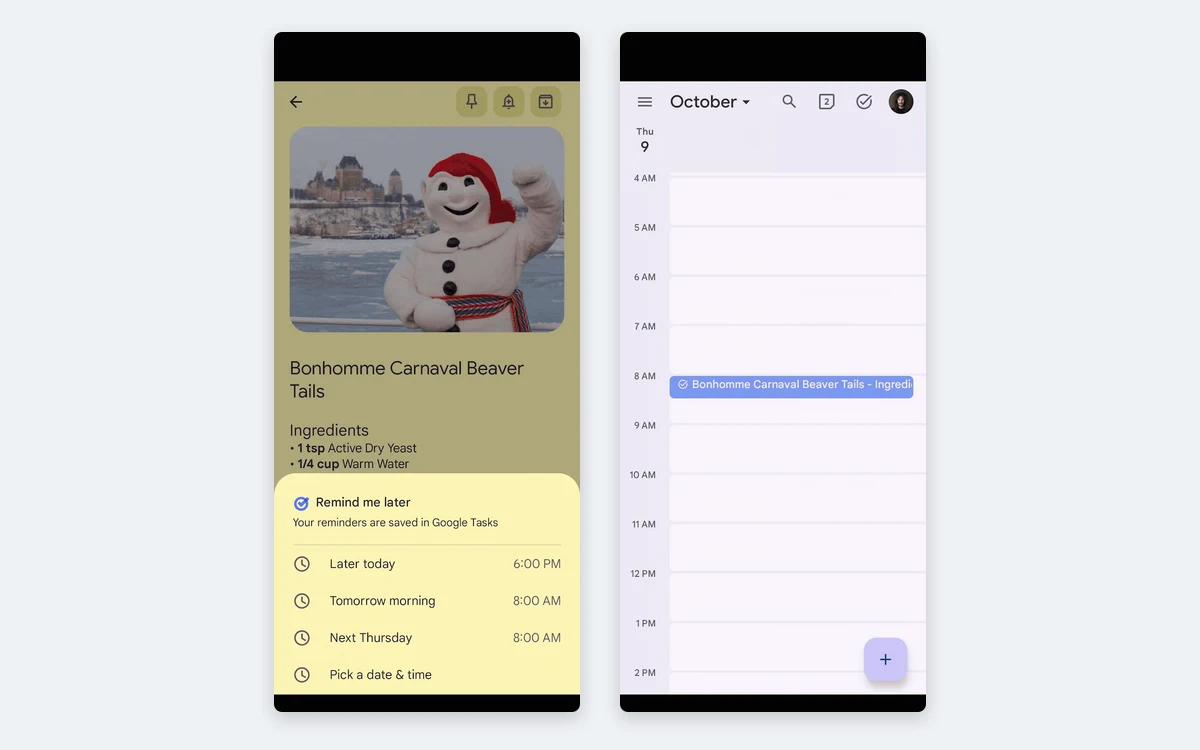
- You no longer get reminder notifications from Keep itself. They come from Tasks.
- Location-based reminders are gone. You can no longer create them or receive them.
- Non-repeating reminders older than a year land in a Tasks list called Old Google Keep Reminders.
- Tasks has a limit of 100,000 tasks. If you had more Keep reminders than that, the oldest ones did not migrate.
- In Workspace, if an admin has the Tasks service turned off, the organization's reminder data does not migrate at all.
If you relied on location reminders
Keep and Tasks no longer offer them. If a reminder that fires when you arrive at the supermarket was the reason you used Keep, you will need a different app for that job.
In practice the change makes Keep simpler, and Tasks is a better home for dated to-dos. But it also means Keep is no longer a one-stop capture-and-remind app, and anyone recommending it on that basis is working from old information.
Gemini and Keep Live: the paid layer
Keep's AI features sit behind Google's paid plans. According to Google's help center, Gemini in Keep is available with Google AI Pro and Google AI Ultra, or on a Pixel phone. It includes Help me create a list, which is currently Android only, and Generate title for untitled notes.
Keep Live launched on 3 September 2026 after a preview at Google I/O in May. Google describes it as a way to talk to Keep and have it capture, structure and refine your ideas into organized, actionable notes. It is rolling out to Google AI subscribers - the launch post names Plus, Pro and Ultra, while the help page lists Pro and Ultra - on Android first, with Workspace business accounts marked as coming soon.
Separately, the Gemini app can add items to your existing Keep lists if you turn on Keep Activity and mention @Google Keep in the prompt. That part works without a Keep-specific subscription, subject to Gemini's own availability.
Our read: none of this is a reason to pay on its own. If you already subscribe to Google AI Pro for Gemini or storage, Keep Live is a pleasant extra for dictating messy thoughts. If you only want notes, the free app is the product.
Where Keep runs and what it connects to
- Android and iPhone apps, plus note creation on Wear OS watches.
- Web app at keep.google.com, supported on the two most recent versions of Chrome, Firefox, Edge and Safari.
- No official Windows or Mac desktop app. The old Keep Chrome App was retired in February 2021.
- The Keep Chrome extension is still offered, but since 5 December 2022 notes created in it do not save automatically.
- Google Docs and Slides have a Keep side panel, and you can right-click text to Save to Keep. On the web you can also copy any note to a Google Doc.
- Google Messages gained a Keep Notes shortcut in its plus menu in September 2026, so you can drop a note into a chat.
The integrations are all inside Google's world. There is no Zapier-style automation built in, no Markdown export and no plugin system. If your work lives in Docs and Gmail, that is fine. If it lives in Notion, Slack or a code editor, Keep will feel like an island.
Export, privacy and data control
You can take everything out with Google Takeout. The export includes note text and list items, attachments such as voice recordings, drawings and images, note colors, pinned and archived states, collaborators and your list of labels. That is a complete export, though it is not in a format other note apps import cleanly without some conversion.
Google does not advertise end-to-end encryption for Keep. Notes are stored on Google's servers in the same way as other Google account and Workspace data, so do not use Keep for passwords, recovery codes or anything you would not put in a Google Doc.
Workspace customers on eligible editions get data regions: Keep note text and titles, images, drawings and audio recordings can be pinned to the US or the EU. That matters for companies with residency rules and is not available on personal accounts.
Google Keep vs Evernote, OneNote and Obsidian
Keep competes on speed and price, not depth. Against the note apps we have already reviewed, the trade-offs are clear:
- Evernote: far more organization, web clipping and search inside attachments, but it now costs real money for serious use. Keep wins if you only need quick notes and shared lists.
- OneNote: free, with a full notebook-section-page structure and much richer pages. Better for students and long notes, heavier for quick capture.
- Obsidian: local Markdown files, backlinks and plugins. Better for a knowledge base you control, but there is no built-in real-time sharing like Keep's.
- Capacities and similar object-based tools: stronger for connected ideas, but they ask you to learn a system first.
Many people end up running Keep alongside one of these: Keep for the grocery list, parking spot and quick phone capture, and a heavier tool for anything that needs structure.
Verdict: who should use Google Keep
Use Keep if you want a free, fast, shared scratchpad that works on every phone and browser, and you are already signed in to Google. Its shared checklists are still among the best in any app, and the Docs integration is genuinely useful.
Look elsewhere if you need long-form notes, structure, offline-first files, strong privacy guarantees or location-based reminders. And do not pay for Google AI Pro just for Keep Live - pay for it only if you already want the rest of the bundle.
Frequently asked questions
Is Google Keep free?
Yes. Keep has no paid tier and is free with any Google Account. Notes count against the 15 GB of free storage shared with Gmail, Drive and Photos, and you only pay if you buy more storage, a Google AI plan for Gemini features, or Google Workspace.
Does Google Keep still have reminders?
Not inside Keep. Since October 2025 Keep reminders are saved to Google Tasks, and notifications come from Tasks. Location-based reminders were removed and can no longer be created.
Which plan do I need for Keep Live and Gemini in Keep?
A Google AI subscription. Gemini in Keep works with Google AI Pro or Ultra, or on a Pixel phone. Keep Live is rolling out to Google AI subscribers on Android first; Google's launch post names Plus, Pro and Ultra, and Workspace business accounts are listed as coming soon.
How long can a Google Keep note be?
Keep is designed for short notes. Its developer API reference limits note text to under 20,000 characters and lists to under 1,000 items; Google's help center does not publish a limit. You can have up to 50 labels.
Can I export my Google Keep notes?
Yes, through Google Takeout. The export includes text, list items, images, drawings, audio, colors, pinned and archived states, collaborators and labels. On the web you can also copy individual notes to Google Docs.
Is Google Keep end-to-end encrypted?
Google does not advertise end-to-end encryption for Keep. Notes are stored on Google's servers like other Google account data, so keep passwords and other secrets out of it.
Is there a Google Keep desktop app for Windows or Mac?
No. Use the web app at keep.google.com in Chrome, Firefox, Edge or Safari. The Chrome extension still exists, but notes created in it have not saved automatically since December 2022.
What happens to a shared note if I delete it?
If you own the note, deleting it removes it for everyone you shared it with. Collaborators do not keep a copy, so archive shared notes instead of deleting them if others still need them.
Key takeaways
- Google Keep is still completely free with a Google Account; there is no paid Keep tier.
- Reminders moved to Google Tasks from October 2025, and location-based reminders are gone.
- Keep Live and Gemini in Keep require a paid Google AI plan; Google AI Pro is $19.99 a month in the US.
- Shared checklists and Google Docs integration remain Keep's strongest features.
- There are no folders, no desktop app and no advertised end-to-end encryption, so heavier note-taking belongs in another tool.
More in Services & Software
Browse Services & Software