Technology reviews & practical guides
An independent Hostinger review covering plans, renewals, performance, WordPress, backups, migration, support, and suitable workloads.

Hostinger is a broad website platform offering shared web hosting, managed WordPress options, cloud hosting, VPS products, domains, email-related services, and a website builder. Its low introductory prices and guided hPanel experience make it attractive to first-time site owners, but a useful review must look beyond the first checkout total.
This Hostinger review examines plan boundaries, renewals, performance features, backups, security, migration, support, and the workloads that fit shared hosting. Product bundles and prices change by market and term, so current checkout details should always take precedence over figures preserved in an article.
Hostinger's beginner-facing products combine hosting with a custom control panel called hPanel. Users can connect domains, install applications, manage files and databases, create email services where included, inspect usage, configure backups, and access security tools without working directly from a server shell.
Shared and managed hosting reduce administrative work by placing many infrastructure tasks with the provider. In exchange, the customer receives defined resource limits and less low-level control than a VPS. Cloud hosting offers additional resources and isolation, while a VPS creates substantially more system-administration responsibility.

The lowest displayed monthly equivalent commonly assumes a long prepaid term. A shorter commitment can have a different effective price, and renewal is normally higher than the introductory rate. Domain registration, privacy, mailbox service, backups, CDN features, staging, and site limits can also differ by plan and market.
Compare the first invoice plus the next renewal period with alternatives. A deep introductory discount can still be good value, but it should not hide the ongoing operating cost.

Hostinger promotes LiteSpeed-based hosting, caching tools, and CDN capabilities on eligible products. These can improve delivery, especially for WordPress, but real results depend on plan resources, site code, theme, plugins, images, database behavior, cacheability, audience location, and traffic patterns.
Choose a data center close to the primary audience where the plan permits it, then test from relevant regions. Use a repeatable page set and measure server response, Core Web Vitals, cache-hit behavior, and performance under realistic concurrency rather than relying on a single empty-page speed test.
Managed WordPress plans emphasize guided installation, updates, caching, staging or developer tools on eligible tiers, and a dashboard that reduces routine friction. They are suitable for blogs, brochure sites, portfolios, and small stores whose requirements remain within the plan limits.
Hostinger Website Builder is a separate approach for users who prefer a visual system over WordPress maintenance. The trade-off is portability: moving a conventional WordPress site is generally different from moving a site built inside a proprietary builder. Decide how important themes, plugins, custom code, and future migration are before choosing the tool.

Hostinger's backup schedule varies by product. Its support documentation currently describes weekly backups across hosting plans and daily backups for Web Business and higher plans, with options on some other products. Retention and manual-backup capability also vary, so verify the exact plan instead of assuming every tier is identical.
SSL, malware controls, account security, and platform hardening reduce risk but do not secure vulnerable plugins, weak administrator passwords, exposed API keys, or unsafe custom code. Enable multi-factor authentication, limit administrator accounts, update applications, and keep an external backup that can be restored without the hosting account.

Hostinger provides migration workflows for supported websites. Eligibility, number of migrations, required credentials, and handling of email or special configurations should be confirmed before purchase. Keep the old host active until the migrated site has been tested and DNS propagation is complete.
Support can assist with the hosting platform, but it is not automatically a development or site-management service. Define whether a problem belongs to infrastructure, WordPress, a theme, a plugin, DNS, email, or custom application code, and preserve logs and reproduction steps before contacting support.
Hostinger is most compelling for budget-conscious individuals and small organizations that want guided shared hosting, WordPress, or a builder without managing an operating system. It can support growing sites when the workload remains compatible with the selected resources and the owner monitors usage.
A specialist managed host may be better for mission-critical WordPress operations requiring deeper application support. A configurable cloud platform may be better for custom services, background workers, unusual runtimes, or architecture-level control. High-traffic commerce should be tested under expected load and reviewed for recovery and support requirements.
Choose the application before the plan. A small WordPress publication, visual-builder portfolio, WooCommerce store, and custom application have different update, resource, email, and recovery needs. Create a short requirement list covering expected traffic, storage growth, administrator count, mailbox needs, regions, integrations, and the acceptable recovery time after failure.
During setup, register the hosting account to a durable business address and enable multi-factor authentication. Keep the domain registrar and hosting account access documented even when both services come from one vendor. Configure DNS deliberately, issue SSL, select supported runtime versions, and remove unused themes, plugins, sample content, and administrator accounts before launch.
A launch checklist should include rollback. Record the prior DNS values, preserve the old site, and identify the person who can restore service. For a store or membership site, define how orders or user changes made during migration will be reconciled. A successful home-page load is not evidence that every application path survived.
Shared hosting can slow down or return errors when an account exceeds CPU, memory, process, database, storage, or inode constraints. Traffic volume alone does not predict load: an uncached dynamic request, inefficient query, backup plugin, import, crawler, or compromised site can consume far more resources than a cached page view. Monitor hPanel usage and investigate the cause before automatically upgrading.
Common failure modes include plugin conflicts after updates, expired domain or payment details, a mailbox reaching quota, DNS edits that break mail, backups stored only in the compromised account, and renewal surprise after a multi-year promotion. Assign ownership and calendar reminders for renewals, domain expiration, recovery tests, and periodic access reviews.
A realistic budget includes the prepaid hosting term, renewal, domain and privacy after any included period, email requirements, premium themes or plugins, developer help, backup storage, and migration time. For a simple brochure site, the platform can remain economical because hPanel reduces routine administration. For a revenue-critical store, support response and recovery time can matter more than the lowest monthly equivalent.
Alternatives should match the workload. Managed WordPress specialists can provide deeper WordPress tooling and support at higher cost. Traditional cPanel hosts may fit users who prefer that ecosystem. Website-builder services simplify design at the cost of portability. A VPS or cloud server provides more control but requires patching, monitoring, security, backups, and incident response.
Before leaving Hostinger, inventory domains, DNS, mailboxes, databases, files, cron jobs, redirects, certificates, and external services. Lower DNS TTL, create a final backup, test the destination with a temporary URL or hosts-file entry, then move traffic. Keep the source account until the destination has completed at least one independent backup and all mail flows are verified.
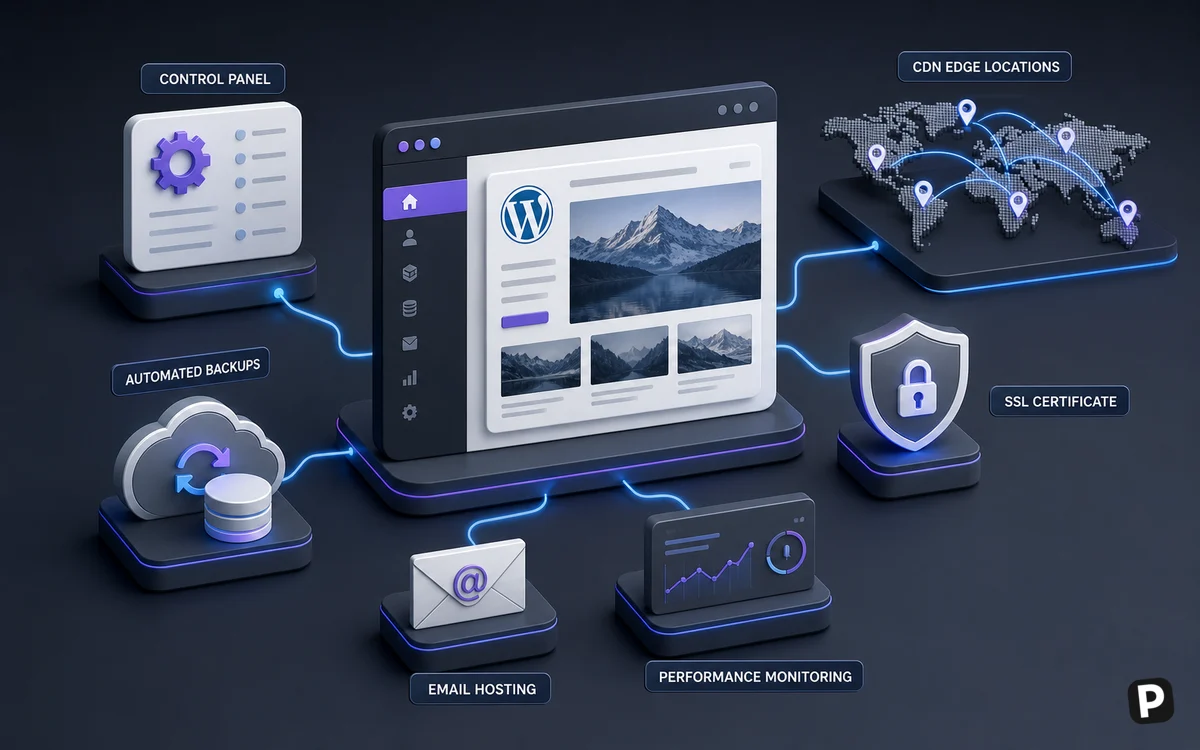
Growth should trigger measurement rather than an automatic platform change. Track resource peaks, uncached response time, database growth, storage and inode use, backup duration, deployment risk, and support incidents. Separate genuine audience growth from bot traffic and inefficient application work. A plan upgrade is effective when it addresses a measured constraint and leaves enough headroom for seasonal peaks.
Commerce sites need particular care because pages such as carts, accounts, and checkout cannot be cached like public articles. Test payment callbacks, inventory updates, taxes, shipping, transactional email, and background jobs under realistic conditions. Document how orders will be recovered if a restore rolls the database back. The acceptable recovery point for a brochure site may be unacceptable for paid transactions.
Content publishers should manage image sizes, revisions, crawler load, search indexing, analytics scripts, and plugin sprawl. Use a staging copy for major updates, but protect it from public indexing and customer data leakage. When adding a CDN or optimization layer, verify cookies, cache exclusions, logged-in behavior, and purging instead of enabling every switch at once.
Create upgrade and exit thresholds in advance: sustained resource saturation, support or recovery requirements outside the plan, repeated downtime, a need for custom services, or a total renewal cost approaching a better-suited platform. Clear thresholds prevent both premature migration and staying on an inadequate plan because moving feels difficult.
Review the plan after major campaigns and at least before every renewal. Remove abandoned staging copies and unused mailboxes, confirm the backup schedule, inspect administrator access, and repeat a small performance sample. Routine housekeeping can recover capacity and expose risk before a launch or billing deadline.
Its hPanel and guided setup are approachable, but the site owner still needs to manage content, application updates, security, and backups appropriate to the project.
Hosting promotions commonly discount the initial prepaid term. The checkout should display the applicable renewal terms; record them before purchasing.
No. Backup frequency and controls depend on product and plan. Verify the current specification and keep an independent backup.
It depends on the runtime and control required. Shared hosting has defined capabilities; cloud or VPS products may be more appropriate for custom services.
No host can compensate for every heavy theme, plugin, query, or asset. Test the actual site and optimize the complete delivery path.
Shared hosting fits conventional sites with modest operational needs. Cloud products add resources and managed convenience, while VPS plans provide system control and require significantly more administration. Match the product to the application rather than expected prestige.
Conventional WordPress and website files are generally movable, but email, DNS, databases, builder-created sites, and proprietary features require separate planning. Test exports and keep current credentials before beginning.
More in Services & Software
Browse Services & Software