Invideo AI review: what the new credit pricing actually buys
Invideo AI turns a text prompt into a finished video using 200+ models like Veo 3.1 and Sora 2. Our review breaks down the new credit-based Starter, Plus and Max plans, what a credit really buys, and whether the free tier is enough to test first.
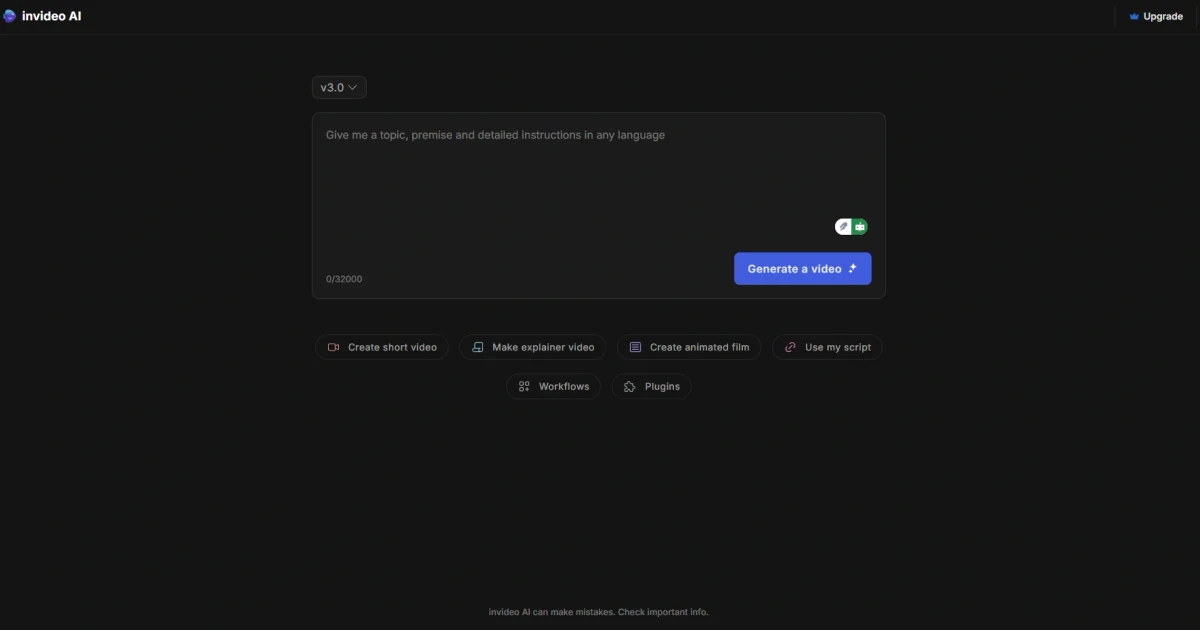
Invideo AI wants to collapse the whole video-production pipeline — script, visuals, voiceover, subtitles and music — into a single text prompt. You describe the video you want, and the platform's AI agents assemble a first cut that you refine by typing plain-English instructions.
That pitch is not new, but two things make Invideo worth a fresh look. It now routes prompts through more than 200 AI models, including heavyweight generators like Google Veo 3.1 and Sora 2. And it has rebuilt its pricing around credits, sold on annual-only Starter, Plus and Max plans — a change that makes "how much does a video cost?" a genuinely harder question to answer.
This review breaks down what Invideo actually does, how the credit system works, what each tier gives you, and whether the free plan is enough to test it before you commit to a year.
What Invideo AI is
Invideo AI is a text-to-video platform: you give it a prompt describing the video you have in mind, and it generates a publish-ready result complete with a script, visuals, an AI voiceover, subtitles and background music. Instead of assembling clips on a timeline from scratch, you start from a full draft the software builds for you.
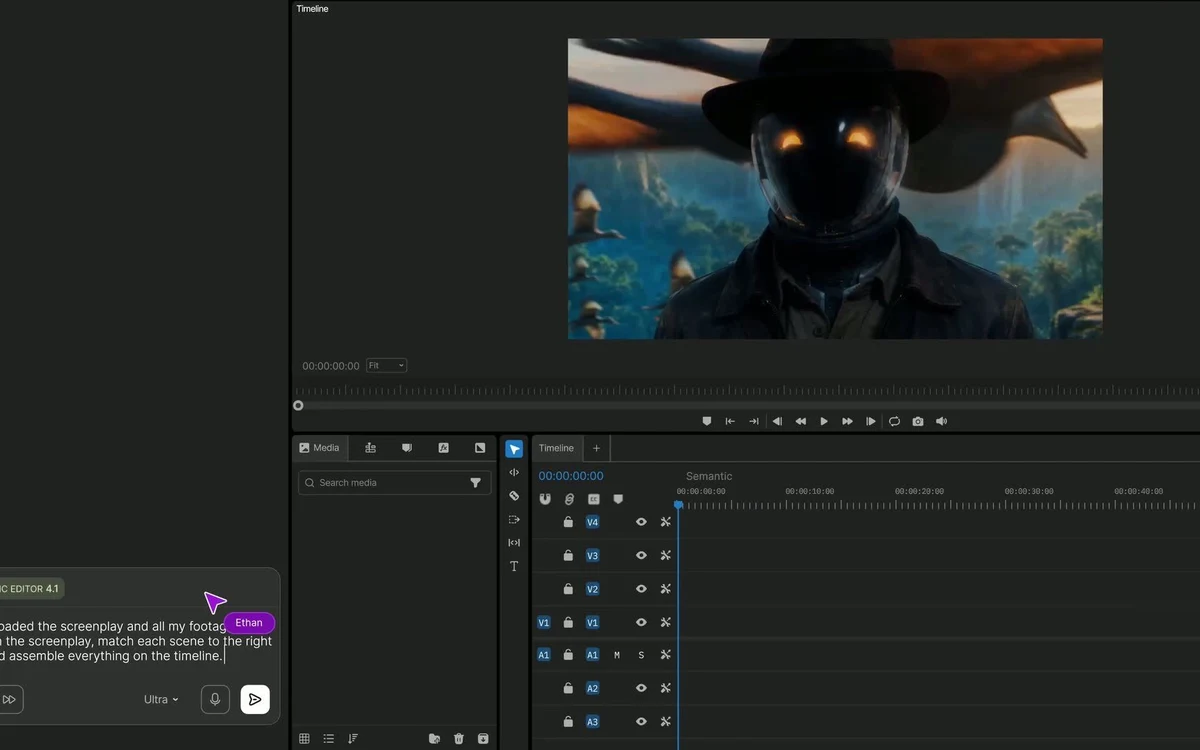
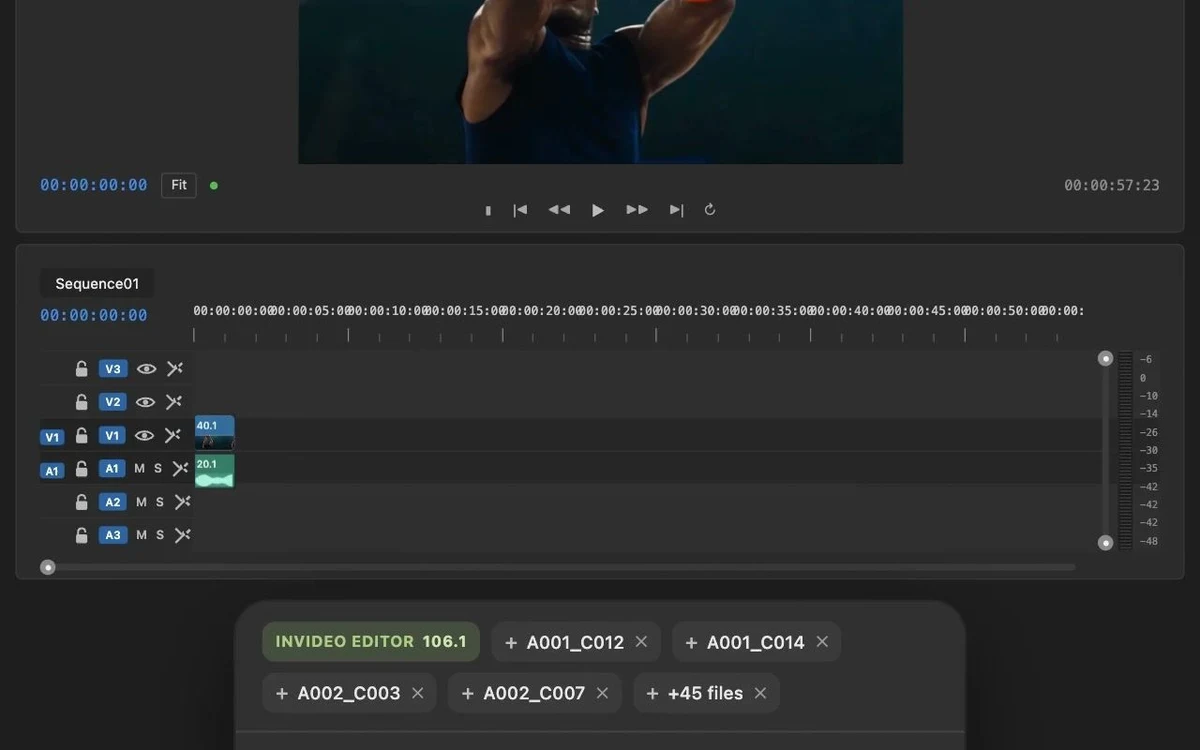
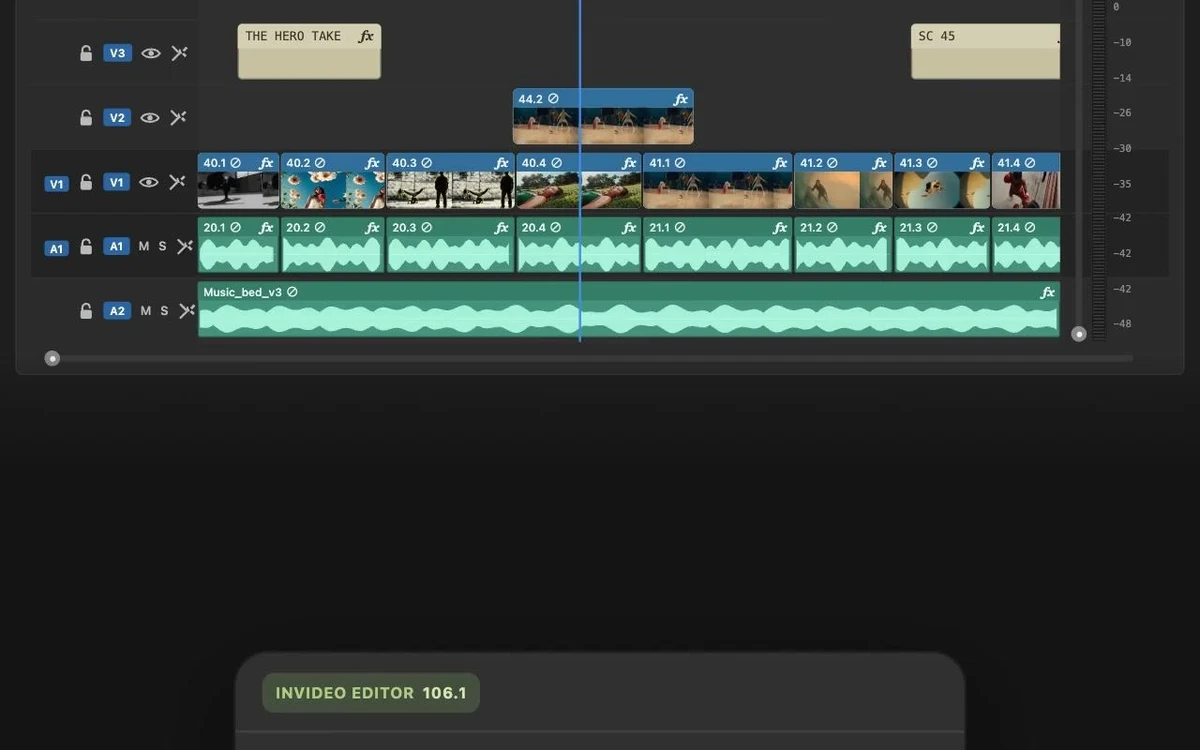
Underneath the AI generator sits a conventional editor, and Invideo positions itself as an agent-driven video editor rather than a one-shot generator. It ships a full timeline with colour, audio and 3D tools, real-time multiplayer collaboration with live cursors, and support for AI avatars with voice cloning — so a rough AI draft can be finished by hand or by a team.
How the workflow actually runs
The core flow is four steps, and most of the work happens in the last one:
- Prompt — describe the video idea and pick a workflow.
- Generate — the platform chooses an audience, platform and style, then builds the video.
- Edit — refine with natural-language commands in a "magic box", such as "change accent", "delete scenes" or "add a funny intro".
- Publish — export and share the finished video.
The magic box is the part that separates Invideo from simpler template tools. Rather than dragging clips, you tell the editor what to change and it rebuilds the affected scenes, which keeps the whole process closer to writing a brief than editing a timeline — though the manual timeline is still there when you need precise control.
Models, stock and voices
Invideo's generation quality comes from breadth of models. The platform integrates more than 200 AI models and routes your request to the appropriate one, including Google Veo 3.1 and Sora 2 for high-end video generation. In practice that means you are not locked to a single engine — different scenes can be produced by different models.
For non-generated footage it draws on 16 million-plus stock photos and videos from iStock, Storyblocks and Shutterstock, and it produces AI voiceovers in more than 50 languages alongside music and transitions. That combination is what lets a single prompt come back as a complete video rather than a silent draft.
Pricing: annual-only Starter, Plus and Max
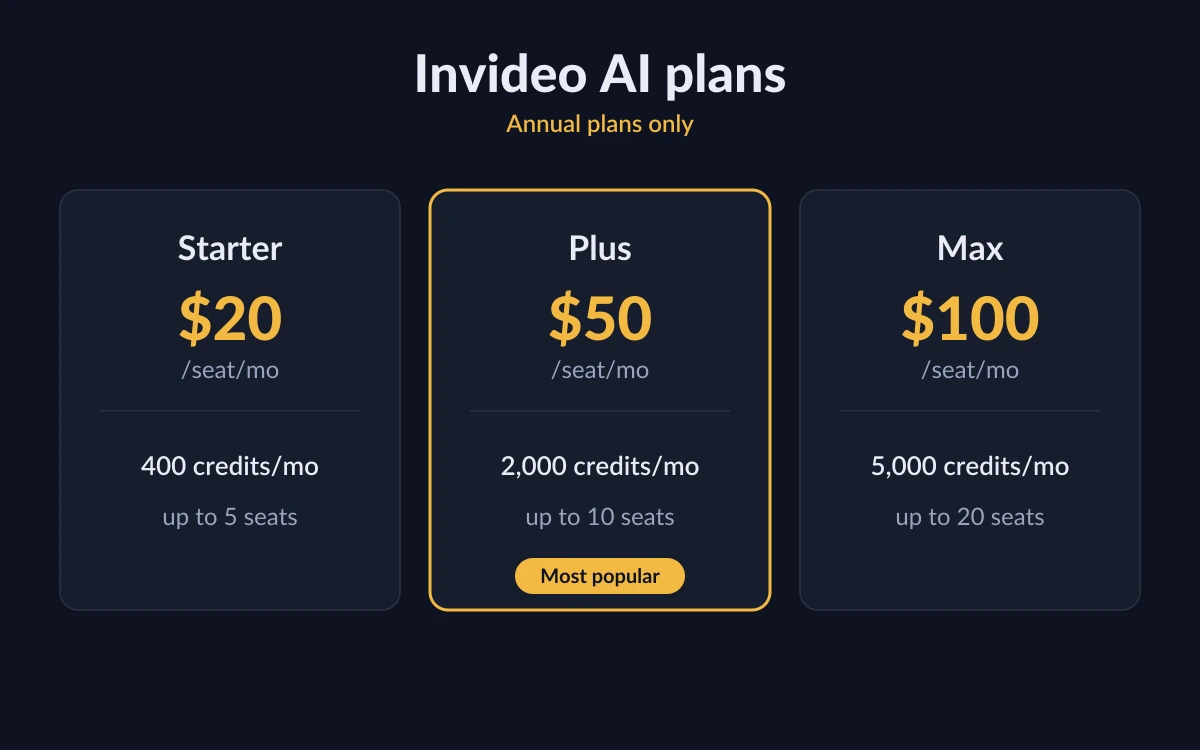
Invideo has moved to a credit-based model sold on three plans. At the time of writing the pricing page shows an "Annual plans only" banner: a Monthly/Annual toggle exists in the interface, but no monthly dollar figures are displayed, so the per-seat prices below are annual billing shown as a monthly rate.
- Starter — $20 per seat/month: 400 credits a month, up to 5 seats, and the entry-level Agent Two Lite only.
- Plus — $50 per seat/month (regularly $60, 17% off): 2,000 credits a month, up to 10 seats, the Lite, Pro and Ultra agents, full Seedance 2.5 1080p and 2.0 4K access, 200 stock footage items and 60GB storage.
- Max — $100 per seat/month (regularly $150, 33% off): 5,000 credits a month, up to 20 seats, the lowest cost per credit (about 60% cheaper), 500 stock footage items and 200GB storage.
Read the billing carefully
Because prices are annual-only right now, the per-seat figure is charged for a full year up front. Confirm the current toggle state and total on Invideo's own pricing page before you buy — the plan names and numbers there are the authoritative source.
What a credit actually buys
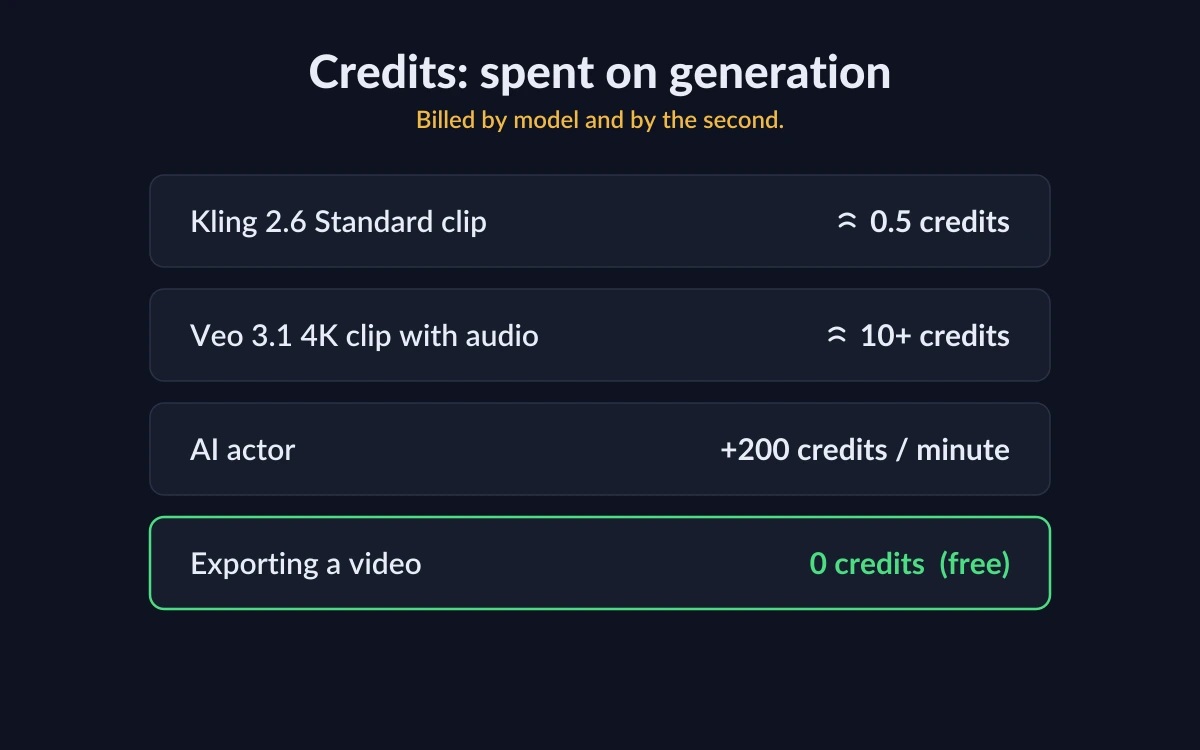
Credits are Invideo's internal currency. They are spent on media clips, generated videos, the generative models themselves and other AI features. Notably, downloading or exporting a finished video does not cost credits — you pay to generate, not to publish.
The catch is that there is no fixed "credits per video" number, because generation bills by model and by the second. Some rough published examples:
- A quick Kling 2.6 Standard clip can cost around 0.5 credits.
- A Veo 3.1 4K video with audio can cost 10 or more credits.
- Video models bill per second, so the real cost is the model's credits-per-second rate multiplied by the clip length.
- Adding a Human or Pro AI actor from the library costs an extra 200 credits per minute.
Plan credits reset monthly on your renewal date and do not roll over, so unused allowance is lost each cycle. Extra credits bought separately are more forgiving: they stay valid for 12 months from purchase.
Treat any "cost per video" as a range
Because Invideo only publishes per-model and per-second rates, a full video's cost depends entirely on which models you use and how long each clip runs. A talking-head explainer built from cheap models costs a fraction of a short film stitched from 4K Veo scenes with AI actors. Budget by testing your own workflow, not by a headline number.
The free plan: enough to test?
You can use Invideo AI for free without entering card details, which makes it a genuine trial rather than a disguised sign-up. The free credit quota resets weekly, every Monday at 12:00 a.m. UTC, and the plan includes the full editor, editing by transcript, access to AI models with limited credits, image generation through the Agents & Models flow, and project sharing.
Invideo does not publish an exact number of weekly free credits, nor does it publish the free-tier watermark policy or export resolution. Rather than guess, treat the free plan as a way to learn the workflow and judge output quality on a small, weekly-refreshed budget — enough to decide whether a paid annual plan is worth it, but not to produce a steady stream of finished videos.
Who Invideo AI suits
Invideo fits creators and small teams who want to turn ideas or scripts into finished video fast, and who value model breadth — Veo 3.1, Sora 2 and 200-plus others — over owning every frame manually. The multiplayer editor and per-seat plans also make it viable for a marketing or social team producing a high volume of short-form video.
- Good fit: prompt-first creators, social and marketing teams, anyone who wants voiceover, subtitles and music generated in one pass.
- Weaker fit: buyers who need month-to-month billing today, or who want a fixed, predictable per-video price rather than variable credit costs.
Frequently asked questions
How much does Invideo AI cost?
Invideo currently sells three annual-only plans priced per seat: Starter at $20/month (400 credits), Plus at $50/month (2,000 credits) and Max at $100/month (5,000 credits). A Monthly toggle exists but shows no monthly prices at the time of writing, so the annual rate is effectively the only published price.
Is there a free version of Invideo AI?
Yes. There is a free plan you can use without a credit card. Its credit allowance resets weekly every Monday at 12:00 a.m. UTC and includes the full editor, editing by transcript and limited access to the AI models. Invideo does not publish the exact free credit count, watermark policy or export resolution.
How many credits does one video use?
There is no fixed number. Generation is billed by model and by the second — a quick Kling 2.6 Standard clip can be around 0.5 credits, while a Veo 3.1 4K clip with audio can be 10 or more, and a Human or Pro AI actor adds 200 credits per minute. Your per-video cost depends on which models you use and how long the clips run.
Do credits roll over each month?
No. Plan credits reset on your monthly renewal date and unused credits do not carry forward. Extra credits you buy separately are different — those remain valid for 12 months from the date of purchase.
Does exporting a video cost credits?
No. Credits are spent on generating media, videos and AI features; downloading or exporting a finished video does not consume credits.
Which AI models does Invideo use?
Invideo integrates more than 200 AI models and routes each request to the right one, including Google Veo 3.1 and Sora 2 for high-end video generation, plus a stock library of over 16 million clips from iStock, Storyblocks and Shutterstock.
Key takeaways
- Invideo AI turns a text prompt into a full video — script, visuals, voiceover, subtitles and music — then lets you refine it with plain-English commands.
- Pricing is now credit-based and annual-only: Starter $20, Plus $50 and Max $100 per seat/month, with credits that reset monthly and do not roll over.
- There is no fixed cost per video; generation bills by model and by the second, so budget by testing your own workflow.
- The free, no-card plan resets weekly and is best used to learn the workflow and judge quality before committing to an annual plan.
More in Services & Software
Browse Services & Software