Klap Review 2026: AI Video Clipping for TikTok, Reels and Shorts
Klap turns long videos into captioned vertical clips for TikTok, Reels and Shorts. We cover how it works, 2026 pricing from $14/month, and its limits.
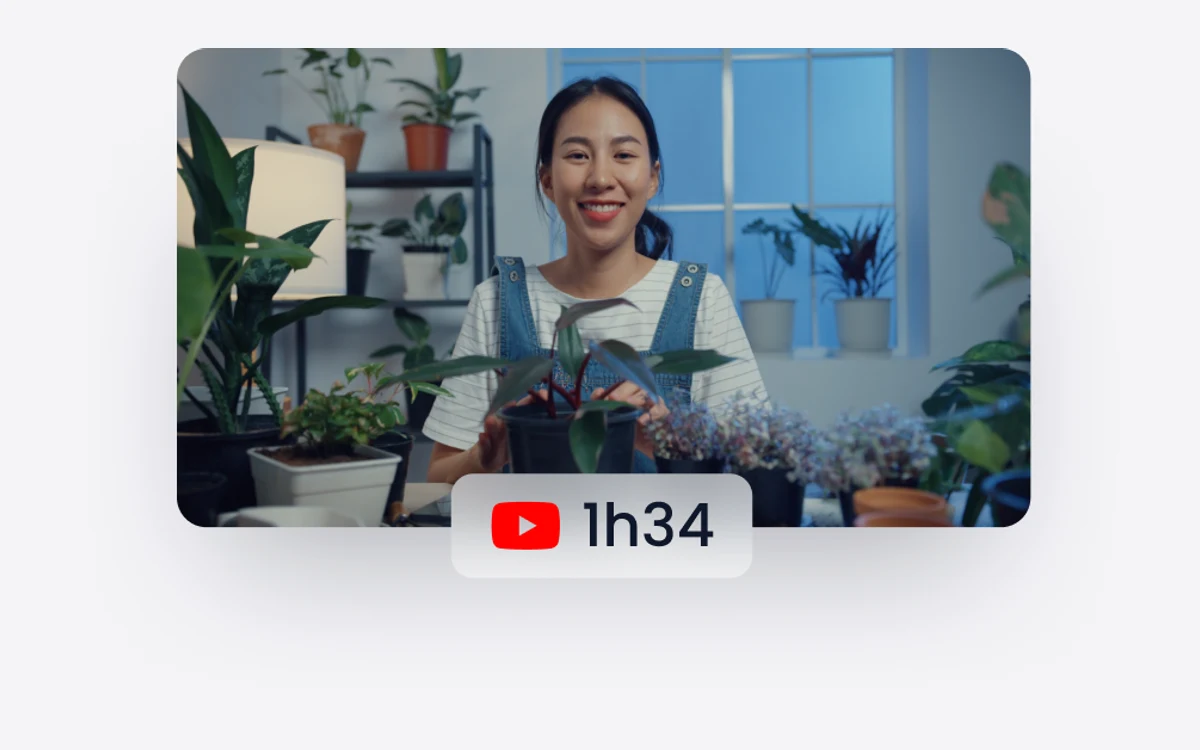
Klap is an AI tool that takes a long-form video - a YouTube upload, a podcast recording, an interview - and cuts it into short vertical clips ready for TikTok, Instagram Reels and YouTube Shorts. You paste a link or upload a file, and Klap picks the moments it thinks will perform, reframes them to 9:16, adds captions and hands back a batch of clips.
This review covers what the pipeline actually does, what each 2026 plan costs, and where Klap stops being useful, so you can decide whether it fits your workflow before you pay for a year up front.
What Klap does
Klap is built around one job: repurposing. It reads a long video, extracts the strongest topics, and automatically edits each one into its own short vertical clip. According to Klap, a source video of roughly one minute typically yields about five usable clips, and longer recordings scale up from there.
The output is not a raw cut. Each clip comes reframed for vertical screens, captioned, and scored, so you can sort a batch by how likely Klap thinks each clip is to perform and publish the top few.
Who it is for
Podcasters, interviewers, educators and YouTubers who already produce talking-head content and want a steady stream of short-form posts without editing each one by hand.
How the clipping pipeline works
Topic extraction
Klap analyzes the spoken content of the video and splits it into self-contained topics. Each topic becomes a candidate clip with its own start and end point, so the result reads as a complete thought rather than a random 30-second slice.
Auto reframing
Converting 16:9 footage to 9:16 means cropping away most of the frame. Klap uses face detection to keep the speaker centered as they move, which is what makes the output usable without manual keyframing.
AI captions in 52 languages
Every clip gets automatic subtitles. Klap supports 52 languages, which matters if your audience is not English-speaking or if you publish the same clip to several regional accounts.
Virality score
Each generated clip receives a virality score based on an algorithmic assessment. Treat it as a sorting aid, not a promise: it helps you decide which five of twenty clips to post first, but your own audience data will always be the better judge.
Branding and publishing
Klap lets you adjust fonts, colors, logos and framing so clips match your visual identity. Once a brand template is set, every batch comes out in the same style, which is most of what a short-form channel needs to look consistent.
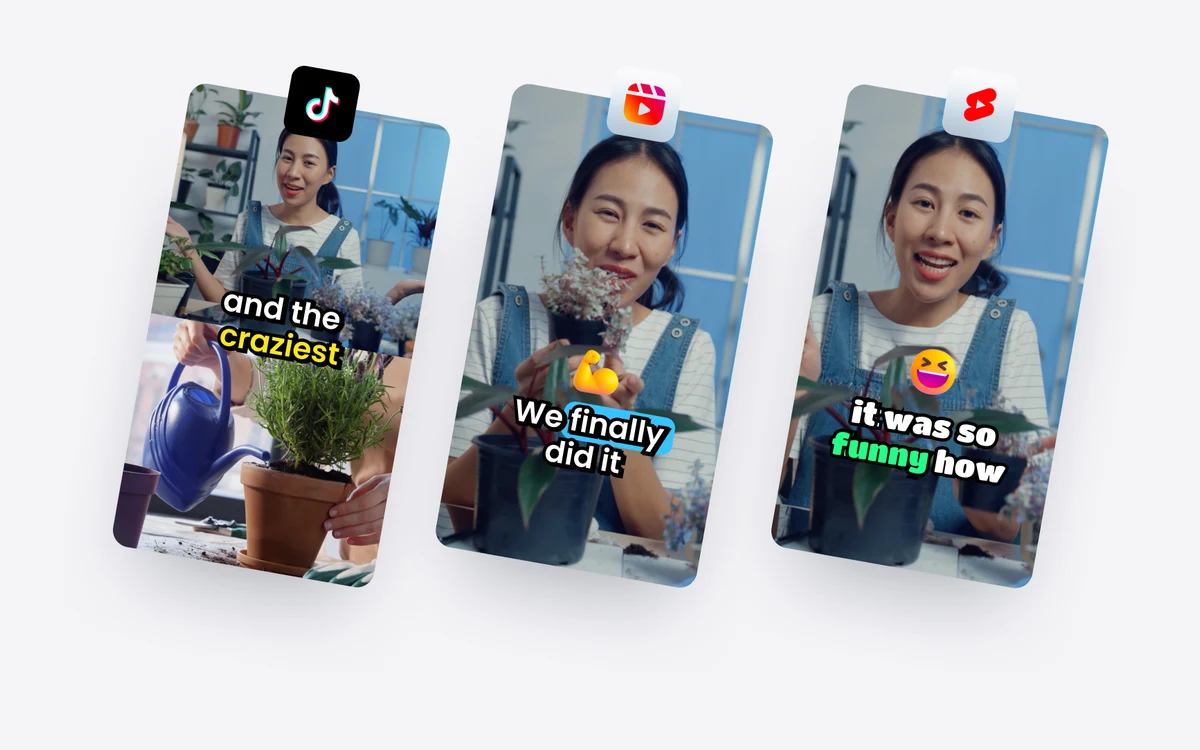
Finished clips can be published directly to TikTok, YouTube, Instagram and LinkedIn, with scheduling built in. All paid plans include unlimited connected social accounts and an analytics view, so you can post and track results without a separate scheduler.
Klap pricing in 2026
Klap's pricing page lists three plans, all shown as billed yearly. The main difference between them is the monthly clip allowance.
- Basic - $14/month, 100 clips per month
- Pro - $39/month, 300 clips per month (marked Popular)
- Pro+ - $94/month, 1,000 clips per month
Every paid plan includes AI clipping, unlimited social accounts for publishing, and analytics. There is also a free trial: you can create one video for free with no credit card required.
Note on the $29 figure
Klap's homepage FAQ still mentions Pro at $29/month. The current pricing page shows $39/month, so treat the FAQ figure as out of date and check the pricing page before you subscribe.
Because clip counts are the limit, estimate your volume first. If one hour-long podcast produces a few dozen candidate clips, Basic covers two or three episodes a month, while a weekly show with several cuts per episode fits Pro more comfortably.
Where Klap falls short
Klap is a clipping engine, not a video editor. The limits show up quickly once you step outside its sweet spot.
- Limited manual control: if you want to fine-tune pacing, rewrite captions line by line, or polish audio and visuals, you will need to export and finish the clip elsewhere.
- Best on talking heads: single-speaker, dialogue-driven content such as interviews and podcasts works well. Abstract or heavily visual footage, where the best moment is not spoken, is much harder for it to pick correctly.
- Annual billing only on the pricing page: the listed prices are billed yearly, so the real commitment is twelve months of the plan price.
- The virality score is a guess: useful for ranking, but it cannot know your specific audience.
Verdict
Klap does one thing well: it turns spoken long-form video into a pile of captioned, reframed vertical clips with almost no effort. For podcasters and interview channels that want to feed TikTok, Reels and Shorts every week, the time saved easily justifies the Basic or Pro plan.
If your content is visual rather than verbal, or you want frame-level control over every cut, Klap will feel restrictive. Use the free video to test it on your own footage before committing to a year.
Frequently asked questions
How much does Klap cost?
Klap costs $14, $39 or $94 per month on its Basic, Pro and Pro+ plans, billed yearly. The plans differ mainly in clip allowance: 100, 300 and 1,000 clips per month.
Is there a free trial?
Yes, you can create one video for free with no credit card required. That is enough to see how Klap handles your own footage before paying.
Why does the homepage say Pro is $29?
That figure appears to be outdated FAQ copy. Klap's current pricing page lists Pro at $39/month billed yearly, so rely on the pricing page.
Which platforms can Klap publish to?
Klap publishes directly to TikTok, YouTube, Instagram and LinkedIn, with scheduling built in. Paid plans allow unlimited connected social accounts.
What languages do Klap captions support?
Klap generates captions in 52 languages. Captions are added automatically to every clip it produces.
What kind of video works best with Klap?
Single-speaker, dialogue-driven video such as podcasts and interviews works best. Heavily visual or abstract content is harder because Klap finds its best moments from what is said.
Can I edit clips in detail inside Klap?
Only to a limited degree. Klap handles branding, captions and framing, but fine control over pacing, caption wording or audio polish needs a separate editor.
Key takeaways
- Klap turns long-form video into captioned, auto-reframed vertical clips for TikTok, Reels and Shorts.
- Plans are Basic $14, Pro $39 and Pro+ $94 per month, billed yearly, for 100, 300 and 1,000 clips.
- One free video, no credit card, is enough to test it on your own footage.
- It works best on talking-head content and offers limited manual editing control.
More in Services & Software
Browse Services & Software