Lucidchart Review 2026: Pricing, Free Plan Limits, Lucid AI and the New Editor
Lucidchart review for 2026: what Free, Individual ($9) and Team really include, which features are Enterprise-only, Lucid AI costs and the no-refund fine print.
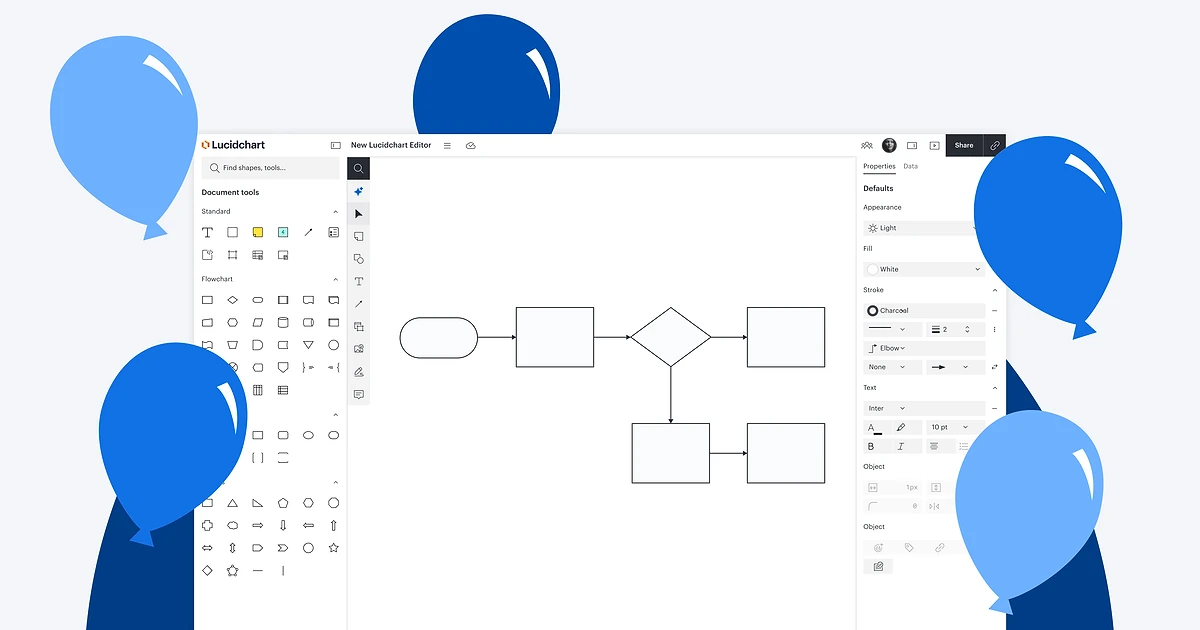
Lucidchart is the diagramming half of Lucid Software's suite, sitting next to the Lucidspark whiteboard and the airfocus roadmapping tool Lucid bought in 2025. It runs in the browser, handles everything from a five-box flowchart to a cloud architecture map, and since 2026 it has leaned hard on Lucid AI to draw diagrams from a prompt.
The timing of this review matters. On October 5, 2026 Lucid announced a redesigned, AI-first editor, and it says that editor "will replace the current interface on December 7, 2026." So we looked at what you actually get today: what the free plan really allows, what the $9 Individual plan unlocks, which headline features are quietly Enterprise-only, and what the billing terms say about refunds.
Quick verdict
Lucidchart is a strong, mature diagramming tool with a generous AI layer that currently costs nothing extra. The catch is the shape of the plan ladder: the free plan is a demo rather than a working tier, version history starts at Team, and live data linking - one of Lucidchart's most marketed abilities - is Enterprise-only.
- Best for: individuals and small teams who draw flowcharts, org charts, process maps and technical diagrams every week.
- Good value: Individual at $9.00/month plus tax for unlimited documents and shapes.
- Watch out for: 3 editable documents and 60 objects per document on Free, no revision history below Team, data linking only on Enterprise, and a no-refund cancellation policy.
- Unknown: whether Lucid AI stays free - Lucid says it "may be subject to a paid subscription model in the future."
Lucidchart pricing and plans
Lucid lists four core plans - Free, Individual, Team and Enterprise - plus a FedRAMP plan sold as Lucid GovSuite. Enterprise and GovSuite are contact-sales only. Prices are in US dollars, and Lucid notes it "may assess sales tax based on your billing address."
- Free: $0. 3 editable documents, 60 objects per document, 100 basic templates, 25 MB storage.
- Individual: $9.00/month plus tax, per Lucid's trial page, for "unlimited documents and shapes". The page does not say whether that is the monthly-billed or annual-billed rate. 1 GB storage.
- Team: reported by third-party price trackers at $10 per user per month billed annually with a 3-user minimum, which makes the entry point about $30/month. Lucid's pricing page renders prices in the browser and we could not confirm this figure on a Lucid page, so check lucid.app/pricing before buying. 1 GB per user.
- Enterprise: no published price. 10 GB per user, plus SSO, data linking and admin controls.
How to read the price
The only paid price Lucid states in plain text is the Individual plan's $9.00/month plus tax. Treat any Team figure you see, including ours, as a guide until the checkout page shows it for your seat count and billing cycle.
What the free plan really allows
The free plan is easy to misread. The 3-document limit is about editing, not storage: Lucid's help center says "Only the three most recently created documents are editable - previous documents are available as view-only." You can keep creating new diagrams, but each new one pushes an older one into read-only mode.
The second limit bites faster. Free documents are capped at "60 object limit per document (unlimited for EDU users)". Shapes, text blocks and connectors all count toward that, so a realistic process map or network diagram can hit the ceiling before it is finished. Free also gets only the 100 basic templates, with no premium templates or premium shape libraries.
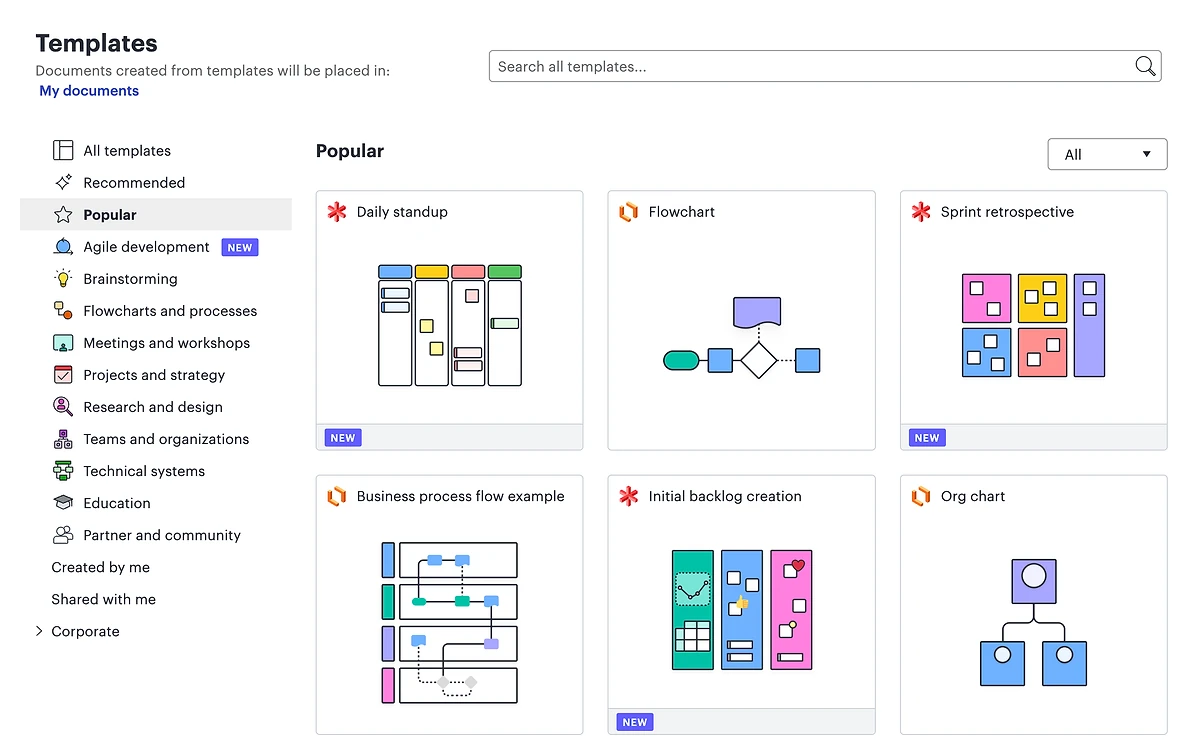
Visio users should note a split: "While all account types can import a Visio diagram, editing the imported diagram is a premium feature." Visio export and diagram-as-code start at Individual.
The new editor arriving December 7, 2026
Lucid calls the redesign "the next generation of Lucidchart". The changes are mostly about getting tools out of the way: Lucid AI moves "front and center in a unified toolbar", role-based toolkits surface the shapes and features relevant to the task, a search box in the left toolbar finds tools, shapes and assets, and a floating bar handles quick property edits. Dark mode and a slimmer header round it out.
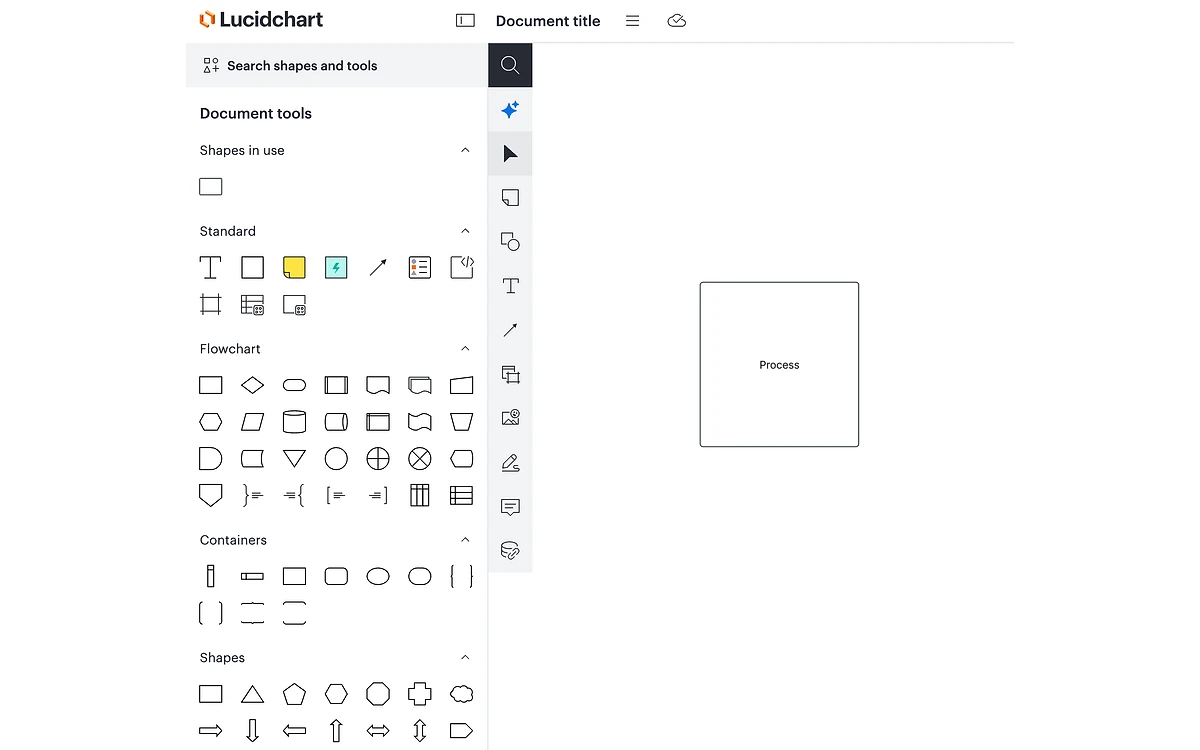
Early access is open to everyone now: Lucid says to "log in to Lucid or open a Lucidchart document, and when prompted, opt in". After December 7, 2026 the new editor becomes the interface for all users. Lucid's announcement does not say whether you can switch back to the classic layout after that date, and it mentions no price change.
Our advice
If your team relies on Lucidchart daily, opt in now on a few non-critical documents. Finding out where your most-used tools moved in October is cheaper than finding out on a deadline in December.
Lucid AI: what it does and what it costs
Lucid AI is available on Free, Individual, Team and Enterprise (not on FedRAMP accounts). On every one of those plans you get diagram generation from a prompt, iteration on an existing diagram, attaching a file as context, AI diagram outlines, a chat assistant, the Process Agent, AI mind maps, and hooks into Microsoft Copilot, Teams and Slack summaries.
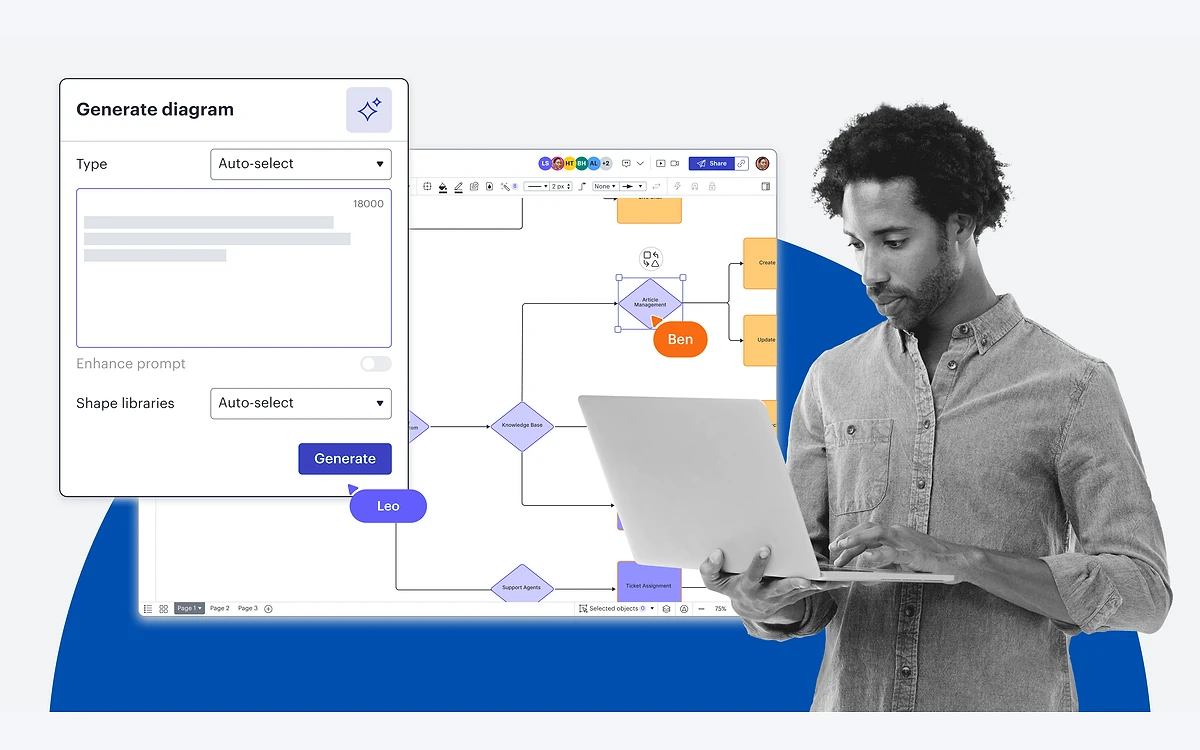
Spring 2026 updates added swimlane flowcharts, automatic assisted layout on AI-generated diagrams, video and document upload for prompt context, and voice-to-text prompting. Lucid also shipped an MCP server with native connections for Claude, ChatGPT, Cursor and GitHub Copilot in VS Code, so you can create or edit a diagram from an AI assistant's chat window. The MCP server is available on every plan except FedRAMP.
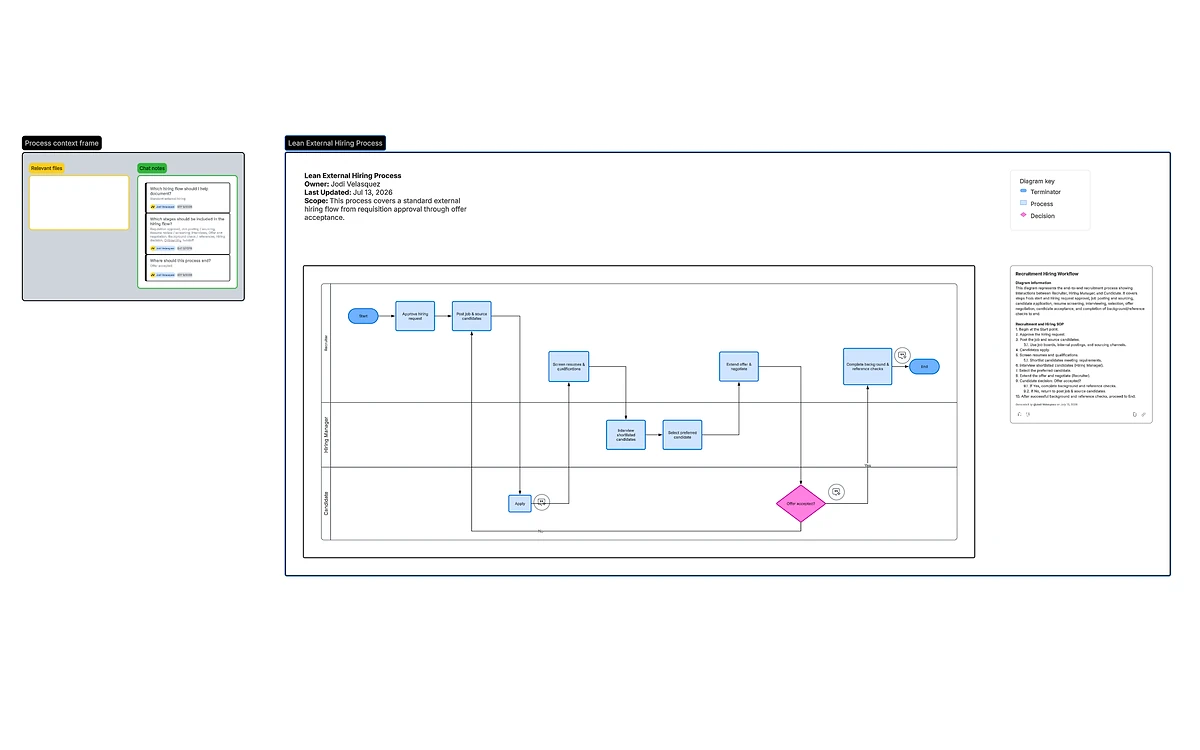
On cost, Lucid is unusually open about the uncertainty: "Lucid's AI capabilities are currently available to all users but may be subject to a paid subscription model in the future." Unlike several rivals, Lucid documents no AI credit allowance today. AI features work in English only, and Lucid says its models run on Microsoft Azure OpenAI Service and AWS Bedrock. Process Capture is Enterprise-only, and some process and cloud features need Enterprise add-ons.
Features locked to Team and Enterprise
This is where the plan ladder matters most. Several features people assume come with any paid plan do not.
- Revision history with versioning and document compare: Team, Enterprise and FedRAMP only. Individual does not get them.
- Custom templates, Confluence and Jira integrations, and Developer Platform embeds: Team and up.
- Data linking, data overlay and data refresh: Enterprise only. Free, Individual and Team get a one-time import from CSV, Google Sheets or Excel.
- Linking data to Smart Containers and Salesforce schema import: Enterprise only.
- SAML SSO, SCIM provisioning, domain control, centralized billing and usage reporting: Enterprise only.
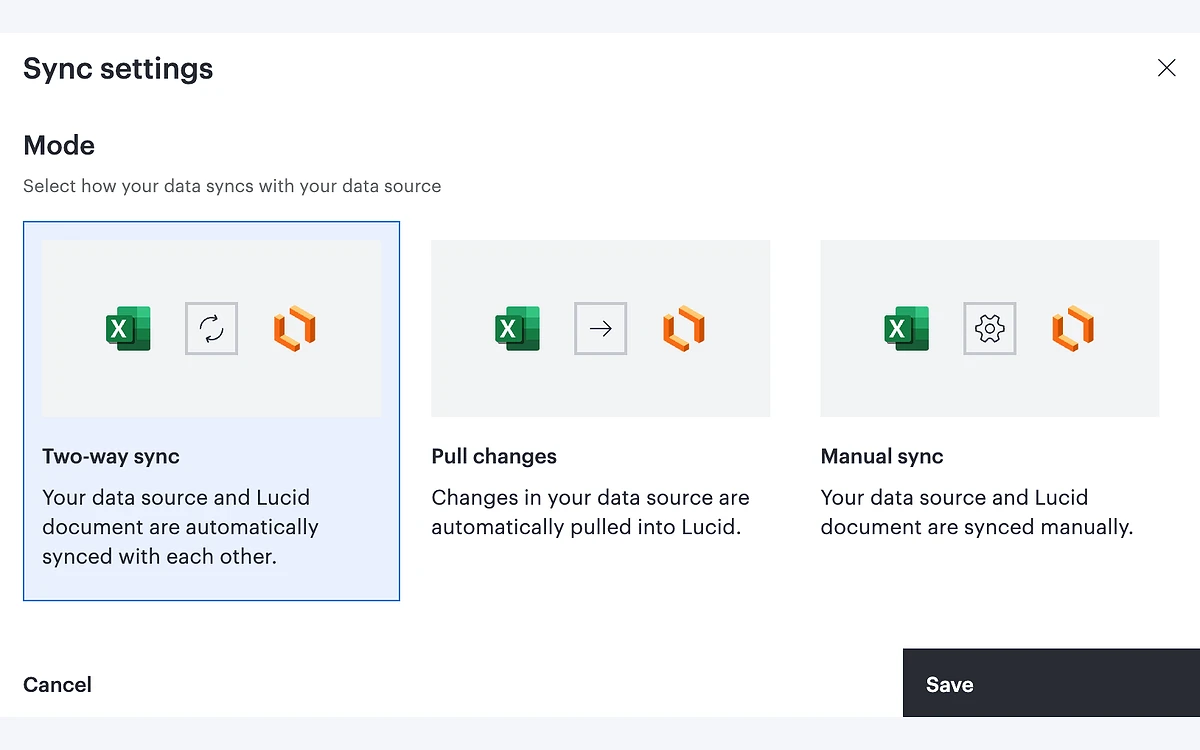
For a solo user the missing revision history on Individual is the sharpest gap. For a team, the question is whether your diagrams need to stay in sync with live data. If they do, budget for an Enterprise conversation rather than Team.
Integrations, apps and offline use
All plans except FedRAMP connect to Google Drive, Docs, Sheets, Slides, Gmail and Calendar, Slack, Microsoft Word, Excel, PowerPoint and Teams, plus the Lucid MCP server. Sign-in with Google or Microsoft 365 works on every plan.
Offline editing is available on all plans but only in the browser: it is "supported on Chrome, Firefox, and Microsoft Edge" on Mac, Windows and Linux. "Offline editing is not supported on the Lucid iOS or Android app." Lucid documents a Lucidchart iOS app; we could not confirm a dedicated Lucidchart Android app.
Security, privacy and data residency
Lucid's security page lists SOC 2 Type II, ISO 27001, ISO 27701, ISO 42001, PCI, FedRAMP Moderate and IRAP PROTECTED, along with EU-U.S. Data Privacy Framework participation, AES-256 encryption at rest and up to 256-bit TLS 1.2 in transit. Enterprise customers get a 99.9% uptime guarantee.
Data residency is Enterprise-only. Enterprise accounts can keep data in the US (Virginia, backup in Ohio), the EU (Germany, backup in Ireland) or Australia (Sydney, backup in Melbourne). Everyone else gets Lucid's default hosting.
Billing fine print: trial, renewal and refunds
- The Individual trial lasts 7 days and asks for "the payment method you want to use once your trial ends." An expired trial converts to a paid subscription.
- "Both monthly and annual licenses will automatically renew unless they are canceled or the payment collection fails."
- "There is a no-refund policy for all cancellations." Cancelling takes effect at the end of the current billing cycle.
- After cancelling, the account "will automatically downgrade to a limited, free plan" - so documents beyond the three most recent become view-only.
- Enterprise plans are cancelled through the account manager or [email protected].
Before you start the trial
Set a reminder for day 6. With no refunds on any cancellation, forgetting the trial on an annual plan means paying for the year.
Who should buy Lucidchart
Buy Individual if you diagram regularly on your own and can live without version history: $9.00/month removes the document and object caps that make Free impractical, and Lucid AI is included at no extra charge for now.
Pick Team if several people edit the same diagrams, you need revision history, or your work lives in Confluence and Jira. Go to Enterprise only if you need live data linking, SSO, SCIM or a specific data region.
Look elsewhere if your work is mostly freeform workshops and sticky notes - a whiteboard-first tool such as Lucidspark or Miro fits that better - or if you need a refund-friendly monthly plan.
Frequently asked questions
How much does Lucidchart cost?
Individual costs $9.00/month plus tax according to Lucid's trial page. Team is reported by third parties at $10 per user per month billed annually with a 3-user minimum, and Enterprise is priced by sales. Confirm on lucid.app/pricing for your billing cycle.
Is Lucidchart free?
Yes, but with tight limits. The free plan lets you edit only your three most recently created documents, caps each document at 60 objects, and includes 100 basic templates and 25 MB of storage. Education accounts have no object limit.
Does the Lucidchart free trial need a credit card?
Yes. The 7-day Individual trial asks for a payment method at sign-up, and an expired trial converts to a paid subscription unless you cancel first.
Can I get a refund from Lucidchart?
No. Lucid states there is a no-refund policy for all cancellations. Cancelling stops the next renewal and your account drops to the free plan at the end of the billing period.
Is Lucid AI included or does it cost extra?
It is included on Free, Individual, Team and Enterprise today at no extra charge. Lucid warns it may move to a paid subscription model in the future, and the features work in English only.
Can Lucidchart open and edit Visio files?
Every plan can import Visio diagrams, but editing an imported Visio file and exporting to Visio require a paid plan, starting with Individual.
Does Lucidchart work offline?
Yes, in Chrome, Firefox and Microsoft Edge on Mac, Windows and Linux, on all plans. Offline editing does not work in the iOS or Android apps.
Can I keep using the old Lucidchart editor after December 7, 2026?
Lucid has not said so. Its announcement states the new editor will replace the current interface on December 7, 2026, and does not mention a way back to the classic layout.
Where does Lucid store my data?
Only Enterprise accounts can choose a region - US, EU (Germany) or Australia. Other plans use Lucid's default hosting.
Key takeaways
- Individual at $9.00/month plus tax is the real starting point; Free caps you at 3 editable documents and 60 objects each.
- Revision history starts at Team, and live data linking, SSO and data residency are Enterprise-only.
- Lucid AI, including diagram generation, the Process Agent and the MCP server, is free on all commercial plans for now but may become paid.
- The redesigned AI-first editor becomes the default on December 7, 2026; early access is open now.
- No refunds on any cancellation, and the 7-day trial converts to paid automatically.
More in Services & Software
Browse Services & Software