Miro Review 2026: Pricing, AI Credits, Board Limits and Fine Print
Miro review for 2026: what Free, Starter ($8) and Business ($20) really cost, how AI credits get spent, the 2-seat minimum and the billing fine print.
Miro is the default online whiteboard for a lot of product, design and agile teams: an infinite canvas where people drop sticky notes, diagrams, docs, tables and now AI agents onto one shared board. It claims more than 100 million users across 250,000 organizations, and in September 2026 Bending Spoons agreed to buy it at an enterprise value of $1.355 billion.
That makes this a good moment to look hard at what you actually pay. The headline prices - $8 and $20 per member per month, billed yearly - leave out a 2-license minimum, a pooled AI credit system that does not roll over, seats that get added and billed automatically, and a no-refund policy. This review walks through each plan, what the Free plan really allows, how fast AI credits disappear and who should buy what.
All prices are in US dollars, exclude VAT, GST and sales tax, and were checked against Miro's pricing page and help center on October 21, 2026.
Quick verdict
Miro is still the most complete visual collaboration canvas you can buy. Workshops, retros, diagrams, lightweight prototypes and async walkthroughs all happen on one board, and 250+ integrations connect it to Microsoft, Slack, Google, Adobe, Jira and more. The weak spots are cost and fine print rather than features: the realistic entry price for a solo user is $192 a year, the most interesting new tools sit in Business, and AI is metered in credits you cannot bank.
Our take
Use Free to test it, buy Starter once you need more than three editable boards, and move to Business only if you need guests, SSO, prototypes, Engage or two-way Jira-style sync. On any paid plan, control who can invite members - new members add paid seats.
What we like
- One canvas for whiteboarding, diagrams, docs, tables, slides and prototypes
- 7,000+ templates and 250+ integrations
- Visitor links are free, and guests on Business do not use paid seats
- A clear statement that customer data is not used to train Miro AI models
- An MCP server that lets Claude, Cursor, GitHub Copilot and Gemini CLI work with boards
What we don't like
- 2-license minimum on Starter and Business, even for solo users
- AI credits are pooled, reset monthly and are not refunded when you undo a result
- New members can add a prorated paid license automatically, and removals only apply at renewal
- No refunds for unused subscription time
- Large, image-heavy boards can lag, and there is no desktop app for Windows on ARM
What Miro is in 2026
Miro began life as RealtimeBoard and grew into a general-purpose collaborative canvas. Its current branding is the Intelligent Canvas, which Miro pitches as the place 'where humans and agents work together'. In practice that means the classic infinite board - sticky notes, shapes, connectors, frames, comments, timers and voting - plus AI that turns board content into diagrams, docs, tables, slides and prototype screens.
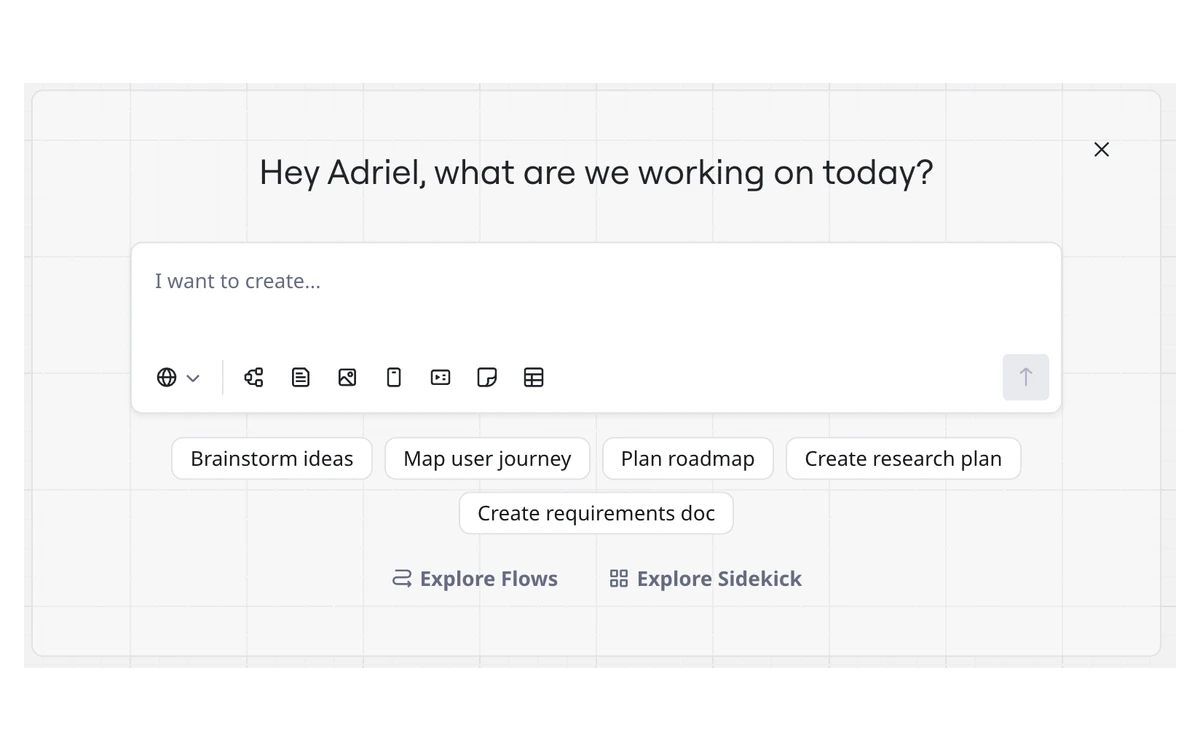
The AI side has been consolidated. Miro folded its separate Format agents into a single Sidekick experience and sunset the standalone agents. A new board now opens with a prompt asking what you are working on, with shortcuts to create a doc, diagram, table, slides or prototype from a plain description.
Miro also runs an MCP server so AI tools - Miro names Claude, Cursor, GitHub Copilot and Gemini CLI - can read and build boards directly. Miro's newsroom said in late September 2026 that calls to that server had passed 16 million. Daily MCP call caps scale with the plan: 100 on Free, 500 on Starter, 2,000 on Business and 10,000 on Enterprise.
Miro pricing and plans
Miro sells four plans. Paid prices are per member per month and assume yearly billing; the pricing page toggle says yearly billing saves 20%.
- Free - $0. Unlimited team members, 3 editable boards, 5 Talktracks, low-res exports only, no board history and no guest role.
- Starter - $8 per member per month, billed yearly. Unlimited private boards, visitor editing, high-res exports, board history, unlimited Talktracks, custom fonts and styles, timer and voting, 25 AI credits per member per month and email support.
- Business - $20 per member per month, billed yearly. Everything in Starter plus unlimited workspaces, unlimited guests, data tables, Engage activities, interactive prototypes, AI workflows and agents, 50 AI credits per member per month, two-way integrations with Jira, Asana, Linear, ClickUp and Azure, user groups and SSO.
- Enterprise - custom pricing from 30 members. Adds data residency in the EU, US, Australia and Japan, SCIM provisioning, audit logs and SIEM integrations, domain control, a sandbox and AI credits starting at 2,500 a month.
The 2-license minimum
Starter and Business have a minimum purchase of 2 licenses. Miro's own tooltip says you don't have to invite a second person if you work solo - but you still pay for that seat. For one person, Starter really costs $16 a month billed yearly ($192 a year) and Business $40 a month billed yearly ($480 a year), before tax.
Monthly billing, taxes and invoices
Miro's pricing page does not print month-to-month prices in its static page. Third-party pricing trackers list $10 per member for Starter and $25 for Business on monthly billing, which fits the advertised 20% yearly saving, but we could not confirm those figures on Miro's own page. Tax comes on top: VAT in the EU, Norway, Turkey and the UK, and GST in Australia and New Zealand.
Card payments can be monthly or yearly. Invoicing is yearly only, needs at least 10 licenses on Starter or 5 on Business, supports card, ACH (US only) or wire transfer, and is not offered in every country.
Discounts
- Startups: $1,000 if connected to one of Miro's global startup partners, or $500 when applying as an independent startup
- VC-backed companies: 25% off the Enterprise plan
- Accredited educational institutions: free
What changed on June 29, 2026
What the Free plan really allows
The Free plan is generous with people and stingy with boards. You can invite unlimited team members, but every board a free team creates is visible to all its members by default, and there are no visitor or guest roles.
The limit that bites is 3 editable boards. Miro's pricing page says only your three most recent boards stay editable, while its Free plan help article says a team with 3 boards cannot create another until it deletes one or upgrades. Either way, plan on three working boards at a time.
- 3 editable boards
- 5 Talktracks (recorded board walkthroughs)
- Low-resolution exports only and no board history
- Limited Sidekick access and 5 Flow runs per team member
- A small AI allowance shared by the whole team - Miro's own pages list 10 or 25 credits a month
- 100 MCP calls a day
Free is enough to judge whether Miro fits how your team thinks. It is not enough to run real projects, because a fourth workshop means retiring an old board.
Miro AI, Sidekicks and AI credits
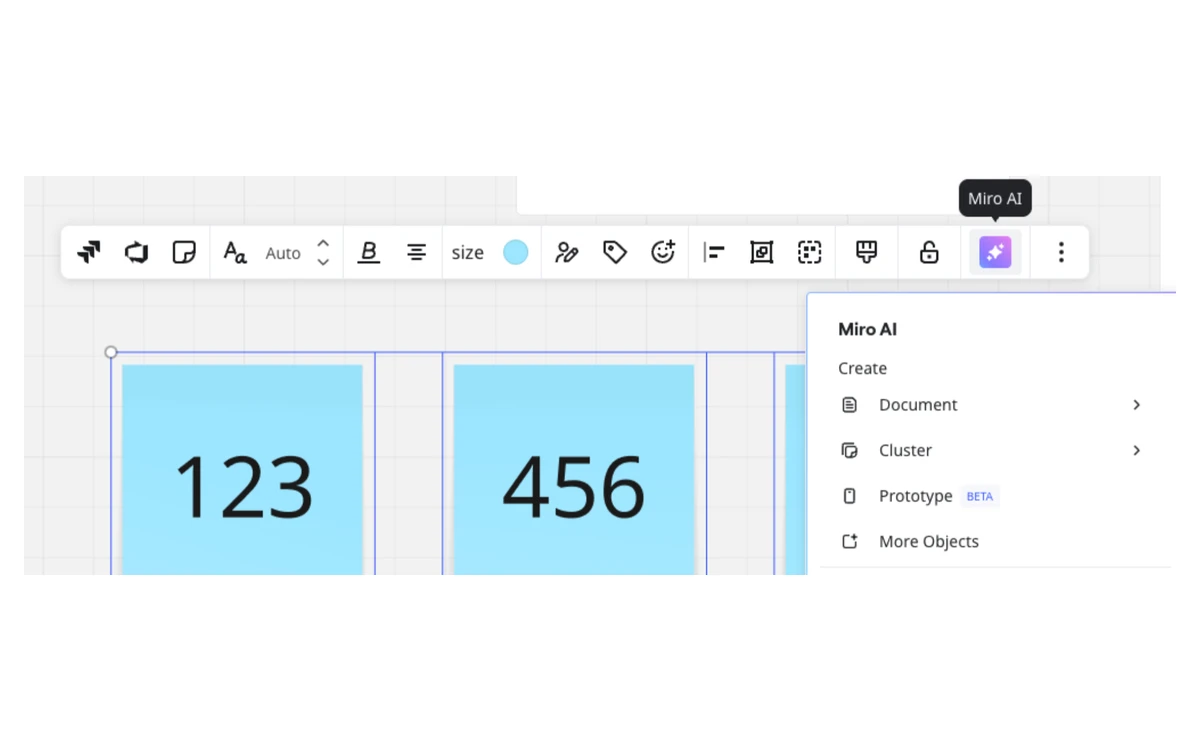
Every AI action on Miro spends credits from a monthly allowance. Paid plans get credits per license, pooled across the team: 25 per license on Starter and 50 per license on Business. Enterprise starts at 2,500 a month for 1-50 licenses and can go over a soft limit, and Education accounts get 100 a month. Credits refresh monthly and do not roll over, and guests and visitors cannot run AI actions.
Each action has its own price in credits:
- AI search - 0
- Sticky note, text, dictation, catch-up or remove background - 1
- Sidekicks, docs or a space overview - 2
- Image - 3
- Diagram, table or board layout - 5
- Slides - 5 per slide
- Prototypes - 5 per screen
What 50 credits buys
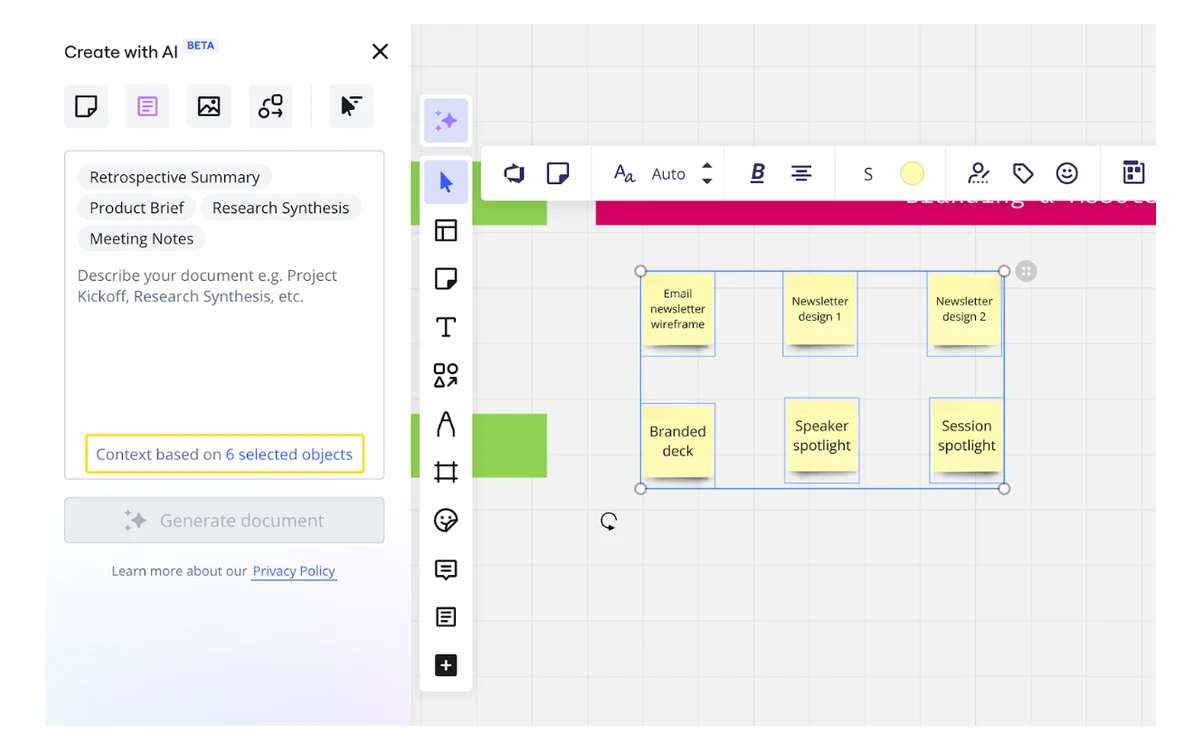
A solo Starter buyer pays for 2 licenses and so gets 50 pooled credits a month. That is 10 AI-generated slides, or 10 diagrams, or 5 diagrams plus 25 sticky-note actions. Undoing or discarding a result doesn't refund the credits, and Miro says it can't predict exactly how many credits a given action will consume.
Starter and Business teams can buy extra credits in bundles - Miro gives 100 and 200 credits as examples - but bundle prices are not published, and you can't buy them during a Business trial. Free and Education teams have to upgrade first.
On privacy, Miro states plainly that customer data is not used to train Miro AI models. One caveat for regulated teams: even with data residency enabled, AI processing may happen outside the chosen region because some models are not yet available there.
Collaboration: members, guests and visitors
Who counts as a paid seat matters more on Miro than the sticker price. Members consume a paid seat. Guests have a free Miro account and do not use a paid seat. Visitors open a board through a shared public link, also for free.
- Free: no guest or visitor roles - boards are shared with team members
- Starter: visitors can edit through shared links; the pricing table lists guests as not included, while Miro's Starter help article mentions view and comment guests
- Business: unlimited guests
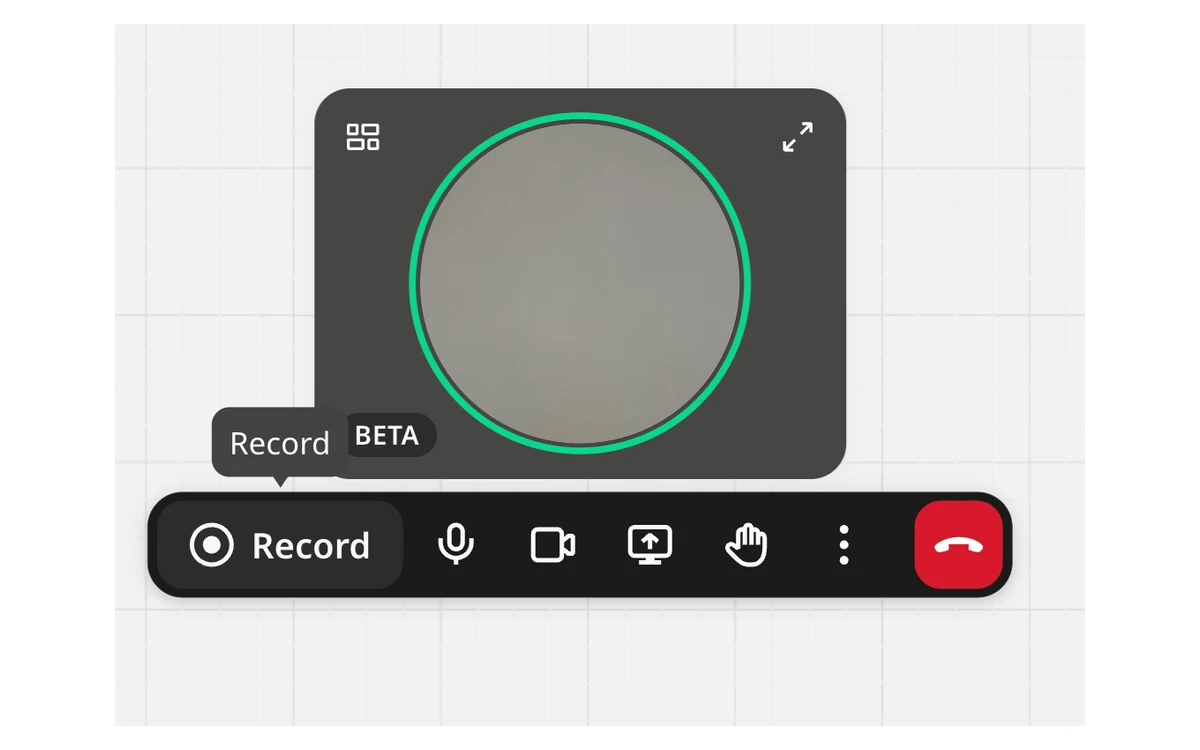
Business is where Miro puts its workshop and product tools: Engage activities for facilitated sessions with up to 50 participants, interactive prototypes, data tables, 4,700+ shapes and two-way sync with Jira, Asana, Linear, ClickUp and Azure. Paid plans include timers, voting and unlimited Talktracks for async walkthroughs, and boards have built-in video call and recording controls.
Billing fine print
- Seats are added automatically. Miro charges, prorated, for every member added to the workspace. If all licenses are in use when someone joins, an extra license is added, with no refund.
- Removals wait for renewal. Removing a member takes effect at renewal, not immediately.
- The trial converts to paid. The 14-day Business trial, open to Free and Starter users, takes a card at checkout and becomes a paid Business subscription unless you cancel within 14 days.
- No refunds. Miro doesn't refund any unused time on a subscription.
- Cancelling locks, it doesn't delete. When the billing period ends, boards turn view-only but are kept.
- Downgrading to Free keeps only your three most recently created boards editable, locks private boards view-only and drops custom templates from the paid plan.
- Failed renewals are retried, typically 1, 7 and 14 days after the first failed attempt.
Before you pay
Set a reminder before day 14 of any trial, limit who can invite members, and use guests or visitor links for clients and stakeholders who only need to view or comment.
Enterprise works differently. Flexible Licensing lets admins add or remove licenses without upfront fees, retroactive costs or contract changes, reconciled at a set true-up frequency - but users on free licenses are upgraded automatically when they create a board or edit a shared one.
Security, data residency and compliance
Miro lists ISO/IEC 27001, SOC 2 Type II, SOC 3, NIST, TISAX and GDPR, and describes itself as ISO 42001 ready. Data is encrypted with TLS 1.2 or higher in transit and AES-256 at rest.
EU data residency is available on every plan. US, Australian and Japanese residency are Enterprise only, and existing customers moving from the EU to another region pay a migration fee. SSO arrives on Business with support for Entra ID, OneLogin and Auth0; SCIM, audit logs, SIEM integrations and domain control need Enterprise.
Apps, platforms and performance
Miro runs in the browser, with desktop apps for 64-bit Windows 10 or later and macOS 12 Monterey or later. The 32-bit Windows app is deprecated, Windows on ARM is not supported, and visitors can't log in to the desktop app.
The mobile apps need iOS 16 or Android 7 and later. They are fine for checking boards and launching Sidekicks, but templates, board export, presentation mode, video chat, voting and starred boards are not supported on mobile.
Performance is the most common complaint. In January 2026 a user on Miro's community forum wrote that boards were still lagging after years of use and that switching windows makes boards 'reconnect' and reload. Another user tied slow loading across all their boards to one board with more than 2,000 elements and many images. Big, image-heavy boards are where Miro struggles, so split them before they get there.
What the Bending Spoons deal means for buyers
On September 10, 2026, Bending Spoons (NASDAQ: BSP) signed a definitive agreement to acquire Miro at an enterprise value of $1.355 billion - about 90% below Miro's 2022 valuation, as TechCrunch noted. The deal is expected to close in the fourth quarter of 2026, and until then both companies operate independently. The announcement put Miro at nearly 4 million paying users.
Nothing in Miro's plans has changed because of the deal so far. Ownership changes often bring a review of pricing and packaging, though, so keep high-res exports of boards you can't afford to lose and avoid committing to more seats than you need ahead of your next renewal.
Who should buy Miro, and which plan
- Free: individuals and small teams evaluating Miro, or anyone who only needs a few live boards at a time.
- Starter: freelancers and small teams that need unlimited private boards, high-res exports and board history. Budget at least $192 a year.
- Business: product, design and agile teams that run workshops with clients, need guests, SSO, prototypes, Engage or two-way Jira sync, and will use AI regularly.
- Enterprise: organizations with 30+ members that need SCIM, audit logs, non-EU data residency or a larger AI credit pool.
If your team already lives in Figma, FigJam covers much of the whiteboarding side inside the same subscription - our Figma review compares its plans. Miro remains the stronger choice when the whiteboard is the main workspace rather than an add-on to a design tool.
Frequently asked questions
How much does Miro cost in 2026?
Starter is $8 and Business is $20 per member per month, billed yearly, plus tax. Both require at least 2 licenses, so the lowest paid bill is $192 a year on Starter. Enterprise is custom-priced from 30 members.
Is Miro's Free plan free forever?
Yes. The Free plan costs $0 with no time limit and unlimited members. The trade-offs are 3 editable boards, low-res exports, no board history, no guests and a small shared AI allowance.
How do Miro AI credits work?
Each AI action draws a fixed number of credits from a monthly team pool. Starter adds 25 credits per license and Business 50; the pool resets monthly and does not roll over. A diagram or a slide costs 5 credits, a sticky note 1, and undoing a result doesn't refund them.
Can I use a paid Miro plan alone without paying for two seats?
No. Starter and Business both have a 2-license minimum. You don't have to invite anyone, but you pay for both seats.
Does Miro offer refunds?
No. Miro doesn't refund unused subscription time, and the 14-day Business trial turns into a paid plan unless you cancel in time. After cancellation, boards become view-only rather than being deleted.
Does Miro use my boards to train its AI?
No. Miro states that customer data is not used to train Miro AI models. Some AI processing can still happen outside your data residency region.
Does Miro work on Windows on ARM laptops?
Not as a desktop app. Miro's Windows app needs 64-bit Windows 10 or later and does not support Windows on ARM, so use Miro in the browser instead.
Is Miro being sold?
Yes, but the sale has not closed. Bending Spoons agreed on September 10, 2026 to acquire Miro at an enterprise value of $1.355 billion, with closing expected in Q4 2026. Until then Miro operates independently.
Key takeaways
- Starter costs $8 and Business $20 per member per month billed yearly, with a 2-license minimum and tax on top.
- The Free plan allows unlimited members but only 3 editable boards.
- AI credits are pooled per team, reset monthly, don't roll over and aren't refunded on undo.
- Prototypes and Engage moved into Business on June 29, 2026; Business (Legacy) customers must upgrade.
- Watch for auto-added seats, the auto-converting trial and the no-refund policy.
- Bending Spoons' $1.355 billion purchase is agreed but not closed; Miro runs independently until it does.
More in Services & Software
Browse Services & Software