Obsidian Review 2026: A Free Note App That Now Has Databases
A standalone Obsidian review: what the free local-first Markdown app costs, what its new Bases database layer does after v1.14.0, its plugin ecosystem, and who it fits.
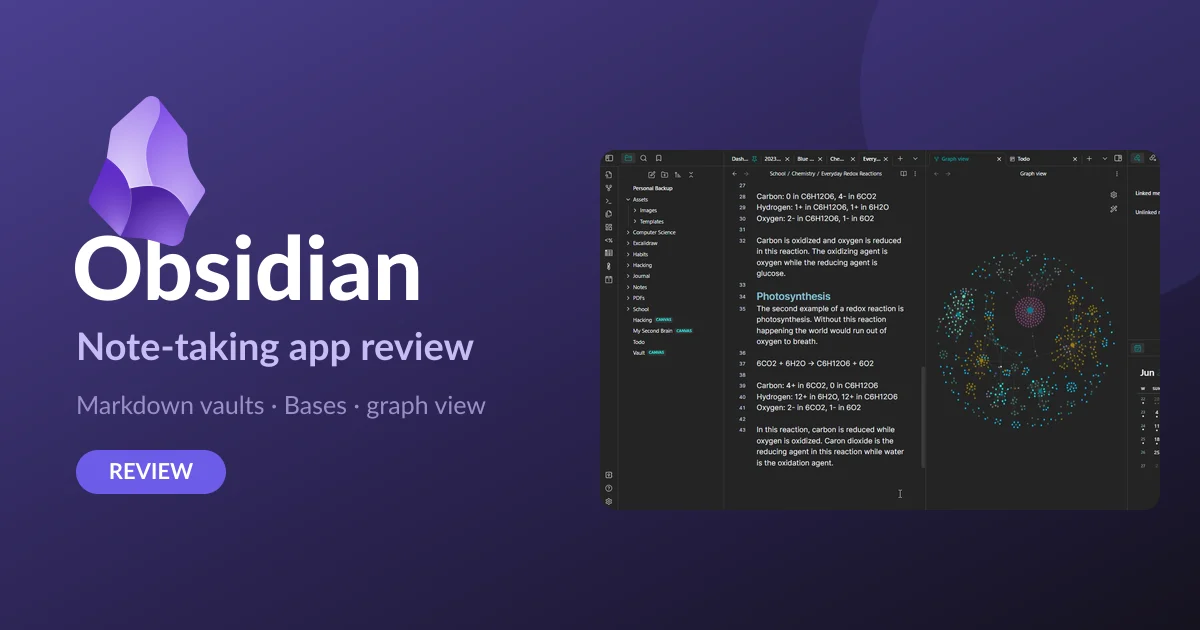
Obsidian turns an ordinary folder of Markdown files into a linked, searchable knowledge base, and the core app that does it is free — no account, no note limit, no upsell screen. That alone puts it in a small group of serious note tools you can adopt without ever paying a subscription.
This review looks at what Obsidian actually costs, what its Bases database layer does after the September 2, 2026 v1.14.0 update, how far the plugin ecosystem stretches, and the kind of user it genuinely fits. We already run a Notion vs Obsidian comparison; this is the standalone take on Obsidian on its own terms.
What Obsidian actually is
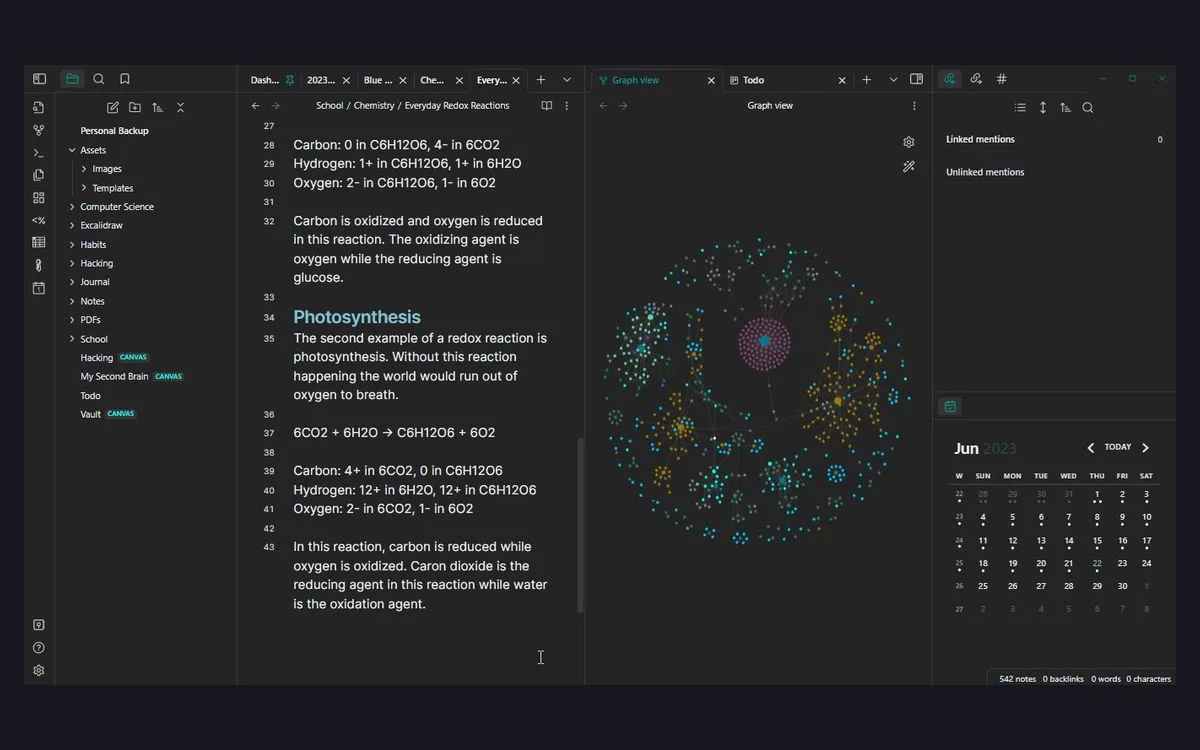
Obsidian is a local-first note-taking and personal-knowledge-management app first released on March 30, 2020 by Dynalist Inc. It is proprietary software and runs on Windows, macOS, Linux, iOS and Android, but there is no official web or browser version — your notes live in an app on your device, not in a tab.
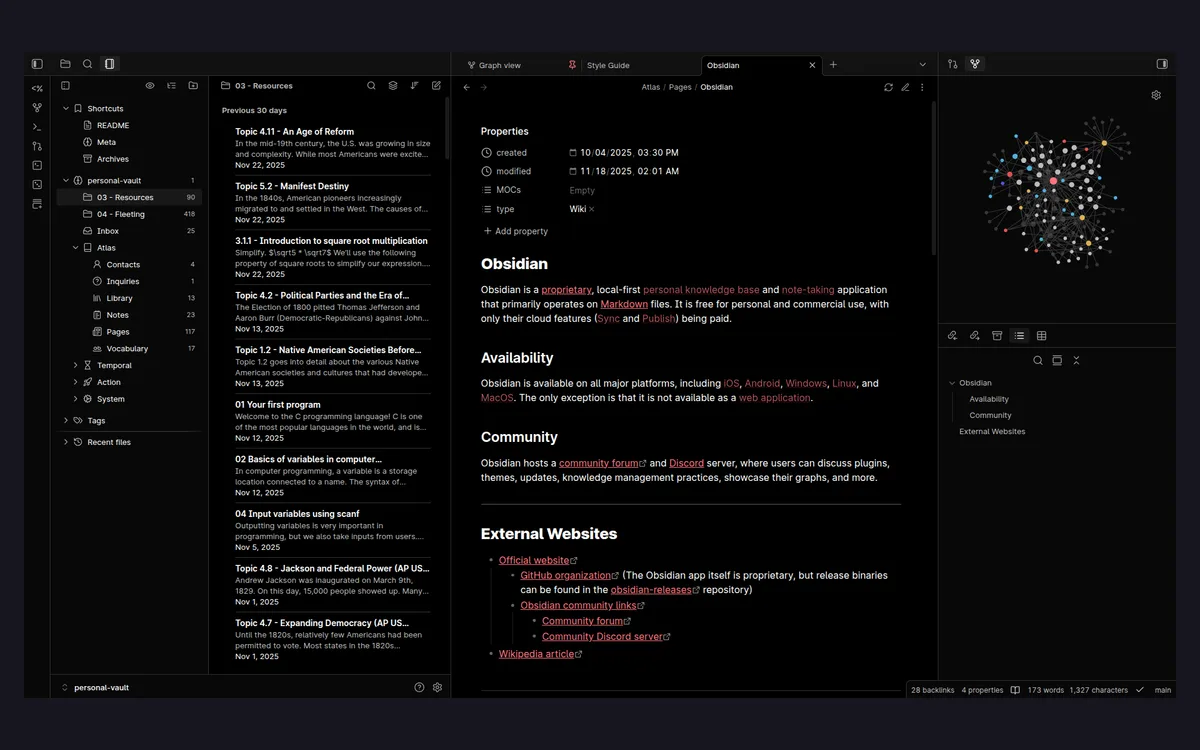
Every note is a plain Markdown file stored in a local folder, which Obsidian calls a vault. Because the files are ordinary text on your own disk, they stay readable and editable in any other editor, work offline, and remain yours whether or not you keep using the app. Obsidian frames this plainly: you own your data for the long term. Notes are private and offline by default; end-to-end encryption only applies if you turn on the paid Sync add-on.
The one-line summary
A free, offline Markdown app that stores notes as files you own, links them into a graph, and — as of 2026 — can treat those notes as a database. You only pay if you want the hosted Sync or Publish services.
What Obsidian costs
The app itself is free to use with no limits and no sign-up. Everything below is optional and layered on top of that free core — you can run Obsidian for years without paying for any of it.
Sync — $4/month
Obsidian Sync costs $4 per user per month billed annually, or $5 per month billed monthly. It adds cross-device synchronization, end-to-end encryption, version history, and shared-vault collaboration. This is the add-on most solo users actually consider, because it keeps a vault in step across a laptop and a phone without wiring up your own cloud drive.
Publish — $8/month
Obsidian Publish costs $8 per site per month billed annually, or $10 per month billed monthly. It turns a vault into a public website with no technical knowledge required, customizable themes, and graph plus full-text search on the published site. It is priced per site, so it is aimed at people running a public digital garden or documentation set rather than at every user.
Catalyst and Commercial licenses
- Catalyst is a one-time $25 payment that grants early beta access, community badges and exclusive channels. It is a supporter tier, not a requirement for any feature.
- Commercial is $50 per user per year for organizations using Obsidian at work, with bulk pricing available on request.
- Educational and nonprofit users get a 40% discount on Sync and Publish.
Refunds
Sync and Publish carry a 7-day full refund policy. Catalyst and Commercial licenses are non-refundable, so treat those two as final purchases.
Bases: notes as a database
The biggest reason to revisit Obsidian in 2026 is Bases. It is a core plugin — free, shipped to everyone starting with Obsidian 1.9, and not gated behind Catalyst, Commercial, Sync or Publish — that turns any set of notes into a database.
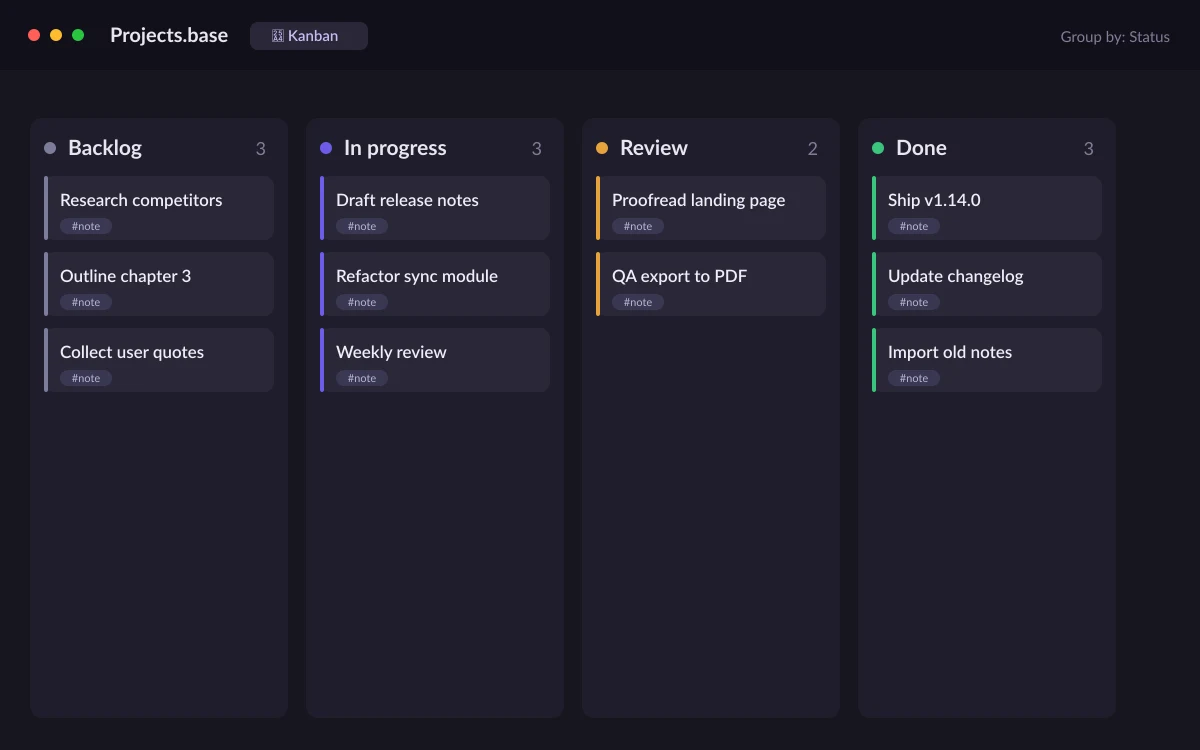
Bases reads the YAML properties you already put at the top of your notes and derives structured views from them: tables, cards, lists, maps, and, as of the v1.14.0 release, a kanban board. You can filter which notes appear, sort them, and compute new columns with custom formulas. In practice it closes much of the gap that used to push people toward Notion's databases, without giving up local files.
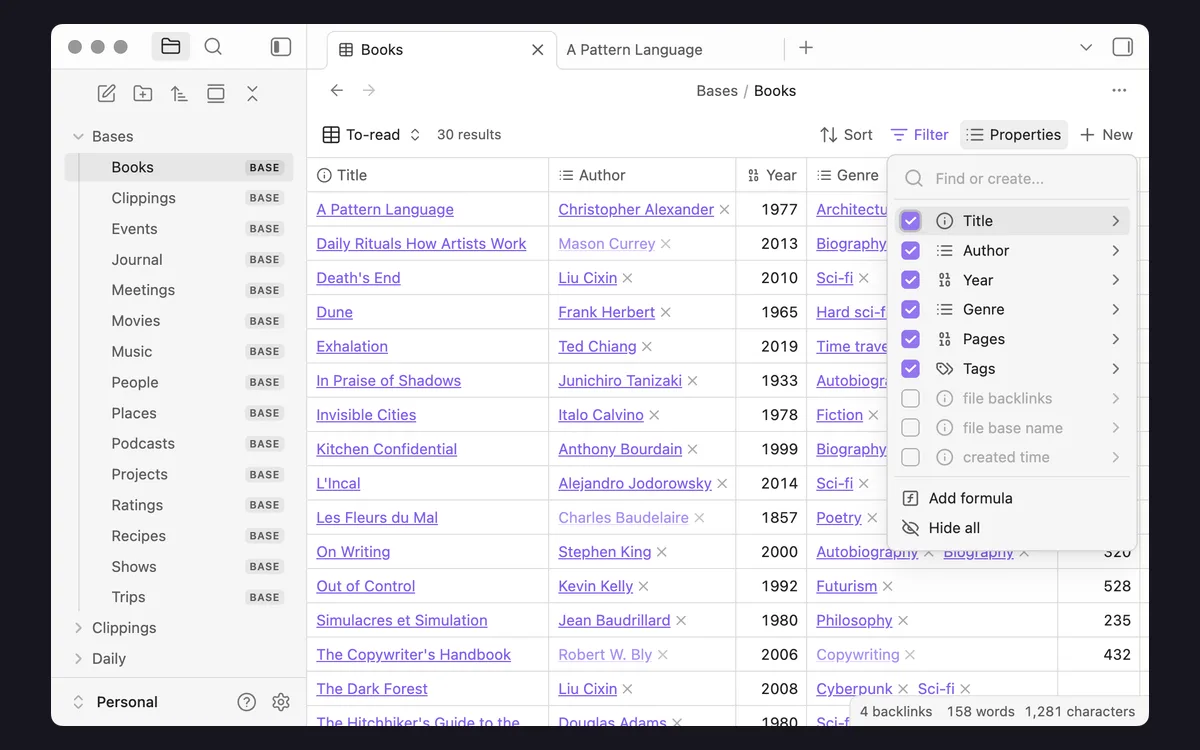
The important nuance for anyone comparing tools: because a Base is built from the notes themselves, the underlying data is still just Markdown files with properties. You are not locking your content into a proprietary table format — the database is a view over files you continue to own.
Plugins, Canvas and Graph View
Obsidian ships with an open API and supports thousands of community plugins and themes, which is where most of its power comes from. Beyond text, two built-in features do a lot of the heavy lifting.
- Canvas is an infinite workspace for diagramming and brainstorming, letting you arrange notes, cards and media freely on a spatial board.
- Graph View visualizes the links between your notes as an interactive node graph, which is useful for spotting clusters and orphaned notes in a large vault.
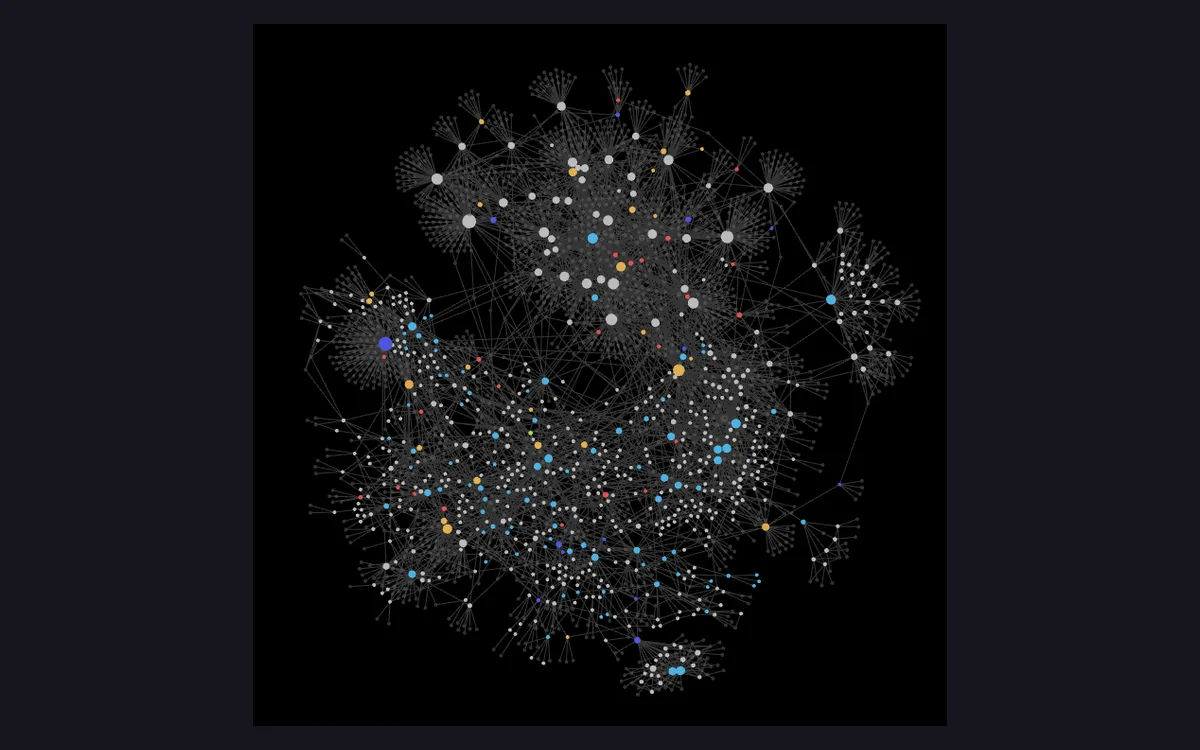
The plugin ecosystem is the double edge of Obsidian: it can do almost anything, but the polished result is something you assemble. A fresh install is deliberately minimal, and the interesting workflows come from choosing a handful of community plugins and settling on a folder-and-property convention that fits how you work.
What's new in v1.14.0
The September 2, 2026 v1.14.0 release is worth calling out because it is the update that added the kanban layout to Bases. On desktop it also introduced color highlights — type an emoji such as 🔴, 🟢 or 🔵 at the start of a highlight to color it — right-to-left language support, and improved formatting commands.
The mobile side of v1.14.0 got its own attention: iOS gained Quick Capture from the Lock Screen with location and template variables, plus a revamped settings UI, while Android picked up widget improvements for note names and photo attachments. Between them, capture-on-the-go is noticeably better than it was a year ago.
Who Obsidian fits
Obsidian rewards people who want to own their notes as files and are willing to shape their own setup. It is a strong fit if any of these describe you.
- You want a note archive that outlives any single app and stays readable as plain text.
- You work offline often, or you simply prefer local files to a cloud tab.
- You need lightweight databases over your notes — reading lists, project trackers, CRMs — without leaving Markdown, which Bases now handles.
- You are comfortable adding a few plugins and settling on a naming convention.
It fits less well if you want a polished, opinionated tool that works fully out of the box, or if real-time multi-person collaboration on the same document is central to your work — that is not Obsidian's strength even with shared vaults on Sync.
Frequently asked questions
Is Obsidian really free?
Yes. The core app is free with no limits and no sign-up required. The only paid parts are the optional Sync ($4/month annually) and Publish ($8/month annually) services, plus the Catalyst supporter and Commercial licenses.
Do I have to pay to use Bases?
No. Bases is a free core plugin that shipped to everyone in Obsidian 1.9 and gained a kanban layout in v1.14.0. It is not gated behind Catalyst, Commercial, Sync or Publish.
Where are my notes stored, and are they private?
Notes are stored locally as plain Markdown files on your own device, and they stay private and offline-accessible by default. End-to-end encryption applies only if you enable the paid Sync add-on.
Does Obsidian work in a browser?
No. There is no official web or browser version. Obsidian runs as an installed app on Windows, macOS, Linux, iOS and Android.
Do I need a paid license to use Obsidian at work?
Organizations using Obsidian for work need the Commercial license at $50 per user per year, with bulk pricing available on request. Personal use of the free app carries no such requirement.
Can I get a refund if a paid add-on isn't for me?
Sync and Publish carry a 7-day full refund policy. The Catalyst and Commercial licenses are non-refundable.
Key takeaways
- Obsidian's core app is free with no limits or sign-up; you only pay for optional Sync ($4/mo annually) or Publish ($8/mo annually).
- Bases is free and turns your notes into filterable table, card, list, map and kanban databases — kanban landed in the September 2, 2026 v1.14.0 update.
- Notes are plain Markdown files you own locally, private and offline by default, encrypted end-to-end only with Sync.
- It fits people who want durable, self-owned notes and are happy to assemble their setup; less so those wanting a polished out-of-the-box collaboration tool.
More in Services & Software
Browse Services & Software