TickTick Review: A To-Do List, Calendar, Pomodoro Timer and Habit Tracker in One App
TickTick bundles tasks, a calendar, a Pomodoro focus timer and habit tracking into one app. We review the free tier's caps, whether Premium is worth it, and how it compares to Todoist.
Most productivity apps pick a lane: Todoist does tasks, Google Calendar does time, Forest does focus, Streaks does habits. TickTick's pitch is that you shouldn't need four subscriptions and four apps to run your day. It folds task management, a full calendar, a built-in Pomodoro timer and a habit tracker into a single cross-platform app — and, unusually, gives you a free tier that is actually usable rather than a two-week tease.
The question for anyone deciding where to keep their to-do list is whether that all-in-one bundle holds together, where the free plan's limits start to pinch, and whether Premium is worth paying for when a dedicated app might do each individual job a little better. This review walks through what TickTick includes, what the free and paid tiers actually cap, and how it stacks up against the app it's most often compared to, Todoist.
What TickTick is
TickTick is a personal-productivity app from Appest Limited that runs on iOS, Android, macOS, Windows, the web and as browser extensions, with sync across all of them. At its core it's a to-do list, but it layers on a calendar, a focus timer and habit tracking so that a single app can hold your tasks, your schedule and your routines.
It's a mature, actively maintained product rather than a weekend project. The current App Store release is version 8.2.00, shipped on 31 August 2026, and it holds a 4.86-star average across more than 45,000 ratings — a level of polish and staying power that matters when you're trusting an app with everything you need to get done.
- Tasks with due dates, priorities, reminders, subtasks, tags and recurring schedules
- Calendar views (yearly, monthly, weekly, agenda, multi-day and multi-week)
- A Pomodoro focus timer built into individual tasks
- A habit tracker with streaks and a mini journal
- Kanban board and timeline/Gantt views for planning
- Shared lists, Siri integration, quick search and customizable widgets
Task management
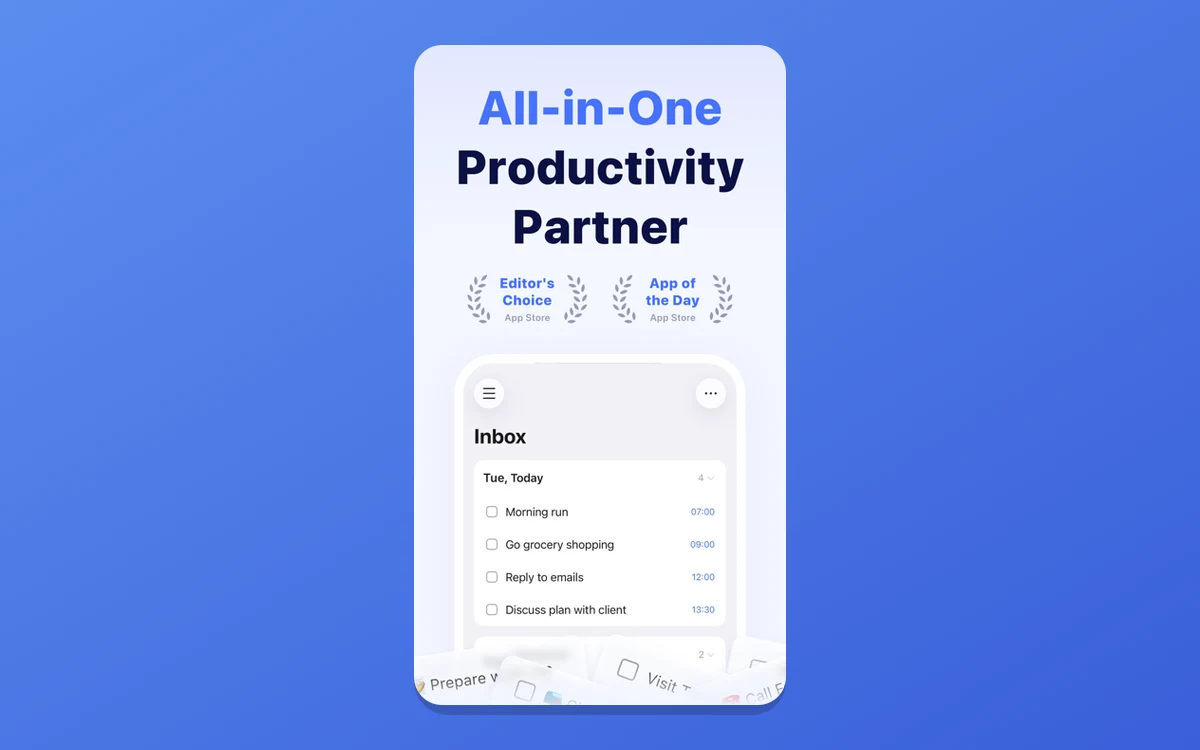
The task list is where you'll live, and it covers the essentials without feeling bloated. Every task can carry a due date and time, a priority flag, multiple reminders, tags, subtasks or a checklist, and a recurring schedule. Natural-language input helps here: type a task with a date and TickTick parses it into the right slot.
Smart lists group tasks by Today, Tomorrow, the next 7 days and by tag, so you can see what's due without manually filing everything. Batch editing lets you move or reschedule several tasks at once, quick search finds anything fast, and shared lists let you hand tasks to someone else — within that 2-member free cap or the larger paid one.
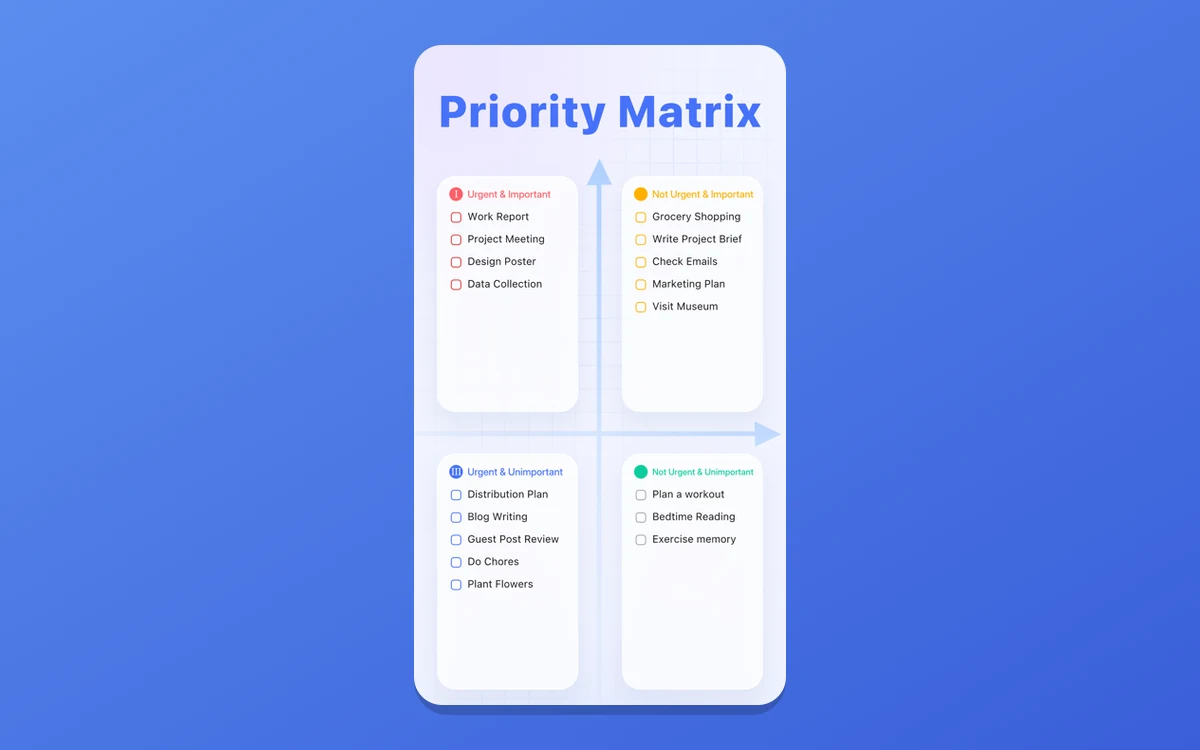
For prioritizing, Premium adds an Eisenhower Matrix that sorts tasks into urgent/important quadrants — a nice built-in framework if you find flat lists overwhelming.
Calendar and planning views
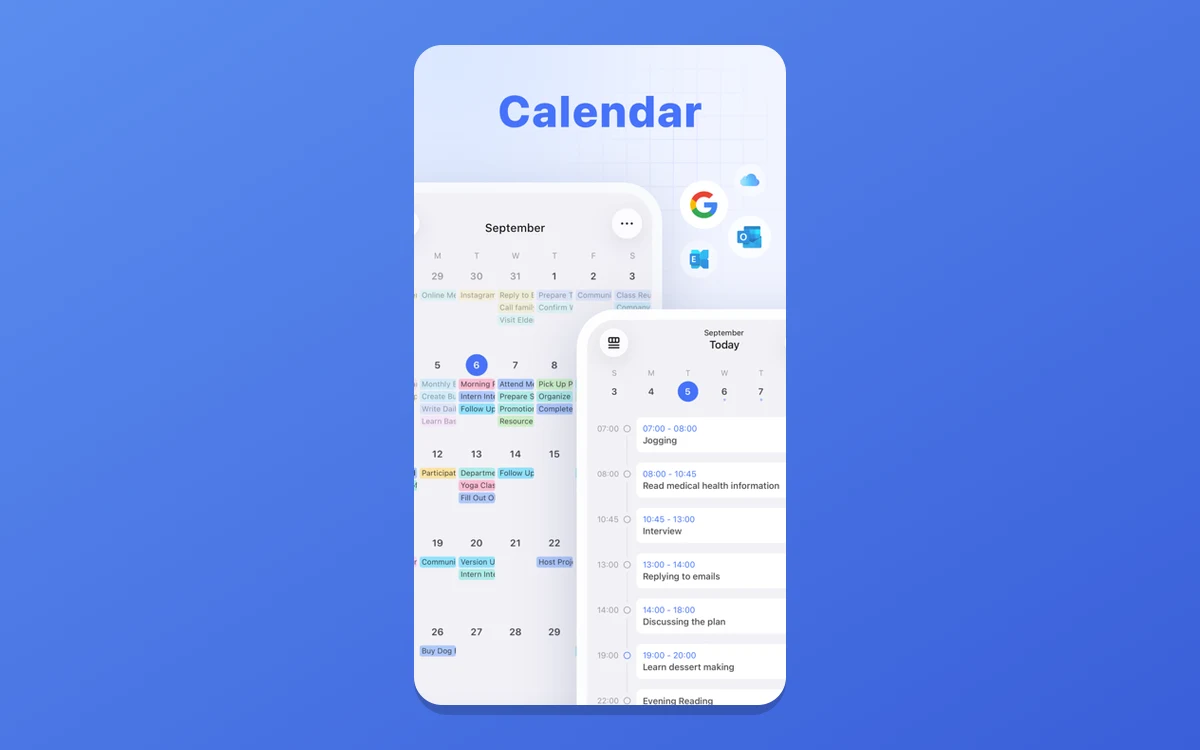
The calendar is what separates TickTick from a plain to-do app. It offers yearly, monthly, weekly, agenda, multi-day and multi-week views, so tasks with dates show up alongside your schedule instead of sitting in a separate list you forget to check.
Beyond the calendar, a Kanban board view lets you drag tasks across custom columns for projects that move through stages, and a timeline (Gantt-style) view lays tasks out by their set duration. Between them you can look at the same tasks as a list, a calendar, a board or a timeline depending on how you think.
The Pomodoro focus timer
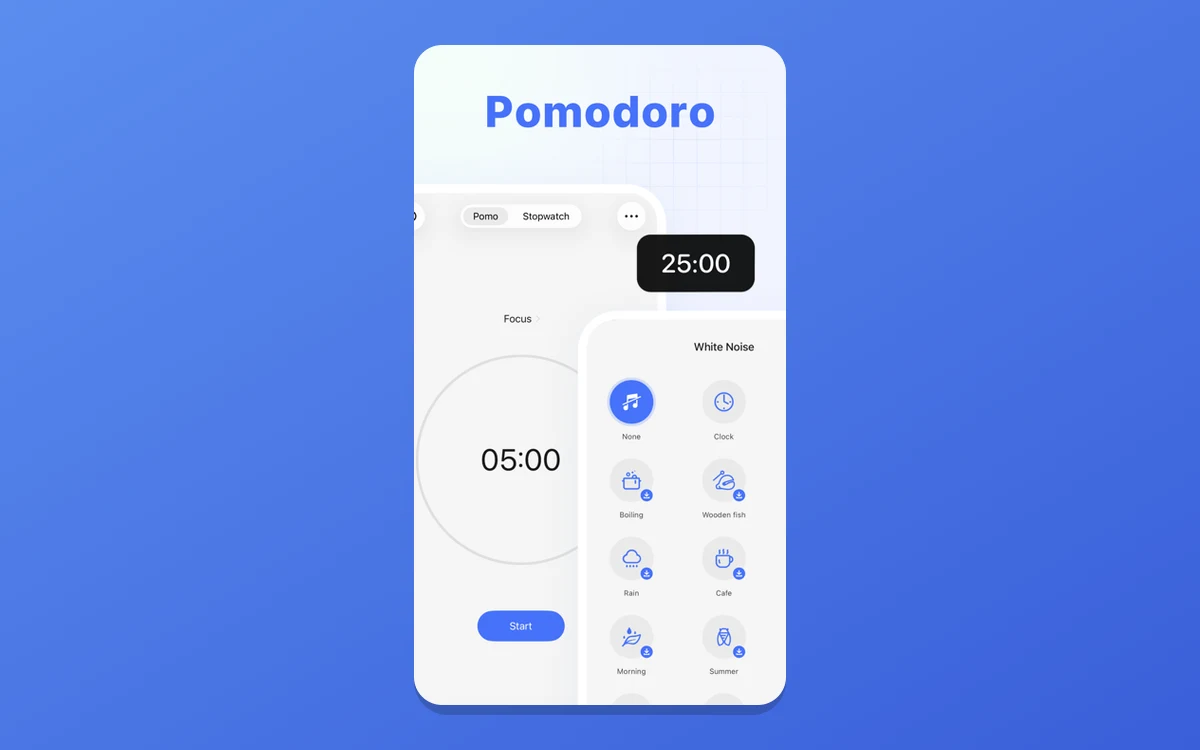
TickTick's focus timer is baked directly into tasks rather than bolted on as a separate feature. Start a Pomodoro cycle from a task and the app tracks completed cycles against that specific task, so your focus time is tied to real work instead of an abstract clock.
It logs focus statistics by day, week and month and surfaces your most productive hours, with optional background sounds to help you concentrate. Having this in the same app as your task list removes a common friction point — you don't have to copy a task into a separate focus app to time it.
Habit tracking
The habit tracker rounds out the bundle. You can set habits on daily, weekly or custom frequencies, track streaks as you keep them up, and use a built-in mini journal to check in on how a habit is going. The free plan covers up to 5 habits, which is enough to build a small routine; Premium lifts that ceiling well past what most people need.
It won't replace a dedicated habit app for someone deep into that world, but as part of a tool you already open for tasks and calendar, it lowers the barrier to actually keeping habits in view.
TickTick vs Todoist
TickTick is most often weighed against Todoist, the reference point for pure task management. The honest summary from reviewers: Todoist is a little more polished and refined at the single job of managing tasks, but TickTick is more capable overall because it bundles calendar, Pomodoro and habit tracking into the same app and the same price.
If task management is all you want and you value a spotless, focused experience, Todoist may still edge it. If you'd otherwise stitch together a to-do app, a calendar, a focus timer and a habit tracker, TickTick replaces four tools with one — which is why tech reviewer MKBHD has publicly cited it as his favorite app of the year and his to-do app of choice (as quoted on TickTick's own marketing page).
Frequently asked questions
Is TickTick free?
Yes. TickTick has a permanent free plan, not a trial. It includes up to 9 lists with 99 tasks each, the Pomodoro timer, up to 5 habits and the core calendar. Premium raises those limits and adds features like the Eisenhower Matrix, widgets and statistics.
How much does TickTick Premium cost?
Premium is $3.99 per month billed monthly. The annual plan has a $49.99/year list price and a promotional rate of $35.99/year (about $2.99/month). TickTick's App Store listing shows $49.99/year and a $4.99/month option, so the exact monthly figure depends on where you subscribe.
Does TickTick have a team or family plan?
No. As of 2026 there is no dedicated team or family plan. TickTick is built as a personal-productivity tool, so each user needs their own Premium subscription. You can share individual lists, but there is no group pricing.
Is there a student discount?
Yes. Students and educators get 25% off the annual Premium plan after verifying with a school email address.
What platforms does TickTick run on?
TickTick runs on iOS, Android, macOS, Windows, the web and as browser extensions, with sync across all of them. It also supports Siri integration and home- and lock-screen widgets on mobile.
Does the free plan include the Pomodoro timer and habit tracker?
Yes. Both the Pomodoro focus timer and the habit tracker are available on the free plan. The free tier caps you at 5 habits, and some calendar and filter features are reserved for Premium, but the core focus and habit tools are included at no cost.
Key takeaways
- TickTick combines a to-do list, calendar, Pomodoro timer and habit tracker in one cross-platform app.
- The free plan is permanent and generous: 9 lists, 99 tasks per list, 5 habits and the focus timer included.
- Premium is $3.99/month, $35.99/year on promotion or $49.99/year list price, plus 25% off for students.
- There is no team or family plan — it's a personal-productivity tool, so each person subscribes separately.
- Todoist is slightly more polished at pure task management, but TickTick does more for the same price.
More in Services & Software
Browse Services & Software