Webflow Review 2026: New Premium Pricing, Hidden Costs and Lock-In
Webflow review after the May 2026 price overhaul: Premium at $25/mo, Workspace seats, bandwidth auto-upgrades, AI credits, code export limits and refunds.
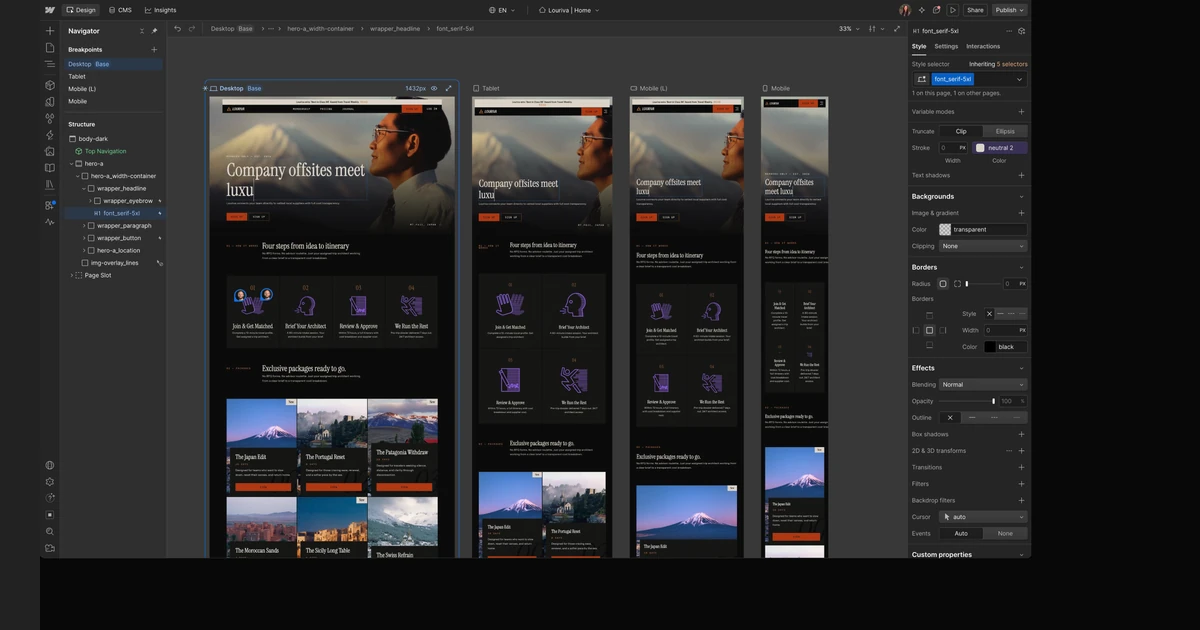
Webflow is still the most capable visual website builder for people who want designer-level control over HTML and CSS without writing it by hand, plus a real CMS and managed hosting on the same account. What changed in 2026 is the bill. On May 13, 2026 Webflow merged its CMS and Business site plans into a single Premium plan, raised the price of Basic, cut the bandwidth that used to come with Business in half and started metering its AI features with credits.
This review is built from Webflow's own pricing page, help centre, legal terms and changelog as they read on October 16, 2026. All prices are in USD, per site, before tax, and we say every time whether a figure is billed yearly or monthly - Webflow's pricing page shows the yearly price by default.
Short version: Webflow is worth it for marketing sites, content sites and agencies that value design control and accept paying in two places - a site plan and a Workspace. It is a poor fit if you want a cheap blog, a portable codebase or a predictable bill on a site that attracts a lot of bot traffic.
Verdict at a glance
- Best for: design-led marketing sites, content hubs up to 20,000 CMS items, and freelancers or agencies building client sites.
- Price to publish a CMS site: $25/month billed yearly or $39/month billed monthly on Premium, plus $0 or more for the Workspace.
- Free plan: real but tiny - a webflow.io address, 2 static pages, 50 CMS items and 1 GB of bandwidth.
- Biggest risks: bandwidth overages that auto-upgrade your plan after two months, no contractual uptime SLA below Enterprise, and a code export that leaves the CMS, forms and search behind.
- Refunds: 14 days on new site and Workspace purchases under the September 2026 policy; renewals, seats, add-ons, AI credits and overage upgrades are non-refundable.
Deadline to know
Sites in Freelancer or Agency Workspaces, or still on legacy pricing, move to the new plans from November 16, 2026. Webflow says current customers can switch to annual billing to lock in their current site plan for another year.
What Webflow is and how building works
Webflow combines three products. The Designer is a visual canvas that writes HTML and CSS as you place elements and set styles. The CMS is a structured content database you bind to page templates. Hosting publishes the result to Webflow's infrastructure. Unlike template-first builders, the Designer exposes the box model, classes, flexbox and grid directly - which is why designers and front-end developers like it, and why beginners face a real learning curve.
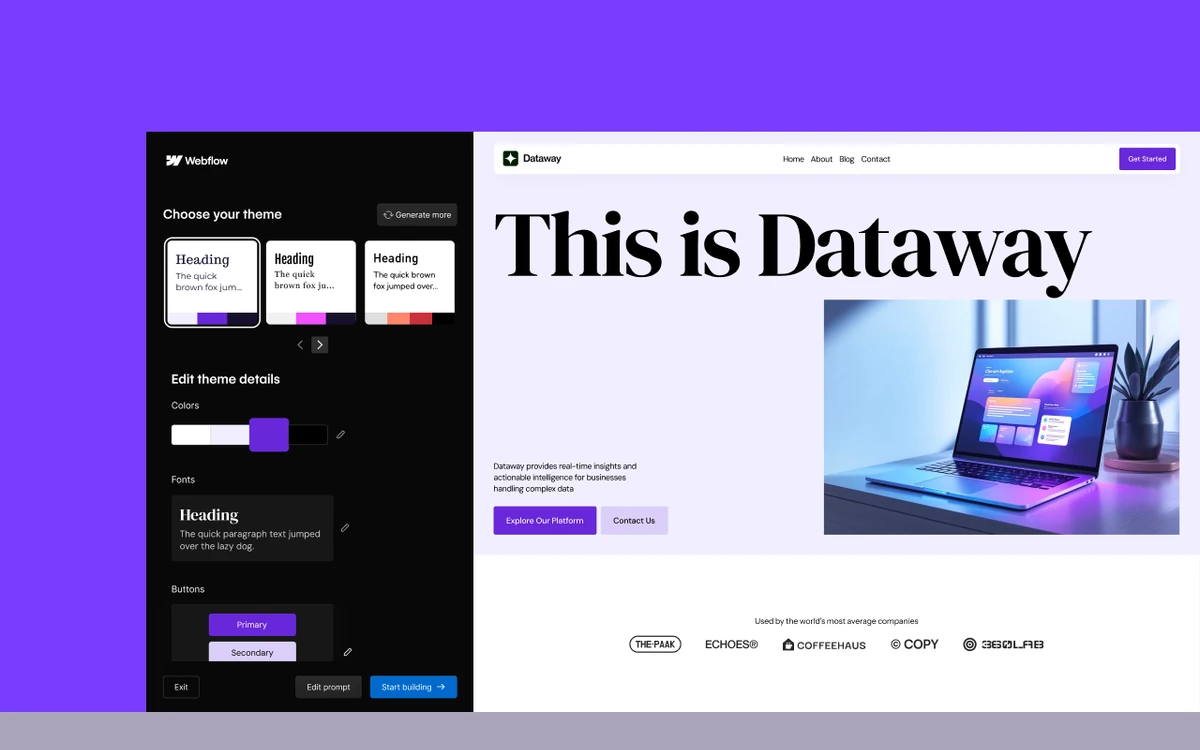
For a faster start, Webflow's AI Site Builder generates a site from a prompt and a theme choice. According to Webflow's AI credit documentation, building a site this way does not consume AI credits, so you can try it on the free Starter Workspace.
Webflow keeps shipping to the Designer. Recent changelog entries include a Box element and expanded tag selectors (October 13, 2026) and access to the Webflow MCP server from Google Gemini (October 15, 2026), so AI assistants can work with a Webflow project directly.
Webflow pricing in 2026: site plans
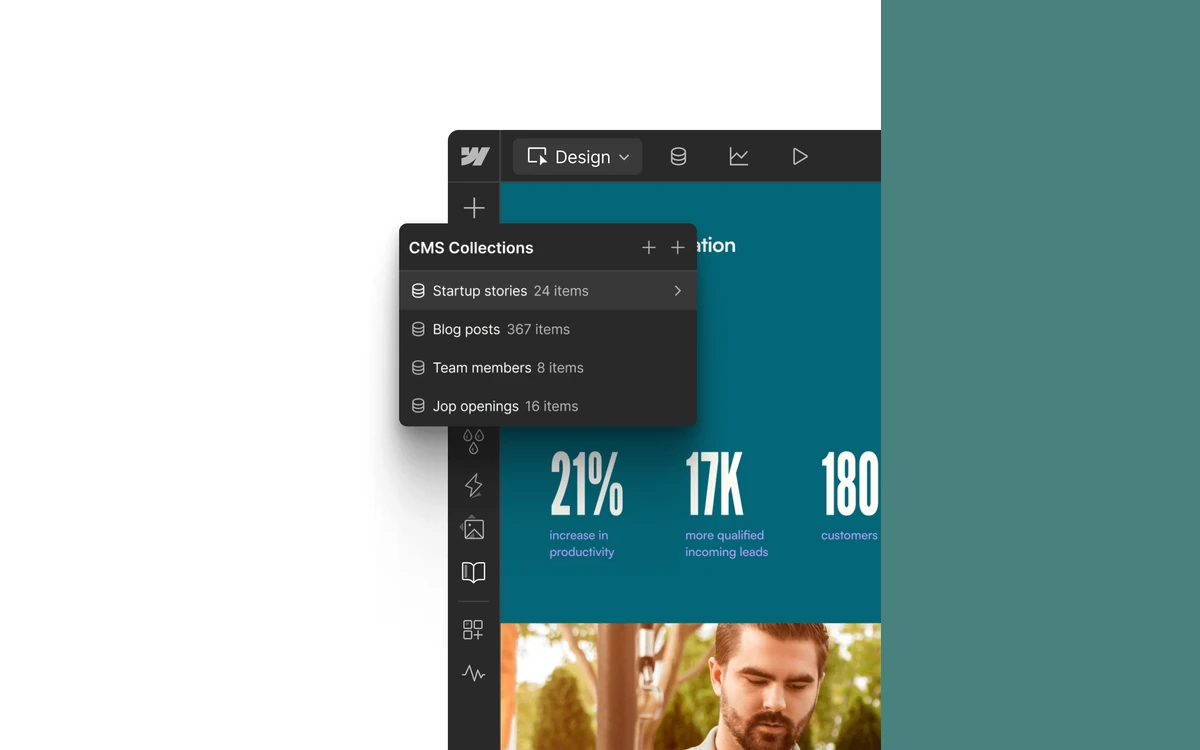
Every published site needs its own site plan. After the May 2026 overhaul there are five general-purpose site plans and three ecommerce plans. CMS and Business no longer exist for new purchases; both were folded into Premium.
- Starter - free: webflow.io domain, 2 static pages, 50 CMS items, 1 GB bandwidth, 50 form submissions. Webflow's help centre describes it as suited to up to 1,000 monthly visits.
- Basic - $15/month billed yearly, $25 billed monthly: custom domain, 300 static pages, 10 GB bandwidth, unlimited form submissions, password protection. No CMS and no site search.
- Premium - $25/month billed yearly, $39 billed monthly: CMS with 20,000 items and 40 Collections, 50 GB bandwidth (expandable to 2.5 TB), site search, code components, form file uploads up to 10 MB and a content API limit of 120 requests per minute.
- Team - $2,500/month, annual contract only: everything in Premium plus 10 seats, 100 CMS Collections, Webflow Localize, AEO agents, publishing workflows, single-page publishing and a site activity log.
- Enterprise - custom pricing: enhanced SLAs, a dedicated account manager and custom roles.
For a blog or any templated content, Premium is the real entry point. At $25/month billed yearly it is cheaper than the old Business plan, which Webflow's own FAQ lists at $39/month yearly or $49 monthly, but it ships with half of Business's bandwidth: 50 GB instead of 100 GB. Basic got more expensive and doubled its static page limit from 150 to 300. CMS item add-ons are gone, so 20,000 items is the Premium ceiling before you talk to sales.
Ecommerce plans
Ecommerce was left alone in the overhaul. Standard costs $29/month billed yearly ($42 monthly) for 500 items and charges a 2% transaction fee. Plus costs $74 ($84 monthly) for 5,000 items with no Webflow fee and unbranded emails. Advanced costs $212 ($235 monthly) for 15,000 items. The 2% fee is calculated on order total plus taxes and sits on top of Stripe or PayPal processing.
The second bill: Workspaces and seats
Site plans pay for hosting. Workspace plans pay for the people and tools that build the sites, and the two are billed and cancelled separately - cancelling one does not cancel the other. Every Workspace includes one full seat for the owner and 100 free reviewer seats.
- Starter Workspace - free: 2 staging sites, 2 pages per staged site, 200 AI credits a month.
- Core - $19/month billed yearly, $28 monthly: 10 staging sites, custom code, code export, shared libraries, 300 AI credits.
- Growth - $49/month billed yearly, $60 monthly: unlimited staging sites, site-level roles, publishing permissions, 301 redirects, 400 AI credits.
- Freelancer - $16/month billed yearly, $24 monthly: 10 staging sites, one free client seat per site, client payments, 300 AI credits.
- Agency - $35/month billed yearly, $42 monthly: unlimited staging sites, three free client seats per site, 400 AI credits.
Extra seats are where team costs climb. A full seat, for designing full sites or managing admin settings, costs $39/month billed yearly or $45 monthly. A limited seat, for editing content or building pages from existing components, costs $15 yearly or $19 monthly. Reviewers and commenters are free.
Watch out
Custom code and code export are Workspace features, not site-plan features. A solo builder on the free Starter Workspace who needs either must add Core at $19/month billed yearly on top of the site plan.
What you actually pay: four worked examples
All figures below are billed yearly and exclude tax and payment processing.
- Solo blog or portfolio with a CMS: Premium $25 + Starter Workspace $0 = $25/month ($300/year). On monthly billing the same setup is $39/month.
- Solo builder who needs custom code or code export: Premium $25 + Core $19 = $44/month ($528/year).
- Small marketing team - owner, two more designers and one content editor: Premium $25 + Core $19 + two full seats at $39 + one limited seat at $15 = $137/month ($1,644/year).
- Busy content site at 150 GB/month: Premium $25 + the 100 GB bandwidth add-on at $40 = $65/month. That is the example Webflow itself uses to show a yearly Business customer moving from $59 to $65 a month.
Bandwidth tiers scale steeply: +50 GB costs $20/month billed yearly ($30 monthly), +250 GB costs $100 ($150), and the top tier, +2.45 TB, costs $974 ($1,460). Premium at its 2.5 TB ceiling therefore runs $999/month on yearly billing.
Fine print: bandwidth auto-upgrades and add-ons
Bandwidth is the line that surprises people. On Basic and Premium, the first month over your allotment is forgiven as surge protection. If you go over again the next billing month, Webflow automatically upgrades your site plan or bandwidth tier at the start of the following month, sized to the lower of your last two months' usage.
- Bot traffic counts. Webflow measures traffic from any user agent, bot or not, and responses with any status code.
- Annual plans are still metered monthly, so a yearly bill does not shield you from an upgrade.
- Overage upgrades are non-refundable. Webflow states that it cannot refund bandwidth overages.
If a site sits near a tier boundary, check its bandwidth usage every month and host large downloads or video somewhere else.
Paid add-ons
- Localize (translation): Essential from $9 per locale per month billed yearly ($12 monthly), up to 3 locales and 10,000 words a month; Advanced from $29 ($35) per locale, up to 10 locales and 50,000 words a month.
- Analyze (built-in analytics): $9/month billed yearly ($12 monthly) for 2,000 sessions, rising to $229 ($299) for 500,000 sessions.
- Optimize (A/B testing and personalization): $299/month billed yearly ($379 monthly) for 25,000 page views, up to $1,199 ($1,499) for 500,000, with up to 5 concurrent optimizations.
- Webflow Cloud (app hosting): beyond included limits, $2 per million requests and $2 per 5 CPU hours, with bandwidth pooled with the site's. Mounting Cloud apps on a custom domain is not available on Starter or Basic.
Add-ons and seats are non-refundable, so add them when you need them rather than at signup.
AI credits: what they cover
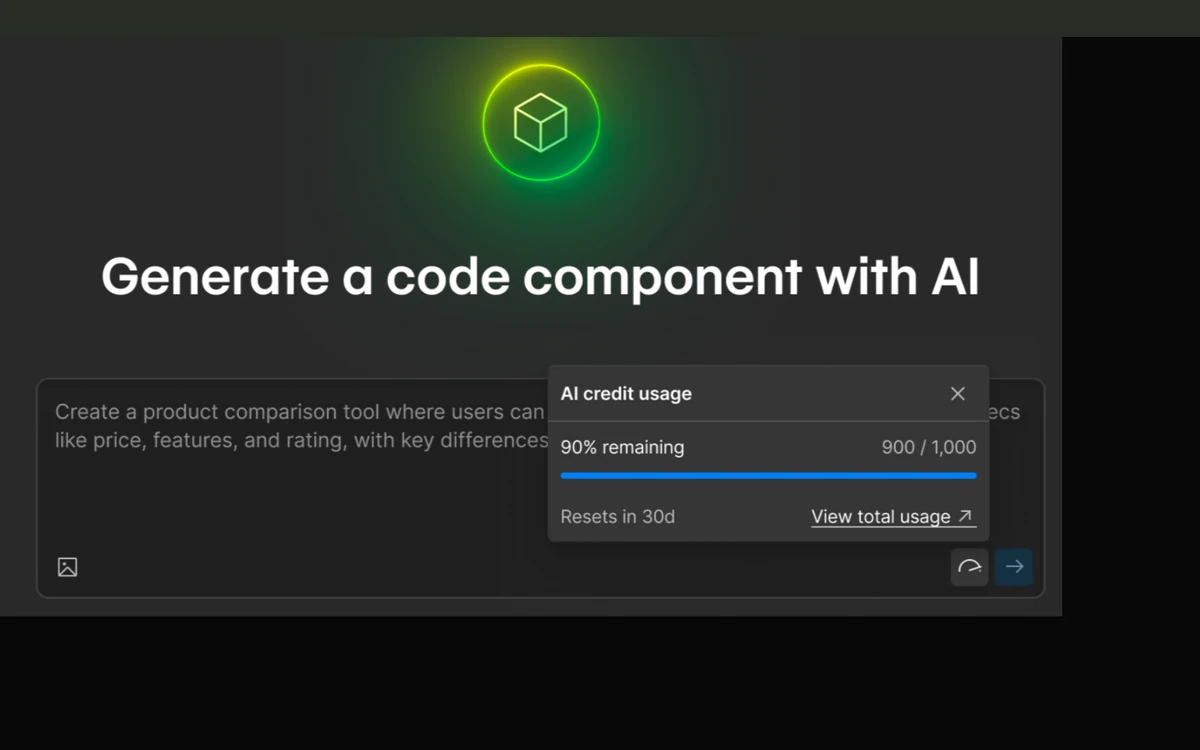
Since June 29, 2026 Webflow meters its AI features with credits. Each Workspace gets a monthly allowance: 200 on Starter, 300 on Core and Freelancer, 400 on Growth and Agency. The Team plan gets 100,000 a year. More credits cost $20/month billed yearly ($25 monthly) per 2,000, up to 15 add-ons per Workspace.
Credits are spent on SEO and AEO suggestions, generated copy, generated CMS items, generated code components, AEO agents and translations beyond the Localize word allowance. Building a site with the AI Site Builder, designing sections, contextual help, generating apps and Webflow Optimize do not use credits.
No rate card
Webflow does not publish how many credits an action costs - it calls usage dynamic. The upside is that running out does not trigger an automatic upgrade or a surprise charge. Unused credits expire at the end of the period and do not roll over.
Webflow Conf 2026: what is new and what you can buy
At Webflow Conf on September 2, 2026, CEO Linda Tong pitched Webflow as a platform for marketing teams and their AI agents. The launches show where the product is heading, but most are not part of today's plans.
- Source by Webflow - connects a codebase and martech stack and brings agentic and visual development into one environment. Limited research preview.
- Campaigns - turns a brief into landing pages, variants and matched ads. In beta at launch, with purchase announced for the following month; we could not confirm a price.
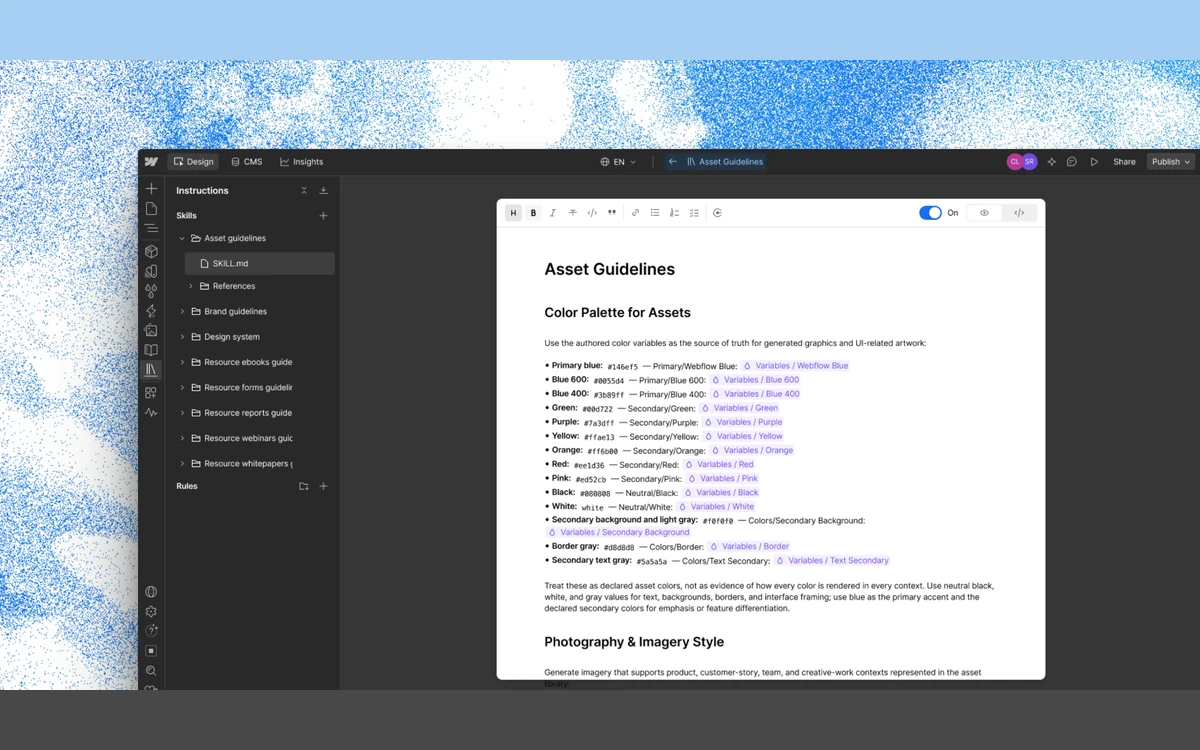
- Assets - on-brand creative generation built on technology from Webflow's acquisition of Vidoso. Entering beta in October 2026.
- Releases - branch an entire site, including pages, CMS, components, assets and locales.
- Agent Instructions, Agent Presence on canvas and MCP updates - ways for AI agents to follow brand rules and work inside a project. AEO agents are on by default for Enterprise and included with Team.
Our read: if you are buying a site plan today, judge Webflow on the Designer, CMS and hosting you get now. The agent features are a reason to watch, not yet a reason to pay.
Lock-in, cancellation and refunds
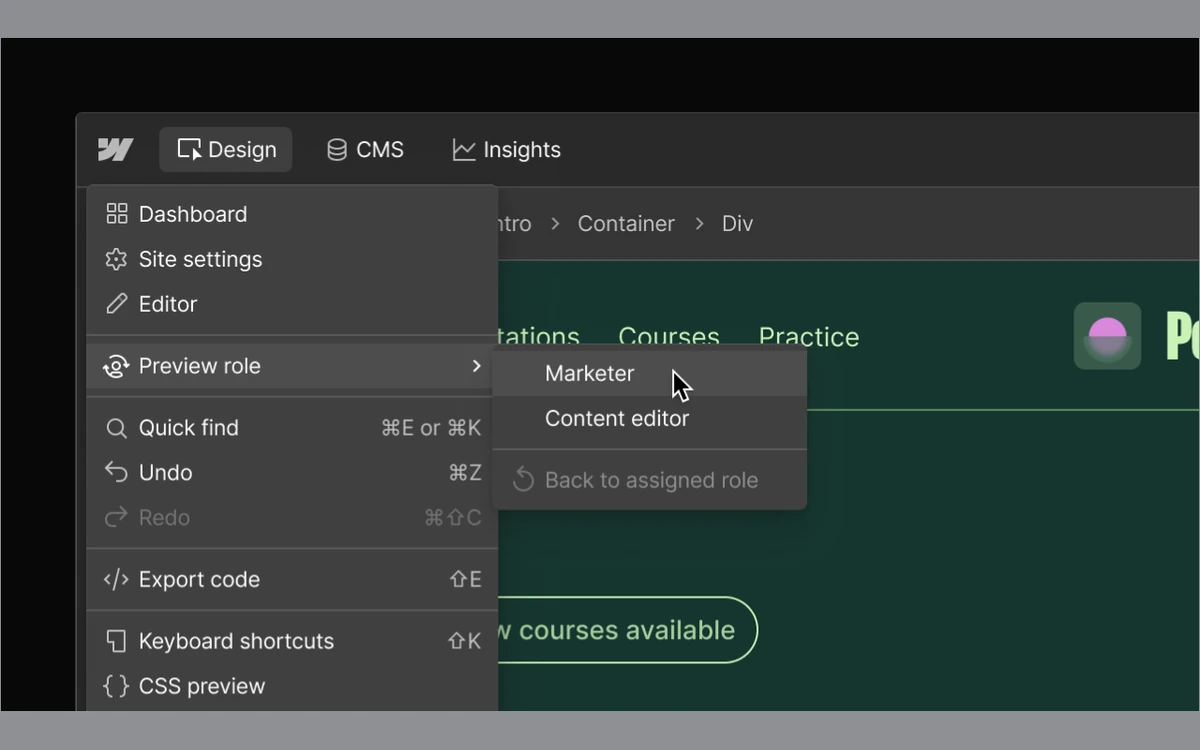
Code export is the escape hatch, and it is narrower than many buyers expect. It requires a paid Workspace plan - site plans alone cannot export. The export leaves out CMS content, user accounts, ecommerce data, code components and localized pages, and site search and forms stop working on the exported copy. CMS content can be downloaded per Collection as CSV, and form submissions as CSV too.
Cancelling
Cancelling stops renewal: you still pay for the rest of the term, and the plan stays active until the billing period ends. When a paid site plan lapses, Webflow removes the custom domains and unpublishes the site from both the custom domain and the webflow.io staging address. Existing CMS items stay editable, but you cannot add more. Add-ons must be removed before you downgrade.
Refunds
Webflow's help-centre refund policy, last updated September 2026, gives a full refund on new site and Workspace plan purchases if you cancel and ask within 14 days, for both monthly and annual plans. Everything else is final: renewals, seats, add-ons, AI credits and bandwidth or usage auto-upgrades are non-refundable, and downgrading to the free Starter plan earns no refund or credit. Annual plans send a renewal reminder at least 7 days ahead.
Policy conflict
Webflow's Terms of Service, last modified November 15, 2023, still say annual plans are non-refundable and that Webflow may change its fees at any time, including at renewal. The newer help-centre policy is what Webflow currently publishes for refunds, so save a copy of it with your purchase date. Contact support before disputing a charge: a chargeback filed without contacting Webflow may get the account suspended.
Who should use Webflow - and who should not
Good fit
- Designers and front-end developers who want visual control over real HTML and CSS without maintaining a server.
- Marketing teams running a content-heavy site under 20,000 CMS items who want non-developers editing safely on limited seats.
- Freelancers and agencies who build client sites and can pass site plans through to clients, using client seats and client payments.
Poor fit
- Hobby blogs and simple sites: a CMS starts at $25/month billed yearly, and the free plan's 2 static pages and webflow.io address are for testing only.
- Anyone who needs a portable site: exported code loses the CMS, forms and search.
- High-traffic or bot-heavy sites on a tight budget, given automatic bandwidth upgrades.
- Businesses that need a contractual uptime guarantee without Enterprise pricing. Below Enterprise there is no contractual SLA for site uptime or support reply times, and even Team lists 99.00% hosting uptime against 99.99% on Enterprise.
If you are weighing a designer-first alternative, our Framer review covers the closest competitor.
Frequently asked questions
How much does Webflow cost per month in 2026?
A site with a CMS costs $25/month billed yearly or $39 billed monthly on Premium; a site without a CMS costs $15/month yearly or $25 monthly on Basic. A paid Workspace (from $19/month yearly for Core) and extra seats ($39 full, $15 limited, yearly) are billed separately, and all prices exclude tax.
Is Webflow's free plan enough to run a real site?
No, not for a public site. The free Starter plan publishes only to a webflow.io address with 2 static pages, 50 CMS items, 1 GB of bandwidth and 50 form submissions, and removing Webflow branding needs a paid plan. It is a sandbox for learning and prototyping.
What happened to the CMS and Business plans?
They were merged into Premium on May 13, 2026. Existing sites move to the new plans at renewal from June 29, 2026, and sites in Freelancer or Agency Workspaces or on legacy pricing move from November 16, 2026. Webflow says switching to annual billing locks in a current site plan for one more year.
What happens if my site goes over its bandwidth limit?
The first month over is free. A second consecutive month over triggers an automatic, non-refundable upgrade of your plan or bandwidth tier at the start of the next billing month, and bot traffic counts toward the limit.
Can I get a refund from Webflow?
Yes, within 14 days of a new site or Workspace plan purchase, monthly or annual, under the September 2026 refund policy. Renewals, seats, add-ons, AI credits and overage upgrades are non-refundable.
Can I export my Webflow site and host it elsewhere?
Only partly. Code export needs a paid Workspace plan and produces code without CMS content, user accounts, ecommerce data, code components or localized pages, and forms and site search stop working. CMS Collections can be exported separately as CSV.
Do Webflow's AI features cost extra?
Only if you need more than the included allowance. Each Workspace gets 200 to 400 AI credits a month depending on plan, and more cost $20/month per 2,000 on yearly billing. Running out does not cause an automatic charge, and the AI Site Builder does not use credits.
Does Webflow charge transaction fees on ecommerce?
Only on Ecommerce Standard, which takes 2% of order total plus taxes on top of payment processor fees. Ecommerce Plus and Advanced charge no Webflow transaction fee.
Key takeaways
- Premium ($25/month yearly, $39 monthly) is the real entry price for any Webflow site with a CMS.
- Budget for two bills: a site plan per site, and a Workspace with seats for the people who build it.
- Two consecutive months over the bandwidth allotment auto-upgrades your plan, bot traffic included, and the upgrade is non-refundable.
- Code export needs a paid Workspace and leaves CMS content, forms and search behind - plan your exit before you build.
- New purchases are refundable for 14 days; renewals, seats, add-ons and AI credits are not.
- Freelancer, Agency and legacy-priced sites move to the new pricing from November 16, 2026.
More in Services & Software
Browse Services & Software