BlipCut AI Video Translator Review: One Suite for Dubbing, Subtitles, and Voice Cloning
A hands-on look at BlipCut's AI video localization suite — translation into 140+ languages, dubbing, subtitles, voice cloning, and clip making — plus how its credit-based pricing really works and where the value holds up.
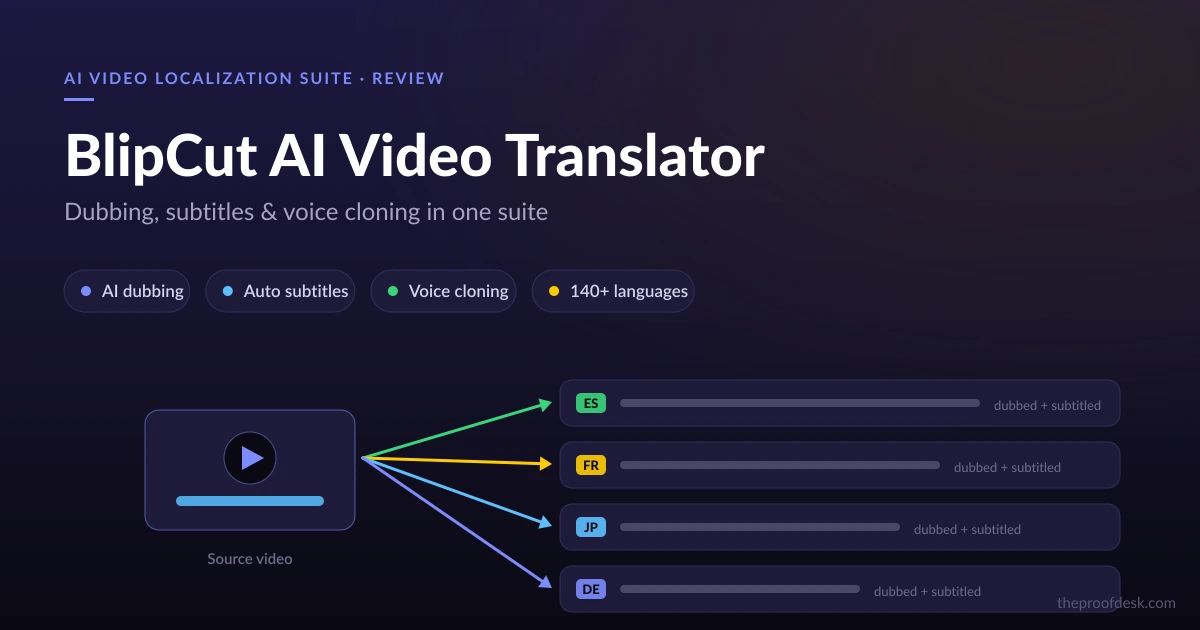
Localizing a video used to mean stitching together three or four separate tools: one to transcribe, one to translate, one to generate a voiceover, and yet another to cut the result into shareable clips. BlipCut AI pitches itself as the single suite that folds all of that into one credit-based workflow — translation into 140+ languages, AI dubbing with lip sync, subtitle generation, voice cloning, and a clip maker, all under one login.
That breadth is the selling point and the risk. A tool that tries to do everything can end up doing nothing especially well, and BlipCut's pricing is unusual enough that it deserves a careful read before you commit. This review walks through what each tool actually does, how the credit system prices your usage, and the caveats — accuracy claims and the absence of a proper free plan — worth knowing up front.
What BlipCut AI actually is
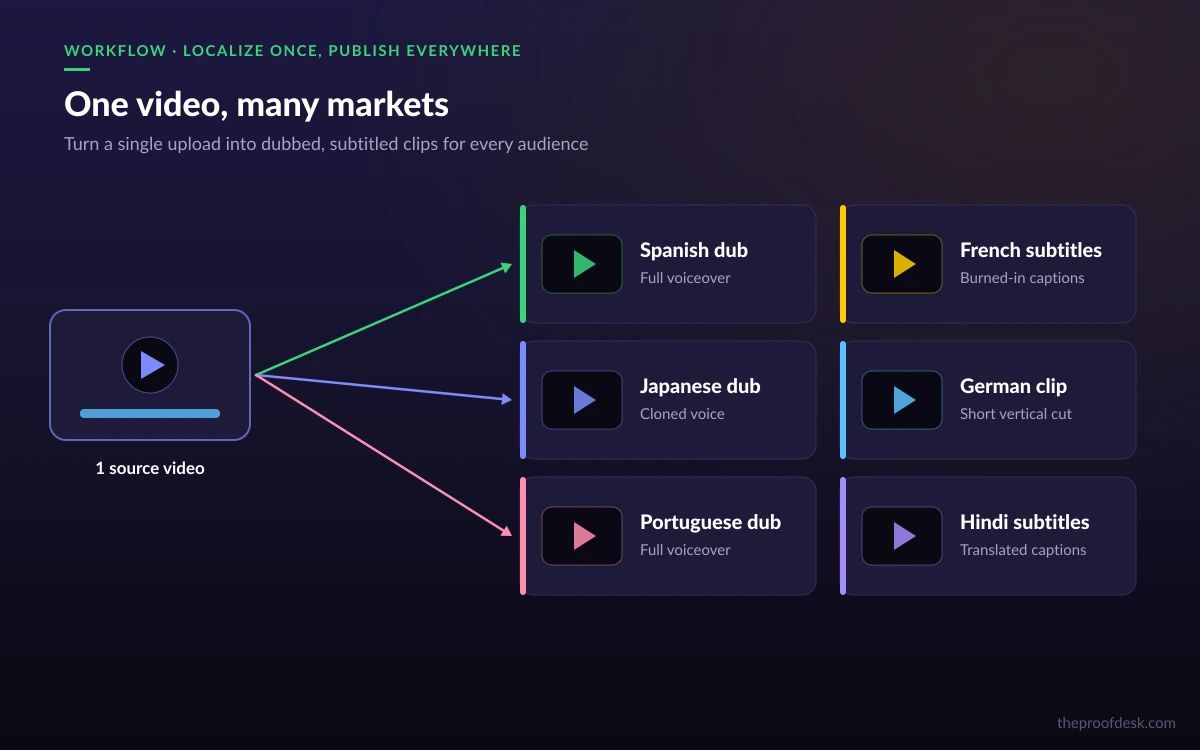
BlipCut AI is a video and voice localization platform built around a handful of connected tools rather than a single feature. The headline product is the AI Video Translator, but the same account also gives you a voice generator, a voice-cloning engine, a subtitle generator, and a clip maker. The idea is that a creator or a small marketing team can take one source video and produce a fully localized, dubbed, subtitled version — and then a batch of short clips from it — without leaving the suite.
It runs in more places than most competitors. There is a web app at videotranslator.blipcut.com, native desktop apps for Windows and macOS, and a Chrome extension. The desktop apps matter for anyone working with large local files who would rather not upload gigabytes to a browser tab.
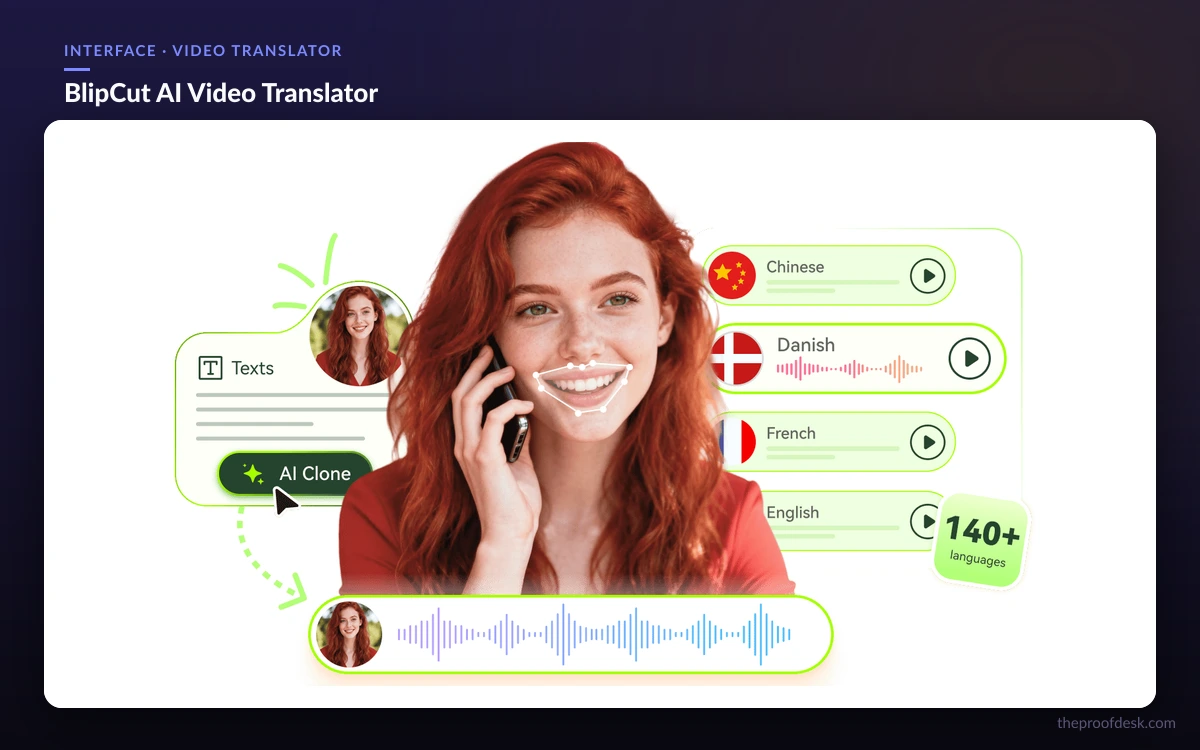
At a glance
BlipCut bundles video translation, dubbing, subtitles, voice generation, voice cloning, and clip making into one credit-based account, available on web, Windows, macOS, and as a Chrome extension.
The core tools, one by one
AI Video Translator and dubbing
The flagship tool converts a video into any of 140+ languages, generating a translated voiceover and applying lip sync so the speaker's mouth tracks the new audio. Voice cloning can carry the original speaker's timbre across languages, which is what separates a convincing dub from an obviously synthetic one. This is the feature most people come to BlipCut for, and it is also the most credit-hungry.
AI Voice Generator and cloning
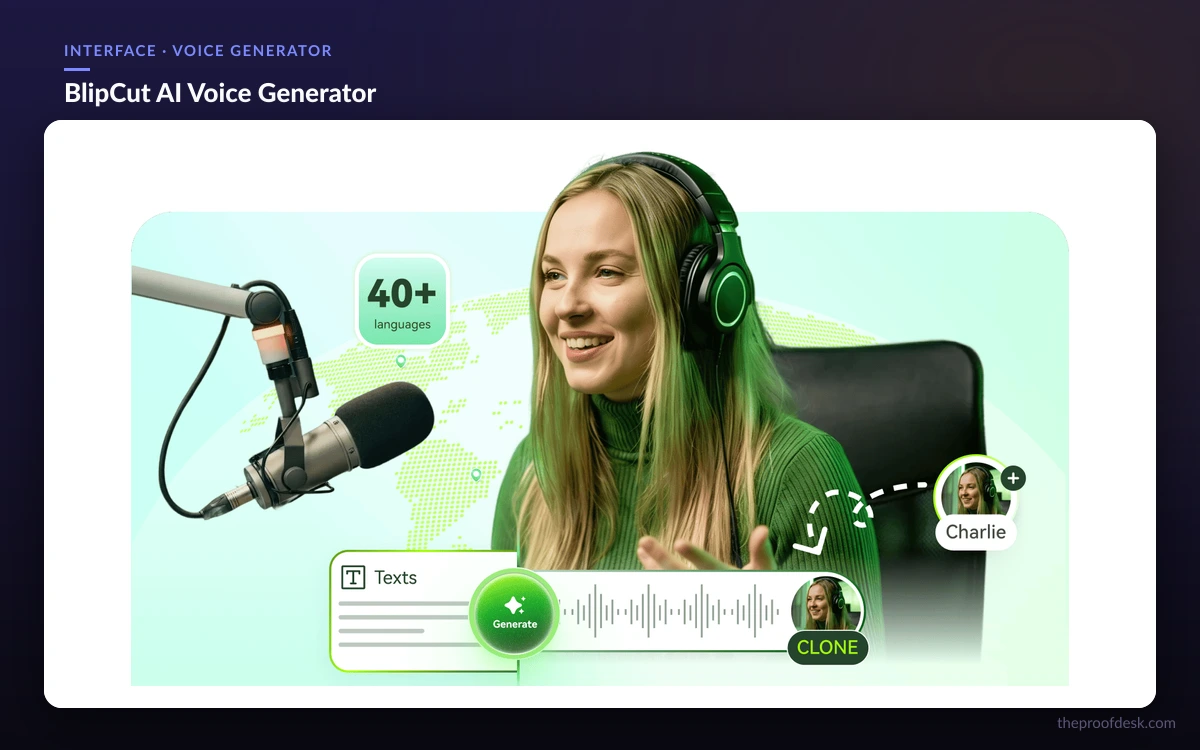
The voice generator offers 600+ voices across 40+ languages with standard text-to-speech, useful for narration when you are not translating an existing clip. Separately, AI voice cloning replicates a specific voice in 29 languages — a narrower language set than the translator, so check that your target language is covered before you rely on cloning rather than a stock voice.
AI Subtitle Generator
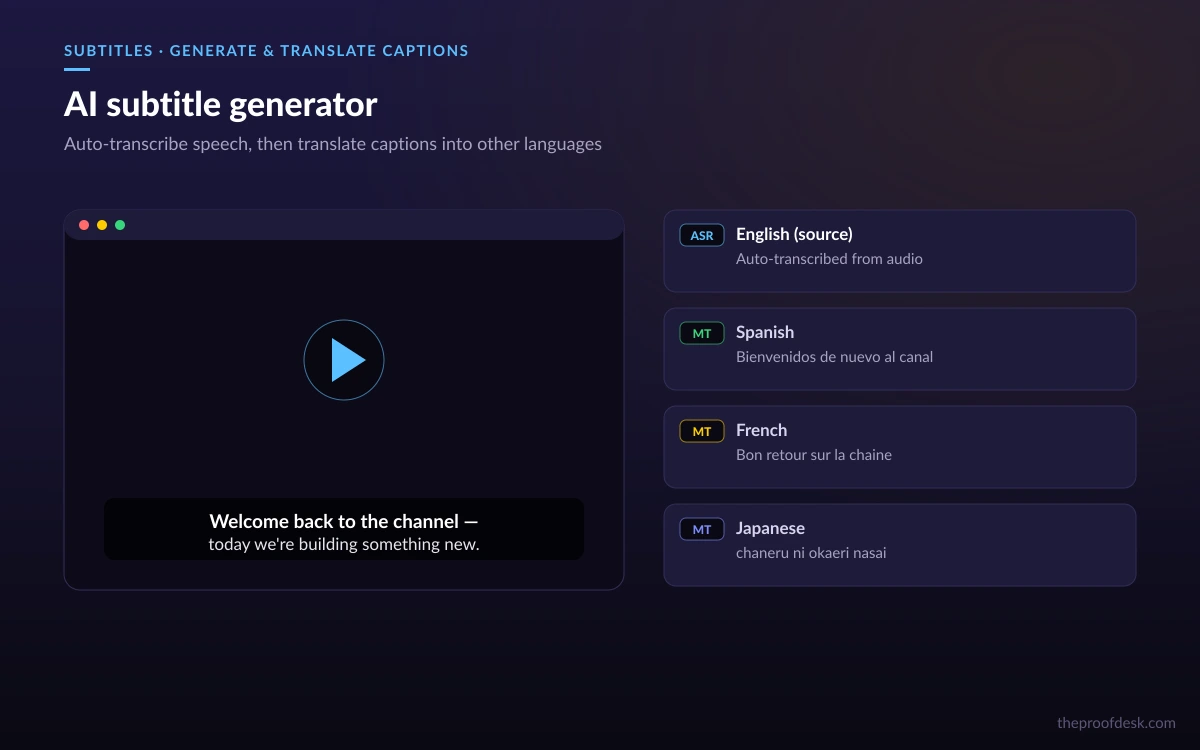
The subtitle tool auto-generates, translates, and edits captions, with translation powered by ChatGPT across roughly 130–140 languages. You can export subtitles as SRT, VTT, DOCX, TXT, or PDF, or burn them directly into the video file. Basic subtitle generation works without a sign-up, which makes it the easiest part of the suite to try before paying.
AI Clip Maker
The clip maker turns a long video into short, social-ready clips with auto-generated titles. It is the cheapest feature to run in credit terms, which makes it a sensible companion to translation: localize once, then spin out a week of shorts from the same source.
How the credit-based pricing works
BlipCut prices everything in credits, and the single most important thing to understand is that a credit buys a different amount of work depending on the feature. One credit covers one minute of video translation, but four minutes of subtitle generation, and clipping burns credits far more slowly still. Budget against the feature you will actually use most, not a flat per-minute assumption.
Concretely, the weekly starter runs $16.99/week for 30 credits — enough for up to 30 minutes of translation, or about 120 minutes of subtitles, or 300 minutes of clipping, or 60K characters of voiceover. That single bucket illustrates the whole model: the same 30 credits stretch very differently across tools.
Monthly plans
- 90 credits — $39.99 ($0.44/credit)
- 180 credits — $77 ($0.43/credit)
- 270 credits — $113 ($0.42/credit)
- 360 credits — $147 ($0.41/credit)
- 720 credits — $264 ($0.29/credit)
Yearly plans (billed annually)
- 900 credits — $300/yr ($0.33/credit)
- 1,800 credits — $579/yr ($0.32/credit)
- 3,600 credits — $1,080/yr ($0.30/credit)
Pay-as-you-go credit packs (perpetual)
- 10 credits — $9.99
- 300 credits — $189.99
- 1,000 credits — $459.99
- 3,000 credits — $1,399.99
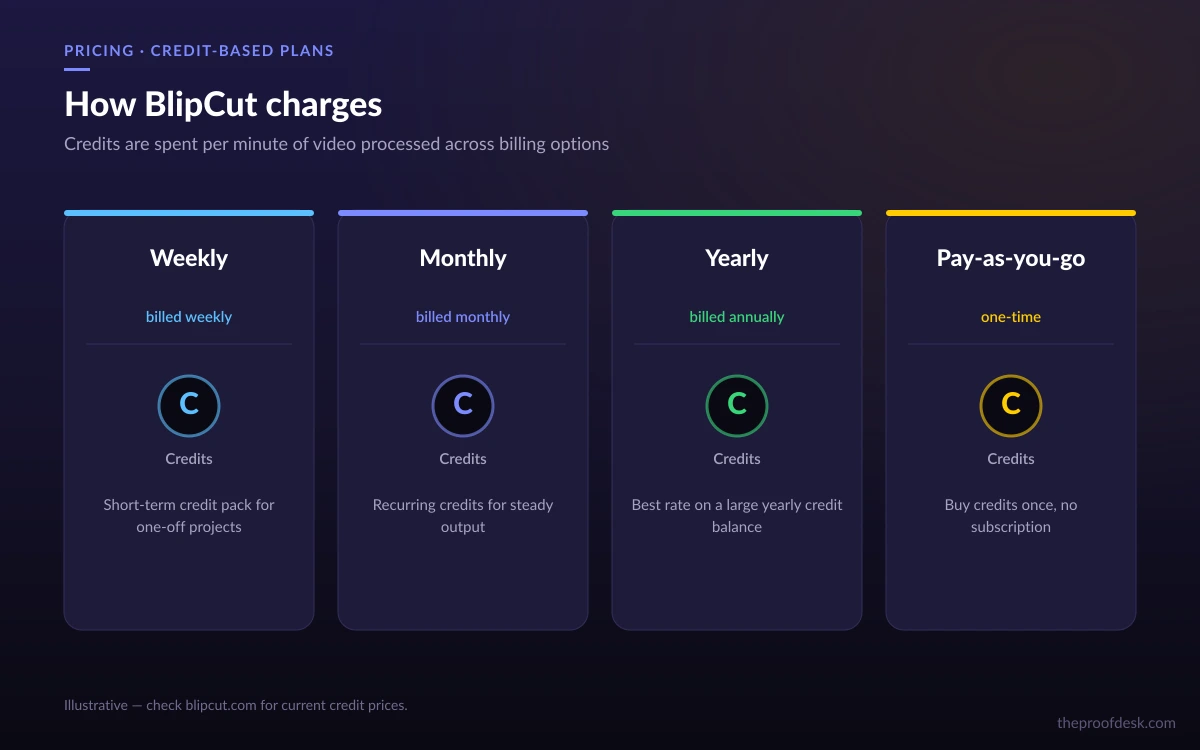
The pay-as-you-go packs are the quiet standout: they don't expire, so occasional users who translate a few videos a quarter avoid paying a recurring subscription for months they don't touch. Heavy, steady users get the lowest per-credit rate on the larger monthly and yearly tiers. An Enterprise plan with custom pricing, dedicated support, and bespoke credit limits sits above all of it.
Accuracy claims and the free-plan question
BlipCut's marketing puts subtitle transcription accuracy at up to 99.9%. That is a best-case figure from its own copy, not an independent benchmark, and real-world results vary with audio quality, accents, and background noise — treat it as an aspiration rather than a guarantee, and plan to proofread captions on anything mission-critical.
The free-plan situation is genuinely murky. Some third-party reviews describe a free tier with a couple of credits and one-minute clips, but BlipCut's own pricing page lists only paid plans — weekly, monthly, yearly, pay-as-you-go, and enterprise — with no free subscription. What does exist is a standalone subtitle-generator tool on the site that works without signing up, though its exact limits (length caps, watermarking) aren't spelled out. In short: you can try basic subtitles for free, but don't count on a free tier for translation or dubbing.
- No advertised free subscription tier for translation or dubbing.
- Free, sign-up-free subtitle generation exists but with undisclosed limits.
- Accuracy figures are vendor claims, not third-party tested.
Who should consider BlipCut
BlipCut fits creators and small marketing teams who need to localize video regularly and would rather pay for one suite than assemble a stack. The desktop apps and Chrome extension make it practical for people working outside a single browser tab, and the non-expiring credit packs make it forgiving for irregular use.
It is a weaker fit if you need one narrow capability at the highest possible quality — a dedicated subtitle service or a specialist dubbing studio may beat it on that single axis. It is also worth pausing if a free tier is a hard requirement, because BlipCut doesn't offer a real one for its headline tools.
- Good fit: multilingual creators, small marketing teams, agencies localizing at volume.
- Weaker fit: single-feature power users, or anyone who needs a free translation tier.
Frequently asked questions
Does BlipCut have a free plan?
Not for its main tools. BlipCut's pricing page lists only paid plans (weekly, monthly, yearly, pay-as-you-go, and enterprise) with no free subscription tier. There is a separate on-site subtitle generator that works without signing up, but its length and watermark limits aren't published, and it doesn't cover translation or dubbing.
How much does BlipCut cost?
The weekly plan is $16.99 for 30 credits. Monthly plans run from $39.99 (90 credits) up to $264 (720 credits), yearly plans from $300 to $1,080 billed annually, and non-expiring pay-as-you-go packs from $9.99 (10 credits) to $1,399.99 (3,000 credits). Per-credit cost falls as you buy larger tiers.
What does one credit actually buy?
It depends on the feature. One credit covers about one minute of video translation, four minutes of subtitle generation, roughly ten minutes of clipping, or a slice of voiceover characters. Estimate your budget against whichever tool you'll use most, not a flat per-minute rate.
How many languages does BlipCut support?
The video translator handles 140+ languages and the subtitle generator around 130–140. The voice generator spans 40+ languages with 600+ voices, but voice cloning is narrower at 29 languages — check your target language is covered before relying on cloning.
Is the 99.9% accuracy claim reliable?
Treat it as a best-case, vendor-stated figure rather than an independent benchmark. Real accuracy depends on audio quality, accents, and background noise, so proofread captions and dubs on anything important.
Can I use BlipCut without a browser?
Yes. Beyond the web app, BlipCut offers native Windows and macOS desktop apps plus a Chrome extension, which is helpful for handling large local video files without uploading them through a browser tab.
Key takeaways
- BlipCut is an all-in-one localization suite: translation, dubbing, subtitles, voice generation, voice cloning, and clip making under one credit-based account.
- Credits buy different amounts per feature — 1 min of translation vs 4 min of subtitles vs ~10 min of clipping — so budget against your dominant task.
- Pricing spans a $16.99 weekly plan, monthly and yearly subscriptions, and non-expiring pay-as-you-go packs that suit irregular use.
- There's no real free tier for translation or dubbing; only a limited, sign-up-free subtitle tool exists.
- Accuracy figures up to 99.9% are vendor claims — proofread anything mission-critical.
More in Artificial Intelligence
Browse Artificial Intelligence