Meshy Review: AI 3D Models From a Text Prompt or Photo
Meshy turns a sentence or a photo into a textured, game-ready 3D model in about a minute. Here is what the credits actually buy and where the geometry still breaks.
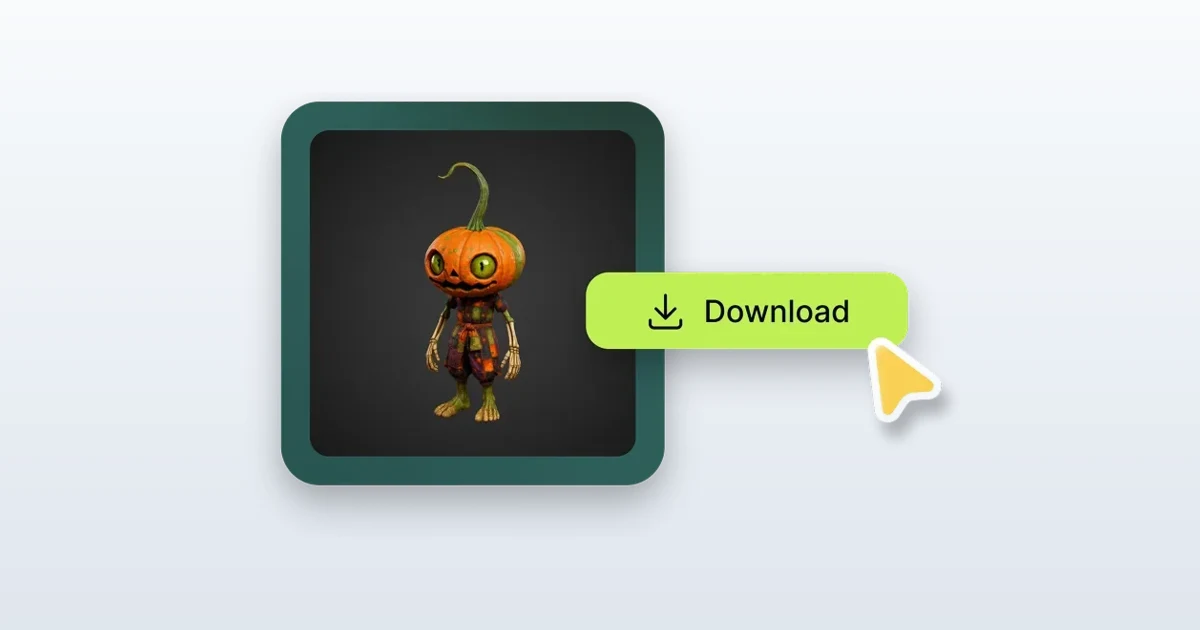
Modeling a single game-ready prop by hand is a long afternoon: box-modeling the shape, unwrapping the UVs, painting the textures, then baking it all down to something an engine will actually load. Most people who need a crate, a low-poly tree or a stylized character for a game jam, an AR demo or a 3D print do not have that afternoon, and never learned Blender in the first place.
Meshy is the shortcut that has drawn the most attention. Type a sentence or drop in a photo, wait about a minute, and it hands back a textured 3D mesh you can export straight into Unity or Godot. This review covers what it really produces, what the credits cost as of August 2026, where the geometry falls apart, and who is better off with something else.
What Meshy actually makes
Meshy is a text-to-3D and image-to-3D generator built on its own in-house models. The current flagship is Meshy-6, released on 18 January 2026; you can still pick an older version per generation, and a higher-detail Meshy-6 Preview option exists for sculpting-level output. What comes back is a full mesh with PBR textures, not a flat picture.
- Text to 3D: a prompt like 'a mossy stone well, stylized' becomes a model.
- Image to 3D: one photo of an object turned into a mesh, with a multi-image mode that takes several angles for a cleaner result.
- AI texturing and retexture: repaint an existing mesh, yours or generated, from a text prompt.
- Auto-rigging and animation: drop a humanoid onto a skeleton and apply walk or run clips.
Export is where it earns a place in a pipeline. You can download FBX, OBJ, GLB, USDZ, STL and BLEND, and the files drop natively into Unity, Unreal, Godot, Roblox Studio and Blender. The STL option means the same model that feeds a game engine can feed a 3D printer.
The generation loop, in practice
A generation runs in two stages. The first pass returns four low-poly preview meshes in roughly a minute; you pick the one whose silhouette is closest, then run the refine-and-texture stage for the high-resolution version. If none of the four is right, you retry, and this is where credits leak: every retry is a fresh charge.
Two things stand out reading through the workflow. Failed and canceled generations are refunded, so a job that errors out does not cost you. And auto-rigging and animation are currently free at 0 credits, which is unusual, because rigging is the step most of these tools either skip or gate behind the top plan.
What the credits really cost
Meshy sells credits, not generations, and the arithmetic is the part the pricing page soft-pedals. Checked in August 2026, a full text-to-3D or image-to-3D job costs 20 credits, covering both the mesh and its texture in a single charge. The free plan's 100 monthly credits therefore buy about five finished models a month, enough to evaluate the tool but not to build with.
Pro is $20 a month, or $240 billed annually, for 1,000 credits, roughly fifty models, plus 60 percent faster generation, API access, private asset ownership and up to ten concurrent jobs. Above it sit Premium at $40, Studio at $70 for one seat with extra members at $10 each, and Ultra at $100, with an Enterprise tier on request. Monthly credits reset at 00:00 UTC on the first and do not roll over; credits you buy outright never expire.
The free tier has a licensing catch
Free-plan outputs are released under CC BY 4.0. They are public, and using one commercially means crediting Meshy in your project. Only paid plans give you private, exclusive ownership with the right to sell without attribution. If you are shipping something on the free tier, read that line before you ship.
Where the geometry falls down
The output is generated, and it looks generated the moment you inspect the mesh. Topology is dense and triangulated rather than the clean quad edge-loops a modeler would lay down, so anything you plan to subdivide, deform heavily or hand-edit will fight you. Ask for hard-surface or mechanical parts and the crisp bevels come back soft and melted; thin features like railings, wires and blades lose their definition; any text or logo you wanted on the surface garbles into noise.
It also has no idea what it cannot see. A generated barrel is solid where it should be hollow, a chest does not open, and a photo shot from one angle guesses the back badly, which is exactly what multi-image mode is there to fix. As a background prop or a fast blockout the results are genuinely useful; as a hero asset for a close-up you are looking at a retopology and cleanup pass in Blender before it ships.
Who should use it, and who should not
Meshy is the right tool if you need to fill a scene fast and cheaply: indie and game-jam developers, hobbyists, AR and product-viz mockups, and 3D-print tinkerers who just want a shape to iterate on. The free auto-rig and animation and the wide export list are what set it apart from Luma's Genie or Tripo, which is where I would send you to compare free experiments.
Skip it if your work needs clean topology out of the box: subdivision-ready film assets, anything destined for tight deformation, or a client who will open the wireframe. No AI generator solves that yet; a human retopology pass, or a human-in-the-loop service like Kaedim, is still the honest answer, and it costs far more in both money and time. Meshy is not a Blender replacement. It is the fastest way yet to get from an idea to a usable first draft of a 3D object, and on that narrow promise it delivers.
Key takeaways
- Meshy turns a text prompt or a photo into a textured 3D mesh in about a minute, built on the Meshy-6 model released in January 2026.
- A full generation costs 20 credits, so the free plan's 100 monthly credits work out to roughly five finished models.
- Paid plans start at $20 a month for 1,000 credits, adding 60 percent faster generation, API access and private ownership (checked August 2026).
- Free-plan outputs are CC BY 4.0 and public: commercial use requires crediting Meshy, and only paid plans grant private, exclusive rights.
- Auto-rigging and animation are currently free, and failed or canceled generations are refunded.
- The geometry is triangulated and soft on hard-surface detail, so hero assets still need a retopology pass; treat it as a first-draft tool, not a Blender replacement.
More in Artificial Intelligence
Browse Artificial Intelligence