Canva Magic Studio Review 2026: Canva AI 2.0, Tools, AI Limits and Fine Print
A tool-by-tool review of Canva's AI suite at canva.com/magic as of October 2026: what Canva AI 2.0, video clips, Dream Lab, Magic Layers, Canva Code and Magic Write do, which ones burn the monthly allowance, whether AI Pass is worth US$100 a month, and what the AI terms say about owning your output.
Canva's AI page at canva.com/magic no longer reads like the Magic Studio launch page many people remember. It now shows the same content as canva.com/canva-ai, opens with "AI that creates with you, and connects to your world", and pitches Canva AI 2.0 as "your creative partner, from first idea to final design". The Magic Edit, Magic Eraser and Magic Grab cards that used to headline the page are no longer featured on it.
This review looks at the AI tools on their own, as of 15 October 2026: what each one does, which usage tier it draws from, how fast a paid plan's allowance actually runs out, and what Canva's AI terms let you do with the output. For plan prices, refunds, the content licence and Canva vs Figma, see our full Canva review at /canva-review. This article stays on the AI.
What canva.com/magic is in 2026
Magic Studio was Canva's brand for its AI suite. The page at canva.com/magic now calls the suite "Canva AI" instead, although Canva Shield, its AI safety page, still refers to "Magic Studio products". We could not confirm whether canva.com/magic redirects to canva.com/canva-ai or simply mirrors it, but both show the same page.
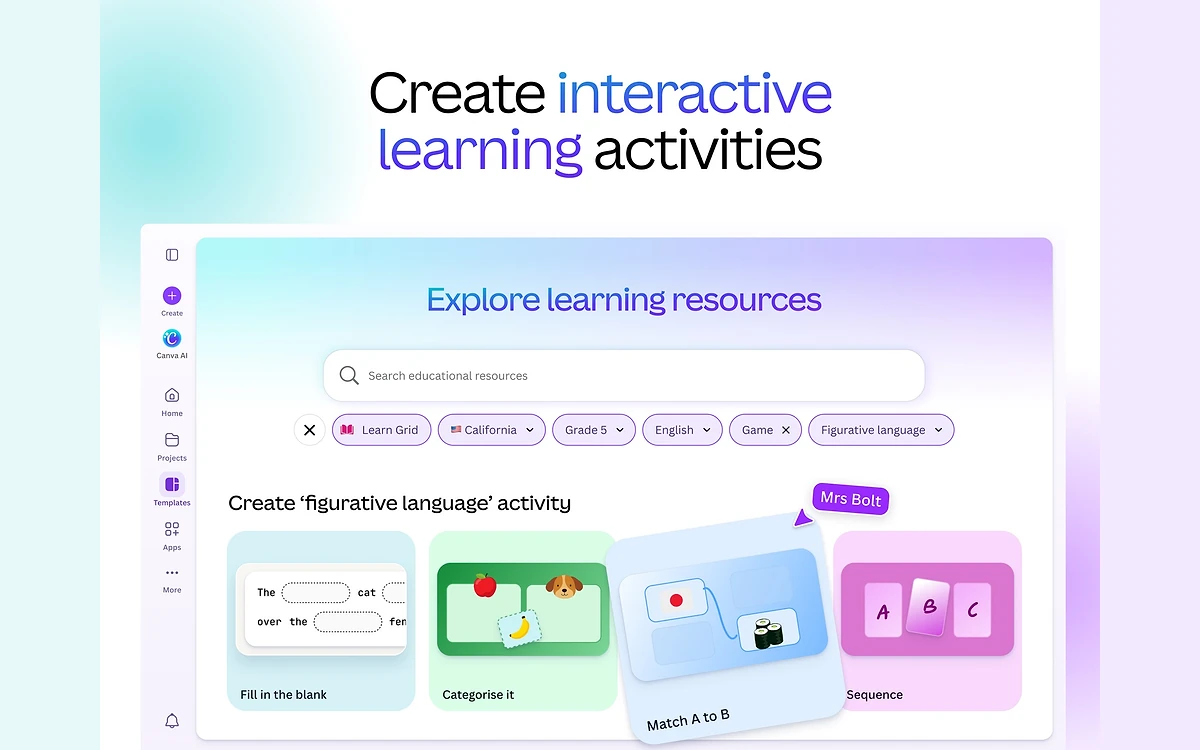
The page is split between two things. At the top is Canva AI 2.0, announced at Canva Create on 16 April 2026, with a carousel of what it promises: Start with an idea, Connect to your world, Edit your way, Generate elements, Make it on brand, Run web research, Learns with you over time and Schedule tasks for later. Below that sits a block headed "Your favorite AI tools, available now", with tool cards for Magic Layers, AI-Powered Elements, Canva Code, AI-Powered Templates, Style Match, 3D Content Generator, Video Generator, AI-Powered Photo Editor, On-brand Design Generation, Shape Generator, Photo Generator, Magic Background, Resize, Magic Write and Interactive Activities.
Canva AI 2.0 status is contradictory
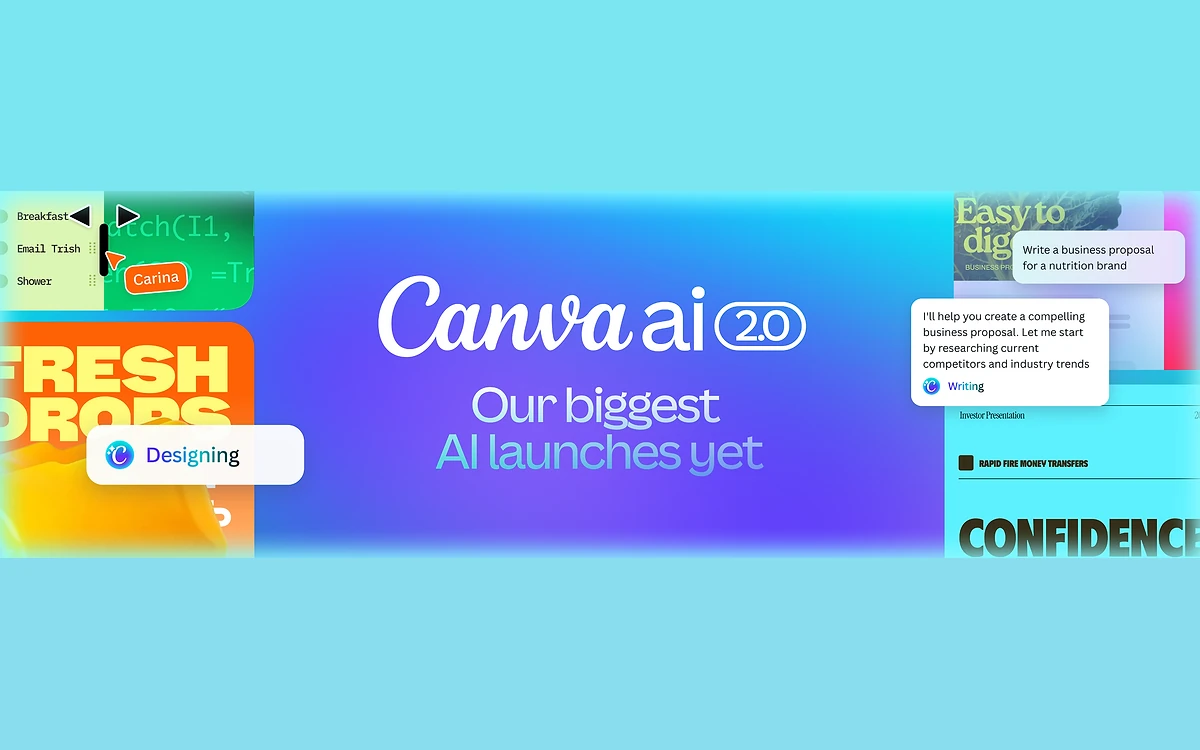
The marketing page still labels Canva AI 2.0 "Coming Soon" and says "2.0 updates coming soon". The help centre, meanwhile, already lists "Conversational design with Canva AI 2.0" as a metered Ultra AI tool, and the April newsroom post called it "available today as a research preview" with general availability rolling out "over the coming weeks". Expect it to depend on your account, and do not assume every 2.0 feature is live for you.
Several familiar names are missing from the page and from every official Canva page we checked: Magic Design, Magic Edit, Magic Eraser, Magic Grab, Magic Expand, Magic Animate, Magic Morph, Magic Switch, Magic Charts and Highlights. Canva has published no retirement or rename notice, so we are not calling them discontinued. They are simply no longer featured. The old help URL for Magic Design now carries the title "Generate designs with Canva AI", which suggests that job has been folded into Canva AI. Other names do survive on help pages: Translate, Magic Formulas, Background Remover, Dream Lab, Magic Media and Beat Sync.
How the AI allowance works: Standard, Premium and Ultra
Every AI tool in Canva now sits in one of three tiers, and the tier decides whether it costs you anything. Canva's own wording: "Some of Canva's most popular AI tools like Translate and Magic Write can be used abundantly and don't count towards your monthly AI allowance. This includes all 'Standard AI' tools for paid plans." Fair use limits apply. On Canva Free, Standard tools still draw from the monthly allowance.
- Uncounted on paid plans: Canva AI (text), Magic Write, Photo and Video Animations, AI Voice and on-device ML tools in Affinity.
- Standard AI: Image Upscaler, image generation with Canva AI (at standard quality) and Magic Formulas.
- Premium AI: Magic Layers, Generate a design with Canva AI, Create an image with Canva AI, Canva Code, Generate elements (shapes, 3D, charts, forms and more), the Music and Sound Effect Generator, the Form generator, and Affinity's Premium AI tools (Generative Fill, Expand, Edit, Generate Images and Vectors).
- Ultra AI: Conversational design with Canva AI 2.0, Create a video clip with Canva AI, and Create an image with Canva AI at the top quality.
Image generation appears in all three tiers because, as Canva puts it, "you're able to choose the quality of the generation". Pick the higher quality and you pay the higher tier.
The monthly numbers
- Canva Free: up to 20 uses of Standard or Premium AI tools. No Ultra tools and no Affinity Premium AI.
- Pro, Teams and Nonprofits: up to 200 Premium uses or up to 20 Ultra uses.
- Business: Standard tools "use as much as you like", plus up to 400 Premium uses or up to 40 Ultra uses.
- Enterprise: 400 Premium or 40 Ultra.
- Education: 200 Premium or 20 Ultra, according to the usage table.
The word "or" is the important part. Premium and Ultra share one pool. Canva does not publish an exchange rate, but by our calculation from its own ratios the allowance trades at roughly 10 Premium uses per Ultra use. On Pro, one Veo 3 video clip therefore costs about as much as ten Magic Layers runs, and 20 clips empties the month.
Canva AI 2.0 is metered by size rather than per request: Canva says it "uses more AI power than single-prompt features" and that "a 40-slide presentation will use more than a 5-slide presentation". There is no published cost per slide.
The AI tools, one by one
Canva AI 2.0: conversational design
Canva AI 2.0 is a chat-driven designer. According to the launch post it produces a "fully editable design with layout, hierarchy, and brand", calls Canva's other tools on its own ("Agentic Orchestration"), builds everything from "individual, editable objects", and keeps a persistent Memory Library. Connectors plug it into Slack, Gmail, Google Drive, Google Calendar, Notion, Zoom, HubSpot, Microsoft, Atlassian and Linear, and it can run web research or scheduled tasks in the background. Brand Intelligence is meant to keep output on brand, and Sheets AI generates structured spreadsheets.
The catch is cost. Conversational design is an Ultra tool, so a Pro user has at most 20 uses of it a month, shared with video and top-quality images, and a long deck uses more than a short one. Treat it as a way to get a first draft of a big project, not something to iterate on all day.
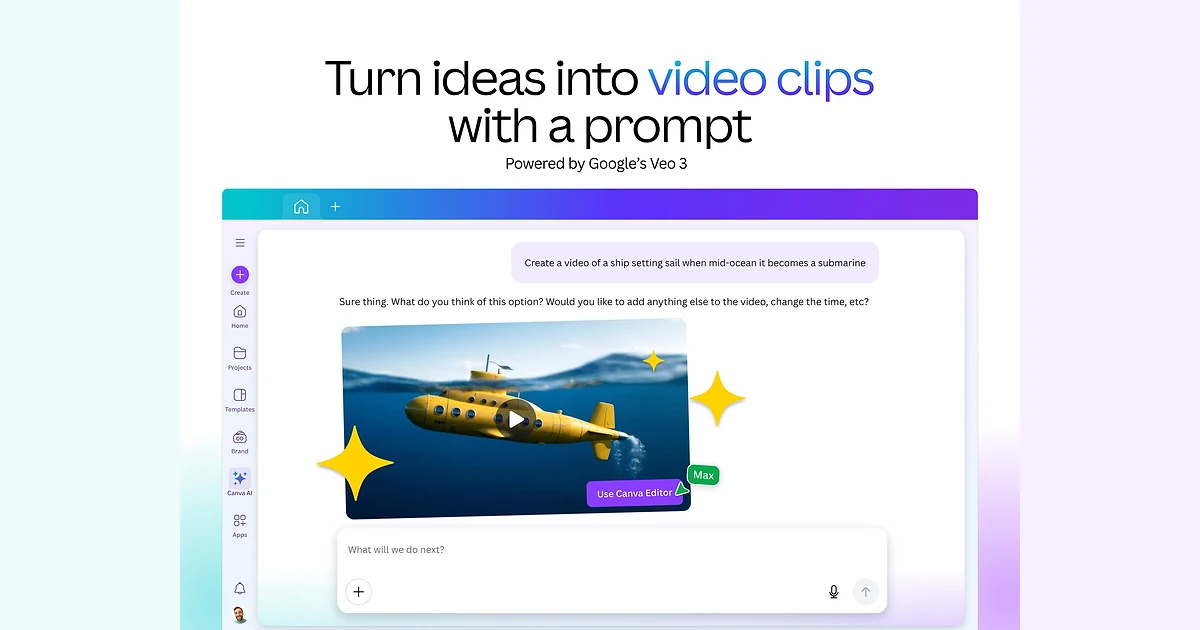
Create a video clip (Google Veo 3)
Canva's video clip generator runs on Google's Veo 3. The current help page says "you can generate 8-second videos with audio or 6-second videos without audio". Prompts are English only, you can't manually change the audio in a clip with sound, and Canva AI isn't yet available inside video designs in the editor, so you generate the clip first and then drop it into a project. When it launched, Pro users were capped at 5 video generations a month. That limit has been replaced by the shared Ultra allowance, so each clip now costs one of your 20 Ultra uses on Pro.
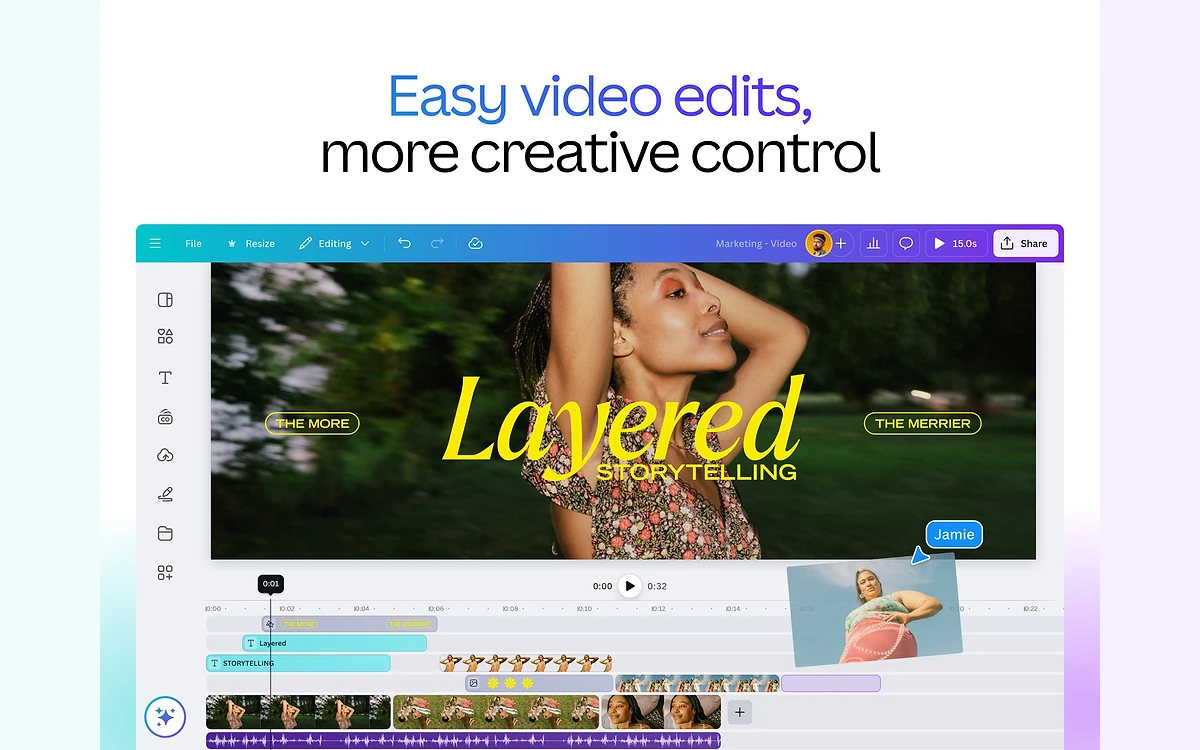
Magic Media, the older generator that still has its own help page, makes 4-second videos, and some team members may not see it at all depending on their language settings.
Image generation and Dream Lab
Image generation now lives in Canva AI and in Dream Lab, which opens from the Homepage rather than inside the editor. Dream Lab "generates four image options for each prompt" and supports every Canva language except for users on canva.cn. It offers quality tiers ("Higher tiers use more AI usage but produce better quality results"), but you can only pick a tier when no style is selected and no image is attached. Boosting resolution afterwards also draws on the allowance. At standard quality, image generation is a Standard tool and is uncounted on paid plans; at the highest quality it becomes an Ultra use.
Which AI models Canva uses
Canva is not fully open about this. The April 2026 launch post names only the "Canva Design Model", which it calls "the world's first foundation model built to understand the structure, hierarchy, and complexity of real-world design", and no outside partners. Its 2025 launch page was more specific: Canva AI "blends our in-house models, Leonardo.Ai's foundational Phoenix image generation model, partnerships with OpenAI and Anthropic". Video is explicitly Google's Veo 3, both in the newsroom and on the current iOS App Store listing.
That matters for privacy more than for quality. The AI Product Terms say Canva uses "Technology Partners" and that "your Input may be shared with our Technology Partners".
Output rights, training and indemnity
Canva's AI Product Terms, effective 26 June 2026, are fairly generous on ownership: "you retain your ownership rights to your Input, and you own your Output, except for any Output that modifies or incorporates Licensed Content". You "may use your Output for any lawful purpose", but "any such use is at your own risk", outputs "may not be unique", and Canva "makes no warranty or guarantee as to the accuracy, completeness or reliability of the Output".
- You may not mislead anyone into thinking AI-generated content is human-generated.
- You may not remove, alter or disable provenance metadata, "including but not limited to C2PA metadata". Stripping it to pass AI images off as photos breaks the terms.
- Output built on Canva's licensed stock is still governed by the content licence. See /canva-review for how that licence works.
Indemnity is the real gap. Canva Shield says "Eligible enterprise customers are indemnified for AI output, at no extra cost, when using our Magic Studio products." Pro, Teams and Business users get no indemnity. If an AI image lands you in an IP dispute, the risk is yours.
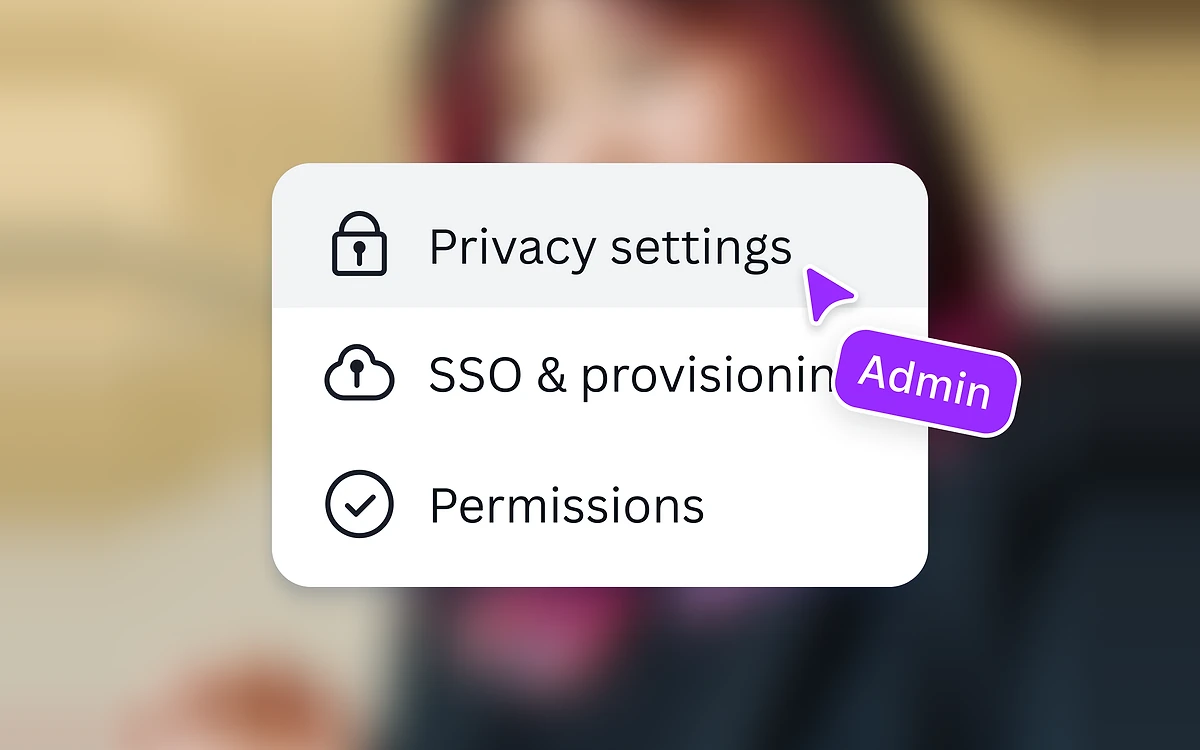
On training, Canva says it "won't use your user content to improve AI-powered features unless this is consistent with your Privacy Settings", and the switch is on the Privacy Settings page of your account. Your inputs can also go to its Technology Partners, and the same Privacy Settings control whether those partners may use your data to improve AI services. Creators who haven't opted out of training are paid by Canva.
Verdict: who should pay for Canva's AI
For most people, the best value in Canva's AI is the part that costs nothing extra: on a paid plan, Magic Write, Translate, Magic Formulas, the upscaler and standard-quality image generation are effectively unmetered. Magic Layers and Canva Code are the strongest Premium tools, and 200 uses a month on Pro covers normal use comfortably.
The Ultra tier is where the plan feels thin. Twenty Ultra uses a month, shared between Veo 3 clips, top-quality images and Canva AI 2.0, runs out in a single busy week. And AI Pass, at US$100 per person per month, costs more than a year of Pro. It is aimed at teams producing video every day, not at someone who wants a few clips for social posts.
- Good fit: Pro or Business users who mostly write, translate, resize and build on-brand designs, with occasional generated images.
- Think twice: anyone planning to rely on AI video or Canva AI 2.0 for long decks on a Pro plan.
- Watch out: no indemnity outside Enterprise, an outdated Magic Write knowledge note, and a 2.0 launch still labelled "Coming Soon" on the main page.
Frequently asked questions
Is Canva Magic Studio free?
Partly. Canva Free gets up to 20 AI uses a month across Standard and Premium tools, but no Ultra tools such as video clips or Canva AI 2.0 conversational design. Paid plans make Standard tools like Magic Write and Translate effectively unlimited under fair use.
How many AI uses does Canva Pro include?
Up to 200 Premium uses or up to 20 Ultra uses a month, from one shared pool. Business doubles that to 400 Premium or 40 Ultra. Allowances are per person and reset on your billing date.
How long are Canva AI video clips, and what do they cost?
Eight seconds with audio or six seconds without, generated by Google Veo 3 from English-only prompts. Each clip is one Ultra use, so Pro users can make at most 20 a month if they use the allowance for nothing else.
Is Canva AI Pass worth it?
Only for heavy video or Canva AI 2.0 users. It costs US$100 per person per month and Canva describes it as 40x more AI than Pro. It is not available on Free, Education, Enterprise, trials, prepaid plans or app-store subscriptions.
Can I use Canva AI images commercially?
Yes, for any lawful purpose under the AI Product Terms, and you own the output unless it incorporates Canva's licensed content. But use is at your own risk, outputs may not be unique, and only eligible Enterprise customers are indemnified through Canva Shield.
Does Canva train its AI on my designs?
Not unless your Privacy Settings allow it. You can switch it off on the Privacy Settings page. Your inputs may still be sent to Canva's technology partners to generate results.
Are Magic Eraser, Magic Grab and Magic Edit gone?
They are no longer featured on canva.com/magic, but Canva has not announced that they were retired. Editing jobs are now presented under the AI-Powered Photo Editor and Canva AI.
Is Canva AI 2.0 available now?
It depends on your account. Canva launched it as a research preview in April 2026, and the help centre already meters it as an Ultra tool, but the marketing page still labels it "Coming Soon".
Key takeaways
- canva.com/magic now presents the suite as Canva AI; the Magic Studio name survives mainly on Canva Shield.
- On paid plans, Magic Write, Translate, Magic Formulas, the upscaler and standard image generation do not touch the allowance.
- Premium and Ultra share one pool: Pro gets 200 Premium or 20 Ultra uses a month, roughly 10 to 1 by our calculation.
- Veo 3 video clips run 8 seconds with audio or 6 without, and each one is an Ultra use.
- AI Pass costs US$100 per person per month, more than a year of Pro.
- You own your output, but only eligible Enterprise customers get AI indemnity.
More in Artificial Intelligence
Browse Artificial Intelligence