Flair AI Review 2026: Pricing, Image Quotas and Who Owns Your Photos
Flair AI review for October 2026: real plan prices, the 4x cost of instant and ad generations, no refunds, and why only Scale keeps your images private.
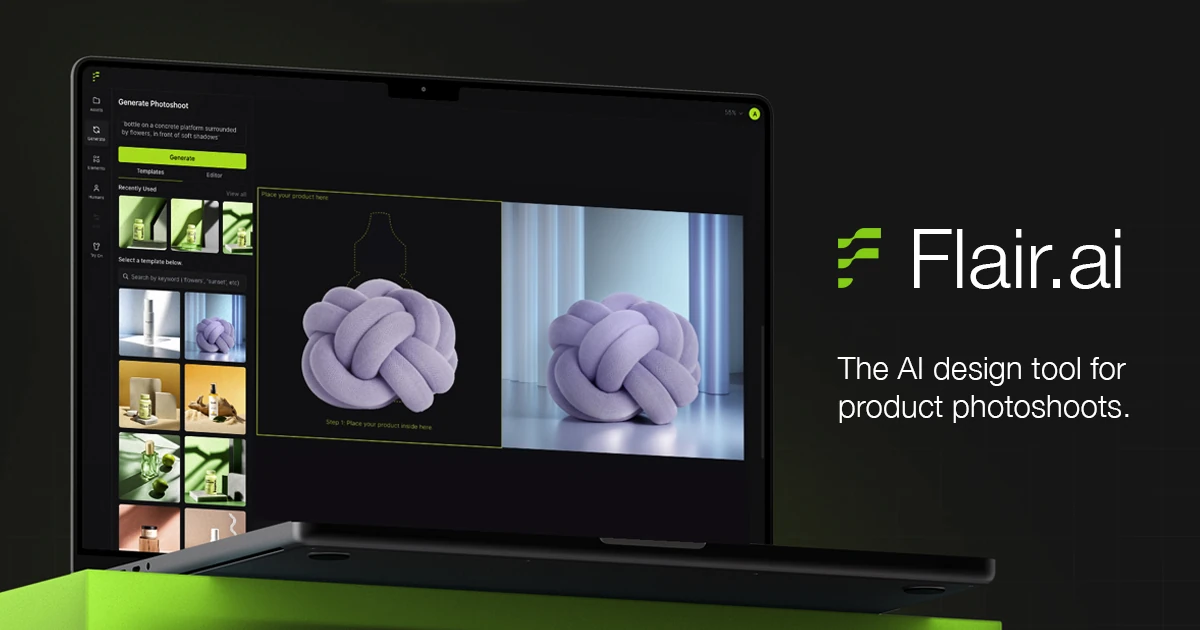
Flair is one of the better-known AI tools for product photography: drag a product onto a canvas, stage it with props and templates, and get a studio-style shot without a studio. It adds trained custom product models, AI human models for fashion and jewellery, ad templates and product video.
The workflow is strong. The deal is less so. Image quotas are tight, instant and ad generations cost four times as much, credits never roll over, fees are non-refundable, and unless you pay for a Scale tier your images land in a public gallery that other users can draw from. Here is what Flair costs in October 2026, what you actually own, and who should pay for it.
What Flair is and who is behind it
Flair (flair.ai) is a browser-based AI design tool for product photography and brand content. You drop a product photo onto a canvas, stage it with props and templates, and let the model render a finished scene. Around that core it adds custom product models, AI human models for fashion and jewellery shots, ad templates and short product videos.
According to a May 2024 Practical Ecommerce profile, Flair was founded in 2022, is led by co-founder and CEO Mickey Friedman, raised $5 million in seed funding and had over a million users at the time. The company is hiring in person in San Francisco. Its homepage shows logos for Swim Outlet, Shein, Bonobos, BCG, Samsonite, JLoBeauty and Amazon under "Used by brands of all sizes and industries" - that is Flair's own claim, not something we could verify.
This review is based on Flair's public pricing page, FAQ, terms of service and product pages as fetched on October 18, 2026, plus public user reviews. We did not run paid generations, so we judge the offer, the rules and the reported results rather than our own output quality.
Flair pricing in October 2026
Every price on flair.ai/pricing is shown per month. The lower figure is the rate with the annual discount switched on; the higher one is month-to-month. The page does not say whether annual plans are charged upfront or monthly. The same pricing structure appears in archived snapshots back to June 2025, so the plans look stable.
- Free - $0 forever: 1 custom model, 5 generated images, 1 video generation.
- Pro - $8/mo annual or $10/mo monthly: 2 video generations, faster rendering, image upscales and variations. No image quota is listed on the pricing page; the FAQ only says "Monthly credits, basic custom model access".
- Pro+ - $26/mo annual or $35/mo monthly: up to 8 Standard or 2 Fast custom models, 80 generated images, 3 video generations, first priority rendering and a Company Commercial License.
- Scale Tier 1 - $38 / $55: up to 15 Standard or 4 Fast custom models, 150 images, 5 videos.
- Scale Tier 2 - $52 / $75: up to 20 Standard or 5 Fast models, 200 images, 7 videos.
- Scale Tier 3 - $66 / $95: up to 26 Standard or 7 Fast models, 260 images, 9 videos.
- Scale Tier 4 - $104 / $149: up to 40 Standard or 11 Fast models, 400 images, 13 videos.
- Scale Tier 5 - $138 / $199: up to 54 Standard or 14 Fast models, 540 images, 15 videos.
- Enterprise - custom price: custom credit amounts, unlimited API access, custom model training, SAML-based SSO, a dedicated success manager, white-glove onboarding and a dedicated Slack channel.
All Scale tiers add image upscales and variations, the Company Commercial License, early access to the AI Product Photography API and priority support. Upgrading mid-cycle is pro-rated automatically.
Instant and ad generations cost 4x
A tooltip on the Free, Pro+ and Scale cards says "Instant image generation and Ad generation cost 4x times the generated image quota". On Pro+ that turns 80 generated images into 20 instant or ad generations. If ads are your main use, divide every quota on the page by four.
At list price, Pro+ works out to about $0.33 per generated image on annual billing ($26 for 80) and about $0.44 month-to-month. Scale Tier 1 drops that to about $0.25 annual, and the per-image price stays close to that up to Tier 5 ($138 for 540). Unused image and model credits do not roll over, so the real cost per image is higher in any month you under-use the plan.
The canvas and templates
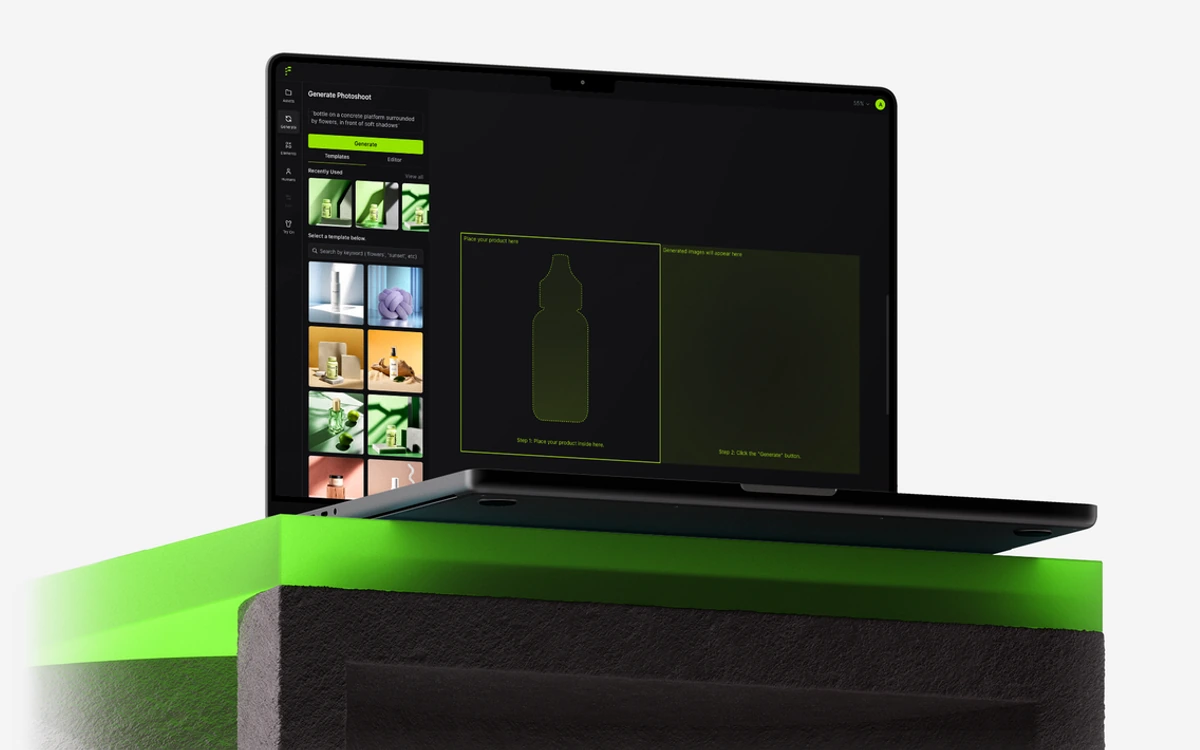
The canvas is Flair's best idea. Instead of writing a long prompt and hoping, you "stage scenes digitally with drag & drop props" and then let the AI render the scene around your product. You can mix a product with templates and "build reusable templates at scale", which matters when you need the same look across a whole catalogue.
The editor carries a long list of fix-up tools: Magic Paint, Magic Erase, Generate Variations, Extend Image Dimensions, Enhance Image Resolution, Upscale Face, Regenerate Product, Human or Clothing, Change Human Pose, Change Camera Angle and Change Color. The FAQ notes that the "Fix Logo & Text" option is available again, which hints at how often generated labels and logos need repair. There is also background regeneration to "recreate and modify image backgrounds" and a brand asset library to keep logos and assets in one place.
Two limits matter here. Flair says it "works best on Chrome or Safari on desktop" and that mobile support is limited, and it "doesn't support negative prompting", so you cannot simply tell it what to leave out.
Custom product and human models
A custom model teaches Flair what your product looks like so it renders it more faithfully in new scenes. Training needs 6 to 10 consistent, high-quality images, and a Standard model takes about three hours. Plans cap how many you can hold: 1 on Free, up to 8 Standard or 2 Fast on Pro+, and up to 54 Standard or 14 Fast on Scale Tier 5.
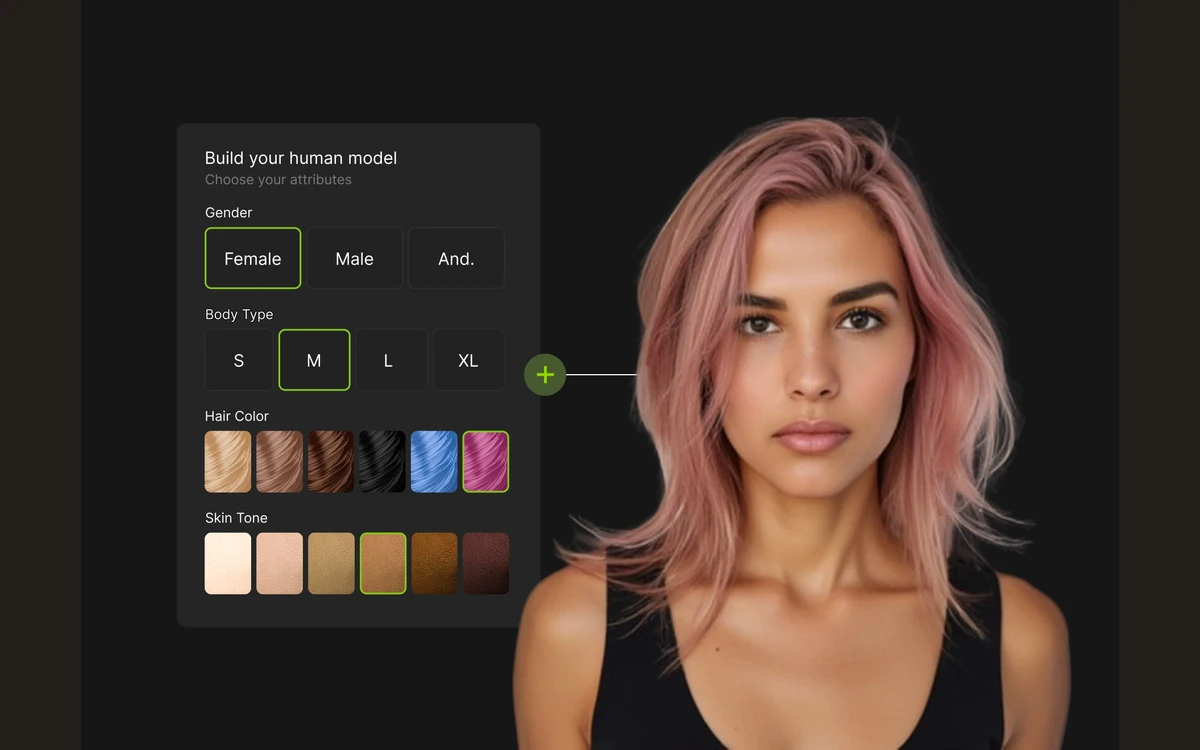
The Human Builder does the same for people. You pick gender, body type, hair color, skin tone and age group - the FAQ lists Baby, Toddler, Child, Teen, Young Adult, Adult, Mature Adult and Senior - and then reuse that model across shoots. For brands that want a consistent face across a campaign without booking talent, this is the feature that justifies a paid plan.
Fashion and jewellery on-model shoots
Flair's homepage labels fashion photoshoots a new feature: "Fit your clothing and jewelry onto AI generated models with patterns and logos preserved." The site also lists virtual try-on and upscaling. Flair's own samples look polished, but they are curated marketing images, not a guarantee of what your product will look like.
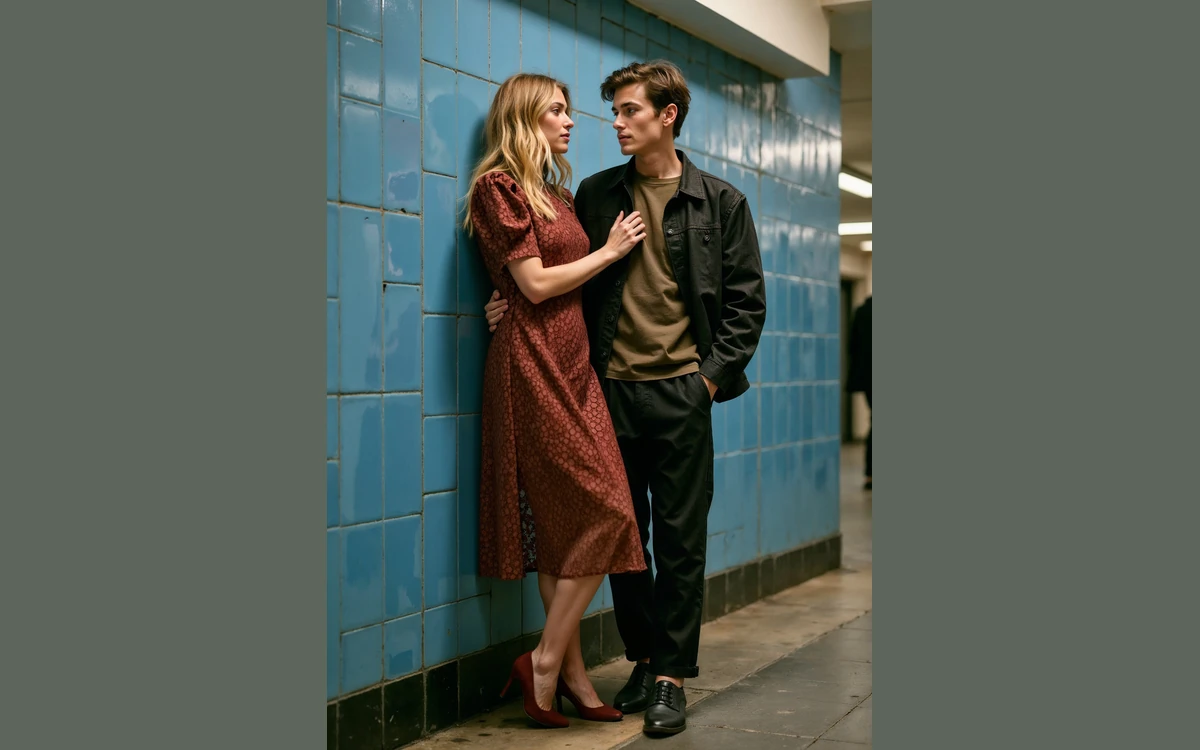
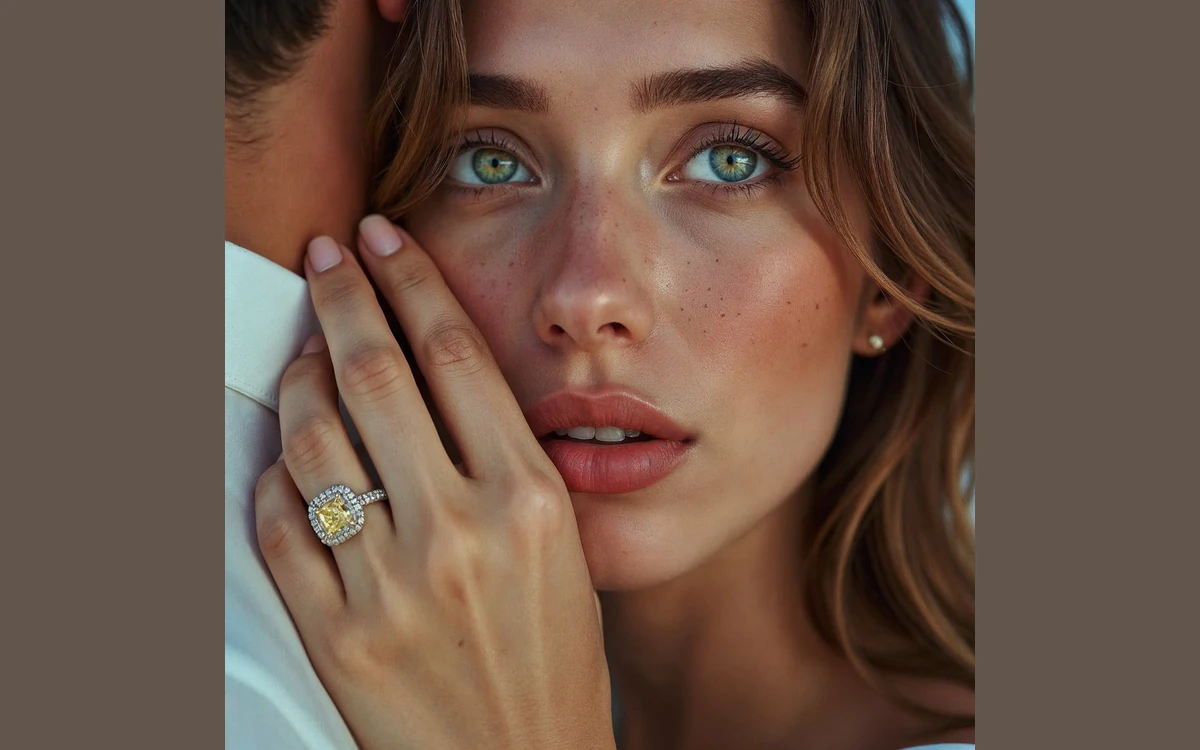
User reports are less kind. Reviews on Trustpilot in 2025 and 2026 complain of "very poor results and low fidelity of products" and that "almost every generation is inaccurate". Fidelity - whether the product in the picture is really your product - is the thing to test on the Free plan before paying, especially for jewellery, prints and logos.
Ads and product video
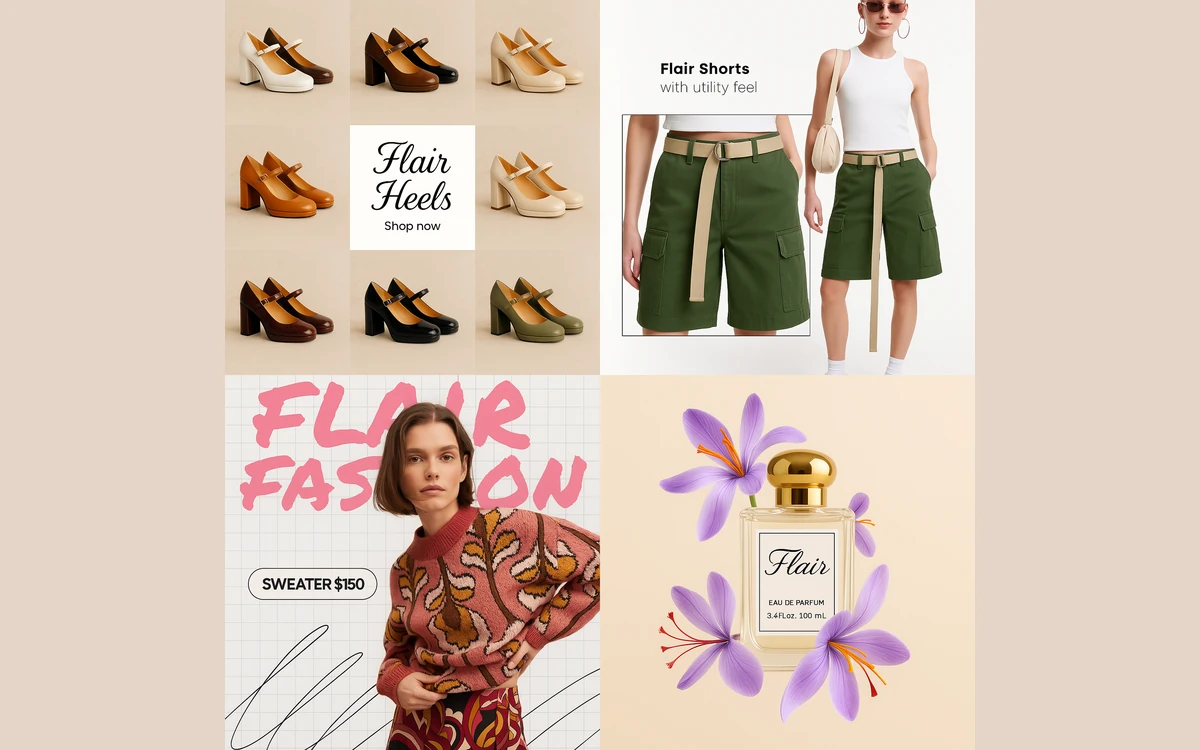
The ad generator promises "high-quality ads for your products with brand consistency alongside a library of templates". It works, but remember the 4x rule: every ad generation uses four images of quota.
Product video starts from a still. You upload a high-quality product image, or a start and end frame (at least one is required), and choose a camera movement. Standard quality costs 1 video credit and the Highest quality (Beta) costs 5, which means a Pro+ plan with 3 video generations cannot produce even one top-quality clip. The pricing page lists 1 video generation on Free, while the FAQ says video is available on paid plans, so do not count on it without paying.
Who owns your images
This is the part most reviews skip, and it should shape which plan you buy. Flair's terms of service set three different levels of ownership depending on your plan.
- Free: "Assets generated by Free-tier users (\"Free Tier Assets\") are owned by Flair AI" and you assign Flair all worldwide rights. You still get a licence to use them for personal or commercial use.
- Pro and Pro+: "Under the appropriate paid plan, you own all Assets you create." Pro covers individual creators; Pro+ covers teams of two or more.
- Scale: the only plan whose images stay private. The terms say that after February 28, 2025, images made on Free, Pro and Pro+ "will show up in Flair Gallery and other Flair users may also use them in personal and commercial settings".
Exclusive images need Scale
Flair's terms put it plainly: "If you'd like to be the only person with a commercial license to an image then you must create that image while subscribed to the Scale plan." On Pro and Pro+ you own your images, but a competitor browsing the public gallery may use them too.
Two inconsistencies are worth knowing. The terms say "Last Updated: July 19th, 2024" yet refer to February 28, 2025, so they were edited after their stated date. And Flair's enterprise page claims "you retain full ownership of any designs created on our platform", which is broader than the terms grant to non-Scale plans. If ownership matters, rely on the terms and confirm in writing.
We could not find a privacy policy on flair.ai, and the terms say nothing about whether your uploaded product photos are used to train models. That is undisclosed, not a confirmed yes or no.
Billing, cancellation and support
Fees are "non-refundable, except as required by law", and cancelling gives no refund or credit for amounts already billed. You cancel from User Settings, then Manage Subscription; access lasts until the end of the billing cycle and any unused credits expire. The terms say a cancellation must be received before the renewal date to avoid the next charge, so cancel a few days early.
There is no time-limited paid trial; the Free plan's 5 generated images are the trial. Accounts are one user each - the FAQ says each user must log in with their own email - though Pro+ and Scale allow team collaboration. The API is limited to Scale (early access) and Enterprise customers and supports generation and model training.
As of October 2026 Flair holds 2.3 out of 5 on Trustpilot from 34 reviews. Recent complaints include being charged after cancelling (May 2026), no reply from support (March 2026) and "Overpriced" results that "can do the same with ChatGPT or Gemini" (July 2026). The sample is small, but the themes - fidelity, billing and support - line up with the risks in the terms.
Flair vs Photoroom and Pebblely
Flair's own comparison table names Pebblely, Botika and Claid as competitors. On price, the cheaper options are hard to ignore:
- Photoroom - Pro $7.50/mo billed yearly with 8,000 AI credits, Max $20.99/mo billed yearly with 25,000 credits, Ultra $82.50/mo billed yearly with 75,000 credits. Better for high-volume background swaps and quick edits.
- Pebblely - Lite US$9/mo, Basic US$19, Pro US$39, with 2+ months free on yearly billing. Simpler, cheaper product scenes.
- Claid and Botika - also named by Flair; we did not verify their current prices.
Where Flair still leads is the staged canvas, reusable templates and trained custom product and human models. If you need consistent on-model fashion shots across a catalogue, that workflow is the reason to pay. If you mainly need clean product shots on new backgrounds, Photoroom or Pebblely will do more for less.
Verdict: who should buy Flair
Flair is a capable tool with a smart workflow and a restrictive deal. The canvas, templates and custom models are genuinely useful, but tight quotas, the 4x cost of instant and ad generations, no rollover, no refunds and a public gallery for anything below Scale make it expensive for small sellers.
- Buy it if you are a brand or agency that will pay for a Scale tier, needs exclusive images and wants trained product and human models for repeatable shoots.
- Try Free first if you sell fashion or jewellery and want to check product fidelity - knowing that Free-tier images belong to Flair.
- Skip it if you are a solo seller who wants exclusive images cheaply, works mainly on mobile, or mostly needs background replacement.
Frequently asked questions
How much does Flair AI cost?
Flair costs $0 on Free, $8 to $10 a month on Pro, $26 to $35 on Pro+ and $38 to $199 across five Scale tiers. The lower figure in each range is the annual-discount rate; Enterprise is priced on request.
How many images do I get on Flair Pro+?
Pro+ includes 80 generated images a month. Instant image and ad generations cost 4x, so the same quota covers only 20 of those, and unused credits do not roll over.
Do I own the images I make with Flair?
On paid plans you own them, but only Scale keeps them private. Free-tier images are owned by Flair, and since February 28, 2025 images from Free, Pro and Pro+ appear in the public Flair Gallery where other users may use them commercially.
Does Flair have a free trial?
There is no paid-plan trial; the Free plan is the trial. It includes 5 generated images and 1 custom model, enough to test product fidelity before paying.
Can I get a refund from Flair?
Generally no. Flair's terms say fees are non-refundable except as required by law, and cancelling does not refund amounts already billed.
How do I cancel a Flair subscription?
Go to User Settings and click Manage Subscription. You keep access until the end of the billing cycle, and the cancellation must reach Flair before the renewal date to avoid the next charge.
Does Flair train its AI on my product photos?
Flair does not say. We found no privacy policy on flair.ai, and the terms of service do not address whether uploaded images are used for training.
Does Flair work on mobile?
Only partly. Flair says it works best in Chrome or Safari on desktop and that mobile support is currently limited.
Key takeaways
- Flair's paid plans run from $8/mo (Pro, annual) to $138/mo (Scale Tier 5, annual); month-to-month prices are higher.
- Pro+ gives 80 generated images a month, but instant and ad generations cost 4x and unused credits never roll over.
- Free-tier images are owned by Flair; Free, Pro and Pro+ images appear in a public gallery others may use - only Scale keeps them private.
- The drag-and-drop canvas, templates and custom product and human models are the real strengths.
- Fees are non-refundable, support complaints are common (2.3/5 on Trustpilot as of October 2026), and Photoroom or Pebblely are cheaper for simple product shots.
More in Artificial Intelligence
Browse Artificial Intelligence