Kinsta Review 2026: Is Its Managed WordPress Hosting Worth the Premium?
A 2026 review of Kinsta's managed WordPress hosting: Google Cloud infrastructure, plans and pricing, overage costs, its free hack-fix guarantee, and the fine print — including where Kinsta's own pages disagree on the numbers.
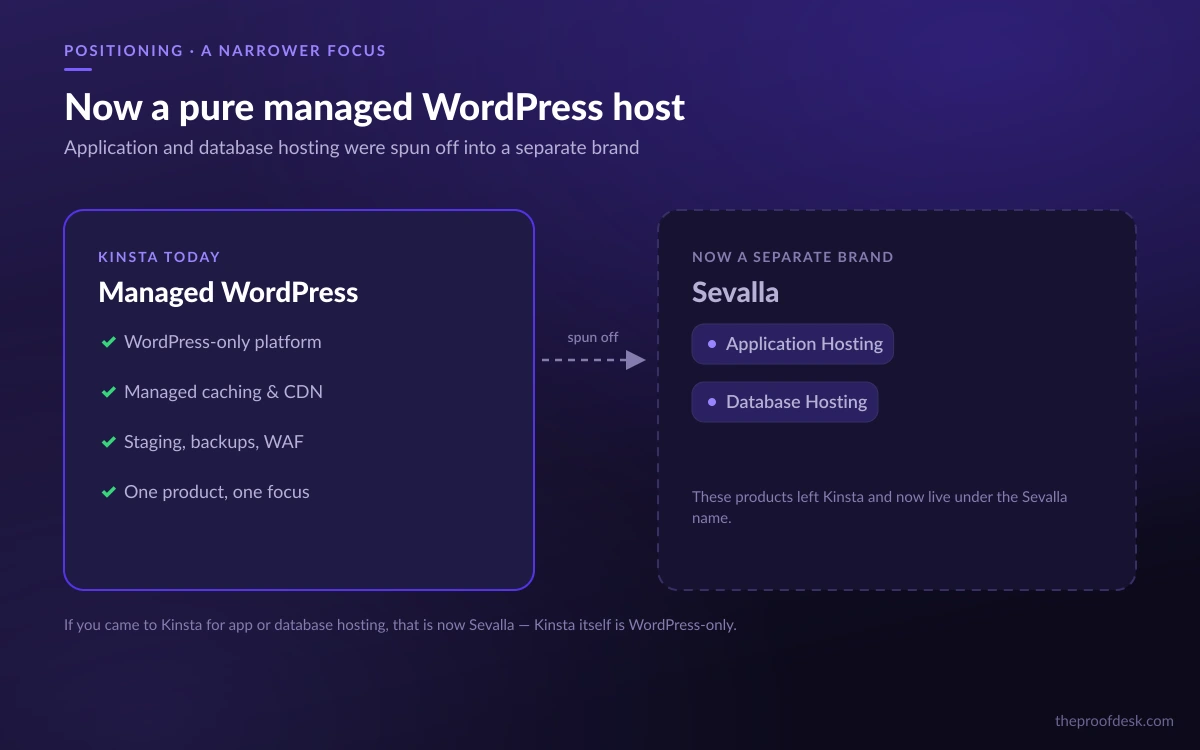
Kinsta built its name on managed hosting that ran on Google Cloud instead of the commodity infrastructure most WordPress hosts rent, and in 2026 it has doubled down on that identity. The company now bills itself simply as "Simply Better Managed WordPress Hosting," and the description is more literal than it used to be: the application and database products Kinsta once sold under its own brand have been spun off entirely to a separate company, Sevalla. What is left is a focused, premium-priced WordPress host aimed at agencies, e-commerce stores, and businesses that treat downtime as lost revenue.
That focus is worth understanding before you compare price tags. Kinsta is not trying to be the cheapest place to park a blog; it is trying to be the place a business-critical WordPress site lives, with real engineers on support and infrastructure that most shared hosts cannot match. This review works through what a buyer actually gets in 2026 — the plans, the hardware, the security guarantees — and, just as importantly, flags the places where Kinsta's own pages contradict each other on price, storage, and even how many languages its support team speaks.
Everything below is drawn from Kinsta's own documentation, pricing, and support pages. Where two Kinsta pages disagree, we say so rather than quietly picking the friendlier number.
What Kinsta is now: a pure managed WordPress host
The single biggest change to understand about Kinsta in 2026 is what it no longer sells. For years the company offered three lines — managed WordPress, Application Hosting, and Database Hosting — all under the Kinsta brand. Those latter two are gone from Kinsta itself: visit kinsta.com/application-hosting/ today and you are 301-redirected to sevalla.com, a separate brand that now owns the app and database hosting business.
The practical takeaway is simple. If you are evaluating Kinsta to host a Node app, a static site, or a standalone database, that is now Sevalla's job, not Kinsta's. Kinsta today is a managed WordPress host and nothing else. That narrowing is not necessarily a downside — a host that does one thing tends to do it well — but any older review or comparison that still lists Kinsta as an "application hosting" provider is out of date.
The Sevalla spin-off in one line
Kinsta's app and database hosting moved to a separate brand, Sevalla. Evaluate Kinsta strictly as managed WordPress hosting; if you need to host non-WordPress apps, that is a different product from a different company now.
For scale, Kinsta says it serves "more than 230,000 customers across 128 countries" and "brought on over 65,000 new sites in 2025 alone." This is not a boutique operation — it is a large, established host that has chosen to concentrate on one platform.
Infrastructure: Google Cloud, premium tiers, and a global footprint
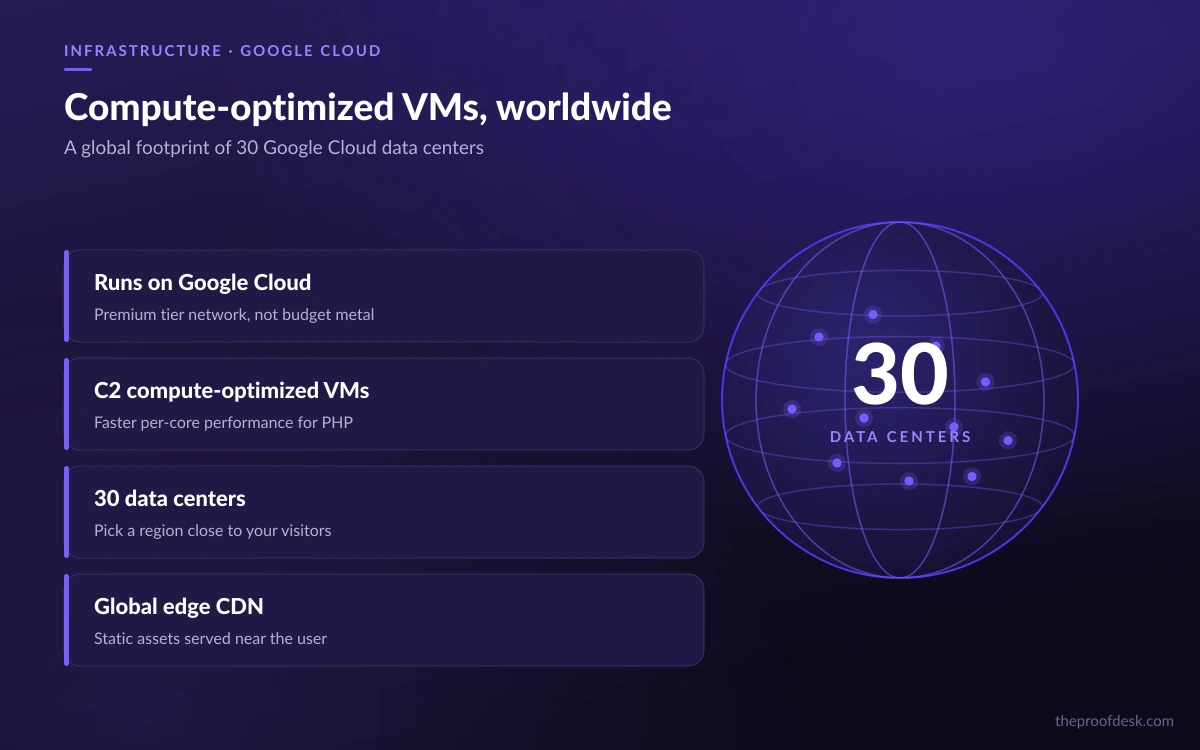
Kinsta's core technical argument has always been the hardware underneath your site. Rather than running on generic servers, Kinsta hosts on Google Cloud Platform, and specifically on compute-optimized machine types rather than the cheapest available VMs.
The company moved to Google's C2 compute-optimized VMs, which it describes as offering the "highest performance per core that GCP offers on Compute Engine," built on "Intel Scalable Processors (Cascade Lake) and up to 3.8 GHz sustained all-core turbo." Kinsta reported real-world gains at the time ranging from "30% all the way up to 200%" depending on workload. More recently, Kinsta has also begun rolling out newer C3D machines in some regions — a lead worth knowing about, though the specifics of that rollout are still thin on the ground.
Data center footprint
Kinsta's documentation lists 30 managed WordPress data centers, spanning Africa, Asia-Pacific, the Americas, Europe, and the Middle East — Johannesburg, Mumbai, Tokyo, Singapore, Frankfurt, Amsterdam, London, Ashburn, and São Paulo among them. This lets you place a site physically close to its audience, which matters for real-world latency.
Watch the data-center count
Kinsta's own docs (last updated early 2026) say 30 data centers. Some third-party review sites claim 37. Where they conflict, the first-party figure — 30 — is the one to trust; the higher number appears to be outdated or inflated.
On top of the GCP backbone, Kinsta layers a Cloudflare integration that provides its CDN and DDoS protection, so static assets are served from Cloudflare's edge rather than from your origin server directly.
Plans and pricing
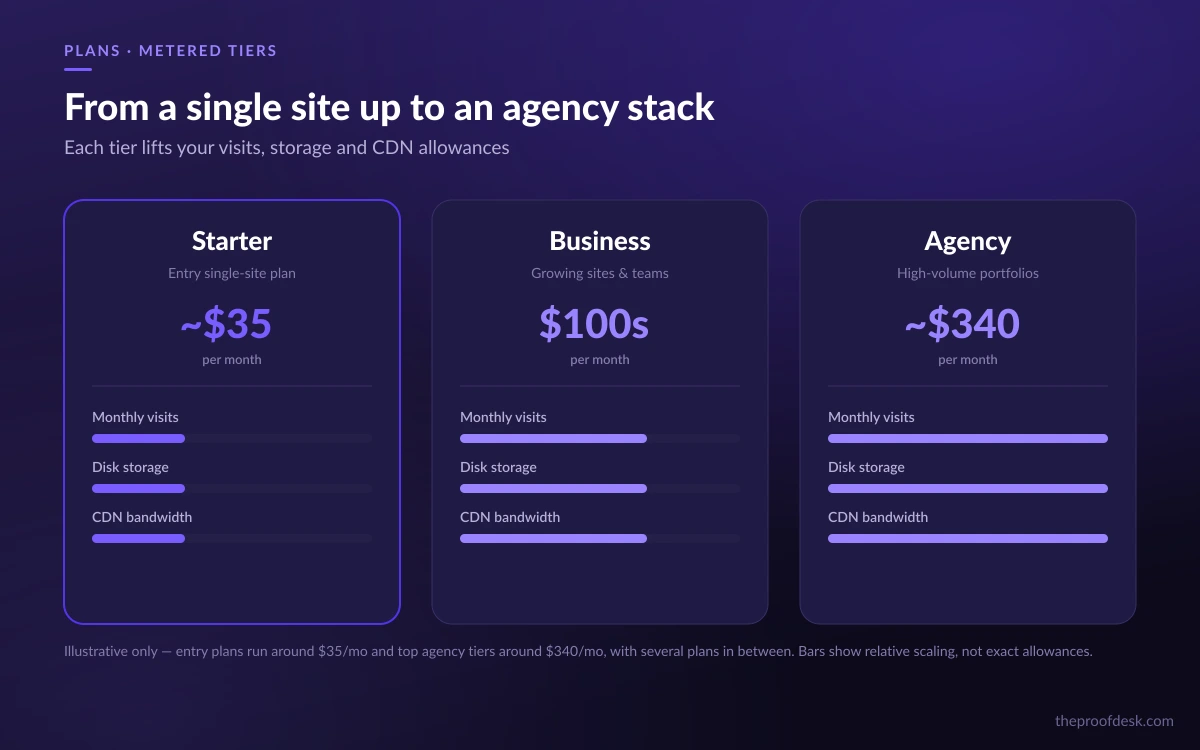
Kinsta's plans are metered primarily on monthly visits, storage, and CDN bandwidth. The entry single-site plan ('Single 35k') covers 35,000 visits, 20GB of storage, and 125GB of CDN bandwidth. The entry multi-site plan ('WP 2') allows 2 installs, 70,000 visits, and 250GB of CDN bandwidth. From there the ladder climbs steeply — the top 'WP 150' tier reaches 3,150,000 visits, 250GB of storage, and 7.5TB of CDN bandwidth.
On price, Kinsta's pricing page puts the entry single-site plan near $35/month, WP 2 near $70/month, and agency-oriented tiers starting around $340/month. That places Kinsta firmly at the premium end of managed WordPress hosting — well above budget shared hosts, in the same neighborhood as WP Engine and Flywheel.
A live contradiction to know about
Kinsta's billing docs list the entry plan's storage as 20GB, while its pricing page lists 10GB for what looks like the same tier. That is a genuine inconsistency between two Kinsta pages, not a typo we can resolve for you. Before you buy on storage, confirm the exact figure for the current plan directly in the checkout flow.
What every plan includes is more consistent, and it is a strong list: "Up to 99.99% uptime SLA," continuous MySQL database optimization, a built-in APM (application performance monitoring) tool, bot protection, free SSL, a "fully managed WAF with DDoS protection," free malware removal, unlimited migrations, staging environments, and "expert support 24/7." You get one free staging environment per site, with premium staging available as an upgrade.
- 99.99% uptime SLA on all plans
- Continuous MySQL optimization and a built-in APM tool
- Free SSL, bot protection, and a managed WAF with DDoS protection
- Unlimited free migrations handled by Kinsta's team
- One free staging environment per site
The overage trap: four separate meters
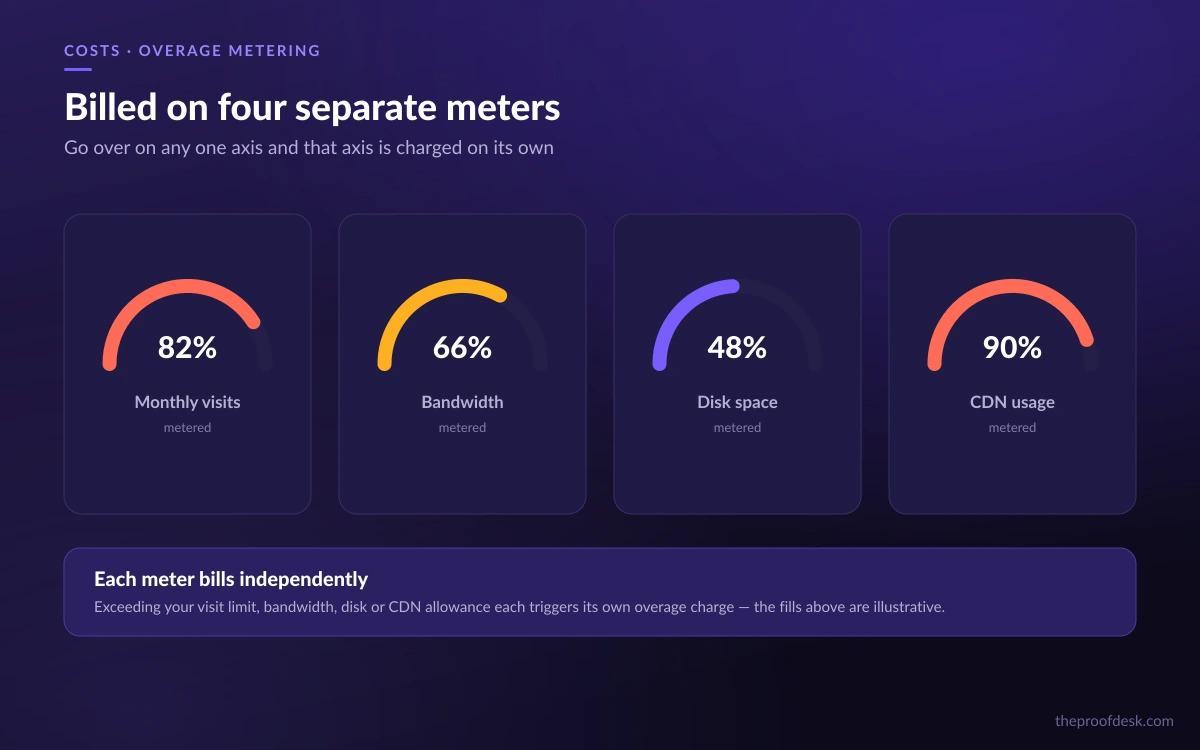
Kinsta's biggest hidden cost is not the base plan — it is overages, and they apply on four independent axes. Exceed any one of them and you pay per unit on top of your subscription.
- Visits: $0.50 per 1,000 visits over your plan cap
- Bandwidth: $0.50 per GB
- Disk: prorated at $2 per GB per month
- CDN: $0.05 per GB
Kinsta warns you at 80%, 100%, and 110% of capacity, so overages are not silent. But the structure means a single viral post or an unexpected traffic spike can push you over on visits and bandwidth simultaneously. Kinsta also notes that extreme overage — when charges reach the lesser of your plan's monthly cost or $500 — can trigger an immediate payment demand or a forced upgrade before your normal renewal date.
Budget for spikes, not just averages
Because visits, bandwidth, disk, and CDN are metered separately, an uncapped traffic event can generate charges on several meters at once. If your traffic is spiky, size your plan for peaks or you will pay per-unit rates on top of a premium subscription.
Security and the free hack-fix guarantee
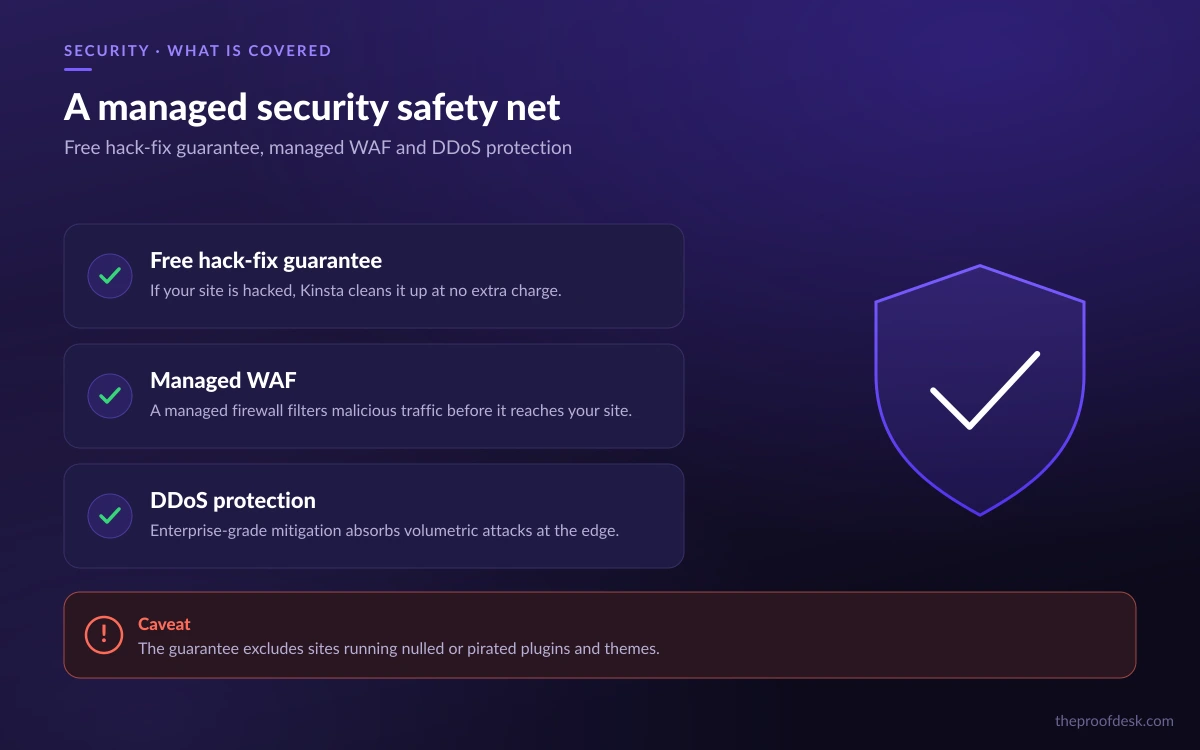
Security is where Kinsta's positioning gets concrete. Beyond the managed WAF, DDoS protection, and bot filtering included on every plan, Kinsta offers a hack-fix guarantee: "If your WordPress site is hacked while hosted at Kinsta, we'll work with you for free to try and undo the damage." For a business site, that is a meaningful safety net.
It is not unconditional, though, and the fine print matters. Kinsta states plainly: "If your site uses a nulled plugin or theme, our team can't proceed with malware removal until the offending plugins and themes are removed." In other words, run pirated (nulled) plugins or themes and the guarantee stalls until you clean them out yourself.
Your one-business-day obligation
There is also a responsibility on your side after a cleanup. Kinsta requires you to complete post-cleanup steps within one business day: update WordPress core, plugins, and themes; remove and reinstall compromised files; audit and delete any unrecognized admin accounts; and reset all WordPress and MyKinsta passwords. Miss that window and coverage lapses — a future infection can then incur a $100 fee.
Read the guarantee before you rely on it
The hack-fix guarantee is real and generous, but it excludes nulled plugins and themes and requires you to finish hardening steps within one business day of a cleanup. Treat it as a backstop for a well-maintained site, not a licence to run pirated code.
Support: fast, well-rated, and slightly inconsistent on its own numbers
Support is a large part of what you pay for at Kinsta's price point, and the metrics are strong. The company reports an "average first response time of under 2 minutes," a "47 min median resolution time," and a "97% customer satisfaction rate." Support runs 24/7, 365 days a year, staffed by engineers rather than tiered call-center scripts.
One small caveat, in the spirit of flagging Kinsta's own contradictions: the number of languages the support team covers is stated differently across Kinsta's pages. The support page says live support is offered "across 8 different global languages," while the press page says support is available "in ten languages." It is a minor discrepancy, but if multilingual support in a specific language is a deciding factor for you, confirm coverage for that language before committing.
Who Kinsta is for — and who should look elsewhere
Kinsta is a strong fit for agencies, e-commerce stores, and businesses whose WordPress site is a revenue engine rather than a hobby. The Google Cloud infrastructure, the 99.99% uptime SLA, the fast expert support, and the hack-fix guarantee together justify the premium for sites where an hour of downtime costs more than a month of hosting.
It is a poor fit if you are price-sensitive, run a low-traffic personal blog, or need to host anything other than WordPress. Budget hosts will be far cheaper for a small site, and non-WordPress projects now belong on Sevalla or another platform entirely. The overage structure also punishes unpredictable traffic, so a spiky site on an undersized plan can get expensive fast.
The verdict: Kinsta earns its premium for business-critical WordPress, provided you size your plan for peak traffic and read the guarantee's fine print. Just go into the purchase with the pricing and storage figures confirmed in checkout, given that Kinsta's own pages don't fully agree with each other.
Frequently asked questions
How much does Kinsta cost?
Kinsta's entry single-site plan is around $35/month, the entry multi-site (WP 2) plan around $70/month, and agency-tier plans start near $340/month. All plans meter monthly visits, storage, and CDN bandwidth, and exceeding those caps triggers per-unit overage charges on top of the subscription.
Does Kinsta still offer application and database hosting?
No — not under the Kinsta brand. Those products were spun off to a separate company, Sevalla, and kinsta.com/application-hosting/ now redirects to sevalla.com. Kinsta in 2026 is a managed WordPress host only; for non-WordPress apps or standalone databases you would use Sevalla or another provider.
What happens if my site gets hacked on Kinsta?
Kinsta's hack-fix guarantee means it will work with you for free to undo the damage. The exception is sites running nulled (pirated) plugins or themes — malware removal can't proceed until those are removed. After a cleanup you must complete hardening steps (updates, password resets, admin-account audit) within one business day, or coverage lapses and a future infection can cost $100.
How many data centers does Kinsta have?
Kinsta's own documentation lists 30 managed WordPress data centers across Africa, Asia-Pacific, the Americas, Europe, and the Middle East. Some third-party sites claim 37, but that conflicts with Kinsta's first-party figure of 30, which is the number to trust.
Does Kinsta include free migrations and staging?
Yes. Kinsta handles WordPress migrations for free with unlimited migrations, and every plan includes one free staging environment per site, with premium staging available as a paid upgrade. Free SSL, a managed WAF, DDoS protection, and free malware removal are also included on all plans.
Is Kinsta worth the premium price?
For business-critical WordPress sites, yes — the Google Cloud infrastructure, 99.99% uptime SLA, sub-two-minute average support response, and hack-fix guarantee justify the cost. For a low-traffic personal blog or a tight budget, a cheaper shared host will serve you better, and non-WordPress projects belong elsewhere.
Key takeaways
- Kinsta is now a pure managed WordPress host — its app and database hosting moved to Sevalla, so ignore older reviews that call it an application host.
- Infrastructure runs on Google Cloud's compute-optimized VMs across 30 first-party data centers, with Cloudflare providing the CDN and DDoS protection.
- Pricing is premium (from ~$35/month to ~$340/month), and overages are metered on four separate axes — size your plan for peak traffic.
- The hack-fix guarantee is genuine but excludes nulled plugins and requires one-business-day hardening steps after a cleanup.
- Kinsta's own pages disagree on entry-plan storage (10GB vs 20GB) and support languages (8 vs 10) — confirm the exact figures in checkout before buying.
More in Cloud Computing
Browse Cloud Computing