Pictory AI – Turn Blog Posts Into Stunning Videos in Minutes
Pictory AI is a powerful AI video generator that transforms text content into engaging videos. Bloggers, marketers, and YouTubers can easily convert articles, scripts, and blog posts into professional videos within minutes.
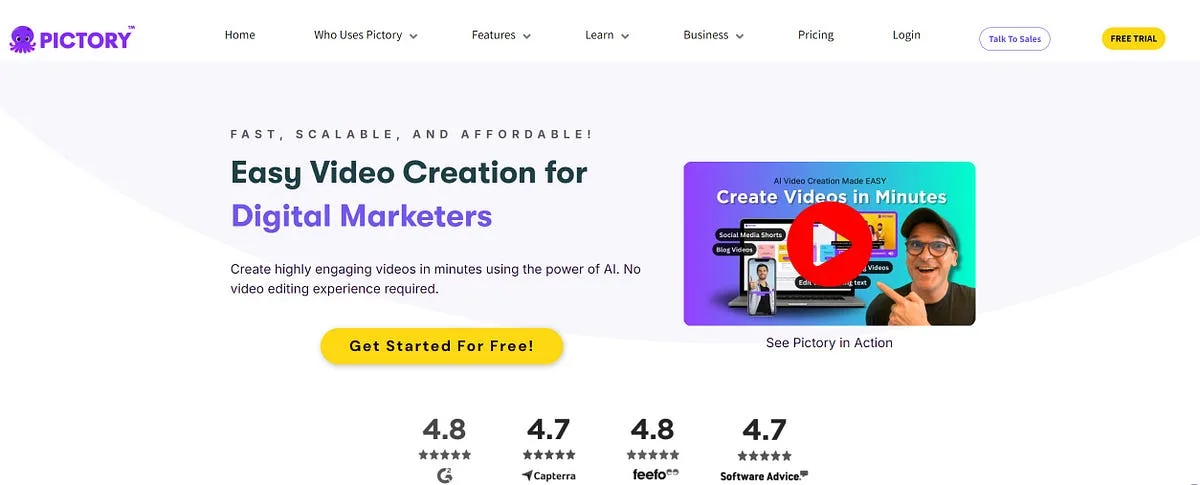
Pictory at a glance
Pictory is a web-based AI video creation platform for turning scripts, articles, presentations, and existing recordings into edited videos. It assembles scenes, suggests stock visuals, creates captions and voiceovers, and provides text-led tools for condensing long footage into shorter content.
The platform is designed for speed and repeatability rather than frame-by-frame craft. It is most useful when a marketer, educator, or communications team needs understandable branded video without building every sequence in a traditional editor.
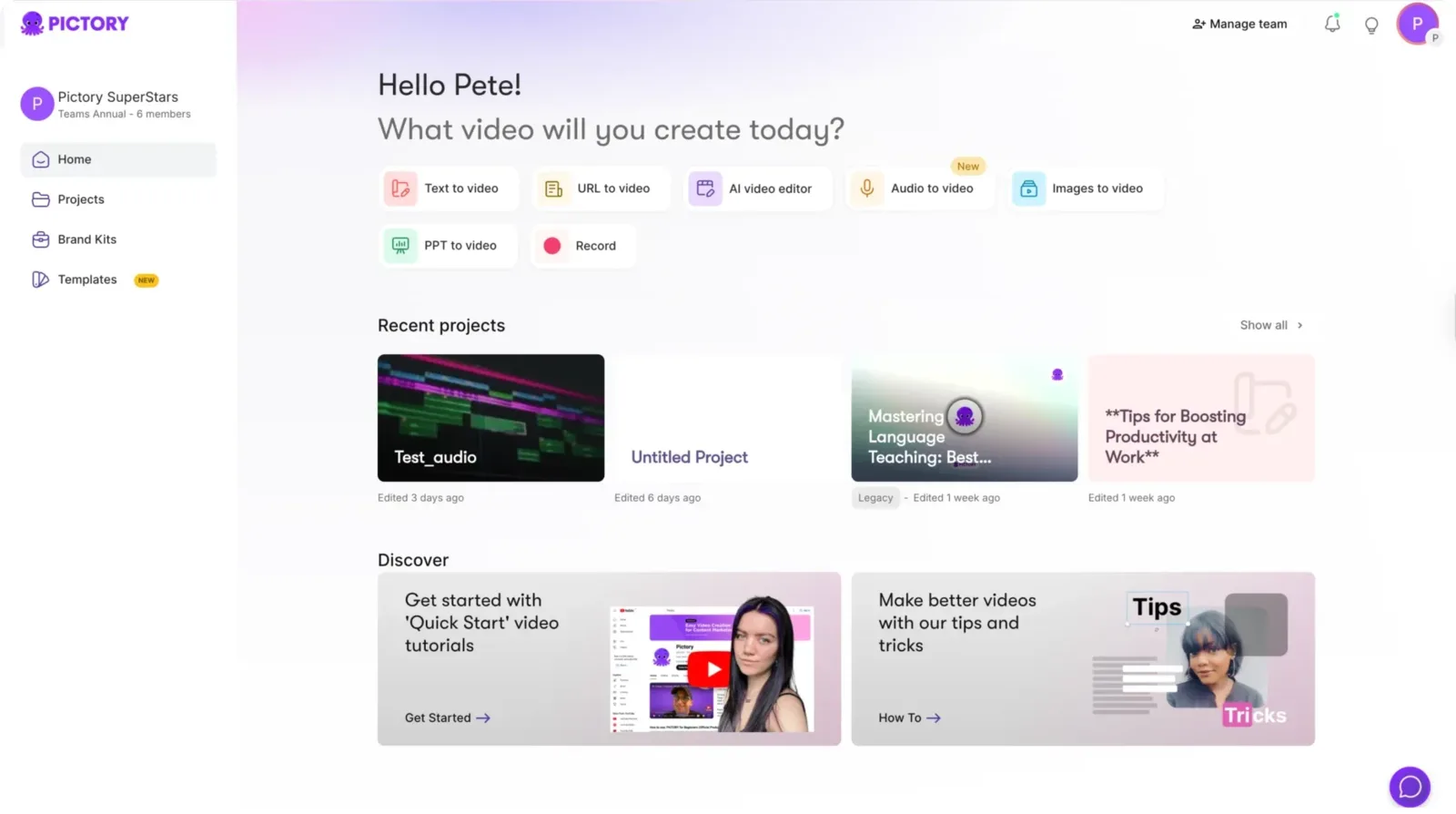
From script or URL to a first cut
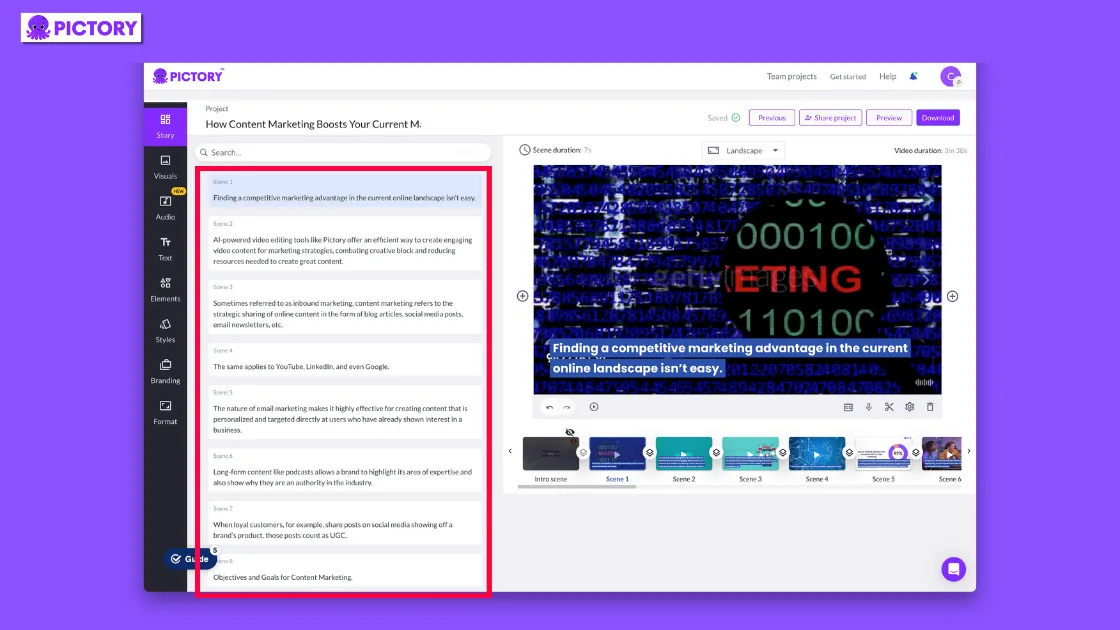
In a script-to-video workflow, Pictory divides text into scenes, matches media, adds captions, and builds a draft. URL-to-video can extract supported web content, while presentation workflows help transform slide material. The draft gives creators a starting structure rather than a finished editorial decision.
Review every visual match. Stock footage can be technically related to a sentence yet misleading in context, and automated scene breaks can damage pacing. The creator should tighten the script before generation, replace weak matches, and check that onscreen text is readable on a phone.
Text-based editing, captions, and highlights
Pictory can process recorded video, expose transcript-based editing, remove selected sections, add captions, and create highlights. This is useful for webinars, interviews, training sessions, and podcasts that need shorter derivative assets.
Automatic summaries and highlights should be treated as proposals. A strong quote may lack the setup needed to be fair, and removing pauses mechanically can make a speaker sound unnatural. Review each clip against the original conversation before publication.
Stock media, voice, and brand consistency
Paid plans combine stock libraries, music, captions, AI voices, and brand controls. Current pricing materials highlight access that varies by tier, including providers such as Storyblocks, Getty Images, Unsplash, and ElevenLabs. Availability and usage rights should be confirmed for the chosen plan and destination.
Create a restrained brand kit with approved logo placement, type, colors, intro, and outro. A consistent system usually looks more professional than applying many transitions or switching visual styles scene by scene.
Video quality and where manual work remains
Pictory can shorten assembly time, especially for straightforward explainers and repurposed content. It cannot decide whether an argument is persuasive, whether a visual is culturally appropriate, or whether a synthetic voice matches the audience. Those are editorial choices.
Before export, review pronunciation, captions, scene duration, aspect ratio, music level, asset rights, and calls to action. Watch once without sound and once without looking at captions; these passes expose different accessibility and pacing problems.
Pricing, video minutes, and AI credits
Pictory currently offers Starter, Professional, Teams, and Enterprise subscriptions, plus a time-limited trial. Its official materials meter plans primarily through exportable video minutes, with allowances and capabilities varying by tier. Monthly allowances renew monthly, while annual subscriptions may grant the year's video-minute allocation upfront.
Generative images, video, and avatars use a separate unified AI-credit concept. Previewing and editing do not necessarily consume export minutes in the same way as downloading. Because the model has changed over time, verify the live allowance, billing term, stock access, voice quota, and add-on prices before purchase.
Who should use Pictory?
Pictory fits content marketers repurposing articles, L&D teams producing instruction, agencies making repeatable client videos, and creators converting long recordings into captioned clips. Teams gain the most when they have a defined template and regular source material.
It is less suitable for narrative film, custom animation, advanced color work, detailed sound design, or projects where every shot must be original. Those workloads call for a conventional editor or motion-design system.
How to run a useful trial
Choose one source that represents routine work: a real article, webinar, or script. Time the complete process, including correcting scenes, replacing media, revising captions, fixing pronunciation, applying the brand kit, and obtaining approval.
Export in the aspect ratios you actually publish and inspect the result on each platform. The meaningful metric is approved minutes produced per hour of staff time—not how quickly the first automated draft appears.
Verdict and key takeaways
Pictory is a practical production accelerator for structured marketing and learning videos. Its combination of script conversion, transcript editing, stock assembly, captions, and voice tools can make routine output far more accessible.
The strongest results still come from a concise script and active human review. Buy according to actual export minutes and asset needs, and preserve a specialist editor for work where visual originality and precise finishing matter.
- Best for repeatable script and repurposing workflows
- Automated scene and highlight choices need review
- Export minutes and AI credits are separate planning concerns
- Brand templates improve consistency more than extra effects
Frequently asked questions
Can Pictory turn an article into a video?
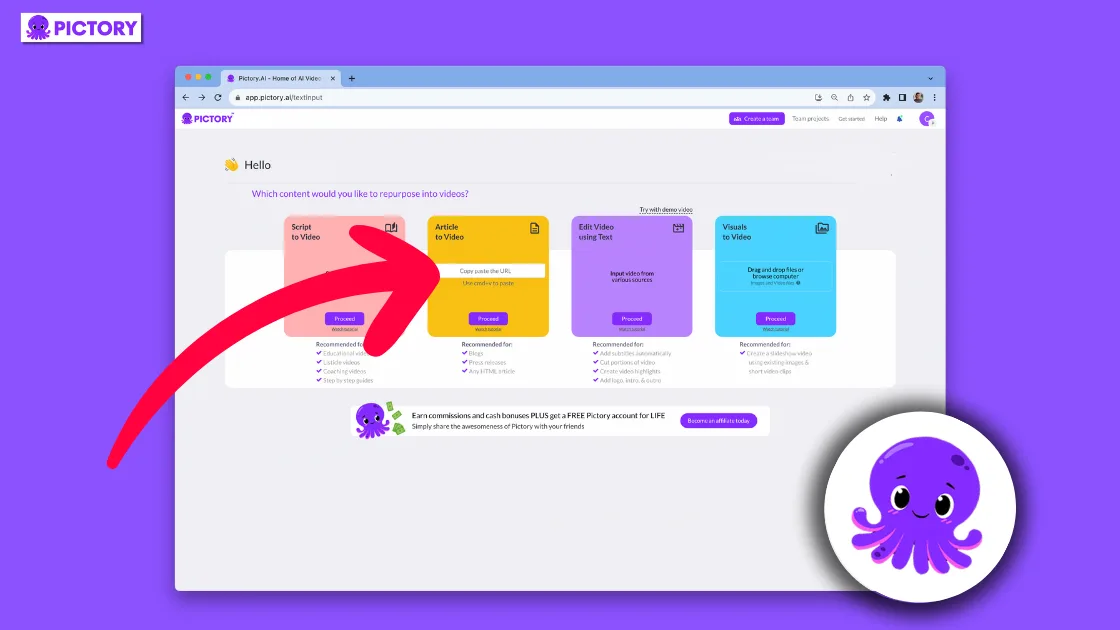
Yes, supported URL and script workflows can create a scene-based draft. You should still review extracted text, scene breaks, media matches, captions, and pacing.
Does editing a transcript change recorded video?
Pictory provides text-led editing for uploaded recordings, allowing selected spoken sections to be removed and shorter highlights to be assembled.
What are Pictory video minutes?
They represent export capacity under the current pricing model. Monthly and annual allocation behavior differs, so confirm the current plan table before subscribing.
What use Pictory AI credits?
The current unified credits cover eligible generative image, video, and avatar features. Consumption depends on the model and operation.
Is Pictory a replacement for Premiere Pro or Resolve?
Not for advanced finishing, animation, sound design, or highly original visual storytelling. It targets faster template-led creation and repurposing.
How should I evaluate Pictory?
Complete one real project through approval and export, count correction time and quota use, and judge the final video on every target device.
A deeper field guide for buyers
A useful Pictory test starts with a script written for speech, not a copied article. Shorten sentences, make transitions explicit, remove references that require page context, and mark ideas that need original evidence or a specific visual. Automated assembly works better when each scene communicates one clear point and the narration can stand on its own.
Review the first cut without editing immediately. Note incorrect visual matches, repetitive stock motifs, abrupt scene changes, caption problems, pronunciation errors, and sections where the voice outruns the image. This diagnosis reveals whether problems come from the source script, automatic choices, or the selected template and prevents random cosmetic tweaking.
Replace generic stock wherever specificity matters. Product demonstrations, charts, people, locations, and claims may require owned screenshots, licensed assets, or original footage. A vaguely relevant office clip can make a factual explanation feel untrustworthy. Check every asset's current licensing terms for the intended commercial channel and customer.
Treat narration and captions as separate accessibility layers. Correct names and specialist language in both, balance music below speech, avoid dense lines, and leave enough screen time for reading. Watch once muted, once with the screen partly ignored, and once on a phone. Each pass reveals failures hidden by the full desktop preview.
For recorded webinars or interviews, define selection criteria before asking for highlights: complete idea, accurate context, useful opening, and an ending that does not cut the speaker off. Verify every extract against the source. The most dramatic sentence is not always representative, and an isolated claim can mislead even when every word is transcribed correctly.
Plan quotas from approved exports and revision behavior. Aspect-ratio versions, updated episodes, client alternatives, and seasonal volume can change requirements. Note which previews, shares, generations, and downloads consume video minutes or AI credits under the current plan. Confirm annual allocation timing before assuming unused capacity rolls into the next period.
Compare final production economics with a template editor and a specialist editor. Include script preparation, asset replacement, caption correction, brand review, export, and stakeholder revisions. Pictory is successful when repeatable videos reach approval faster at acceptable quality—not merely when an automated draft appears in a few minutes.
Team onboarding should use one approved template and a deliberately imperfect source. Teach editors to revise the script, replace an irrelevant visual, correct pronunciation and captions, apply brand settings, create aspect-ratio variants, and request approval. Document which media libraries are allowed for each client and where original footage belongs. This creates repeatable judgment instead of training people to accept whatever the first automated scene selection proposes.
Official sources checked
Product features and plan details change. These primary sources were checked for this review; confirm the live plan page before purchasing.
Key takeaways
More in Artificial Intelligence
Browse Artificial Intelligence