Pixelcut Review 2026: Pro Pricing, AI Credits, Daily Caps and Refunds
Pixelcut Pro is $10 a month or $96 a year. We check the 600 AI credits, the 300-a-day soft cap behind "unlimited" cutouts, the free tier, API pricing, privacy and refunds.
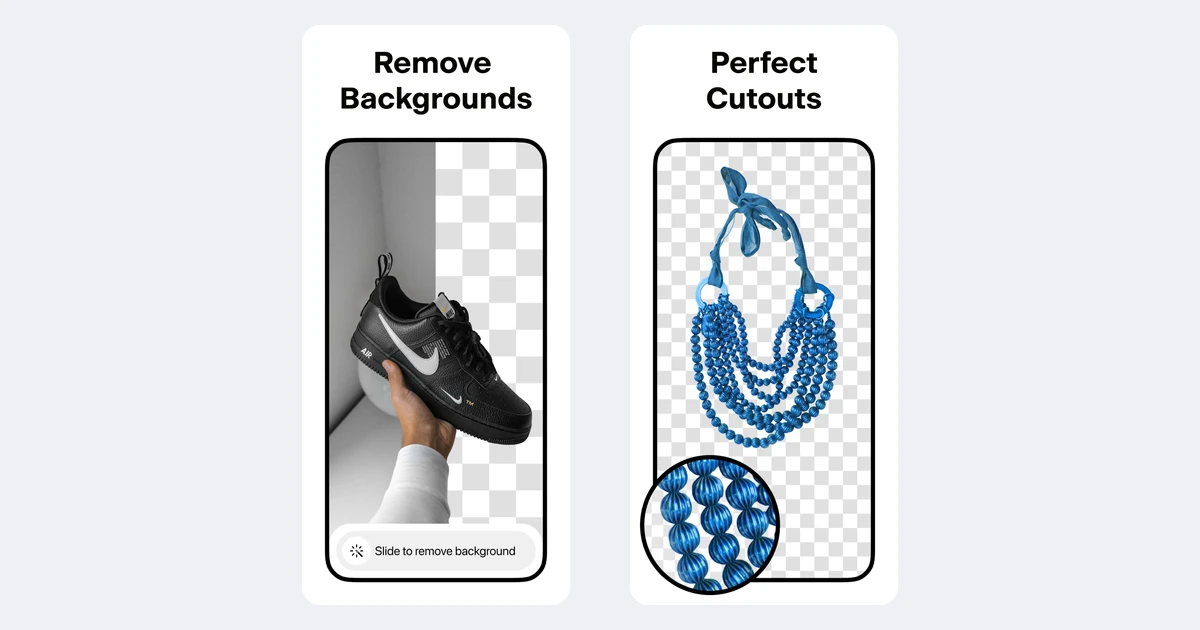
Pixelcut is one of the cheapest ways to get clean product cutouts: Pro costs $10 a month, or $96 a year billed annually. The pricing page promises unlimited background removal, 600 AI credits and 1,000 batch exports a month.
The fine print is spread across the pricing page, a help centre that still uses old plan names, and app stores with their own prices. We read all of it to show what you actually get on Free, Pro and Business, where the daily caps are, how credits and the API are billed, and how refunds work.
What Pixelcut is in 2026
Pixelcut is an AI photo editor from Pixelcut Inc., a company based in Oakland, California. It started as a background remover. The first App Store release was in November 2020, and the iOS app is now on version 0.46.5 (September 21, 2026). It runs on iOS, Android and the web, and there is a separate pay-per-credit API for developers.
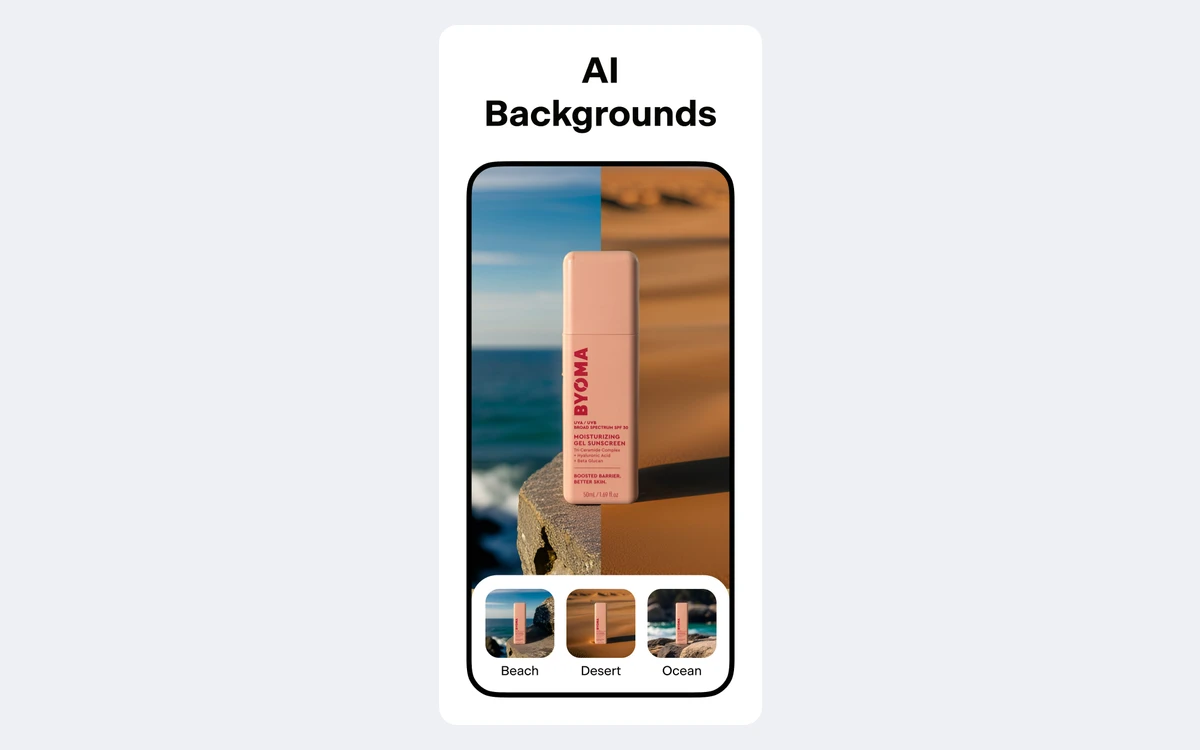
The tool list has grown far past cutouts. The App Store listing names a background remover, image upscaler, AI image and video generator, batch editor, Magic Eraser, AI Actors, Ghost Mannequin, Virtual Try-On, AI Backgrounds, image expander and Generative Fill, Blur Background, AI Shadows, Recolor and templates. The website adds a Video Background Remover (launched January 8, 2026), Uncrop, AI Ads, AI product photography and a "Pixelcut for Claude" MCP server for AI agents.

The Pixa detour
On March 3, 2026, Pixelcut announced a rebrand to Pixa and moved its website to pixa.com. It did not last. The help centre now says "Pixa is now Pixelcut again" and that only the name and branding changed. pixa.com redirects back to pixelcut.ai. If you subscribed during the Pixa months, it is the same account and the same product.
Store ratings are healthy: 4.7 from about 220,000 ratings on the App Store, and 4.2 from 244,000 reviews on Google Play with more than 10 million downloads. Pixelcut's own user counts are less consistent. The About page claims 70M+ users, the March 2026 press release said 15 million a month, and the pricing page says "loved by over 2 million". Treat those as marketing.
Pixelcut pricing: Free, Pro and Business
The web pricing page sells three plans. Yearly billing saves 20%, and web checkout runs through Stripe.
- Free - $0. Limited background removal, limited upscaling, exports without a watermark.
- Pro - $10 a month, or $8 a month billed yearly ($96 a year). 600 AI credits a month, all AI models, unlimited background removal and upscaling, a 3-person team, 1,000 batch exports a month and a commercial license.
- Business - $30 a month, or $24 a month billed yearly. 3,600 AI credits a month, a 10-person team, 2,000 batch exports a month and a commercial license. It scales by credits up to 180,000 credits for $1,200 a month ($960 a month billed yearly).
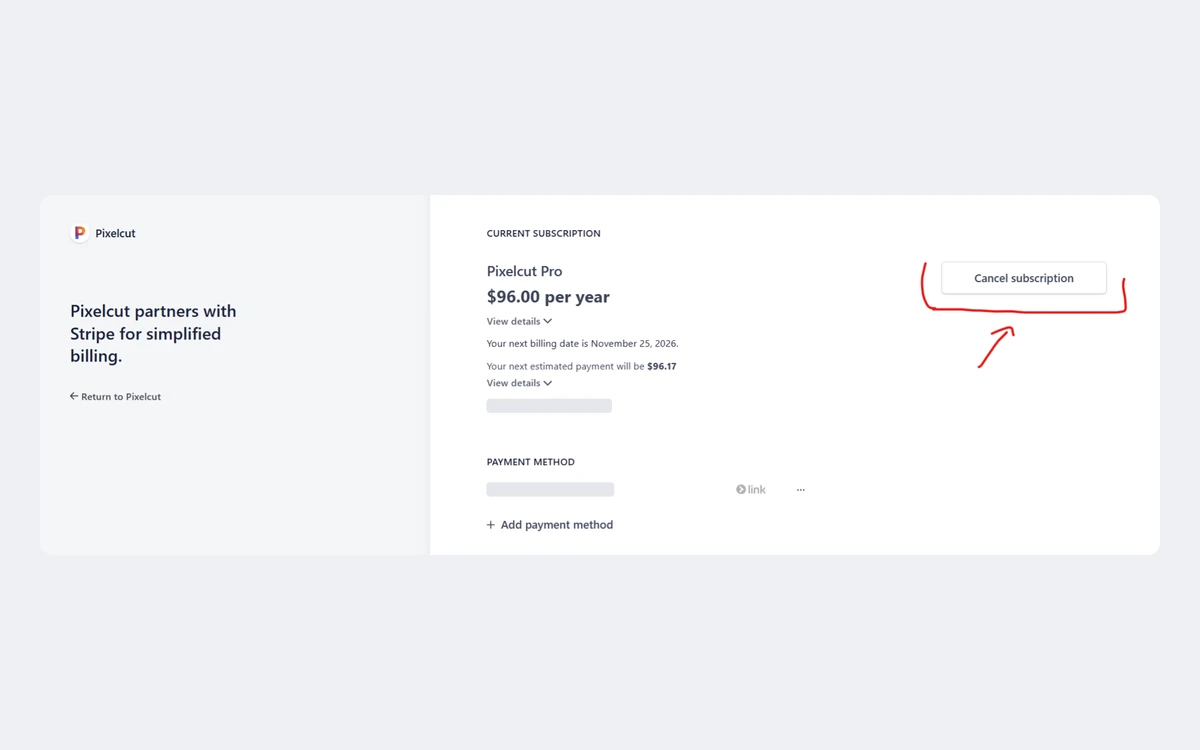
The $96 yearly Pro price is confirmed by a Stripe billing screenshot in Pixelcut's own help centre. There is no lifetime plan: the help centre says "We currently do not offer lifetime memberships."
Old plan names in the help centre
The help centre and changelog still talk about Pro, Pro+ and Max. In September 2025 Pixelcut dropped seat-based pricing and set Pro at 3 team members, Pro+ at 10 and Max at 20. Today's Business plan matches the old Pro+ on team size and credits. If a help article mentions Pro+ or Max, read it as a higher tier than Pro. Pixelcut does not publish current prices under those names.
App prices are different
Pixelcut says prices "may vary between iOS, Android, and Web", and a purchase on any platform unlocks all of them. The US App Store lists Pixelcut Pro Membership at $4.99, $7.99, $9.99, $59.99 and $89.99 without billing periods, plus credit packs (1,000 credits for $4.99, 2,000 for $9.99). The apps also offer weekly renewal, which the web does not. We could not find a published weekly price, so check the in-app screen before you tap.
Where to buy
Buy on the web if you can. The listed price is clear, Stripe lets you cancel from the billing portal, and Pixelcut says it has more refund flexibility for web and Google Play purchases than for the App Store.
What the free plan actually gives you
The free plan is a sampler. The help centre says free users "typically" get 3 uses a day on the limited tools. That is enough to cut out a couple of product shots, not to run a shop.
- Exports have no watermark, which is the best part of the free tier.
- 2x upscaling is free and unlimited. 4x upscaling is Pro only, and Enhanced Details needs Pro and uses AI credits.
- The Video Background Remover gives free downloads in HD 720p with no watermark. Pro unlocks 4K.
- The premium AI models and the AI credit pool are Pro only.
"Unlimited" cutouts and the daily soft limits
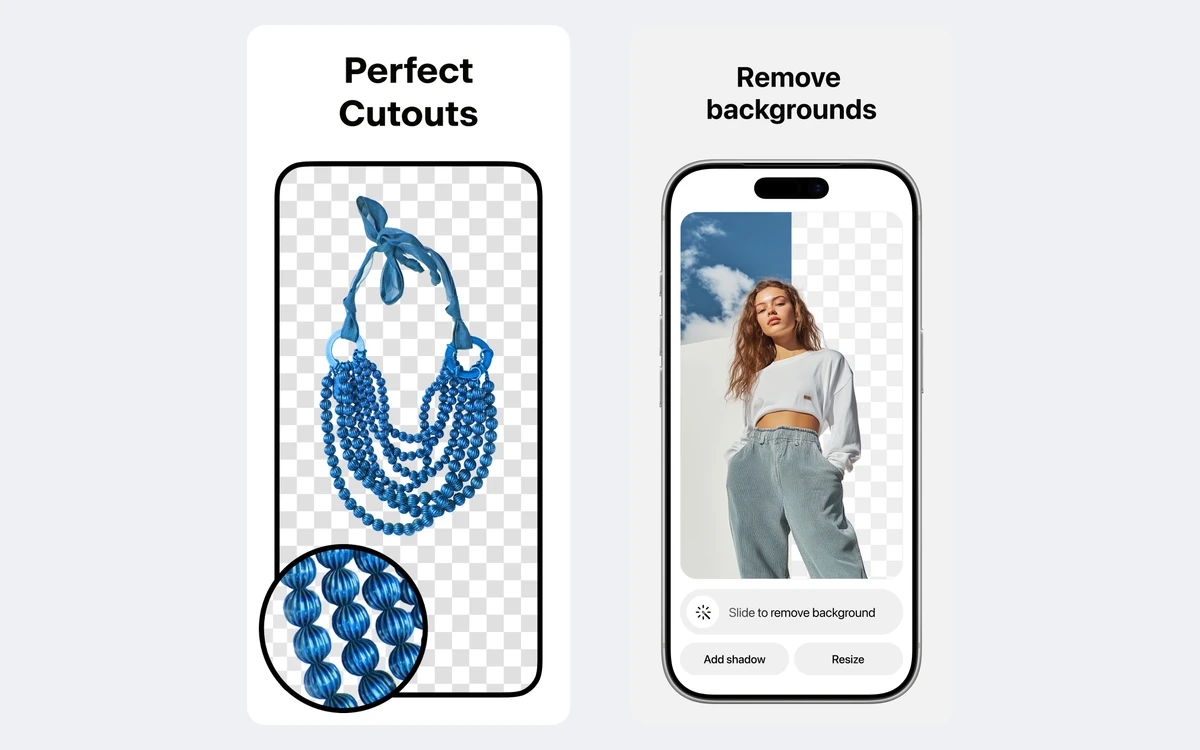
The pricing page says Pro gets unlimited background removal and upscaling. The help centre is more careful. It calls background removal, Magic Eraser and the Fast Upscaler "practically unlimited" for subscribers, and lists soft daily limits: 300 a day on Pro, 600 on Pro+ and 1,200 on Max. The pricing page shows the same shape for Generative Fill: limited on Free, 300 a day on Pro and up to 1,200 a day on Business.
For a seller editing a few dozen listings a day, 300 is effectively unlimited. For an agency pushing a full catalogue through in one day, it is a real ceiling. Budget around it or plan for Business.
How AI credits work
Credits pay for the generative models: image generation, AI video, Enhanced Details upscaling and similar tools. Background removal does not use them. Allowances depend on the plan and billing cycle.
- Pro: 600 a month on monthly or yearly billing, or 200 a week on weekly billing.
- Business (old Pro+): 3,600 a month, or 400 a week on weekly billing.
- Max (old name): 9,000 a month, or 1,000 a week.
- Business can scale up to 180,000 credits a month.
Pixelcut does not publish a full current price list per model. The pricing page does give capacity for the 180,000-credit tier: up to 6,000 Nano Banana 2 images, 450 Veo3.1 videos or 590 Seedance v2.0 videos, with video billed in 5-second clips. By our arithmetic that is about 30 credits per Nano Banana 2 image and about 400 per 5-second Veo3.1 clip. So Pro's 600 credits cover roughly 20 Nano Banana 2 images, or one Veo3.1 clip with a little left over.
Two rules matter. Credits are only charged on successful generations, but a finished generation that content moderation then blocks still costs credits. And extra credits are cheap compared with the plan allowance: optional auto top-up charges $10 for 2,000 credits, up to a monthly spend limit you set.
Batch editing
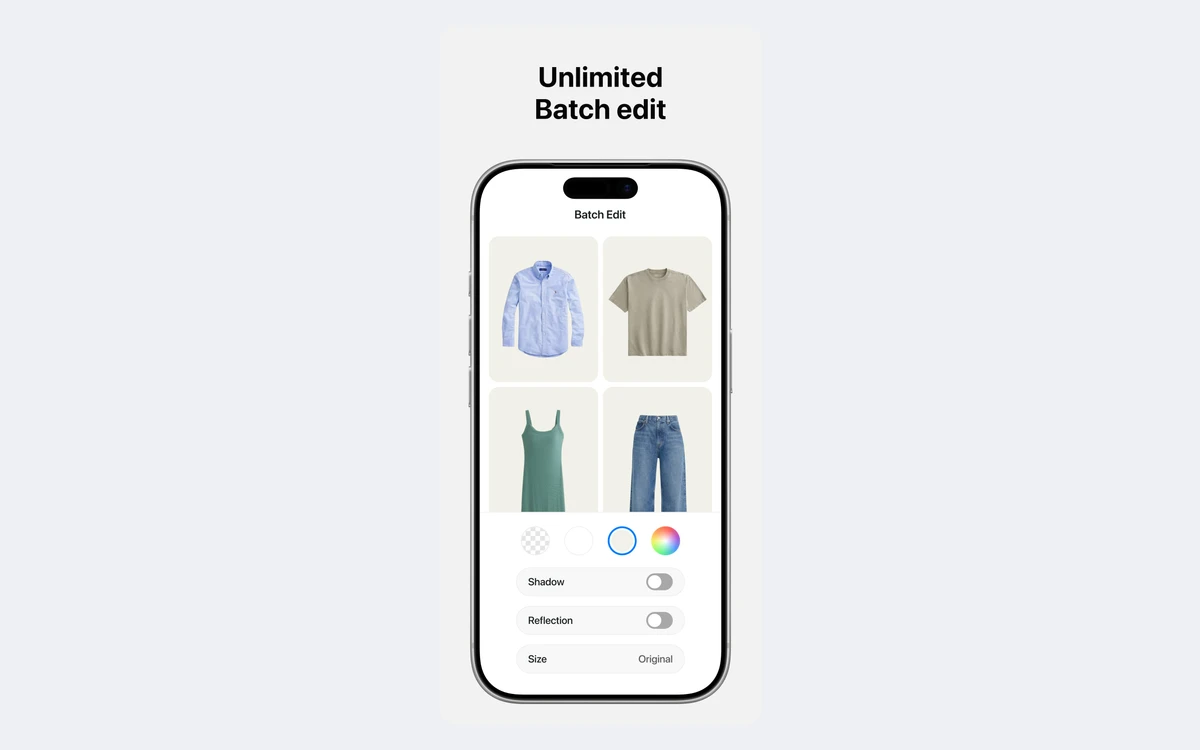
Batch editing is the reason many sellers pay. It only covers background edits and upscaling, so you cannot batch generative edits.
Pixelcut's own numbers do not agree. The App Store says you can edit up to 100 photos at once. The About page talks about 10K images in one batch. The pricing page, which is the one tied to your plan, caps batch exports at 1,000 a month on Pro and 2,000 a month on Business. Plan on the pricing-page figure.
The Pixelcut API: $0.01 a credit
The developer API is billed separately. API credits are not app credits, so a Pro subscription does not cover API calls. Every new developer account gets 100 free credits.
- Monthly plans run from 1,000 credits for $10 to 1,000,000 credits for $10,000, always $0.01 a credit. Above that, contact [email protected].
- API credits do not roll over between billing periods.
- Background removal costs 5 credits ($0.05), or 8 with AI shadows. Upscaler, Background Generation, Outpaint and Try On cost 10 credits ($0.10) each.
- Video background removal costs 1 credit per 50 frames. Looping video costs 8, 16 or 32 credits a second at 480p, 768p or 1080p.
- Limits: 25 MB per image for background removal, 6000 x 6000 px maximum upscale output, 100 MB and 60 seconds for video background removal.
At 5 cents a cutout, the 100 free credits cover 20 test images, and the $10 plan covers 200 a month. That is simple to budget, and the no-rollover rule means you should size the plan to real monthly volume.
Privacy, AI training and commercial use
The strongest privacy promise applies only to the API. The developer docs say Pixelcut does not use your data to train models without consent, and that input and output files are deleted within 24 hours.
The consumer apps have no matching promise. The privacy policy says nothing about AI training and keeps personal data "for as long as required" for its purpose. The terms (updated May 18, 2026) give Pixelcut a non-exclusive, royalty-free license to process your uploads "solely for the operation and maintenance of Pixelcut". The help centre adds that your projects are never used publicly without explicit permission. If you edit unreleased products or client work, the API is the only route with written retention and training terms.
On ownership, the help centre says you keep full ownership of designs made from images you have rights to, and that in-app assets, including stock images, are cleared for personal and commercial use. The pricing page lists a commercial license on Pro and Business. It does not say either way for Free, so if commercial use matters, pay for Pro.
Cancelling and refunds
The terms contain no refund clause, so refunds depend on where you subscribed.
- App Store: Apple handles all billing and is the only party that can issue a refund. Request it at reportaproblem.apple.com.
- Google Play: refunds go through Google, and Pixelcut says it has more flexibility here.
- Web: request a refund in Settings > Billing > Manage Subscription. Pixelcut also says it has more flexibility for web purchases.
Subscriptions auto-renew for the same length unless you cancel at least 24 hours before the period ends. Cancelling gives no prorated refund, but you keep all features and your credits until the end of the period you paid for. Apple's listing adds that any unused free trial, if one is offered, is forfeited when you buy. Pixelcut does not publish a trial length.
Deleting your account is not cancelling
Deleting your Pixelcut account cancels Play Store and Stripe subscriptions automatically, but not App Store subscriptions. Cancel in your Apple ID settings first. Deletion also wipes projects, photos, collections, credits and teams.
How Pixelcut compares
Pixelcut sits in the same group as the other background removers we have reviewed: Photoroom, Clipdrop, Cutout.Pro and Fotor. Its edge is price. $96 a year gets you near-unlimited cutouts, batch exports, a 3-person team and a commercial license. Its weak spots are the confusing plan names across web and help centre, app prices that do not match the web, and a small Pro credit pool if you mainly want AI video.
Developers get one of the clearest API price lists in this category: a flat $0.01 a credit and 5 credits a cutout.
Verdict: who should pay for Pixelcut
- Pay for Pro on the web if you sell online and need clean cutouts, white backgrounds and batch exports every week. $8 a month billed yearly is hard to beat.
- Stay on Free if you need a few cutouts a month. Exports carry no watermark and 2x upscaling is unlimited.
- Look at Business, or buy top-ups, if you lean on AI image and video generation. 600 credits a month goes quickly on premium models.
- Use the API if you need cutouts in your own app, or need written no-training and 24-hour deletion terms.
Frequently asked questions
How much does Pixelcut Pro cost?
On the web, Pro is $10 a month or $8 a month billed yearly, which is $96 a year. Business is $30 a month or $24 a month billed yearly. iOS and Android prices can differ, and the apps also offer weekly billing.
Is Pixelcut free?
Yes, there is a free plan with no watermark on exports. It is limited to roughly 3 uses a day on tools like background removal, though 2x upscaling is free and unlimited.
Is background removal really unlimited on Pro?
Practically, not literally. The help centre lists a soft limit of 300 a day on Pro and up to 1,200 a day on the top tier.
Does Pixelcut have a free trial?
Pixelcut does not publish one. Apple's listing only says that an unused free trial, "if offered", is forfeited when you subscribe, so check the app for a current offer.
Can I get a refund from Pixelcut?
It depends where you paid. Apple handles iOS refunds at reportaproblem.apple.com, Google handles Android, and web subscribers ask through Settings > Billing > Manage Subscription. Cancelling never gives a prorated refund.
Does Pixelcut use my photos to train AI?
Only the API has a written answer: no training without consent, and files deleted within 24 hours. The consumer app's privacy policy and terms do not mention AI training at all.
Can I use Pixelcut images commercially?
Yes, if you own the rights to the photos you upload. Pro and Business list a commercial license, and in-app stock assets are cleared for commercial use.
Is Pixelcut the same as Pixa?
Yes. Pixelcut renamed itself Pixa in March 2026, then switched back. pixa.com now redirects to pixelcut.ai, and accounts and features did not change.
Do Pixelcut app credits work with the API?
No. API credits are sold separately at $0.01 each, and new developer accounts get 100 free credits.
Key takeaways
- Pro is $10 a month or $96 a year on the web. Business is $30 a month or $24 a month billed yearly. App prices differ.
- "Unlimited" cutouts and upscales have a soft cap of 300 a day on Pro.
- Pro includes 600 AI credits a month. Top-ups cost $10 for 2,000 credits.
- The free plan allows about 3 uses a day, with no watermark and unlimited 2x upscaling.
- The API costs $0.01 a credit and 5 credits per cutout. Its no-training and 24-hour deletion promise does not cover the apps.
- No prorated refunds. Apple handles iOS refunds, and deleting your account does not cancel an App Store subscription.
More in Artificial Intelligence
Browse Artificial Intelligence