Technology reviews & practical guides
Topaz Labs is now subscription-only. We break down Topaz Studio pricing, what cloud credits buy, local vs cloud rendering, hardware needs and the 2-day refund rule.
Topaz Labs built its name on one-time purchases of Gigapixel, Photo AI and Video AI. That era is over. Every current Topaz app is subscription-only, the lineup has been folded into a Topaz Studio bundle, and video enhancement increasingly runs on paid cloud credits.
This review covers what you actually pay in 2026, what the credits buy, what still renders on your own GPU, the hardware you need and the refund and cancellation rules that catch buyers out. Prices and policies were checked against topazlabs.com and the Topaz help centre in September 2026.
Topaz Labs makes AI tools that upscale, denoise, sharpen and restore photos and video. The lineup was reshuffled over 2025 and 2026, so the names you remember may no longer be on sale. Here is what the current range looks like, per the Topaz pricing page (last published September 24, 2026) and help centre.
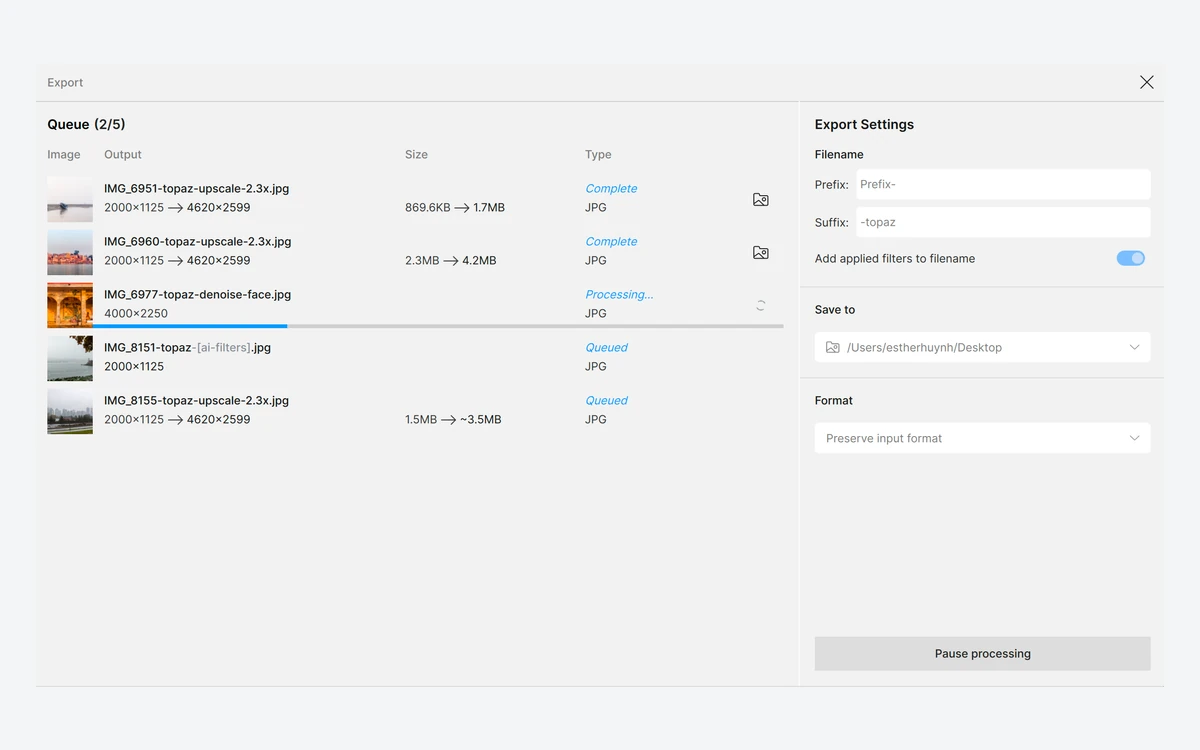
The biggest change is the business model. Topaz Labs is now subscription-only. Photo AI was discontinued in September 2025 with v4.0.4 as its final version, and Video AI 7.1.5 is the last Video AI release. The pricing page offers no one-time purchase for any current app.
All prices below are in USD, taken from topazlabs.com/pricing as published on September 24, 2026. We did not check regional pricing or VAT.
$799 per year, or $79 per month on an annual commitment. It doubles video cloud credits to 600 a month, raises cloud image concurrency to 4 and the cloud export limit to 100MP, adds seat management and full commercial use (required for organizations over $1M in revenue), and unlocks Pro-exclusive models with 'expanded local capabilities'.
The web plans were on a 'limited time offer' at the time of writing, with the regular price struck through. Expect these to revert.
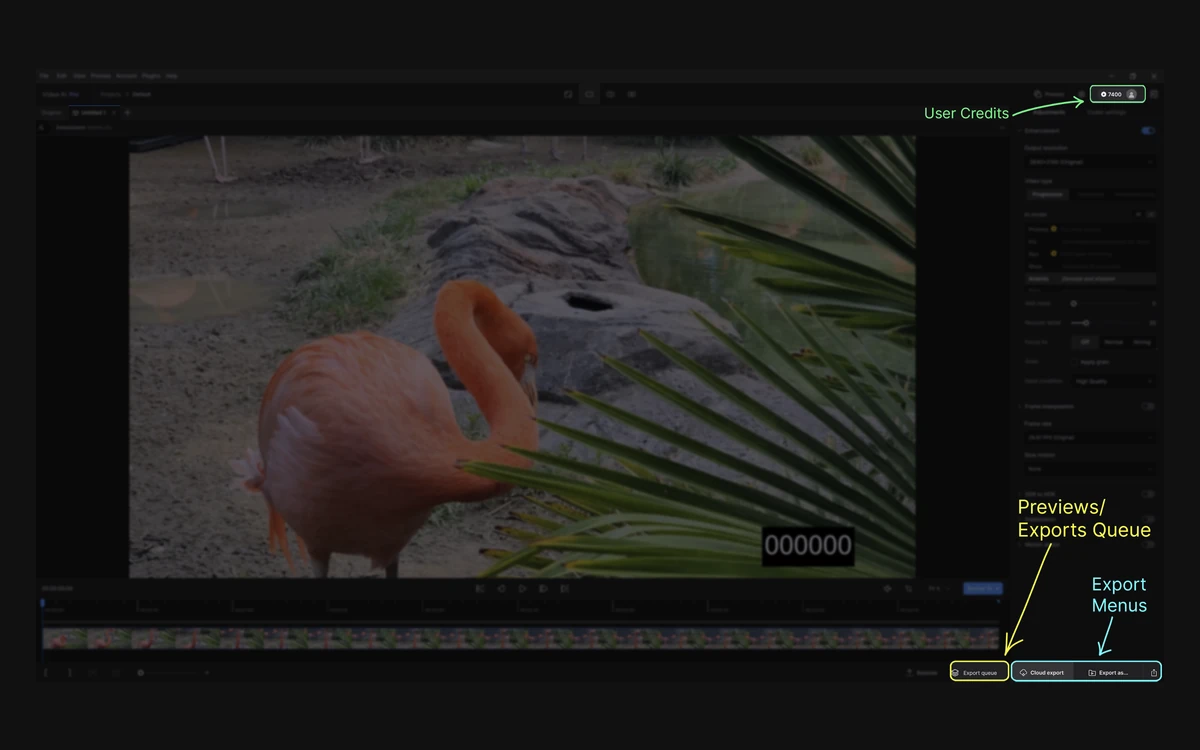
Credits only matter for video. Topaz's help centre says image rendering does not use credits and is unlimited on the Image and Pro web plans, and cloud processing in Topaz Photo is free and unlimited for Studio subscribers. Video cloud renders are where credits go.
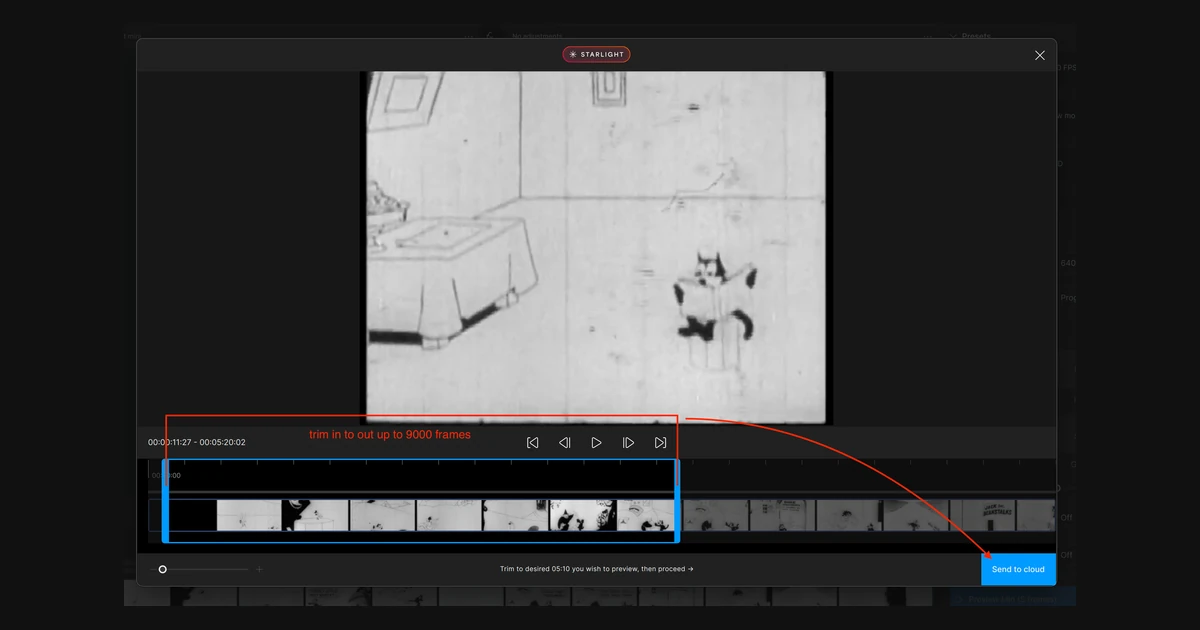
Cost depends on the model, output resolution and clip length. Topaz's own example for a 10-second clip at 30 FPS: Starlight Precise 2.6 and Starlight Fast 2 each cost 5 credits to 1080p and 20 credits to 4K.
At those rates, Studio's 300 monthly credits cover about 10 minutes of 1080p output or about 2.5 minutes of 4K. The Video web plan's 200 credits cover roughly 6.5 minutes at 1080p or 100 seconds of 4K. One minute of 4K Starlight costs 120 credits - about $8.40 at the 1,000-pack rate or $12 at the 100-pack rate. These are our calculations from Topaz's published rates, not Topaz figures.
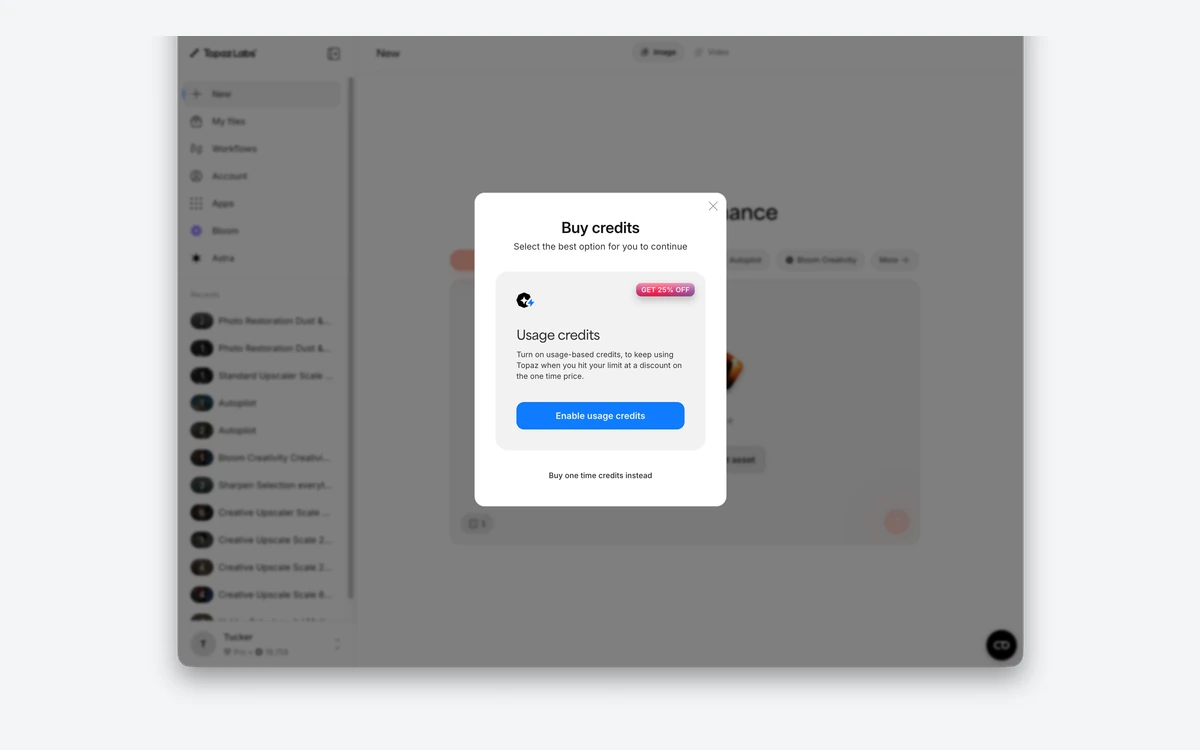
Extra credits come in one-time packs that never expire but require an active subscription: 20 for $3, 100 for $10, 200 for $18, 400 for $32, 1,000 for $70 and 3,000 for $180. Auto top-up buys 100-credit blocks at 15% off on the Video plan and 25% off on Pro. Used credits are generally non-refundable.
Desktop apps render on your own hardware by default, and Topaz still pitches 'privacy-focused offline rendering' for Topaz Video. Studio gives you unlimited local rendering. The browser apps (Image Web, Bloom, video on Topaz for Web) always process in the cloud.
That Starlight rule is the key detail for video buyers. Starlight is Topaz's flagship restoration family, and on a Personal Studio plan you will be spending credits to use it rather than your own GPU.
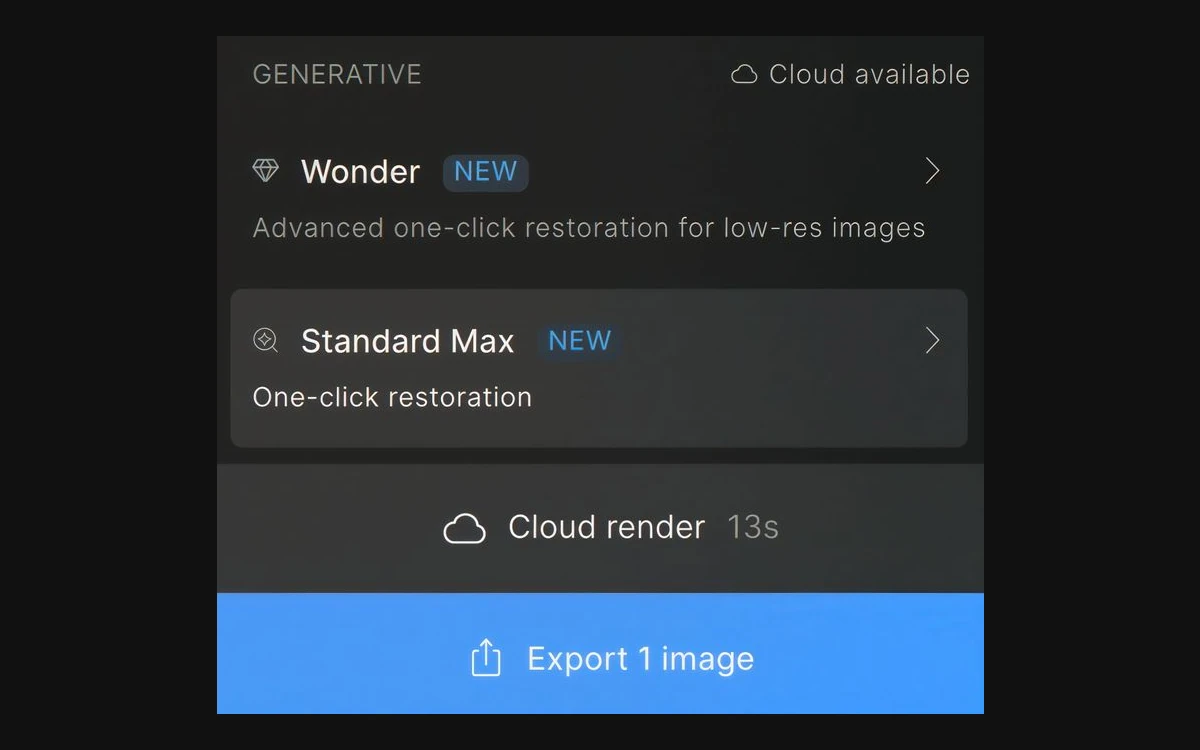
Topaz shipped a steady run of model updates this year, which is part of what the subscription is paying for.
Local rendering is only as good as your GPU, and Topaz Video in particular has dropped older platforms.
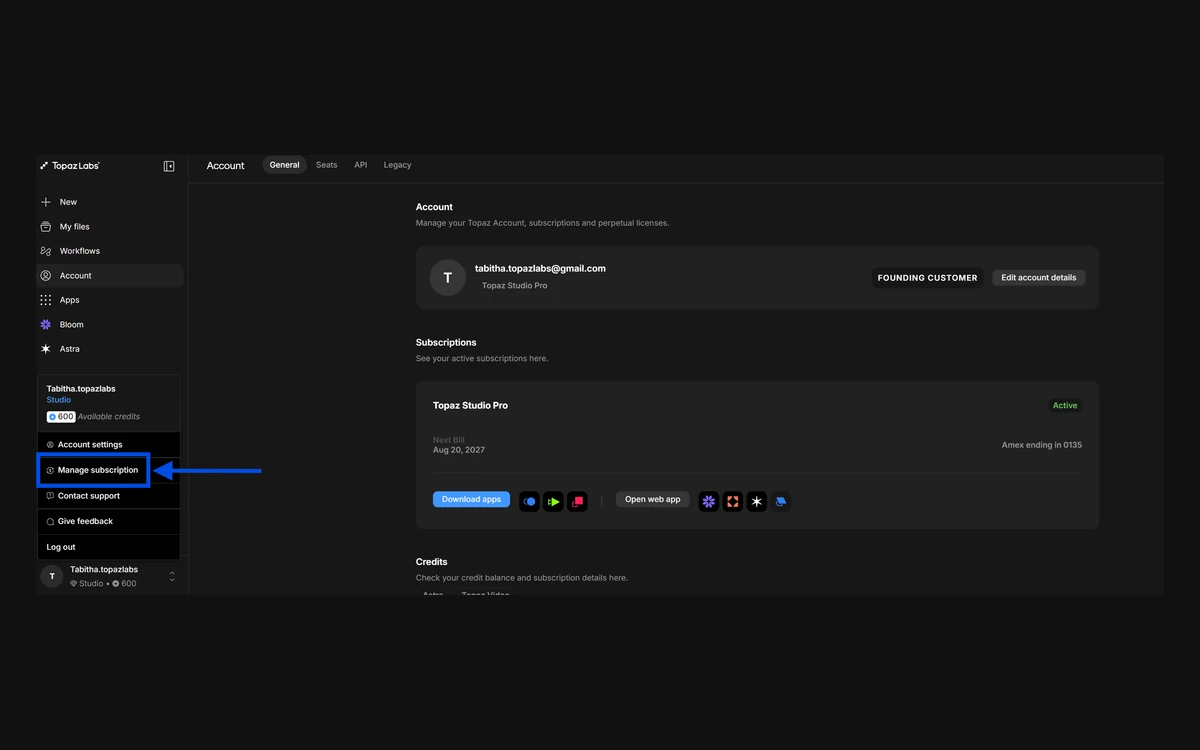
Every subscription comes with one seat, meaning one computer in use at a time. Extra seats can only be added on Pro and Enterprise subscriptions. Topaz Photo needs to authenticate monthly, allowing up to a month of offline use. By contrast, legacy perpetual Photo AI licenses ran on 2 computers and authenticated every 6 months.
The trial situation is contradictory. The Topaz Video product page describes a free trial with watermarked exports, while the help centre says there is no trial mode in Topaz Video or Topaz Photo and points you to the refund window instead. Plan on the refund window, not a trial.
Topaz gives a full refund only if you ask within 2 days of purchase; after that, refunds for change of mind are not available and past months are not refunded. Annual-commitment plans billed monthly cannot be cancelled or refunded during the 12-month term without paying an additional fee, and the self-service cancellation flow does not cover them. The pricing FAQ's 'cancel anytime' applies only to annual-upfront and month-to-month plans, which keep access to the end of the billing period. Cancel at least 24 hours before renewal - and note a cancelled subscription cannot be resumed.
Local rendering keeps footage on your machine, which is the safest option for client or personal material. Anything sent to the cloud - browser apps, Starlight video jobs, the Premiere panel - is stored on Topaz's servers for up to 7 days. Topaz's privacy policy lists 'audio, electronic, visual, or similar information in files' among the data it collects. We found no statement either way on whether uploads are used to train models, so ask Topaz directly if that matters to your contract.
Topaz's models remain the reason people pay, and 2026 brought meaningful upgrades on both the image and video side. The value question is purely about the plan.
Topaz Studio, which includes every app, costs $399 per year upfront, $45 per month on a 12-month commitment, or $69 month-to-month. Single desktop apps start at $149 per year for Gigapixel, and the Image Web plan was $109 per year on promotion.
No. Every current Topaz app is subscription-only. Existing Photo AI and Video AI owners keep using their final versions (Photo AI 4.0.4 and Video AI 7.1.5), but the new Topaz Photo and Topaz Video are not free upgrades.
Not reliably. The help centre says there is no trial mode in Topaz Photo or Topaz Video, even though the Topaz Video page mentions a watermarked trial. The dependable safety net is the full refund if you ask within 2 days of purchase.
Only on annual-upfront and month-to-month plans, which keep access until the period ends. The $45/mo annual-commitment plan cannot be cancelled during its 12-month term without paying an additional fee.
No. Image rendering is unlimited and uses no credits on Studio and the Image and Pro web plans. Credits are spent on cloud video renders, such as Starlight models and the Premiere Pro panel.
About 2.5 minutes with Starlight Precise 2.6, by our math. Topaz prices a 10-second 30 FPS clip at 20 credits to 4K and 5 credits to 1080p, so the same 300 credits stretch to about 10 minutes at 1080p. Monthly credits do not roll over.
No. Topaz Video requires an Apple Silicon Mac or a Windows PC with a supported NVIDIA, AMD or Intel GPU. Topaz Photo does support Snapdragon X laptops and still runs on Intel Macs.
One at a time. Each subscription includes one seat, and additional seats are only available on Pro and Enterprise plans.
More in Artificial Intelligence
Browse Artificial IntelligenceOn annual prices, Topaz Video plus Topaz Photo alone costs $498, and all three desktop apps cost $747 - against $399 for Studio. If you need two of Video, Photo or Bloom, Studio is the cheaper buy. Photo plus Gigapixel ($348) is the one pair that still undercuts it. If you only upscale stills and never touch video, Gigapixel at $149 or Image Web at $109 is the lowest-cost entry.